VI User Manual.pdf - 第303页
Production Vision 2007 4.10 User Manua l Rev 01 11 - 3 1 1.1.3 Qu ick start flow chart 1 1.1.4 Bar code reader initialization If you have acti vated the bar code r eaders befo re starting productio n, the following inter…
Production
11 - 2 Vision 2007 4.10 User Manual Rev 01
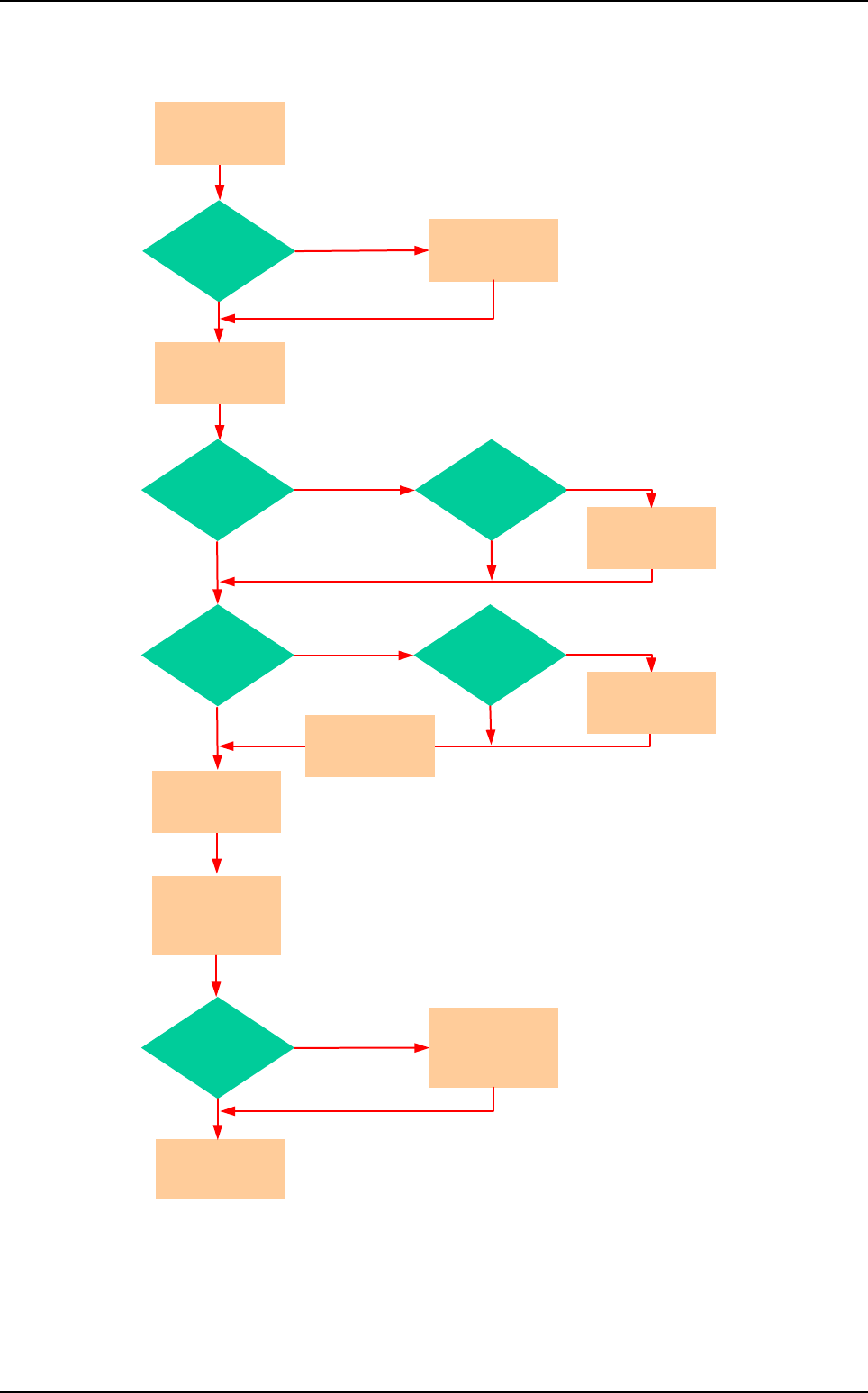
11.1.2 Production start flow chart
Supervisor
needed ?
Yes
No
Supervisor
already
started ?
Start
supervisor
No
Yes
Repair
on line ?
Yes
No
Repair
already
started ?
Close repair
Yes
No
Start repair
Enter repair
operator name
Yes
Repair
station
on line ?
No
Copy .TST file
in repair
make repair
waiting a board
Tolerances
& graphical data
transfert
to supervisor
Display
production
screen
Yes
Axis
initialization
needed ?
No
Axes
initialization
.TST file
selection
Start
production
Production mode
Production
Vision 2007 4.10 User Manual Rev 01 11 - 3
11.1.3 Quick start flow chart
11.1.4 Bar code reader initialization
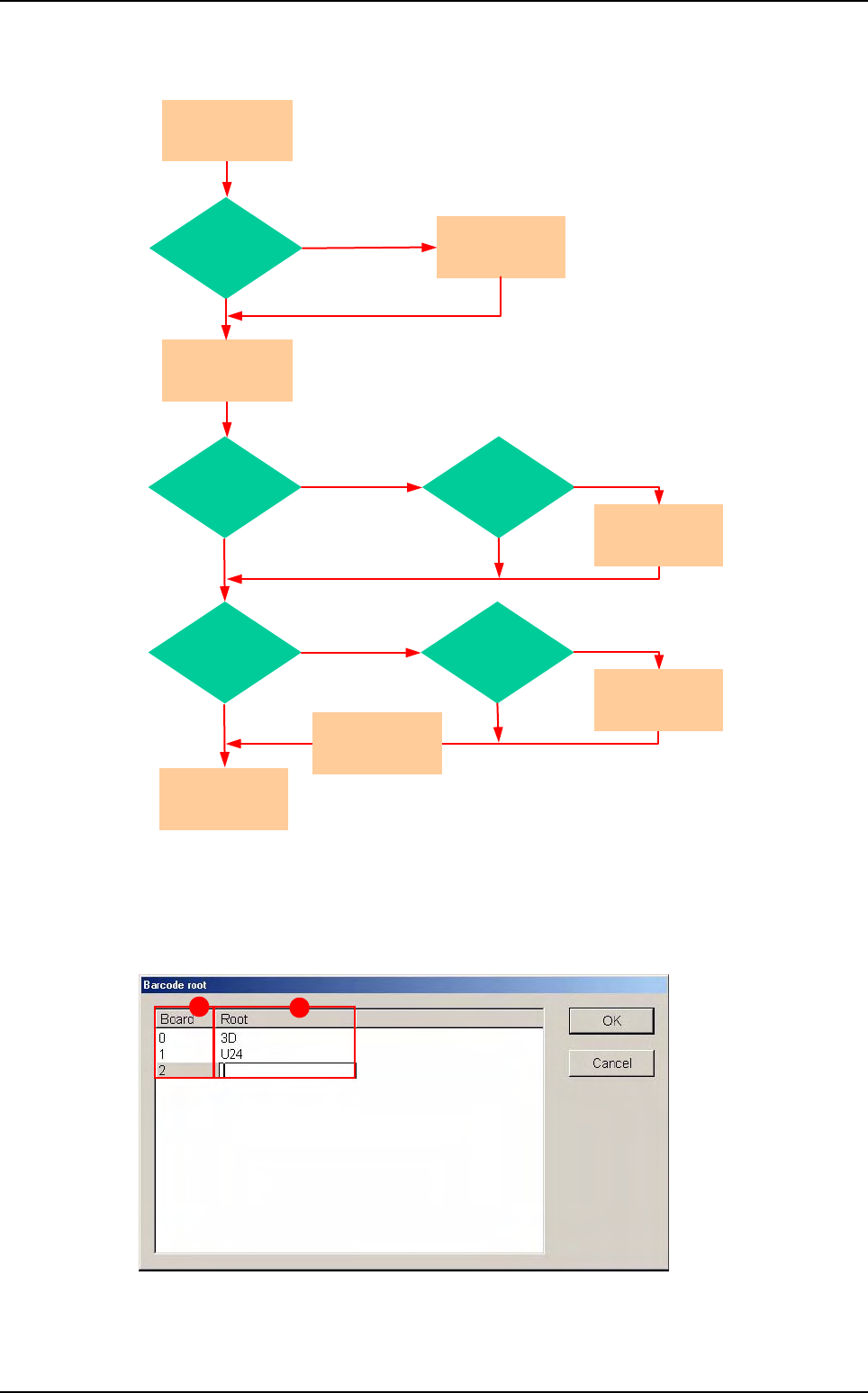
If you have activated the bar code readers before starting production, the following interface
is displayed to allow changing root checking.
In Board (A) column, 0 is for the panel bar code.
Root (B) to check for each bar code, as programmed in the .tst file. To edit and change the
root, right-click on the field.
Supervisor
needed ?
Yes
No
Supervisor
already
started ?
Start
supervisor
No
Yes
Repair
on line ?
Yes
No
Repair
already
started ?
Close repair
Yes
No
Start repair
Enter repair
operator name
Yes
Axis
initialization
needed ?
No
Axes
initialization
Open last
.TST file run
in production
Start
production
A
B
Production mode
Production
11 - 4 Vision 2007 4.10 User Manual Rev 01
Ignore the changes and do not check the bar codes (the readers will not be activated).
Validate the changes and check for the bar codes.
You can choose to not display this dialog box: in DefaultValue.ini file set the keyword to 0.
11.1.5 Production screen
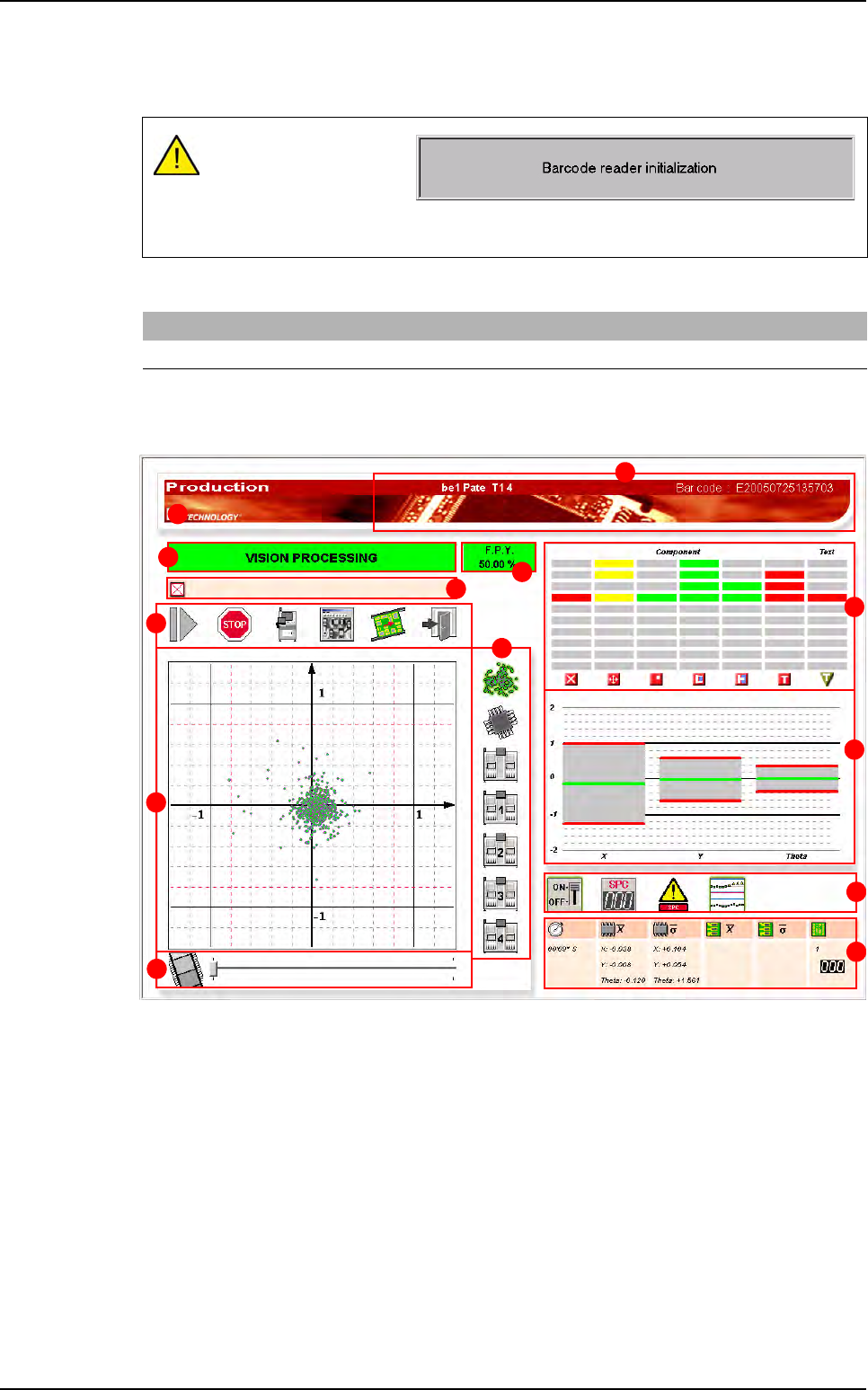
A Inspected product indicate the .tst file name and the bar code of the inspected panel.
If there are no bar code, the default value will be: EYearMonthDayHourMinSec
(ex: E20010605120456).
B Machine status.
C FPY (First Pass Yield) calculated on the last 200 inspected boards. You can set the FPY
calculation by panel with the .ini file.
D Display the numbers of the skipped boards.
E Command buttons
F Scatter chart
G Display selection buttons
H The button automatically fasts forward the previous inspected boards.
The cursor allows you to see the scatter chart of the last 5 inspected boards.
If you press OK, the read-
ers are initializing (the op-
posite window appears)
and only after the end of
initialization you can press GO to start production.
[Production]
Show the barcode dialog launching prodution (0,1)=0
A
B
C
D
E
F
G
H
I
J
K
L
E
Production mode