VI User Manual.pdf - 第76页
.TST file creation 4 - 2 Vision 2007 4.10 User Manual Re v 01 4.1 How to create a .tst file We are goin g to create a f ile from .vis, .lk, .gbr files and a standard library. The various steps involved in creation of a .…
Vision 2007 4.10 User Manual Rev 01 4 - 1
Chapter 4
.TST file creation
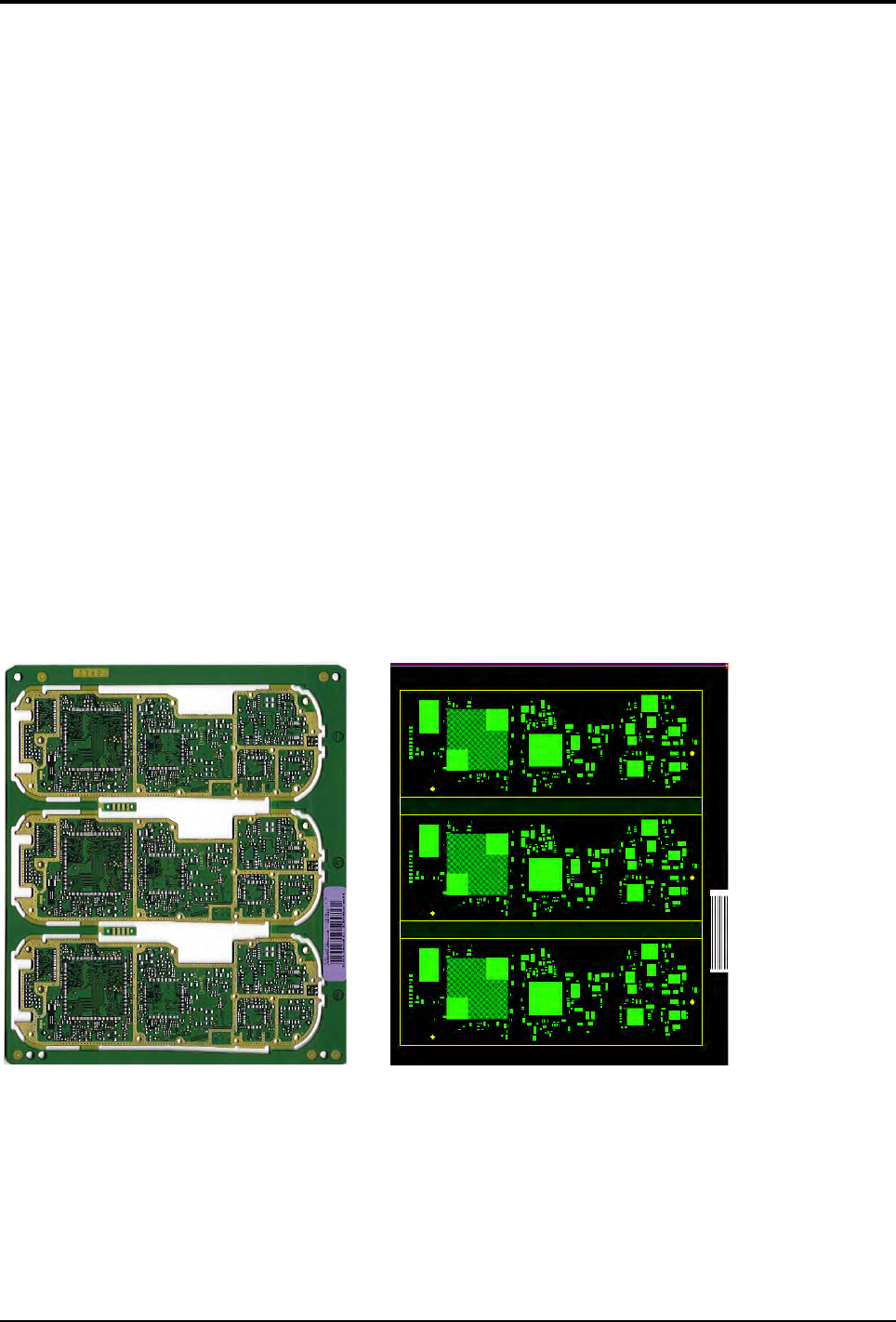
The .tst file is a graphic representation of the panel allowing inspection of the panel by the AOI system.
The .tst file contains:
The information about the size and arrangement of the board.
The CAD coordinates of fiducials and skips.
The CAD coordinates of components and pads.
The position of the acquisition zones and the camera travel for inspection.
The setting of the 5 light levels for each zone.
You can access each component, paste pad or fiducial by clicking directly on it.
It is generated from a .vis file and must be linked to a component library.
Errors on the .vis file can only be detected during generation of the .tst file.
The .tst file is the file to which the lighting parameters and the image treatment (library) are linked for each com-
ponent or type of component.
You can place the .tst file anywhere on your hard disk. However, the .tst file that you intend to use for inspection
in the production mode must be installed in C:\VIT\Data for it to be selected.
3 boards panel Panel representation
.TST file creation
4 - 2 Vision 2007 4.10 User Manual Rev 01
4.1 How to create a .tst file
We are going to create a file from .vis, .lk, .gbr files and a standard library.
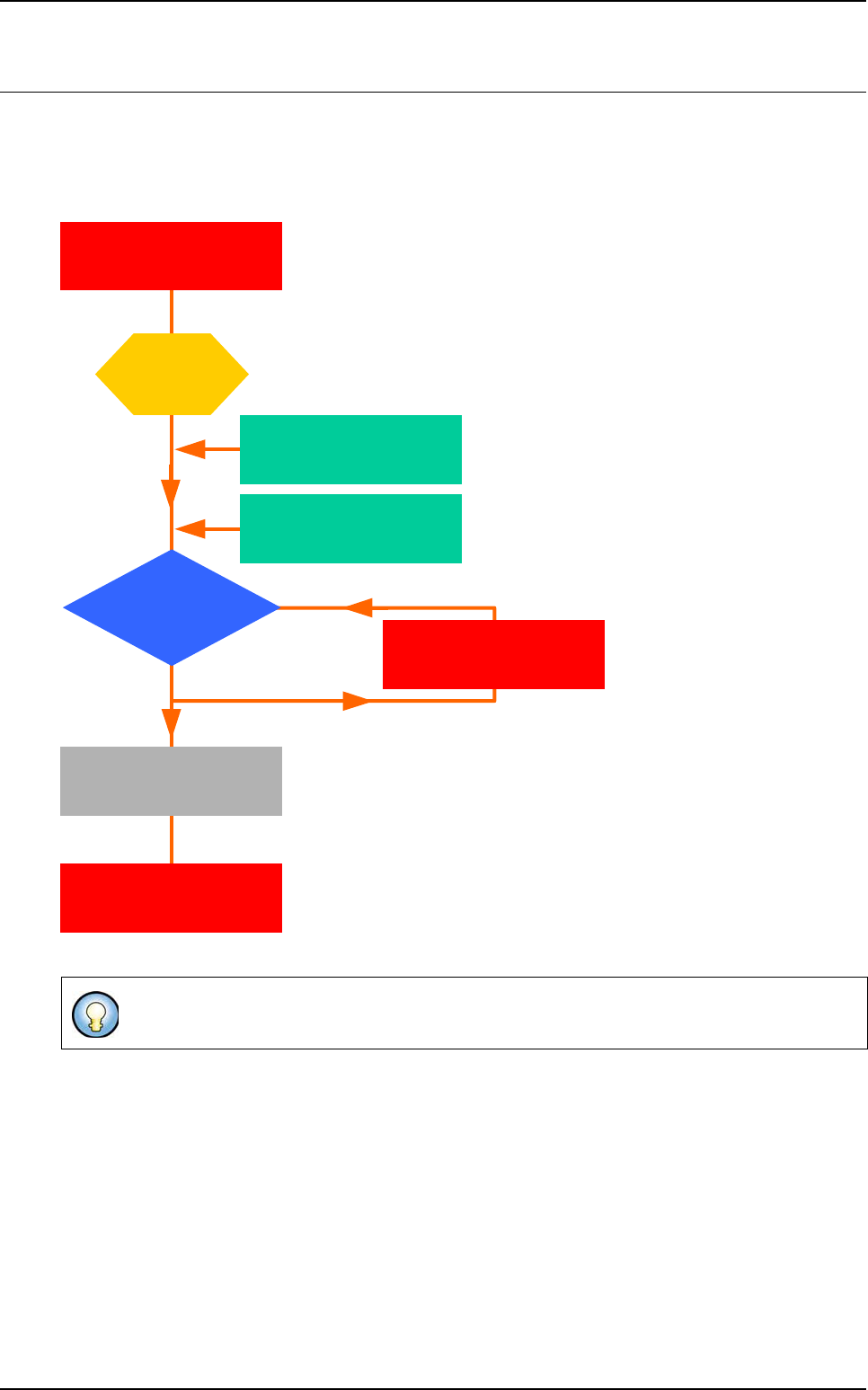
The various steps involved in creation of a .tst file are indicated by an icon like the one opposite to allow
you to distinguish between the main and intermediate steps.
4.1.1 Creating .lk files
A .tst file can be created either on the machine or on a programming station.
Open
the .LK file
editor
Connect a jedec name
to a standard library name
Upgrade
the customer library
.VIS file import
Do it manually
with the .LK editor
Link to
the standard library
Attach
the customer library
(if exist)
Link between
part number and jedec
are in the .VIS file
.TST file creation
Vision 2007 4.10 User Manual Rev 01 4 - 3
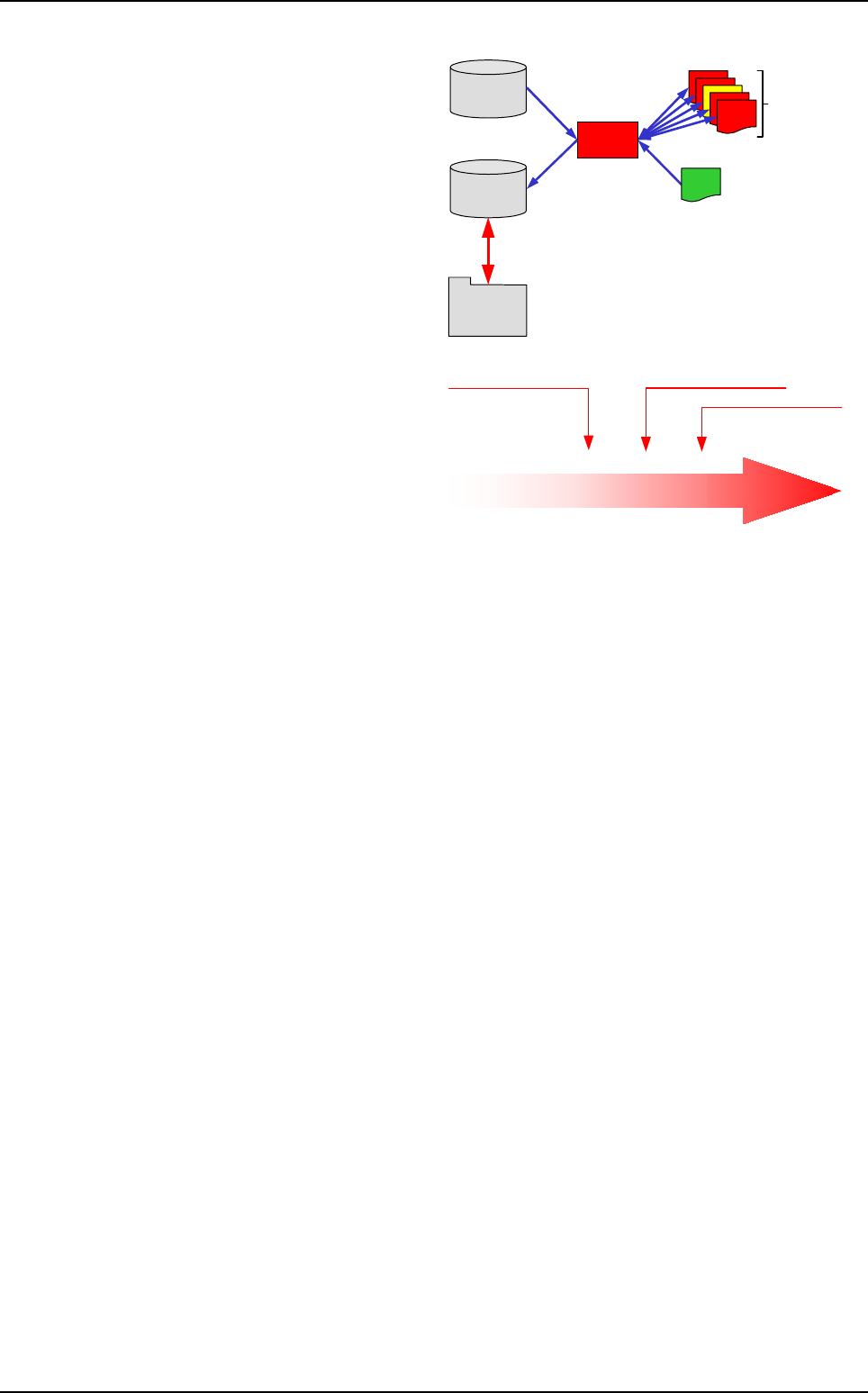
The .lk file is a text file which contains the
correspondence between the names of
the components in the .vis file (called
Part Number) and the names of the mod-
els in the libraries (customer and stan-
dard library).
The .lk file is helpful to easily create the
.tst file. Anyway it is optional, and the
links can be done manually during the
.tst file creation (wizard).
.lk file characteristics:
Identical libraries for all users,
Contains all common components,
Each user can update his/her own li-
brary,
Components are shared as they are
not linked to an environment,
Easy creation of new components.
The .lk file must consist only of numbers and let-
ters. The user name of the Jedec and your Jedec
name must contain no /, -, _ to allow use of the .lk
file.
Comments line begin with an @ (you can use # in
your component names).
The .lk file can be located where you want.
It can be opened in Word Pad.
The .lk file must contain the user name of the
Jedec followed by a space and your Jedec
name.
Standard
library
Image file
New program
.lk file
converter
Existing
programming
(.tst files)
Customer
library
User interface
User names
Standard library
Standard names
CMP0072
CMP0073
SO0000
CMA0111
Part number names
Names of the Jedec
used in the standard library
R0402
C0402
SO8
SOT23
R10 05
C10 05
SO8
SOT23
VIT names
How to create a .tst file