SL940-Install-Ops-Maintenance-7210918_B.pdf - 第19页
Introduction 1-5 1.9.4 Dual Simulta neous Applicator Capabilit y The Dual Sim ultaneous Mounting Bracket, mounted o n the robo t, doubles dispen sing capability by accommodating two identical appl icators side by side fo…
1-4 Introduction
1.8.8 Adjustable Tooling Rails (SL-941E)
The Adjustable Tooling Rails secure the workpiece for batch system operations.
1.8.9 Ventilation System
The SL-940E/SL-941E features downdraft ventilation with a redundant safety vent switch to remove
vapors from the dispensing area. A customer supplied air duct must be connected from the coating system
to the facility air exhaust system for the system to operate. Refer to 4.5 Exhaust Connection.
1.9 Optional Equipment
Asymtek offers a wide range of options for fine-tuning your dispensing applications. This section
introduces options that are currently available for the SL-940E/SL-941E.
1.9.1 Bar Code/Data Matrix Reader
The Bar Code/Data Matrix Reader uses a bar code or data matrix label mounted on the workpiece to
select the appropriate coating program or sequence. The scanner reads the label, selects the associated
program or sequence within the ECXP software, and then executes the program or sequence.
1.9.2 Board Present Sensor
The Board Present Sensor, mounted on the robot, registers the presence or absence of a workpiece prior to
dispensing. It initiates the coating sequence only when a workpiece is in place.
The Board Present Sensor is ideal for production environments where carriers are manually loaded. If a
carrier is not fully loaded, the system will detect the empty space and not dispense at that location. The
Board Present Sensor is factory configured at the time of system manufacture. It optimizes material usage
and minimizes cleanup.
1.9.3 Brush Box
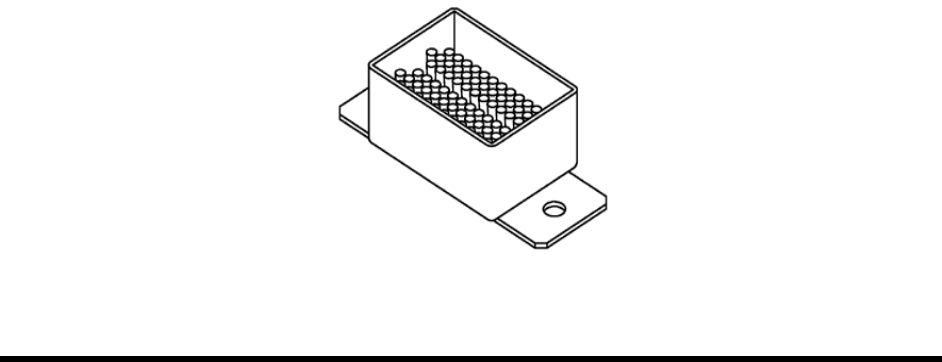
The Brush Box mounts to the conveyor and is used to clean the dispensing nozzle. The Brush Box
performs best with solvent-based materials, but can also be used with non-solvent-based fluids. Solvent is
added to the box, covering the bristles mounted to the bottom. At programmed intervals, the nozzle tip
moves back and forth in the solvent against the bristles to remove accumulated material.
Figure 1-1 Brush Box
Introduction 1-5
1.9.4 Dual Simultaneous Applicator Capability
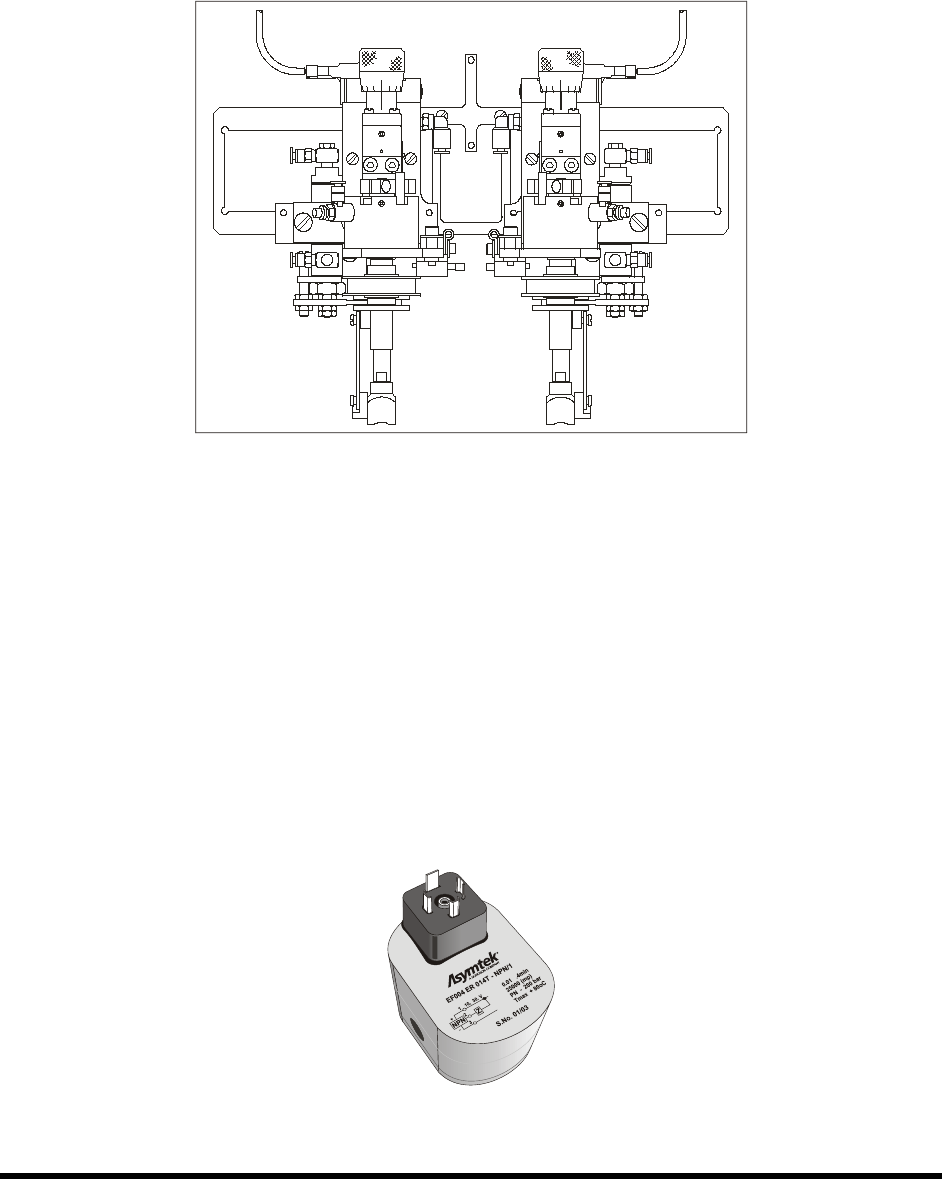
The Dual Simultaneous Mounting Bracket, mounted on the robot, doubles dispensing capability by
accommodating two identical applicators side by side for simultaneous dispensing of a single fluid. The
two applicators are controlled independently by ECXP, enabling one coating sequence to coat one or two
products at a time. The system is configured for your specific application.
Figure 1-2 Dual Simultaneous Mounting Bracket
1.9.5 Dual Toggle Applicator Capability
The Dual Toggle Mounting Bracket, mounted on the robot, typically uses an SC-300, SC-105, or SC-205
Film Coater plus a needle type dispensing valve (such as Asymtek’s SC-400, DV-03, DV-05, or DV-09)
to separately coat broad areas of the board, as well as areas requiring smaller amounts of coating material.
The system is configured for your specific application.
1.9.6 Flow Monitoring System
The Flow Monitoring System monitors the volume of material dispensed. The coating system can be
programmed to stop, pause, or continue when the dispensed volume falls outside the preset range. The
ECXP software monitors the gear-type flow meter when the coating sequence begins, records the data in
a log file, and displays it on the computer screen in bar graph format with time history.

1-6 Introduction
1.9.7 Laser Fan Width Control System
Laser Fan Width Control provides closed-loop monitoring of the conformal coating process. The system
automatically verifies and adjusts the fan width prior to and/or after the coating operation. Fan width
programming is done through the ECXP software.
1.9.8 Laser Pointer Programming Tool
The Laser Pointer Programming Tool projects a red dot onto the workpiece, which simulates the center
point of the dispensing module for faster identification of coating begin and end points. ECXP software
automatically compensates for the offset of the laser pointer-to-dispense-module centerline. The Laser
Pointer Programming Tool is factory configured at the time of system manufacture and reduces
programming time for faster production ramps.
1.9.9 Low Fluid Sensor (for external reservoir)
The Low Fluid Sensor triggers a Light Beacon display and software warning message when the level of
coating material is low. The sensor can be set to a level that provides ample time to refill the reservoir
before reaching an out-of-material condition. The Low Fluid Sensor is located within the external
reservoir and is used for fluids that allow direct sensor immersion.
1.9.10 Low Fluid Scale
The Low Fluid Scale detects a low fluid condition by weighing the fluid reservoir. If the weight drops
below a preset value, a sensor triggers the Light Beacon display and the software issues a warning
message. The sensor can be set to a level that provides ample time to refill the reservoir before reaching
an out-of-material condition. The Low Fluid Scale is used for fluids where direct contact with the sensor
is not feasible.
1.9.11 Low Solvent Cup Sensor
The Low Solvent Cup Sensor triggers a light beacon display and software warning message when the
level of solvent in the cup is low. The software timer can be set to a level that provides ample time to
refill the cup before reaching an out-of-solvent condition.
1.9.12 Material Change Over System
This option allows you to manually switch air and fluid lines between two reservoirs and the fluid system
without physically disconnecting fittings and hoses. The Material Change Over System consists of tubing,
manually operated valves, controls, an extra reservoir, and all the fittings required for self-contained
material change over. The system allows you to switch from the use of coating material to solvent for
flushing the fluid lines and coating applicator during extended shutdown.
1.9.13 Pre-Queue Board Station
Workpieces are held in the Pre-Queue Board Station before entering the Dispensing area. The Pre-Queue
Board Station allows simultaneous moving of workpieces in and out of the work area.
1.9.14 Upstream and Downstream SMEMA Sensors
Mounted on a bracket attached to the conveyor rail, upstream and downstream SMEMA sensors allow
you to manually load and unload workpieces onto the conveyor in the absence of upstream or downstream
equipment.
1.9.15 UV Light
The UV Light is used to view fluids that contain UV tracers.