SL940-Install-Ops-Maintenance-7210918_B.pdf - 第4页
ii Manual Conventions Bold Text Dispensing system labels, buttons and sw itches, and software menu selections and commands appear in this text style . Italicized Text Italicized Text refers to a section in this manual or…
Text P/N 7210919, Revision B ©2008
NOTICE
This is an Asymtek publication which is protected by copyright. Original copyright date 2008. No part
of this document may be photocopied, reproduced, or translated to another language without the
prior written consent of Asymtek. The information contained in this publication is subject to change
without notice.
Manuals on the Internet
For the convenience of Asymtek customers and field service representatives, copies of Asymtek manuals
can be downloaded from:
http://www.asymtek.com/support/manuals.htm
Contact Us
Asymtek welcomes requests for information, comments, and inquiries about its products. Please contact
us using the information below:
Headquarters 2762 Loker Avenue West
Carlsbad, CA 92010-6603
USA
Toll Free: 1-800-ASYMTEK (1-800-279-6835)
Tel: +1-760-431-1919
Fax: +1-760-431-2678
E-mail:
info@asymtek.com
Website:
www.asymtek.com
Technical Support
USA: 1-800-ASYMTEK (1-800-279-6835)
Other regions:
www.asymtek.com/support.htm
Trademarks
Asymtek
®
, Century
®
, Select Coat
®
,
and Easy Coat
®
are registered trademarks of Asymtek.
Microsoft
®
, Windows
®
, and Windows
®
XP are registered trademarks of Microsoft Corporation.
Pentium
®
is a registered trademark of Intel Corporation.
ii
Manual Conventions
Bold Text Dispensing system labels, buttons and switches, and software menu selections
and commands appear in
this text style.
Italicized Text Italicized Text refers to a section in this manual or to another document.
[Bracketed Text] [Bracketed Text] indicates a single key or key combination to press on a
computer keyboard, such as [Enter] or [Alt + Tab].
Text>Text Refers to a series of menu bar commands in Easy Coat for Windows XP (ECXP)
software.
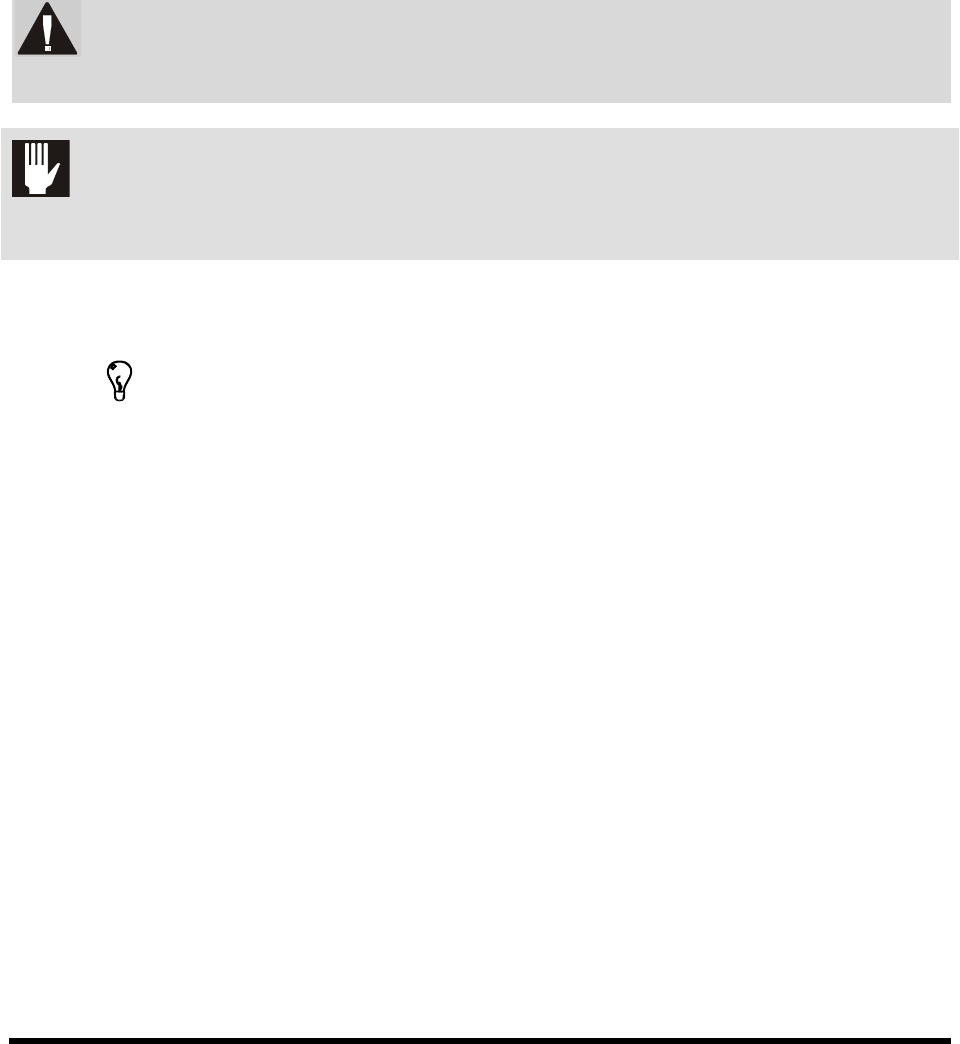
WARNING!
Personnel Safety Warning. This symbol appears in a shaded text block to warn
you about actions that could cause personal injury or death.
CAUTION! Property Damage Caution. This symbol appears in a shaded text block to warn
you about actions that could cause serious damage to the machinery, software,
parts being processed, and facilities.
NOTE
This symbol appears next to helpful information relating to text that precedes it,
or information you must know before proceeding.
TIP
This symbol appears next to a timesaving or technique tip.

Table of Contents iii
TABLE OF CONTENTS
1 Introduction .......................................................................................................... 1-1
1.1 Overview .................................................................................................................................. 1-1
1.2 System Description .................................................................................................................. 1-1
1.3 Safety First ............................................................................................................................... 1-1
1.4 Facility Requirements .............................................................................................................. 1-1
1.5 Manuals Supplied .................................................................................................................... 1-2
1.6 Training .................................................................................................................................... 1-2
1.6.1 Student Certification ................................................................................................... 1-2
1.6.2 Student Registration ................................................................................................... 1-2
1.7 Supported Coating Materials ................................................................................................... 1-2
1.8 Standard Equipment ................................................................................................................ 1-3
1.8.1 Computer System ....................................................................................................... 1-3
1.8.2 Easy Coat for Windows XP Software ......................................................................... 1-3
1.8.3 Chain Conveyor (SL-940E) ......................................................................................... 1-3
1.8.4 Light Beacon ............................................................................................................... 1-3
1.8.5 Safety Interlock ........................................................................................................... 1-3
1.8.6 Low Air Pressure Sensor ............................................................................................ 1-3
1.8.7 Solvent Cups ............................................................................................................... 1-3
1.8.8 Tooling Plate/Adjustable Tooling Rails (SL-941E) ...................................................... 1-4
1.8.9 Ventilation System ...................................................................................................... 1-4
1.9 Optional Equipment ................................................................................................................. 1-4
1.9.1 Bar Code/Data Matrix Reader .................................................................................... 1-4
1.9.2 Board Present Sensor ................................................................................................ 1-4
1.9.3 Brush Box ................................................................................................................... 1-4
1.9.4 Dual Simultaneous Applicator Capability .................................................................... 1-5
1.9.5 Dual Toggle Applicator Capability ............................................................................... 1-5
1.9.6 Flow Monitoring System ............................................................................................. 1-5
1.9.7 Laser Fan Width Control System ................................................................................ 1-6
1.9.8 Laser Pointer Programming Tool ................................................................................ 1-6
1.9.9 Low Fluid Sensor (for external reservoir).................................................................... 1-6
1.9.10 Low Fluid Scale ........................................................................................................... 1-6
1.9.11 Low Solvent Cup Sensor ............................................................................................ 1-6
1.9.12 Material Change Over System .................................................................................... 1-6
1.9.13 Pre-Queue Board Station ........................................................................................... 1-6
1.9.14 Upstream and Downstream SMEMA Sensors ........................................................... 1-6
1.9.15 UV Light ...................................................................................................................... 1-6
1.10 Vision System .......................................................................................................................... 1-7
1.11 Conformal Coating Applicators ................................................................................................ 1-8
1.11.1 SC-104HS/SC-105HS Circulating Film Coater ........................................................... 1-8
1.11.2 SC-104/105VCS Viscosity Control System ................................................................ 1-8
1.11.3 SC-204HS/SC-205HS Non-Circulating Film Coater ................................................... 1-8
1.11.4 SC-300 Swirl Coat Applicator ..................................................................................... 1-9
1.11.5 SC-400 PreciseCoat Conformal Coating Jet .............................................................. 1-9
1.12 System Features .................................................................................................................... 1-10
1.12.1 Front View Features ................................................................................................. 1-10
1.12.2 Rear View Features .................................................................................................. 1-16