YSP20_Users_E.pdf - 第201页
6-26 6 anaging the data 4.4 Unit log: Cleaner Selecting the [Cleaner] tab shows a list of operation records of the cleaner unit. T he contents of the grid display and the button functions are basically the same as the …
6-25
6
anaging the data
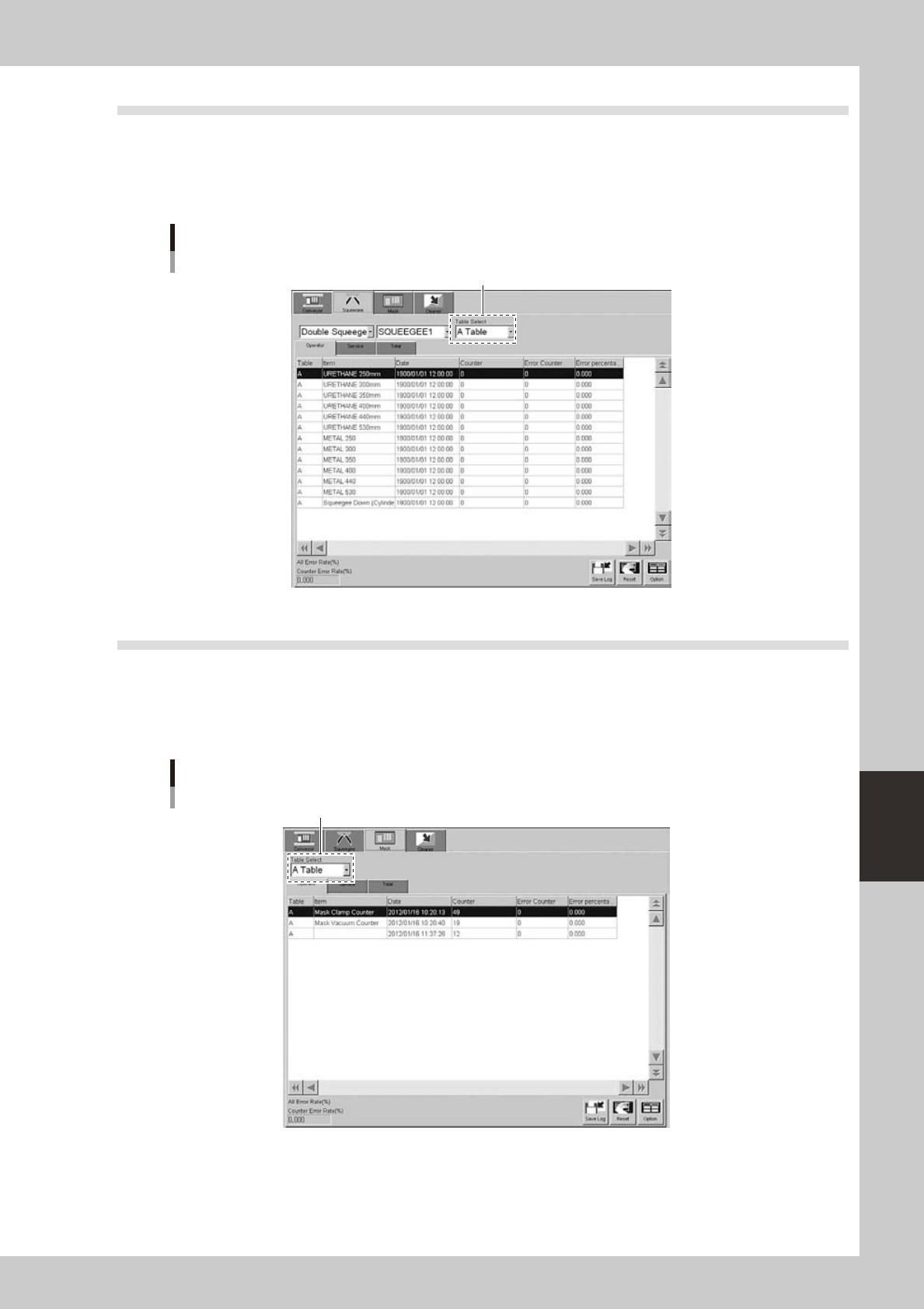
4.2 Unit log: Squeegee
Selecting the [Squeegee] tab shows a list of operation records of each squeegee type (double squeegee, 3S
squeegee, enclosed head). In the case of double squeegee, squeegee 1 and squeegee 2 have their own records.
You can select them from the drop-down lists.
The contents of the grid display and the button functions are basically the same as the [Conveyor] tab.
[Unit log]-[Squeegee] tab
Select the tabie.
64617-N3-00
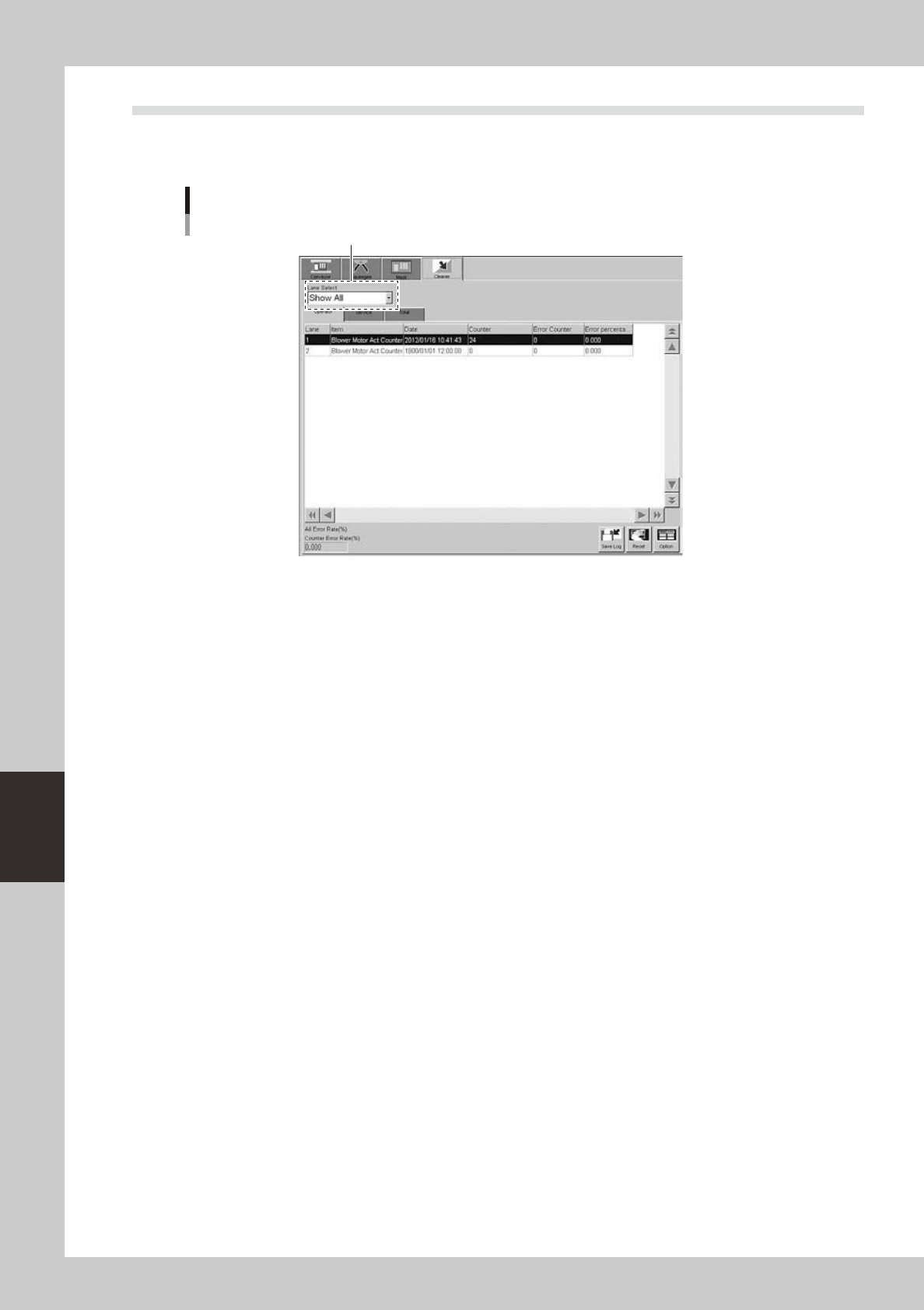
4.3 Unit log: Mask
Selecting the [Mask] tab shows a list of operation records of each mask clamp device and the mask usage
count. Note that the mask usage count (shown by the mask name in the Item column) is incremented each time
the mask of the same name is used even if board data is switched to another one.
The contents of the grid display and the button functions are basically the same as the [Conveyor] tab.
[Unit log]-[Mask] tab
Select the tabie.
64618-N3-00
6-26
6
anaging the data
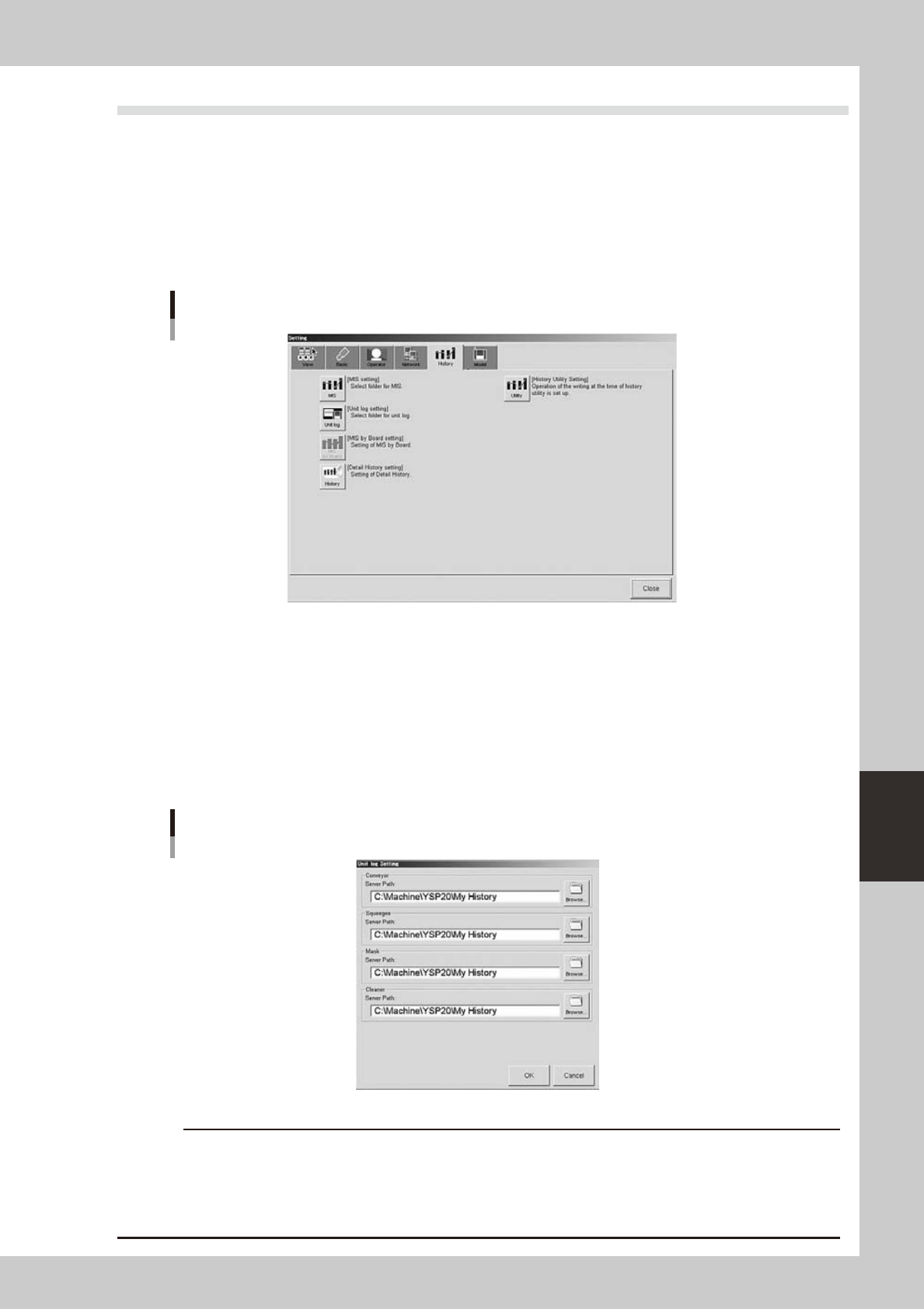
4.4 Unit log: Cleaner
Selecting the [Cleaner] tab shows a list of operation records of the cleaner unit.
The contents of the grid display and the button functions are basically the same as the [Conveyor] tab.
[Unit log]-[Cleaner] tab
Select the lane.
64619-N3-00
6-27
6
anaging the data
4.5 Specifying the destination to save the operation history data
The operation history data is stored in the specified files in a local drive each time the machine is turned off or
the board data is switched. You can also make settings to automatically output and save the operation history
data at a specified time.
1
Press the [Software Setting] button on the [Utility] tab of the Setup screen.
The "Setting" dialog box opens.
2
Select the [History] tab.
"Setting" dialog box
[History] tab
64620-N3-00
3
Press the [Unit Log] button.
The "Unit Log Setting" dialog box appears.
4
Check or specify the path to each folder where the operation history data will be
stored.
Enter the path or use the [Browse] button to specify the destination folder. You can set the destination
folder separately for "Conveyor", "Squeegee ", "Mask" and "Cleaner". After finished setting, press the [OK]
button.
"Unit Log Setting" dialog box
64621-N3-00
c
board data or causing the machine to fail to start.