YSP20_Users_E.pdf - 第37页
ii About this manual 1.2 Contents of each chapter T his manual is comprised of the following chapters. Chapter 1 Par t names and functions T his chapter explains major part names and functions of the machine whic h you s…

i
About this manual
1. About this manual
This manual is intended for machine operators, and mainly describes how to handle and operate YAMAHA
surface mounters and related equipment.
To use the machines safely and correctly, be sure to read this manual thoroughly before use.
c
regarding safety.
c
representative to obtain the latest information on part names and part numbers.
1.1 Revision record
Major revisions in this manual (Version 1.10) are described below.
Version No. Description of revision Issue date
1.00 YSP20 user's manual first edition May. 2012
1.00 Typing errors, etc. were corrected. Jul. 2012
1.10 Description of YTC (option) was added and minor changes were made. Jan.2013

ii
About this manual
1.2 Contents of each chapter
This manual is comprised of the following chapters.
Chapter 1 Part names and functions
This chapter explains major part names and functions of the machine which you should know before attempting
operation.
Chapter 2 Basic operations
This chapter explains how to start up the machine and turn it off, as well as the basic menus and buttons displayed on
the screen for machine operation and data input.
Chapter 3 Printing guide
This guide explains the flow of the condition setting (data setting) and the setup work necessary to perform the printing
with excellent quality.
Additionally, describes the relationship between the print trouble symptom and the conditions that may be the cause of
the trouble.
Chapter 4 Daily operation
Chapter 3 describes the routine operation for board production including the conveyor unit setups, and also explains
how to read the production history data.
Chapter 5 Creating and setting the data
Chapter 4 explains the basic procedures for creating board data and also making basic settings for various parameters.
Chapter 6 Managing the data
This chapter explains how to back up data and make a user database, as well as how to view and save the production
and machine operation logs.
Chapter 7 Other functions
This chapter explains efficient data creation tools, such as coordinate data teaching and trace functions, and manual
operation.
Index
The index at the end of this manual helps you quickly find where necessary items are explained.
iii
About this manual
1.3 Page layout
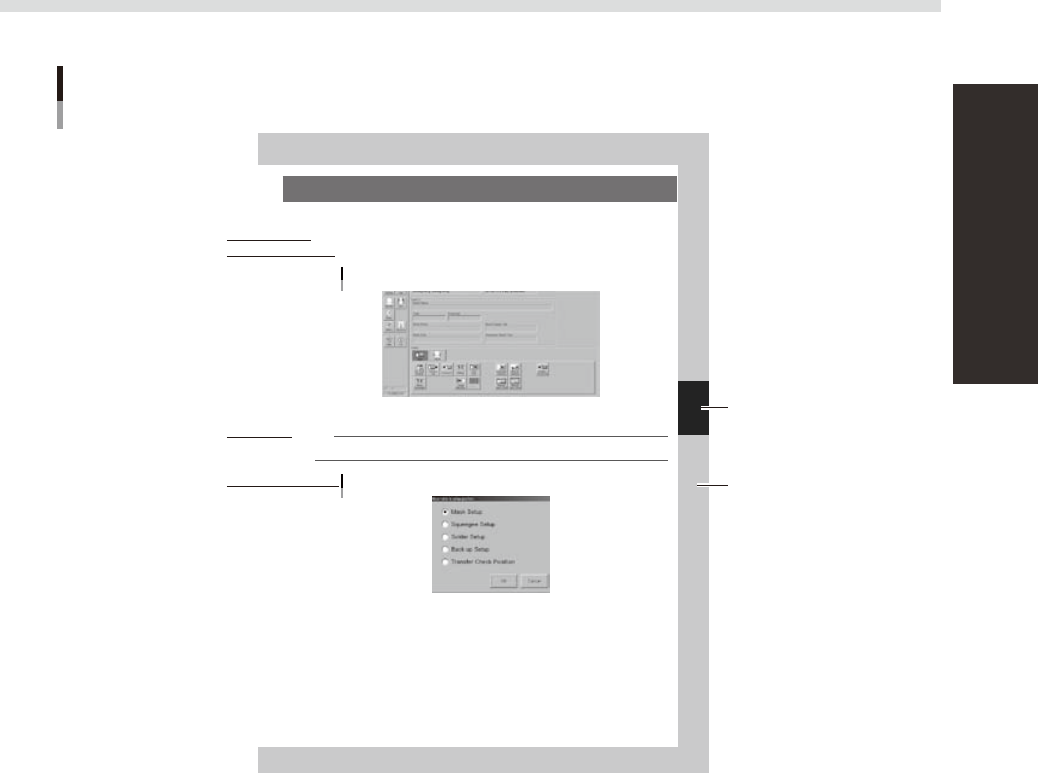
The description below shows a typical page layout used in this manual.
4-15
4
Daily operation
7. Setting up the mask and squeegee
This section explains procedures for clamping the mask (stencil) you have prepared on the printing table and
installing the squeegee onto the squeegee head.
On the Setup screen, open the [Setup] tab under “Utility”.
The buttons on this screen are used in the following steps to change the mask and squeegee setup.
Setup screen
[Setup] tab
64425-N3-00
Press the [SW. Prod. Position] button and select “Mask Setup”.
NOTE
When both lanes are used for production, the dialog box for selecting the lane number appears, so select the lane.
The lane currently used in production is grayed out.
Dialog box for move table to setup position
64426-N3-00
Typical page layout
Step
Chapter number
Chapter title
Sub step or
description of step
Figure, picture
or table caption
Note, Caution
or Warning
63003-L3-00
n
Step
This describes the procedure for each operation.
n
Substep or description of step
This provides detailed information on the steps in each procedure.
n
Figure, picture or table caption
This is the title of the illustration or table and appears at the upper left.
n
Note, Caution or Warning
These are explained in detail in "Safety instructions".