YSP20_Users_E.pdf - 第63页
2-2 2 asic operations 1.2 Clearing an error If an error occurs, a buzzer sounds, the yello w signal lamp on the top of the machine lights up, and a y ellow "ERROR" sign appears in the status area of the opera…
2-1
2
asic operations
1. Canceling emergency stop and clearing an error
The following explains how to cancel emergency stop and clear errors.
1.1 Canceling emergency stop
When the machine is in emergency stop, the red signal lamp on the top of the machine is lit and the red
"EMERGENCY STOP" sign is displayed in the status area of the operation screen. Follow these steps to cancel
emergency stop.
1
Release the emergency stop button.
When the emergency stop button is pressed (turned on), turn it clockwise to release it. There are two
emergency stop buttons on the YSP main unit: One is on the operation panel (front upper right) and the
other is at the upper right on the rear panel.
TIP
When emergency stop was triggered by a safety interlock switch, first eliminate the cause of emergency stop and
then cancel it.
2
Check safety.
Before continuing the procedure, check the surrounding area for safety.
3
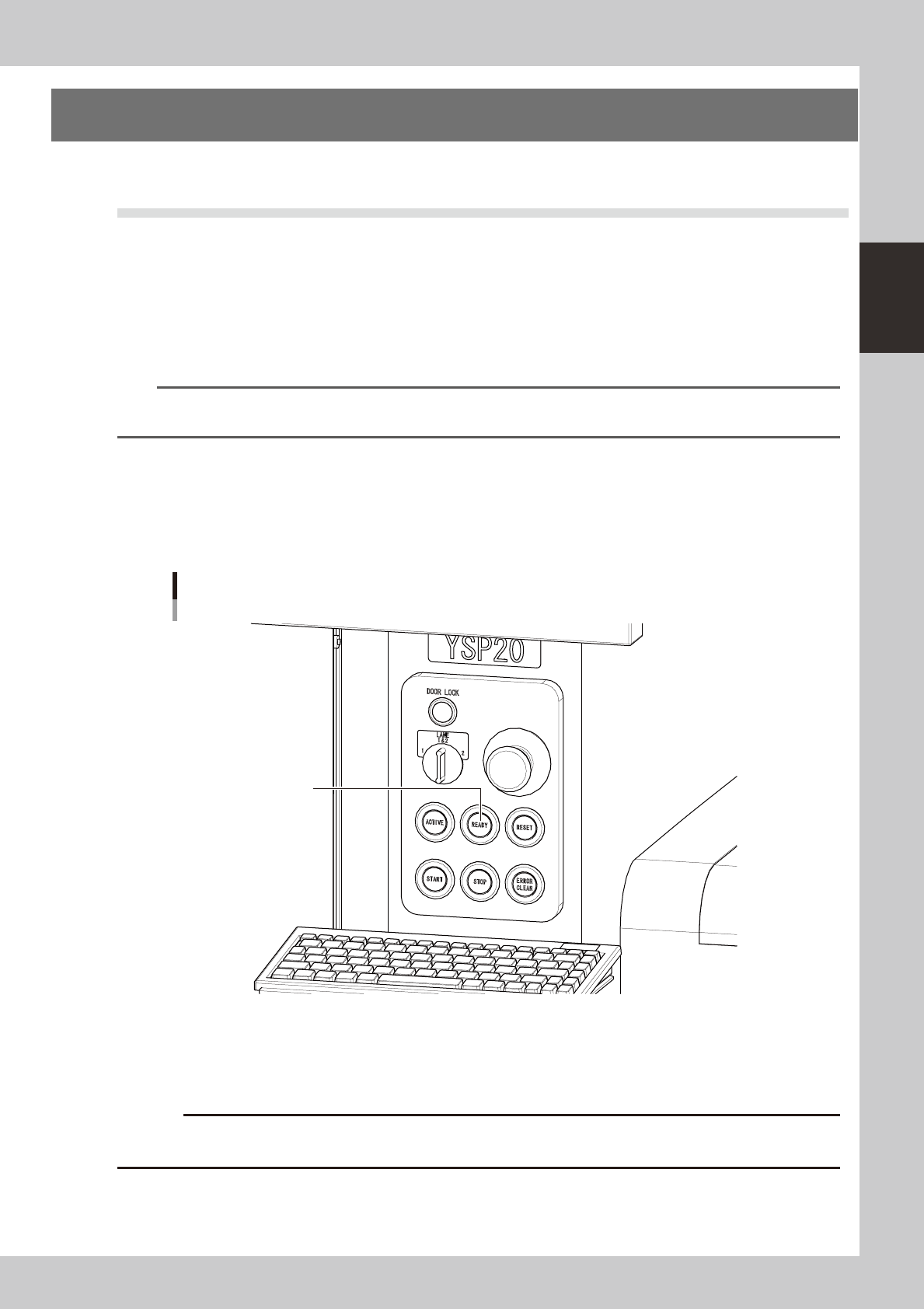
Press the [READY] button on the operation panel.
Pressing the [READY] button turns on the servomotors.
[READY] button
[READY] button
63201-N3-00
4
Check the signal light and screen display.
Check that the red signal lamp is off and the emergency stop sign in the upper left (status area) of the
operation screen is now off.
c
immediately in case of emergency.
2-2
2
asic operations
1.2 Clearing an error
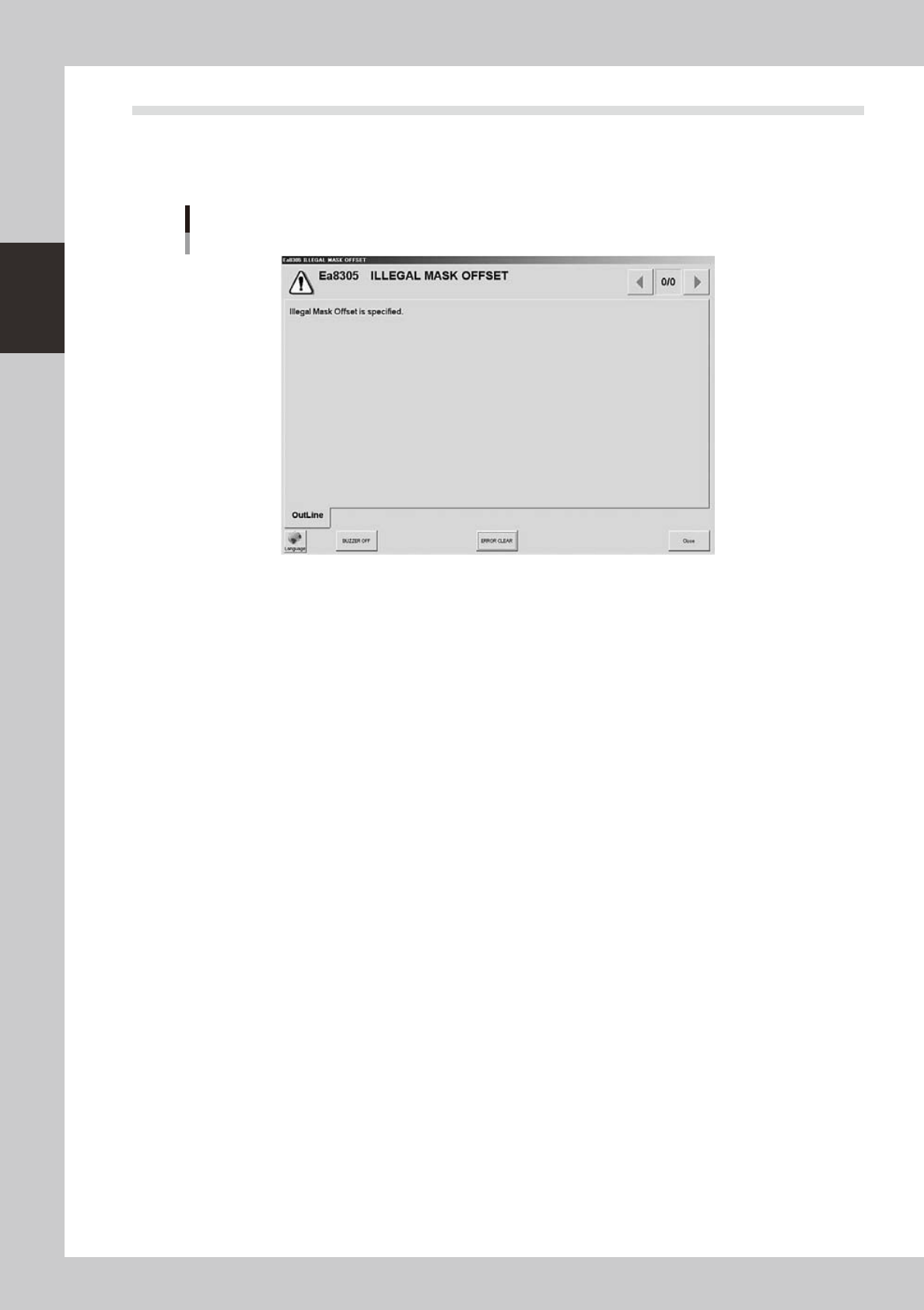
If an error occurs, a buzzer sounds, the yellow signal lamp on the top of the machine lights up, and a yellow
"ERROR" sign appears in the status area of the operation screen. At the same time, an error message appears,
so check the message. To clear the error, follow these steps.
Error message screen
64201-N3-00
1
Turn off the buzzer.
Press the [ERROR CLEAR] button on the operation panel or the [BUZZER OFF] button on the error message
screen.
2
Check the cause of the error.
Possible causes are displayed on the error screen so eliminate the cause of the error.
Always press the emergency stop button if you need to put your hand in the machine.
3
Clear the error screen.
Press the [ERROR CLEAR] button again or the [ERROR CLEAR] button on the error screen.
4
Check the signal light and screen display.
Check that the yellow signal lamp on the top of the machine is off and the "ERROR" sign in the upper
left status area on the operation screen is now off.
2-3
2
asic operations
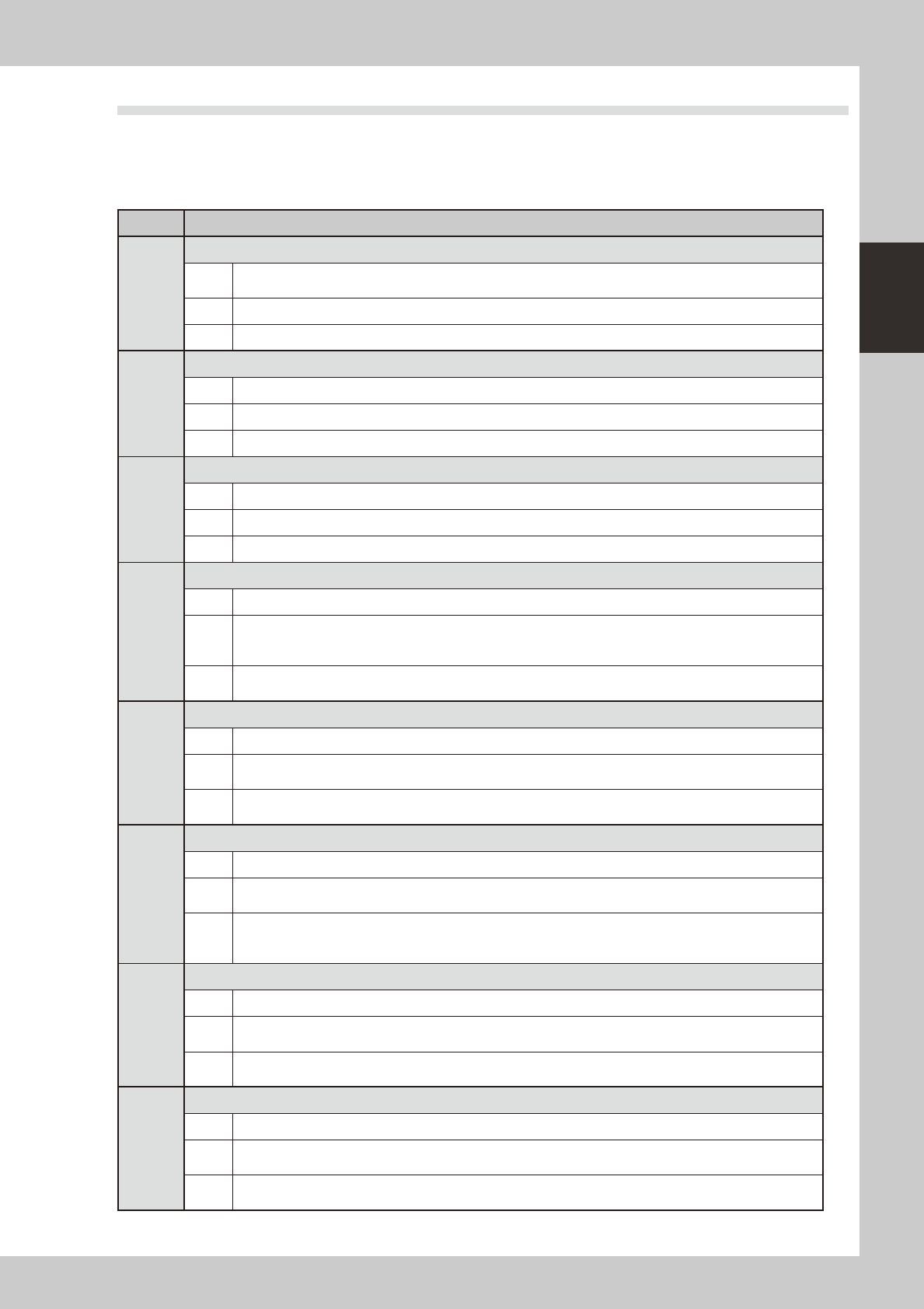
1.3 Typical errors and troubleshooting
Typical errors that might be displayed during operation are shown below along with possible causes and
corrective action.
n
Interlock related errors
Code Error name and description
Ea7546
ALARM: BASE FAN IS ABNORMAL
State
The Base FAN of Machine is not working.
When Machine is kept running, will be cause trouble of Machine.
Cause The Base FAN of Machine is not working.
Action Please consult your distributor for further information with FAN number.
Ea8065
OUT OF MOVABLE AREA OF SQUEEGEE
State SY,SZ axis is not enable to move, because squeegee is out of movable area.
Cause
Action
Ea8077
FIX UNIT SENSOR INTERLOCK
State The sensor which is attached with either end of the fix unit detects. Therefore, the X-axis cannot moves.
Cause The sensor which is attached with either end of the fix unit detects.
Action Please confirm the sensor, and remove the board.
Ea8260
<<WARNING>> The fixed board is lost.
State The fixed board is lost.
Cause
The following causes can be considered.
1. The board has stuck to the mask.
2. The board dropped from the conveyor.
Action
Please remove a mask and be sure to check the state of the board.
Plaease remove the board and restart auto running after reset.
Ea29602
INTERLOCK ERROR
State Interlock error occurred.
Cause
Each Y axis of conveyor is in a dangerous area.
Therefore, Y axis of conveyor cannot move.
Action
Please execute Reset and operate again.
Or, please operate again after moving Y axis of conveyor to safe position.
Ea29603
INTERLOCK ERROR
State Interlock error occurred.
Cause
Each Y axis of conveyor or mask is in a dangerous area.
Therefore, Y axis of conveyor cannot move.
Action
Please execute Reset and operate again.
Or, please operate again after moving Z axis of mask to safe height, or moving Y axis of conveyor and mask to
safe position.
Ea29604
INTERLOCK ERROR
State Interlock error occurred.
Cause
Each Y axis of mask is in a dangerous area.
Therefore, Y axis of mask cannot move.
Action
Please execute Reset and operate again.
Or, please operate again after moving Y axis of mask to safe position.
Ea29605
INTERLOCK ERROR
State Interlock error occurred.
Cause
Because the difference between mask Y axes exceeds the upper bound value.
Therefore, Y axis of mask cannot move.
Action
Please execute Reset and operate again.
Or, please operate again after moving Y axis of mask to safe position.