2OM-1088-002.pdf - 第88页
Tg0699-PM-D2 2. "Pattern Program" Edit Window 0207-001 Chapter 1 2-29 2. "Pattern Program" Edit Window 2.1 Navigations in Window 2.1.1 Opening the Window This session describes how to open the "P…

Tg0699-PM-D2
(5) Paper Feed Pitch
Set the pitch at which the cleaning paper should be fed for
cleaning of the underside.
Unit : mm
Data Input Range: 0 to 45
(6) Solv. Dispense Time
Set the solvent dispensing time for wet-type cleaning.
Unit : seconds
Data Input Range: 0.1 to 2.0
Paper Feed Pitch [mm]
20
Fig.3B65
Solv. Dispense Time [sec]
1.0
Fig.3B66
0207-001 Chapter 1 2-28
1.2 Operation Data
Tg0699-PM-D2
2. "Pattern Program" Edit Window
0207-001 Chapter 1 2-29
2. "Pattern Program" Edit Window
2.1 Navigations in Window
2.1.1 Opening the Window
This session describes how to open the "Pattern Program" edit
window.
The "Pattern Program" edit window can also be opened by
selecting the [RECOVERY] submenu in the [Auto Operation]
menu.
••
••
• Operation Procedure
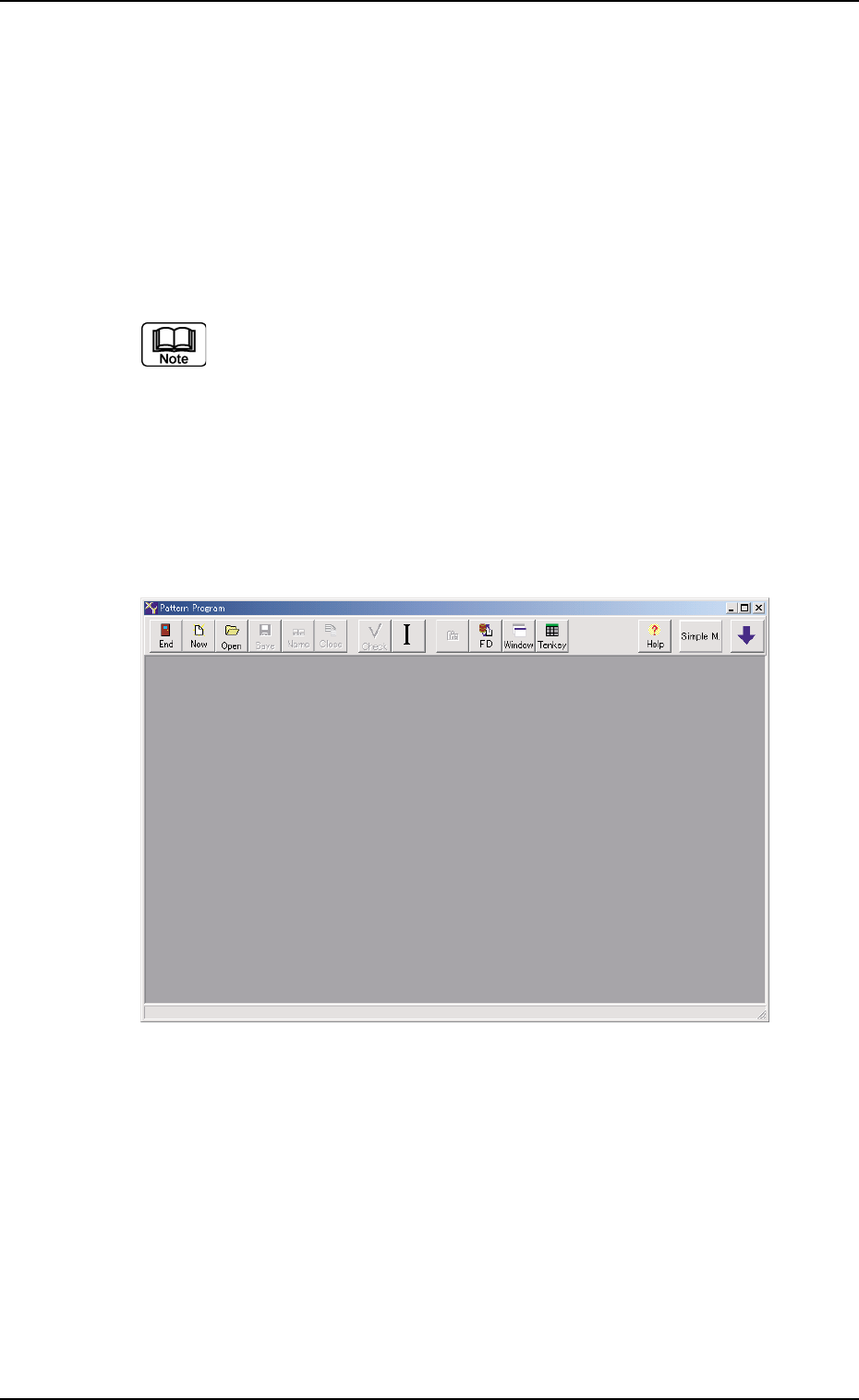
(1) Press the [DATA EDIT] button on the main menu bar. The fol-
lowing initial "Pattern Program" window opens.
Fig. 3B73 Initial "Pattern Program" Window
Tg0699-PM-D2
2.1 Navigations in Window
0207-001 Chapter 1 2-30
(2) Press "File" on the menu bar. The pull-down menu opens.
Select "New Prgm." or "Open..." from the pull-down menu.
New Prgm. : Select this to newly create a pattern program.
Open... : Select this to edit (correct or modify) a saved
pattern program.
(3) Depending on a selected menu, the following window, etc., will
open.
• When "New Prgm." menu is selected, a "Pattern Program"
edit window opens, displaying the default values.
See Fig. 3B76.
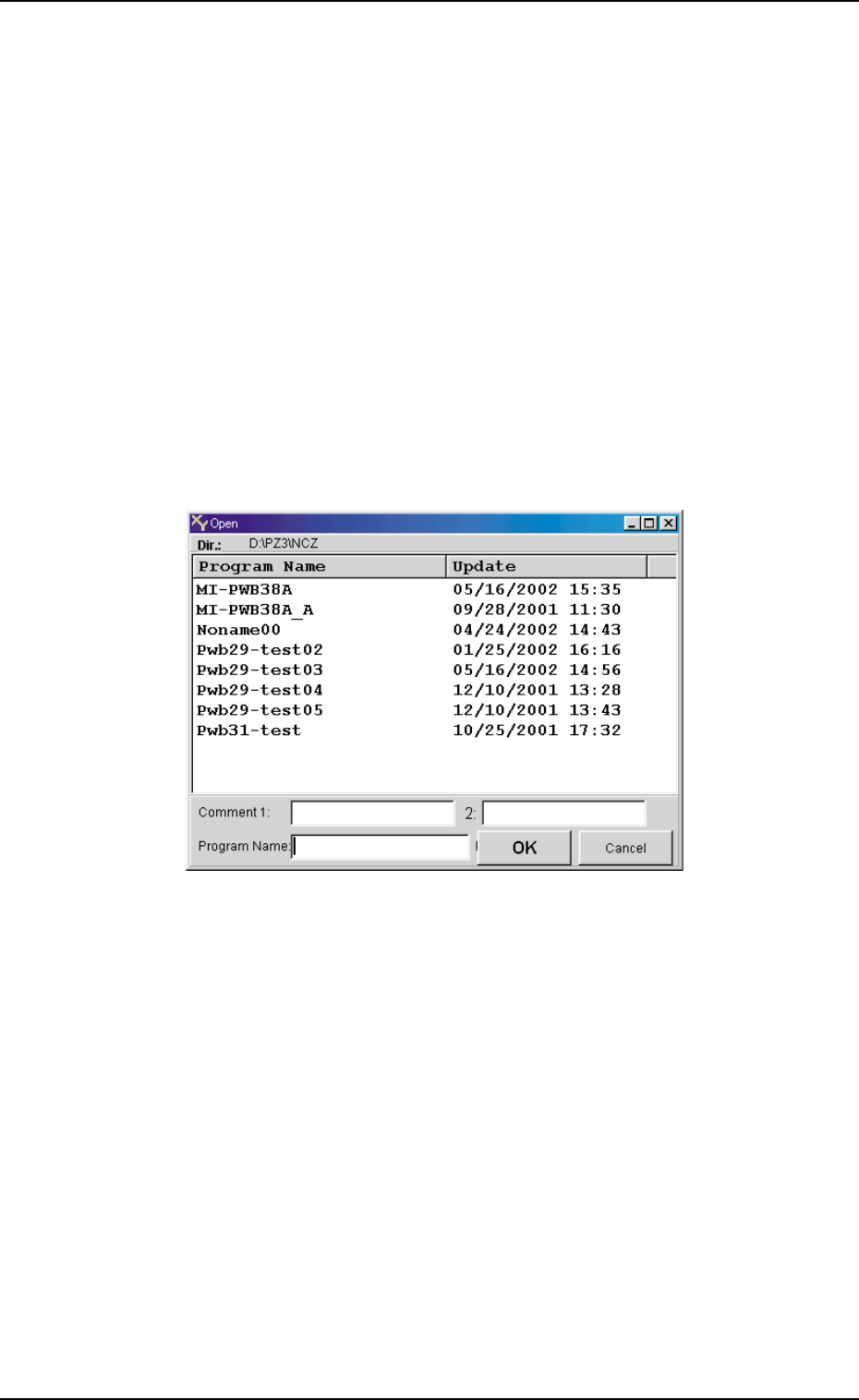
• When "Open..." menu is selected, a "Open" windows (Fig.
3B75) opens.
Fig. 3B75 "Open" Window