2OM-1088-002.pdf - 第93页
Tg0699-PM-D2 (1) Functions of Menu Bar and T oolbar "File" Menu T able 3B4 Command Menus Functions Icons New Prgm. This makes it possible to newly create a pattern program. Open... This displays a saved "P…
Tg0699-PM-D2
*4 [Minimizing] Button, [Maximizing] Button, [Return to Origi-
nal Size] Button and [Close] Button
[Mimimizing] button ( )
This button puts the edit sheet out of sight in the window.
[Maximizing] button ( )
When the edit sheet is not maximized, the [Maximizing] button
appears. This button maximizes the edit sheet.
[Return to Original Size] button ( )
When the edit sheet is maximized, the [Return to Original Size]
button appears.
This button returns the edit sheet to the size before the maximiz-
ing.
[Close] button ( )
This button closes the edit sheet.
*5 "Pattern Program" Edit Sheet
This window enables the operator to edit the pattern program.
*6 Drop Down List
When the down arrow on the right of the text box is pressed, the
drop down list is indicated.
Select one of them and input the data.
If there are many items then, sometimes, a scroll bar is
indicated on the drop down list.
*7 Ten-key Window
This window can be used to enter numerical values.
The position of the window can be changed freely.
To make the tenkey window disappear, press the [x] located at
the top-right corner of the window.
To make the window appear, press the icon on the toolbar.
0207-001 Chapter 1 2-33
2.1 Navigations in Window
Tg0699-PM-D2
(1) Functions of Menu Bar and Toolbar
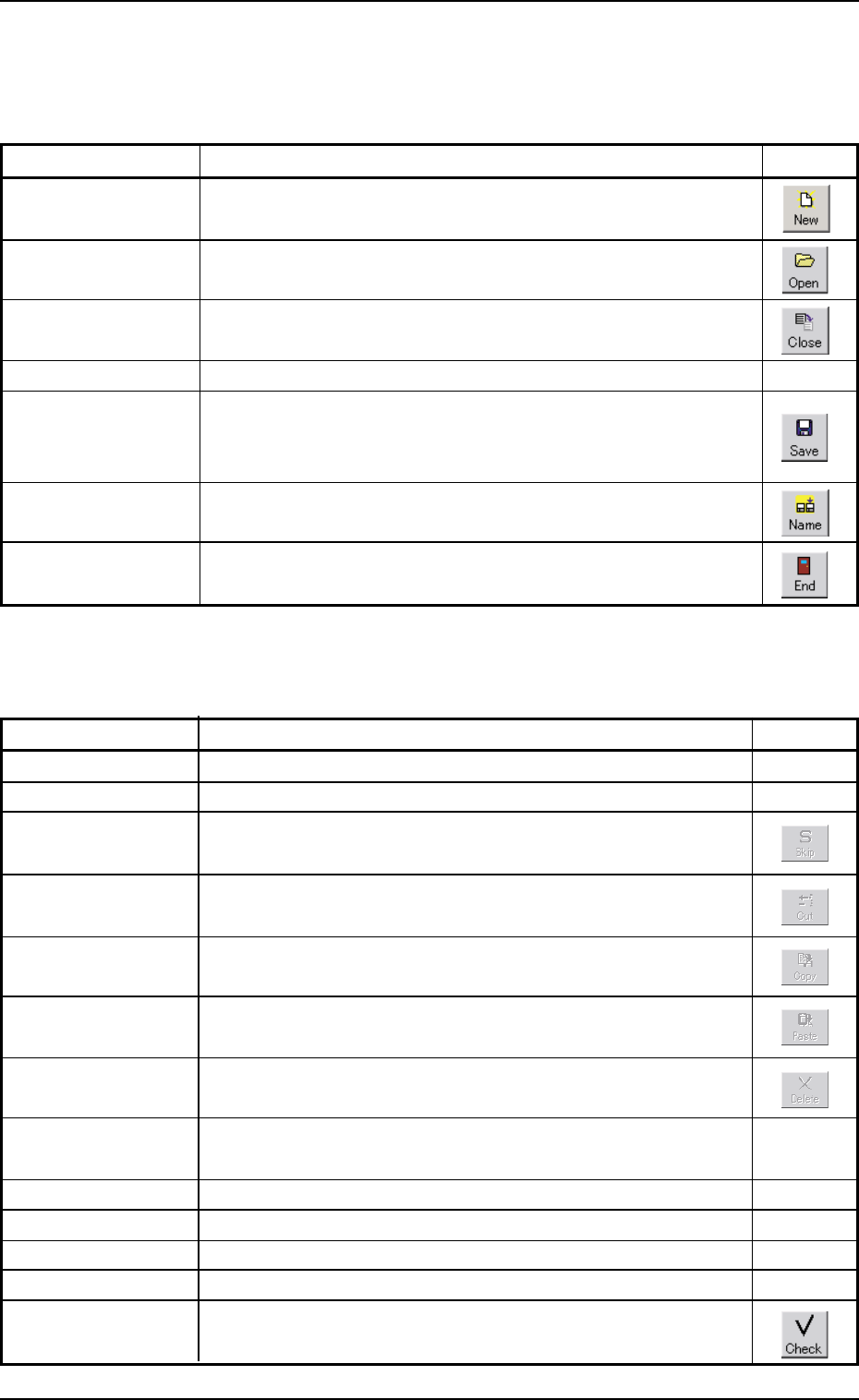
"File" Menu
Table 3B4
Command Menus Functions Icons
New Prgm. This makes it possible to newly create a pattern program.
Open... This displays a saved "Pattern Program" on the edit window.
Close This closes an active "Pattern Program" window.
All Close This closes all "Pattern Program" windows.
Save This saves an active "Pattern Program" window with the
same program name as the existing one. That is, the ex-
isting program is replaced with a new one.
Save As... This saves an active "Pattern Program" window with a new
name.
Exit This closes the current "Pattern Program" edit window and
allows the operator to exit from the pattern program editing.
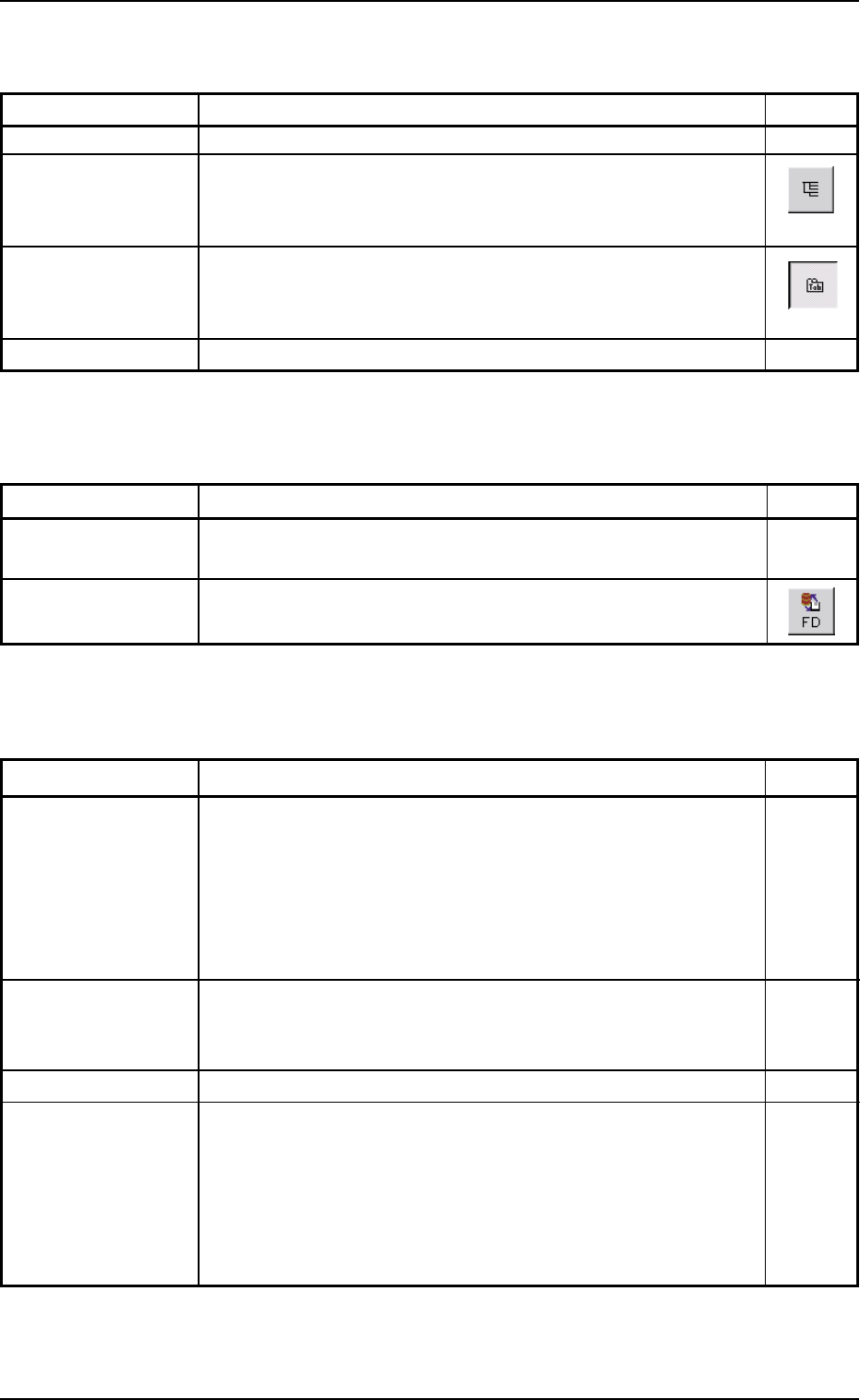
"Edit" Menu
Table 3B5
Command Menus Functions Icons
Undo Not Available
Repeat Not Available
Skip This button is used in Printing Inspection (Option).
Cut This button is used in Printing Inspection (Option).
Copy This button is used in Printing Inspection (Option).
Paste This button is used in Printing Inspection (Option).
Delete This button is used in Printing Inspection (Option).
Clear Not Available
All Select This selects all items in the specific area.
Find... This searches a string of characters.
Replace Not Available
Go To... Not Available
Check... This checks the contents of the active "Pattern Program"
window.
0207-001 Chapter 1 2-34
2.1 Navigations in Window
Tg0699-PM-D2
0207-001 Chapter 1 2-35
2.1 Navigations in Window
"View" Menu
Table 3B6
Command Menus Functions Icons
View PCB Image Not Available
Tree Data Select A pane opens on the left side of the editing sheet and dis-
plays the tree view of the data names as a group of data
that can be edited.
Tab Data Select This classifies the data to be edited into each tab sheet.
At least, either "Tree View Select" or "Tab Data Select" must
be selected.
Image Zoom... Not Available
"Window" Menu
"Tool" Menu
Table 3B7
Command Menus Functions Icons
User Option... This changes the display mode of the sheets and the direc-
tion of the cursor movement.
FD Backup... This saves the currently displayed pattern program on a
floppy disk.
Table 3B8
Command Menus Functions Icons
Cascade When several "Pattern Program" windows are opened at the
same time, cascading the windows overlays them so that
you can see each title bar.
The pattern program to be edited can be selected from "List
of Displayed Windows" located at the bottom of the pull-down
menu.
Tile When several "Pattern Program" windows are opened at the
same time, each window is re-arranged and the programs
appear in adjacent windows.
Separate This splits one sheet into two areas.
List of Displayed This lists the names (pattern program names) of all displayed
Windows windows.
In the case of "Cascade", the pattern program to be edited
can be selected from "List of Displayed Window". A check
mark (
9) appears next to the name of the currently active
window.