GL541操作手册.pdf - 第108页
+ PAGE : Press to display the next page of input signals. - PAGE : Press to display the previous page of input signals. ▲ : Press to move the cursor up one line. ▼ : Press to move the cursor down one line. RETURN : Press…
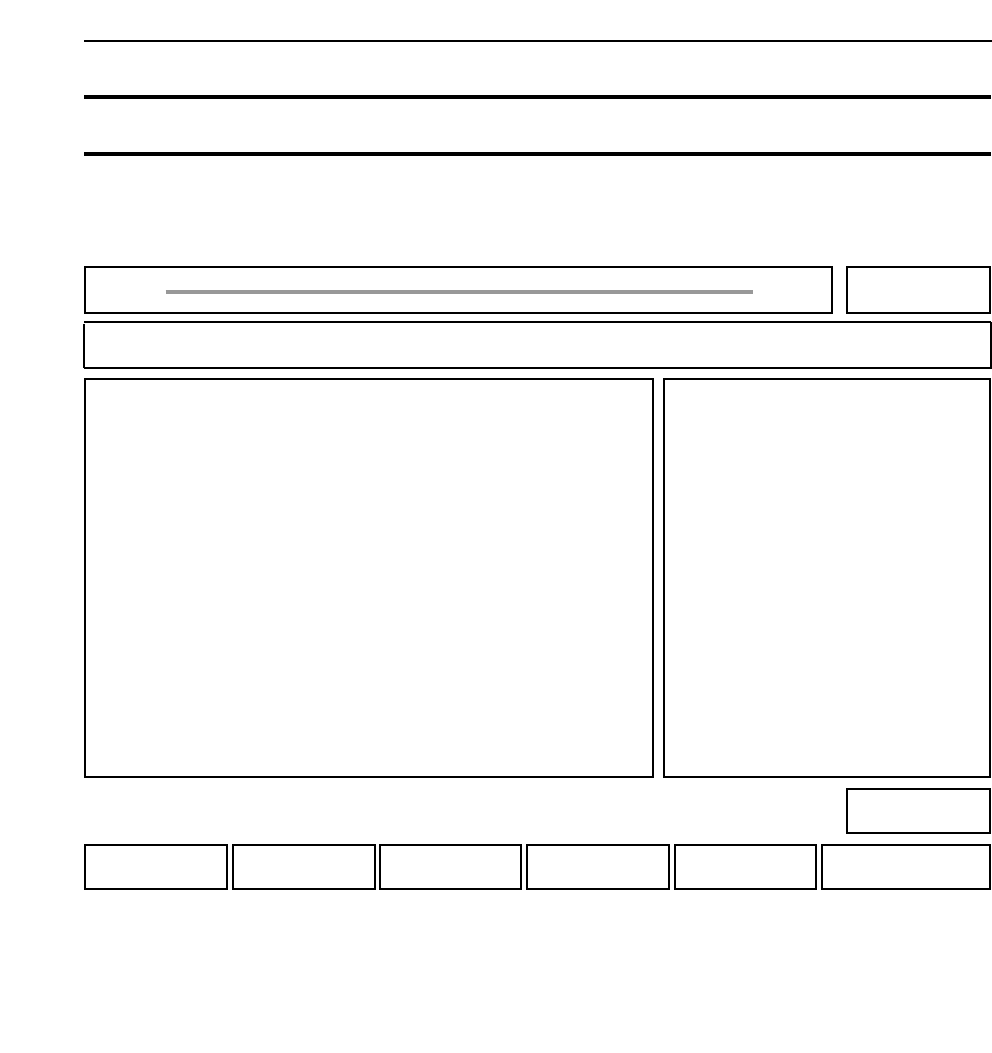
IN : Press to check the input signals.
OUT : Press to check the output signals.
RETURN : Press to return to Page 520/000.
• Explanation
“NAME” in the above display indicates the name of the input/output signal.
“I” in the above display indicates whether the signal is on or off.
O = on, X = off
Chapter 3 Description of Commands
521-110
521-120
521
Part 3
3 - 41
Version 2.0 GL-541E Operation
IN PORT OUT PORT
NO I NAME NO I NAME
X000 0 EMERGENCY SW Y000 X START LAMP
X001 X START SW Y001 X RESET LAMP
X002 X RESET SW Y002 X BUZZER
X003 X CYCLE STOP SW Y003 X
X004 X Y004 X
X005 X Y005 X SERVO ON
X006 X Y006 X OTVL CUT
X007 X Y007 X FIDUCIAL
REMOTE Checking the Input and Outputs 521-100
FUJI
Off line
Page 521
RETURNOUTIN
Command path:
GL_541E Prod 0000 Sche 00000
IO CHECK
I/O Check
[SET] - [MANUAL] - [I/O] - [REMOTE]
• Action of the function keys To page
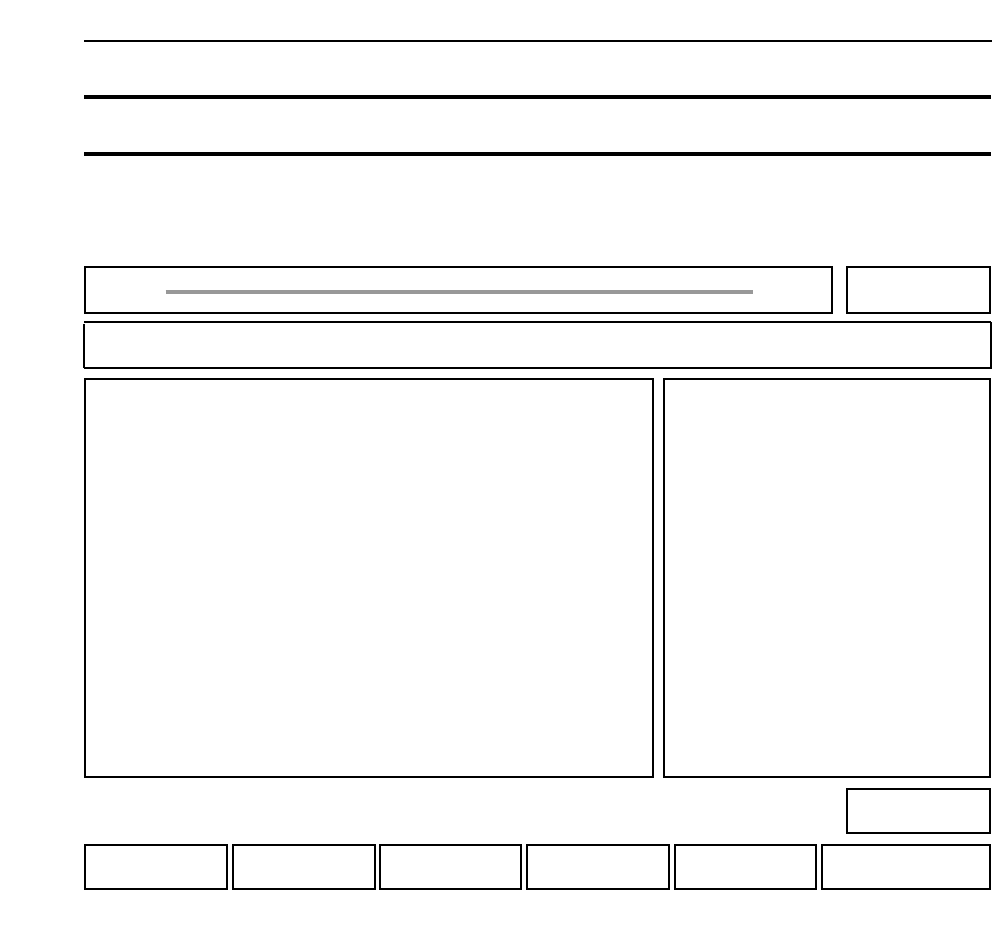
+ PAGE : Press to display the next page of input signals.
- PAGE : Press to display the previous page of input signals.
▲ : Press to move the cursor up one line.
▼ : Press to move the cursor down one line.
RETURN : Press to return to Page 521/000.
• Explanation
This page is used for checking the status of input signals. Use the function keys to select the page
and line of the intended input signal. By moving to each respective input signal the display is
shown in real time. Furthermore, when the cursor is moved to the intended signal, a buzzer
sounds if the input is there.
Chapter 3 Description of Commands
Part 3
3 - 42
Version 2.0 GL-541E Operation
IN PORT OUT PORT
NO I NAME NO I NAME
X000 0 EMERGENCY SW Y000 X START LAMP
X001 X START SW Y001 X RESET LAMP
X002 X RESET SW Y002 X BUZZER
X003 X CYCLE STOP SW Y003 X
X004 X Y004 X
X005 X Y005 X SERVO ON
X006 X Y006 X OTVL CUT
X007 X Y007 X FIDUCIAL
IN Checking Input Signals 521-100
FUJI
Off line
Page 521
RETURN
▼▲
-PAGE+PAGE
Command path:
GL_541E Prod 0000 Sche 00000
IN
In
[SET] - [MANUAL] - [I/O] - [REMOTE] - [IN]
• Action of the function keys To page
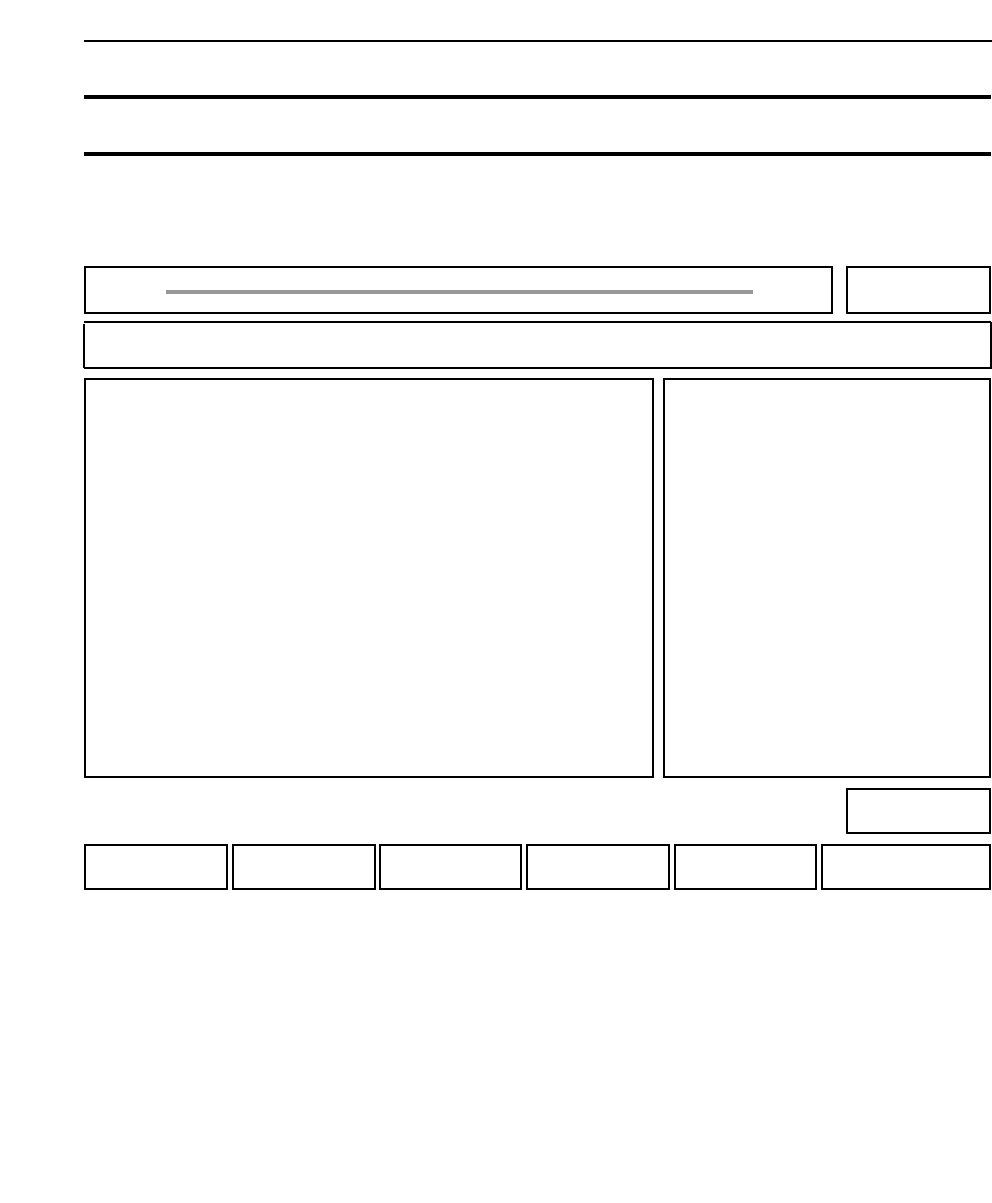
+ PAGE : Press to display the next page of output signals.
- PAGE : Press to display the previous page of output signals.
▲ : Press to move the cursor up one line.
▼ : Press to move the cursor down one line.
ON/OFF : Press to output the signal indicated by the cursor. If the signal is
already being output then the function stops.
RETURN : Press to return to Page 521/000.
Chapter 3 Description of Commands
521-100
Part 3
3 - 43
Version 2.0 GL-541E Operation
IN PORT OUT PORT
NO I NAME NO I NAME
X000 0 EMERGENCY SW Y000 X START LAMP
X001 X START SW Y001 X RESET LAMP
X002 X RESET SW Y002 X BUZZER
X003 X CYCLE STOP SW Y003 X
X004 X Y004 X
X005 X Y005 X SERVO ON
X006 X Y006 X OTVL CUT
X007 X Y007 X FIDUCIAL
OUT Checking Output Signals 521-120
FUJI
Off line
Page 521
RETURNON/OFF
▼▲
-PAGE+PAGE
Command path:
GL_541E Prod 0000 Sche 00000
OUT
Out
[SET] - [MANUAL] - [I/O] - [REMOTE] - [OUT]
• Action of the function keys To page