GL541操作手册.pdf - 第214页
Chapter 4 V ision T est Mode Part 5 4.2.2 Setting the Level The [LEVEL SET] command is used to specify the level of the block skip mark. When this function key is pressed, a screen displays at which the level can be inpu…
Part 5
5 - 13
Version 2.0
Chapter 4 Vision Test Mode
4.1.4 Executing a Vision Test
Vision processing of the specified mark is carried out using the [VP. EXE]
command.
The results of vision processing display at the bottom of the first display area.
Results
X: ****** [um] (X-direction displacement)
Y: ****** [um] (Y-direction displacement)
Error: ****** (Error code)
4.2 Block Skip Mark Vision Test
This test can be used to check the level of the fiducial marks used in the production
program.
Note: The display returns to the previous page if the [RETURN] key is pressed.
4.2.1 Specifying Block Skip Mark Data
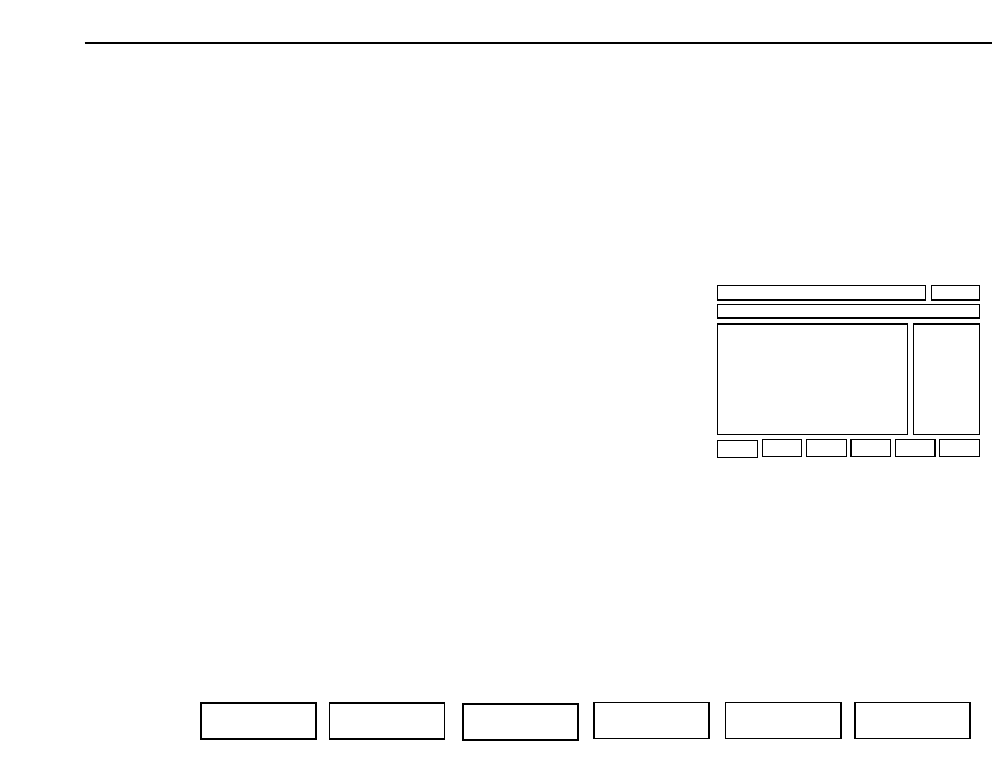
Press the [SET DATA] function key and input the sequence number of the block
skip sequence.
F1 F2 F4 F5 F6
F3
SET DATA LEVEL SET SET SIZE DSP REAL-IMG VP. EXE RETURN
(First display area)
GL-541E Operation
Chapter 4 Vision Test Mode
Part 5
4.2.2 Setting the Level
The [LEVEL SET] command is used to specify the level of the block skip mark.
When this function key is pressed, a screen displays at which the level can be
input. The level specified here is used when the mark is inspected. The initial
value is that specified in the production program.
4.2.3 Setting the Size
The [SET SIZE] function key is used to specify the size of the block skip mark.
When this function key is pressed, a screen displays at which the size can be
input. The level specified here is used when the mark is inspected. The initial
value is that specified in the production program.
4.2.4 Displaying the Actual Image
Press the [DSP REAL-IMG] function key to display an actual image of the block
skip mark on the vision processing monitor.
4.2.5 Executing the Test
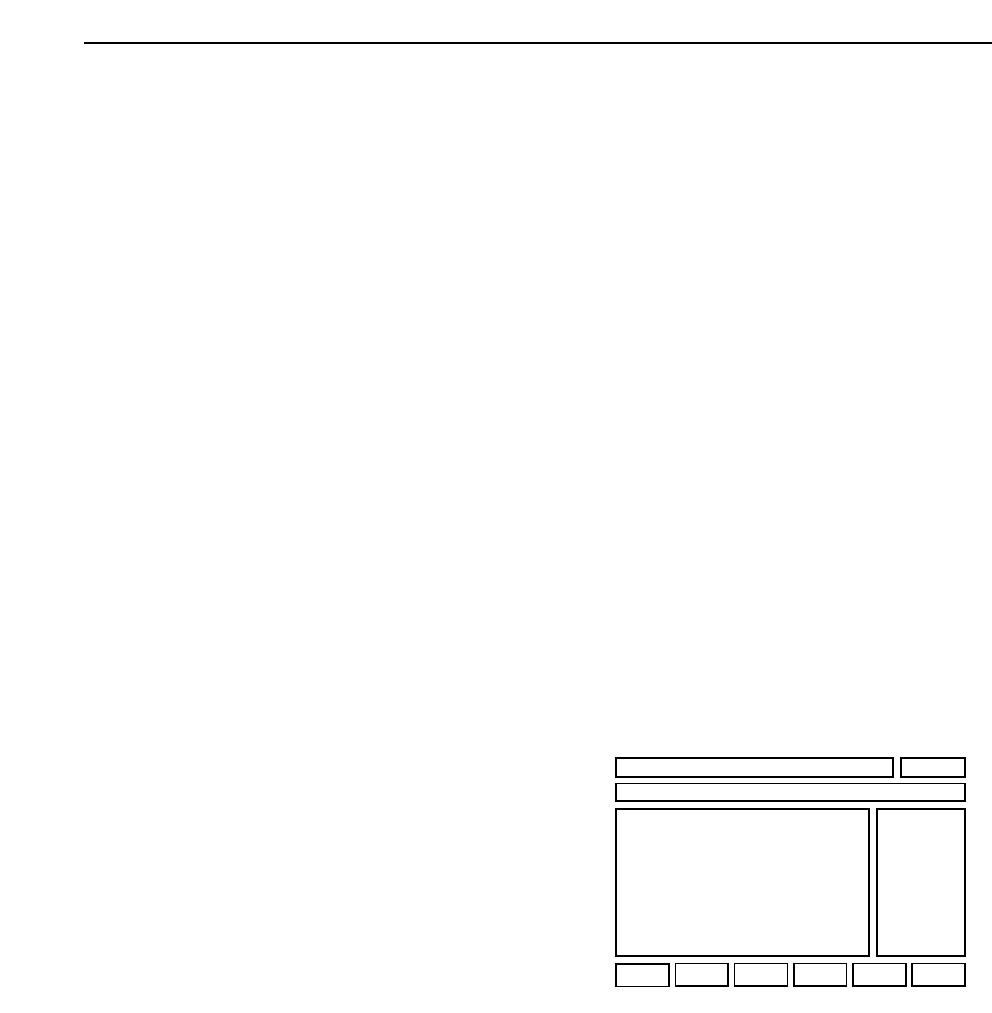
Press the [VP.EXE] function key to inspect the block skip mark specified using
the [SET DATA] function key. The results of inspection display at the bottom of
the first display area.
Results Black (Mark color)
******
(First display area)
5 - 14
Version 2.0
GL-541E Operation

Part Six
Errors and Countermeasures