GL541操作手册.pdf - 第117页
F MARK : Press to select the [F MARK] command section. B MARK : Press to select the [B MARK] command section. RETURN : Press to return to Page 522 Chapter 3 Description of Commands Part 3 3 - 51 V ersion 2.0 GL-541E Oper…
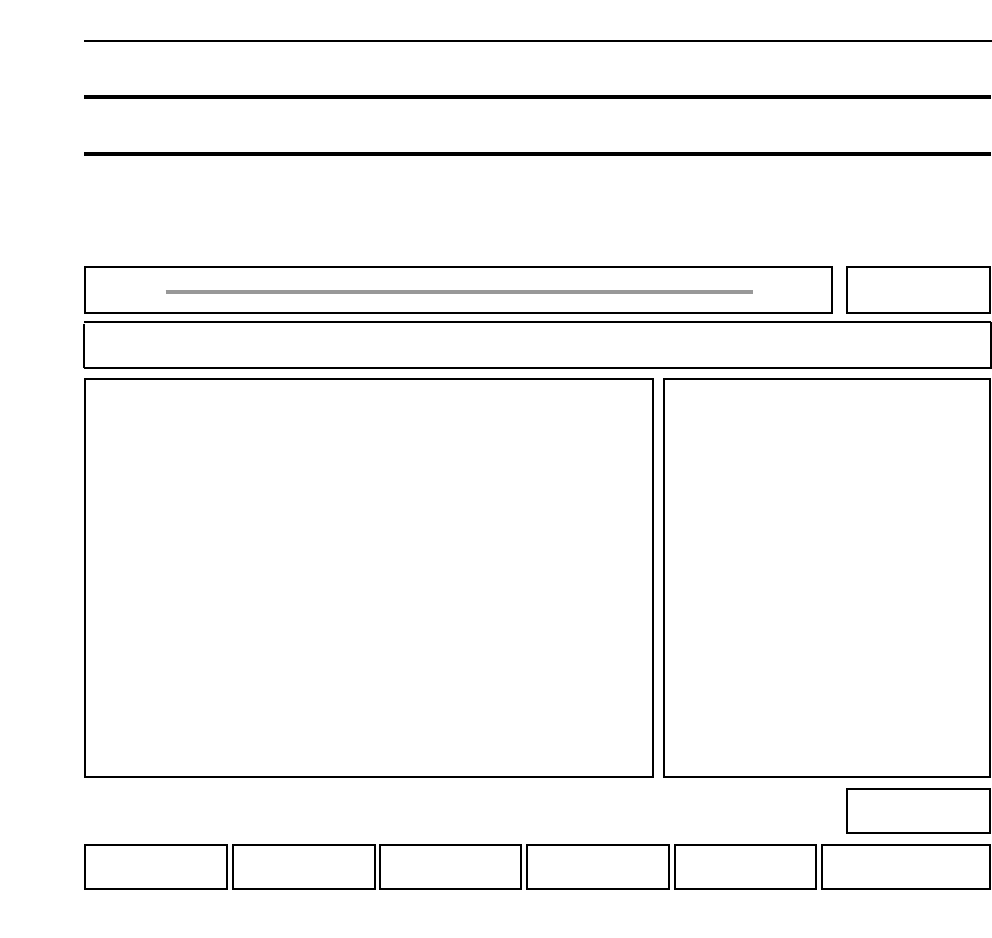
DSP REAL IMG : Press to display the real image on the vision processing monitor.
GET ACQ : Press to acquire the image.
ACQUIRED IMG : Press to display the newly obtained image on the vision processing
monitor.
RETURN : Press to return to Page 522
Chapter 3 Description of Commands
Part 3
3 - 50
Version 2.0 GL-541E Operation
CHECK IMG Checking the Image 522-300
FUJI
Off line
Page 522
RETURNACQUIRED IMGGET ACQDSP REAL IMG
Command path:
GL_541E Prod 0000 Sche 00000
CHECK IMG
Ready
[SET] - [MANUAL] - [VISION] - [ADJUST] - [CHECK IMG]
• Action of the function keys
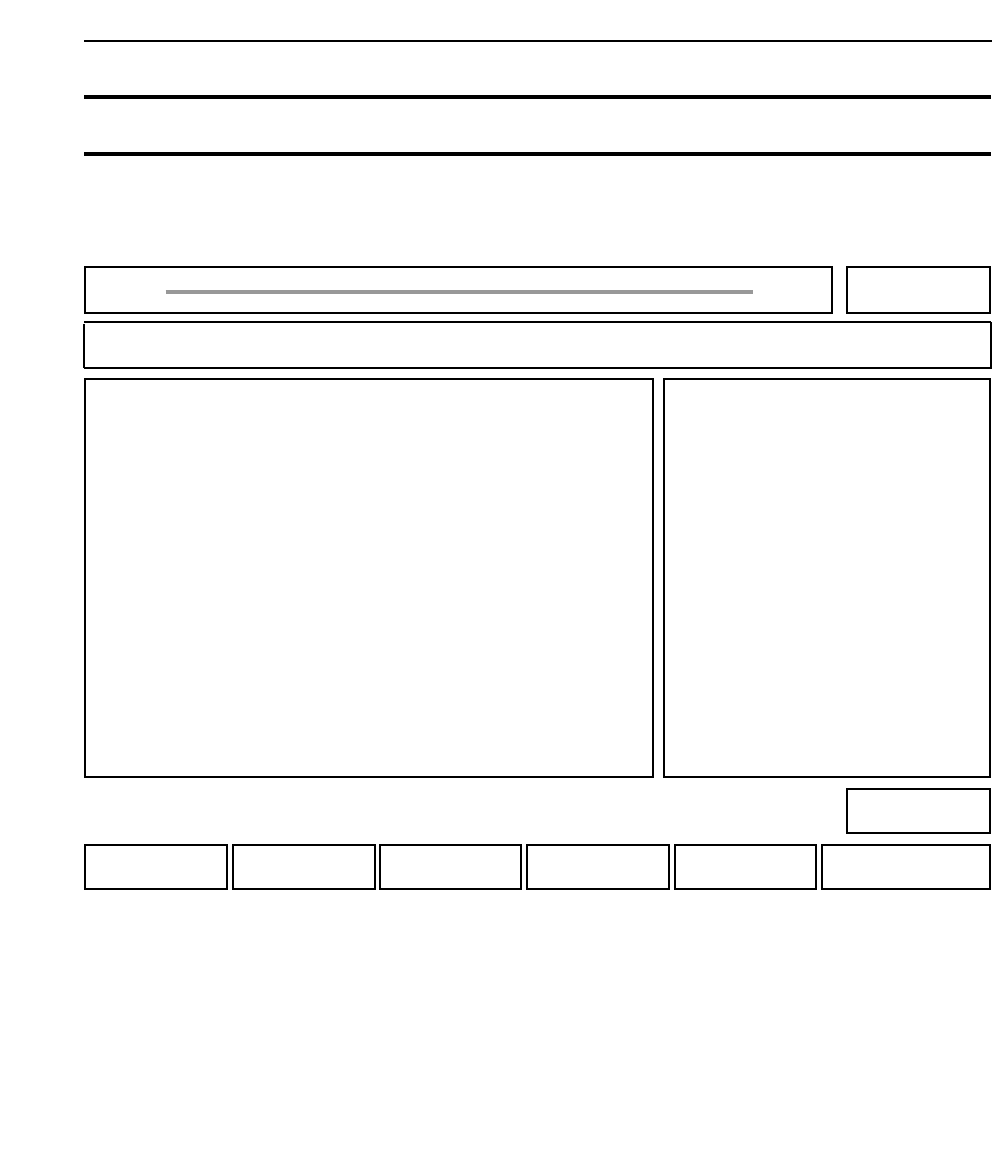
F MARK : Press to select the [F MARK] command section.
B MARK : Press to select the [B MARK] command section.
RETURN : Press to return to Page 522
Chapter 3 Description of Commands
Part 3
3 - 51
Version 2.0 GL-541E Operation
VISION TEST Testing F Mark and B Mark Processing 522-400
FUJI
Off line
Page 522
RETURNB MARKF MARK
Command path:
GL_541E Prod 0000 Sche 00000
VISION TEST
Ready
[SET] - [MANUAL] - [VISION] - [VISION TEST]
• Action of the function keys
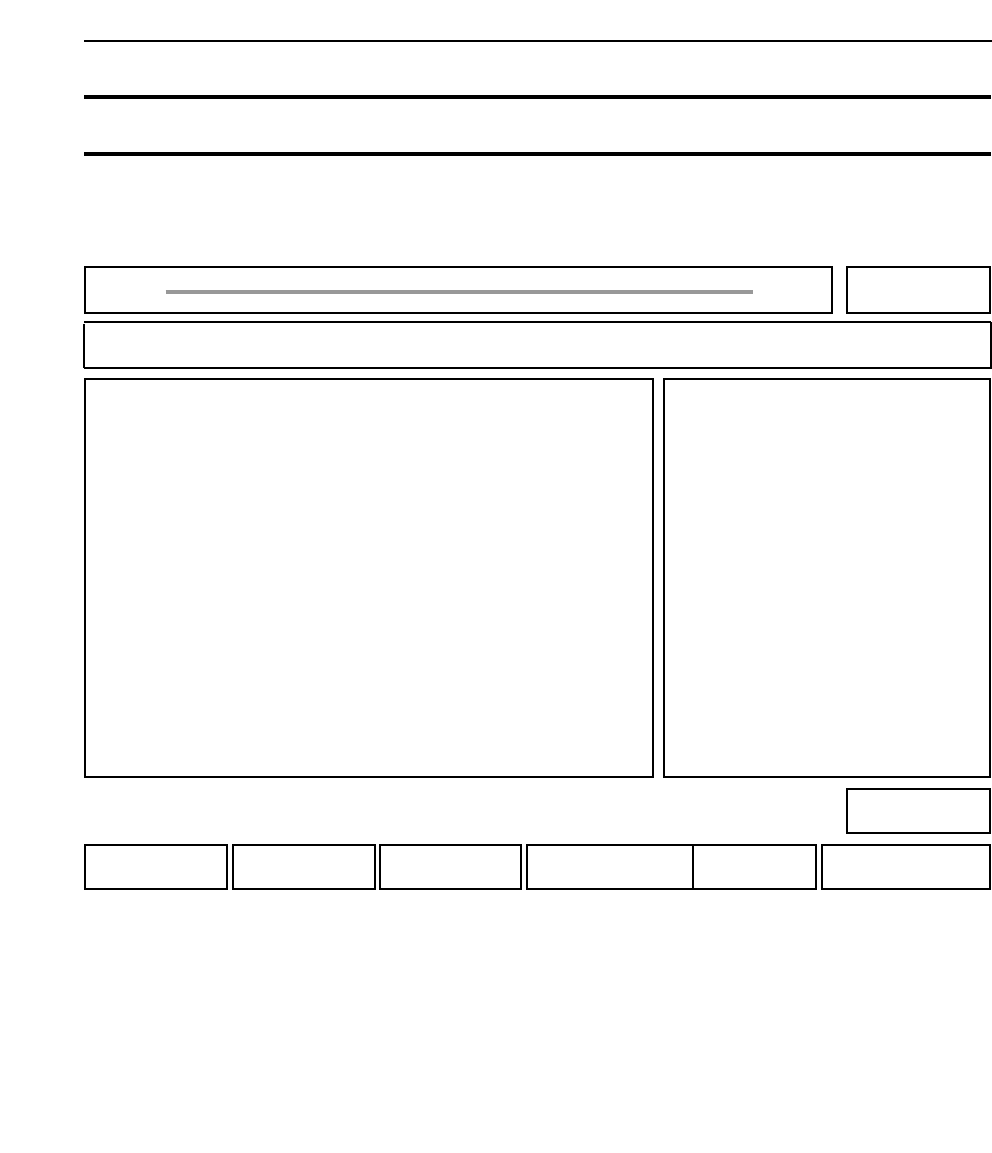
SET DATA : Press to specify the sequence number.
TRACE : Press to select the [TRACE] command section.
FORM DSPLY : Press to display the fiducial mark at the monitor.
DSP REAL IMG : Press to display the current image at the selected camera
(only for mark cameras).
VP. EXE : Press to carry out vision processing.
RETURN : Press to return to Page 522-400.
Chapter 3 Description of Commands
Part 3
3 - 52
Version 2.0 GL-541E Operation
TEST IMAGE
Sequence 2
Pattern 0
B/W White
Size_a 1.23[mm]
Size_b 1.23[mm]
Size_c 1.23[mm]
Scan 500[um]
Result X: -123[um]
Y: 123[um]
F MARK Inspecting a Fiducial Mark 522-420
FUJI
Off line
Page 522
RETURNVP EXEDSP REAL IMAGEFORM DSPLYTRACESET DATA
Command path:
GL_541E Prod 0000 Sche 00000
F MARK
Ready
[SET] - [MANUAL] - [VISION] - [VISION TEST] - [F MARK]
• Action of the function keys