GL541操作手册.pdf - 第66页
Part Three GL-541E Commands

Part 2
2 – 32
• Conditions for reading block skip marks
To specify a block skip mark sequence, input "B" in the "Working Mode" column in
the program editor’s sequence data.
• Conditions for skipping the block
The color in the area specified in "scan" around the center of the given point is
checked and the corresponding block is skipped if the entire area is the color set as
the block skip mark color.
• Processing of sequences skipped in the production program
Sequences set to be skipped in the production program are skipped by the machine
regardless of the skip flag: block, device, or sequence.
These skip settings cannot be cancelled at the machine.
4.4 Cautions When Using the Block Skip Function
• A block skip mark reading sequence can refer to a fiducial mark; however, the
fiducial mark sequence must appear before the block skip mark reading sequence in
the program.
• When block skip marks are input at the machine, if the program being used has no
block skip sequences already, then the marks set at the machine remain valid until
cancelled by the operator.
However, if the production program does contain block skip sequences, then the
settings input at the machine are cleared when a new board is loaded (program
block skip marks take priority).
• In a GL-541E program, the block skip sequences and fiducial mark sequences must
come before all other types of sequences.
GL-541E Operation
Version 2.0
Chapter 4 Block Skip Function

Part Three
GL-541E Commands
GL-541E Operation
Part 3
3 - 1
Version 2.0
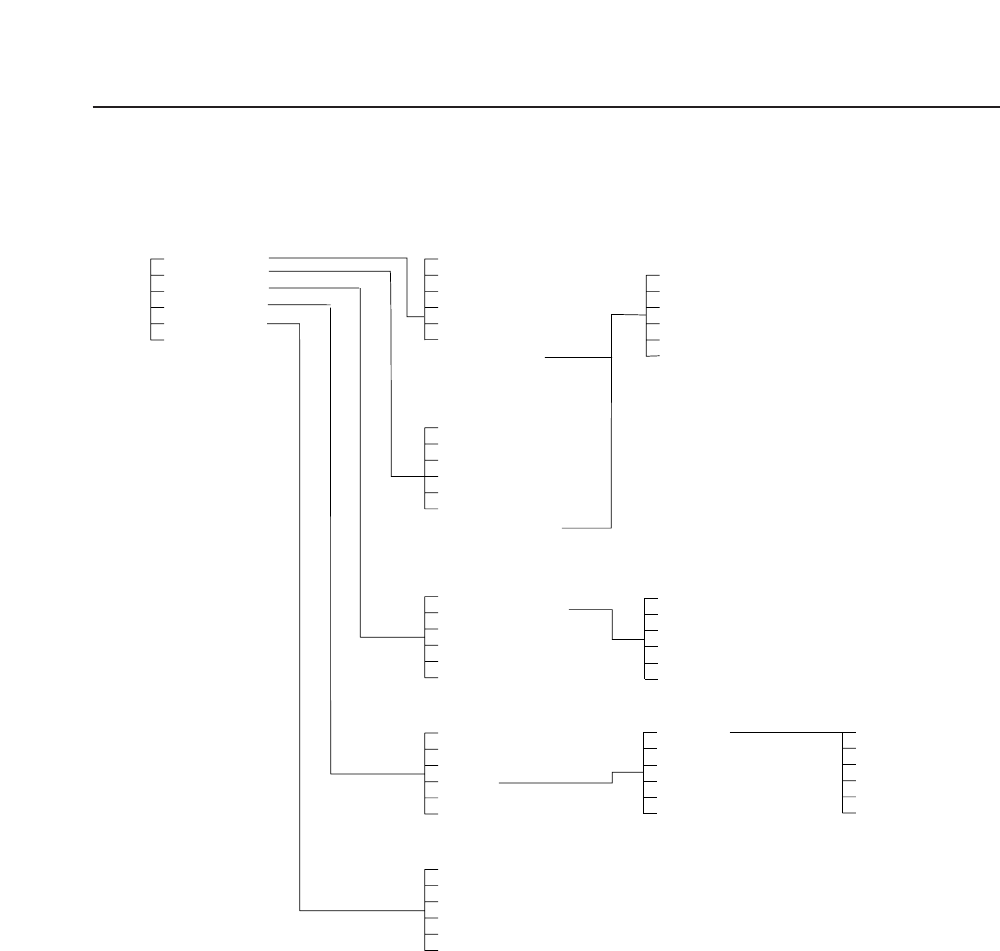
Chapter 1 Command Hierarchy
CLEAR OFF
AUTO
AUTO
STEP
LOADER
PROGRAM
SET
RETURN
SEQ.NO
MODE
RETURN
✩ START SW
CHANGEOVER (Only available with HELPS)
S STOP
SEQ.NO
MODE
RETURN
✩ START SW
UNLOAD PCB
LOAD PCB
LOAD PSTN
RETURN
CHANGE
QTY. SET
QTY. CLEAR
SKIP
RETURN
STATUS ➞ 510
MANUAL ➞ 520
PROPER ➞ 530
SERVO ➞ 540
RETURN
000
100
200
300
400
500
UNLOAD PCB
LOAD PCB
LIFTER▲ / LIFTER▼
LOCK / UNLOCK
PIN▲ / PIN▼
RETURN
BLOCK
RETURN
440
+ PAGE
- PAGE
RETURN
441
1. Command Hierarchy