GL541操作手册.pdf - 第209页
Part 5 5 - 9 V ersion 2.0 Chapter 3 Adjustment Mode 3. Adjustment Mode The adjustment mode is used to verify the status of the image when the camera focus or image brightness has been adjusted. The adjustment mode can be…

Chapter 2 Trace Mode
Part 5
5 - 8
Version 2.0
GL-541E Operation
Part 5
5 - 9
Version 2.0
Chapter 3 Adjustment Mode
3. Adjustment Mode
The adjustment mode is used to verify the status of the image when the camera focus or image
brightness has been adjusted.
The adjustment mode can be accessed by selecting [SET] -> [MANUAL] -> [VISION] ->
[ADJUST] command sequence.
The ID code must be input to enter the adjustment mode.
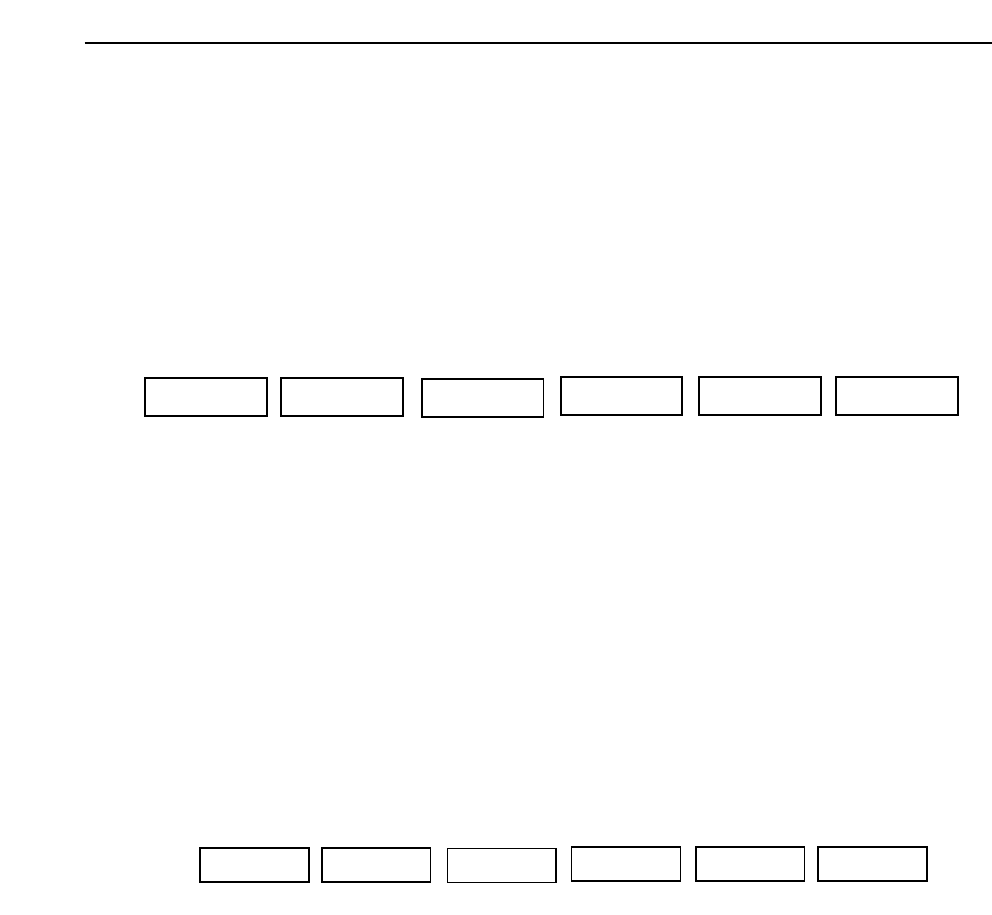
The function keys (F1~F6) shown below display when the [ADJUST] command is selected.
Note The display returns to the previous page if the [RETURN] key is pressed.
For additional information refer to the SMD3 Operation Manual.
3.1 Image Check
The image check function displays the image that is needed for adjusting the camera
focus and the image brightness level.
This function is utilized to check the condition of the camera focus and brightness using
the displayed image.
The function keys (F1~F6) shown below display when the [CHEK IMG] command is
selected.
Note: The display will return to the previous page if the [RETURN] key is pressed.
F1 F2 F4 F5 F6
F3
DSP REAL-IMG GET ACQ Acquired IMG RETURN
F1 F2 F4 F5 F6
F3
CHEK IMG RETURN
GL-541E Operation
Chapter 3 Adjustment Mode
Part 5
3.1.1 Real Image Display
The actual image at the selected camera is displayed on the vision processing
monitor using the [DSP REAL-IMG] command.
3.1.2 Image Acquisition and Display
The image is acquired by the selected camera using the [GET ACQ] command.
The previously acquired image is displayed at the vision processing monitor
using the [Acquired IMG] command.
The status of the acquired image is checked using this command.
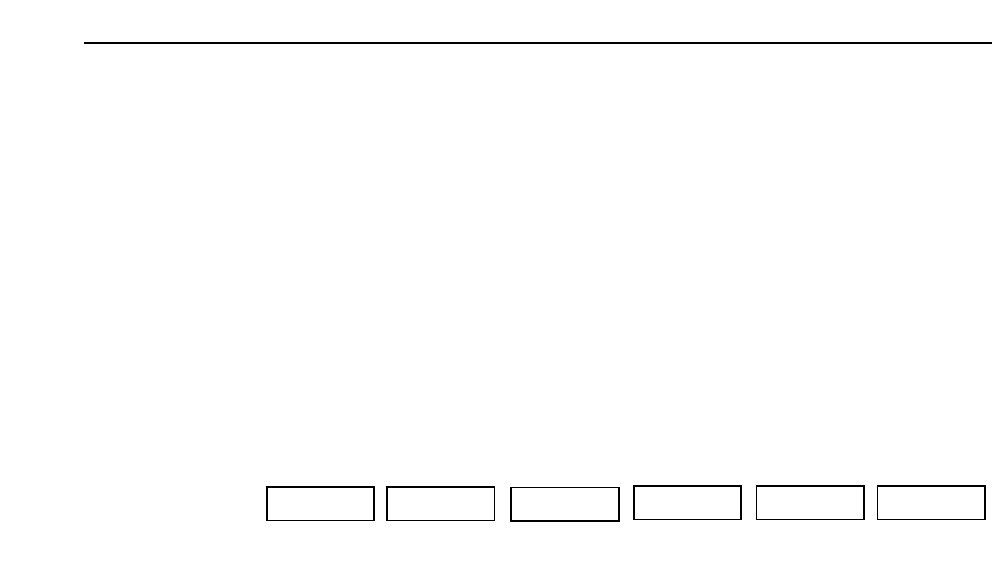
In addition the following operations can be performed on the displayed image
using the commands (F1~F6) shown below.
ZOOM IN: Enlarges the displayed image.
ZOOM OUT: Reduces an image that has been enlarged.
The image acquired by the mark camera cannot be reduced
to a size smaller than the size of the image when it was
acquired.
SCROLL: The image can be scrolled up and down or left and right
using the scroll commands.
<<<<< Moves the image to the left.
>>>>> Moves the image to the right.
▲ Moves the image up.
▼ Moves the image down.
STEP Specifies the number of pixels the image
moves each time one of the scroll commands
is pressed.
10 -> 25 -> 50 -> 100 -> 10 [Pixel]
RETURN: Returns to the previous page.
F1 F2 F4 F5 F6
F3
ZOOM IN ZOOM OUT
SCROLL
RETURN
5 - 10
Version 2.0
GL-541E Operation