GL541操作手册.pdf - 第227页
Chapter 1 Errors Displayed by the GL-541E Part 6 0012 Cause: Currently not used. 0013 Cause: As for 0011 but placing is at 90 degrees and 270 degrees. 6 - 12 V ersion 2.0 GL-541E Operation
Part 6
6 - 11
Version 2.0
Chapter 1 Errors Displayed by the GL-541E
1CB04004
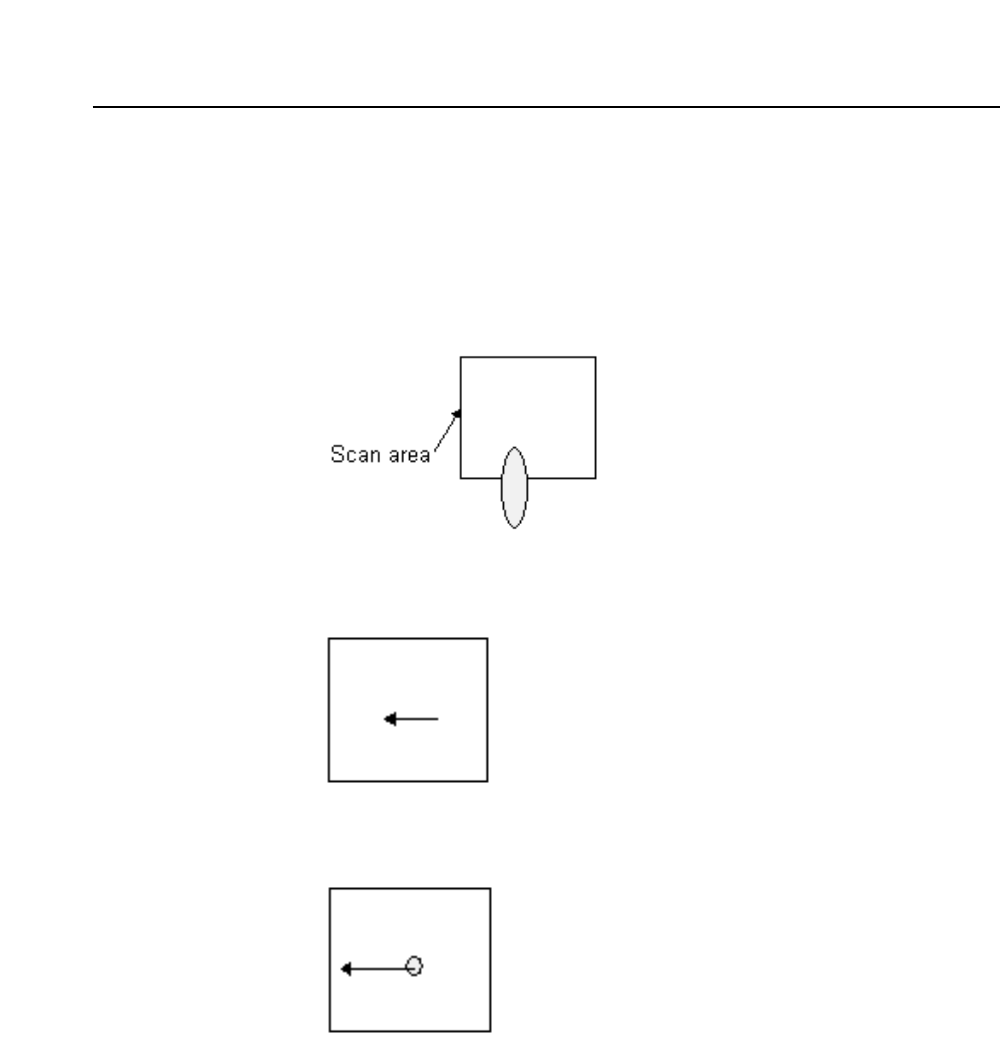
Cause: The glue dot extends beyond the scan area.
Remedy: Check that the glue dot does not extend beyond the glue dot area as a
result of excessive glue pressure or stringing. If the scan area is too
small for the glue, check the mark data file in the production
program.
0005
Cause: The glue dot is too big.
0006
Cause: The glue dot is too small.
0007 ~ 10
Cause: Currently not used.
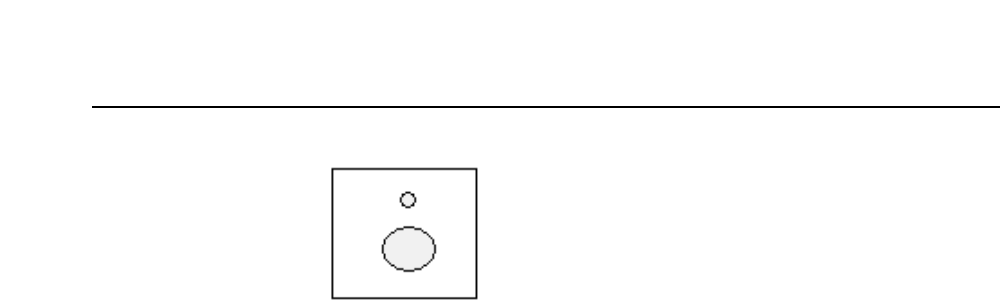
0011
Cause: When placing twins dots, at 0 degrees and 180 degrees, one of the
dots is smaller than the other. (The diameter of the smaller dot is less
than the diameter of the larger dot minus the value set in the Proper
data item 132: Glue check limit.)
GL-541E Operation
Chapter 1 Errors Displayed by the GL-541E
Part 6
0012
Cause: Currently not used.
0013
Cause: As for 0011 but placing is at 90 degrees and 270 degrees.
6 - 12
Version 2.0
GL-541E Operation
Part 6
6 - 13
Version 2.0
Chapter 1 Errors Displayed by the GL-541E
1.3 Printing Data Trace for Troubleshooting
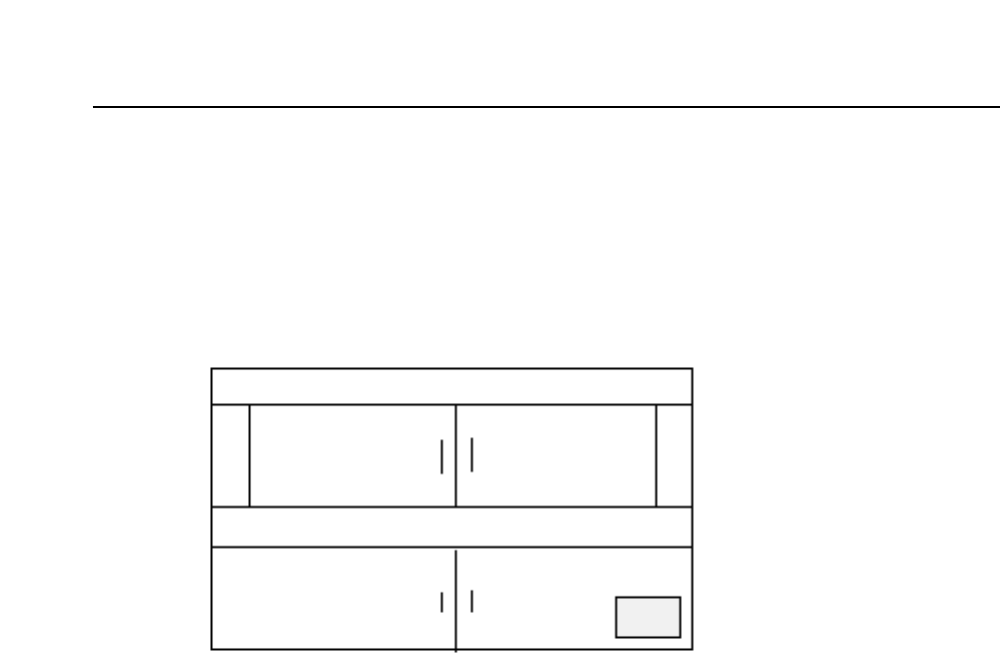
Attach the F4G printer cable to the CPU board connector. The CPU board is located on
the left side of the control box as shown in the figure below. If the machine behaves
erratically, a printout of the sequence of events which caused the problem can be
obtained.
To obtain a trace list perform the following. Switch off the machine power by pressing
the POWER OFF button and then while holding down the CYCLE STOP button press the
POWER ON button. However, if an OS error occurs, do not switch off the machine
power. Instead press the RST (reset) button on the CPU board while holding down the
CYCLE STOP button. If the power is turned off when as OS error occurs, the code will
be changed preventing the error from being accurately identified.
Note: Make the printout immediately after the failure occurs and consult Fuji.
Data about the machine operation is stored in a ring buffer. Therefore, if an operation is
carried out after the error occurs, it may delete this information from the machine. It
may not be possible to print out the trace data following the occurrence of certain types
of errors.
GL-541E Operation