GL541操作手册.pdf - 第225页
Chapter 1 Errors Displayed by the GL-541E Part 6 1.2.2 Glue Check Error Codes 1CB04001 Cause: The scan area specified by the item “Scanning Area” in the mark data file is larger than the display. Remedy: The maximum scan…

Part 6
6 - 9
Version 2.0
Chapter 1 Errors Displayed by the GL-541E
1.2.1 Fiducial Mark Error Codes
1CB03001
Cause: The specified mark size is too small.
Remedy: The minimum mark size is 0.5 mm. Check whether an input error
has been made in the mark data file in the production program.
1CB03002
Cause: The specified mark size is too big.
Remedy: The maximum mark size is 3.5 mm. Check whether an input error
has been made in the mark data file in the production program.
1CB03004
Cause: The mark data could not be registered.
Remedy: Check whether there are any errors in the mark data file in the
production program.
1CB03010
Cause: The mark could not be found.
Remedy: Check whether there are any errors in the mark data file in the
production program.
1CB03011
Cause: The scan area specified by the item “Scanning Area” in the mark data
file is too narrow.
Remedy: The scan area should be set to 1.5 times the mark size. The maximum
setting is 8 mm.
1CB03012
Cause: The size of the inspected mark lies outside the tolerance range.
Remedy: The mark tolerance range is ±0.3 mm. Change the mark size
specified in mark data.
1CB03013
Cause: The mark shape is distorted.
Remedy: Check that there are no foreign objects on the mark itself or in the
area around the mark
1CB03014
Cause: The mark could not be found.
Remedy: Confirm that the mark displays clearly in the image. If the image is
not clear, adjust the mark camera gain and offset.
GL-541E Operation
Chapter 1 Errors Displayed by the GL-541E
Part 6
1.2.2 Glue Check Error Codes
1CB04001
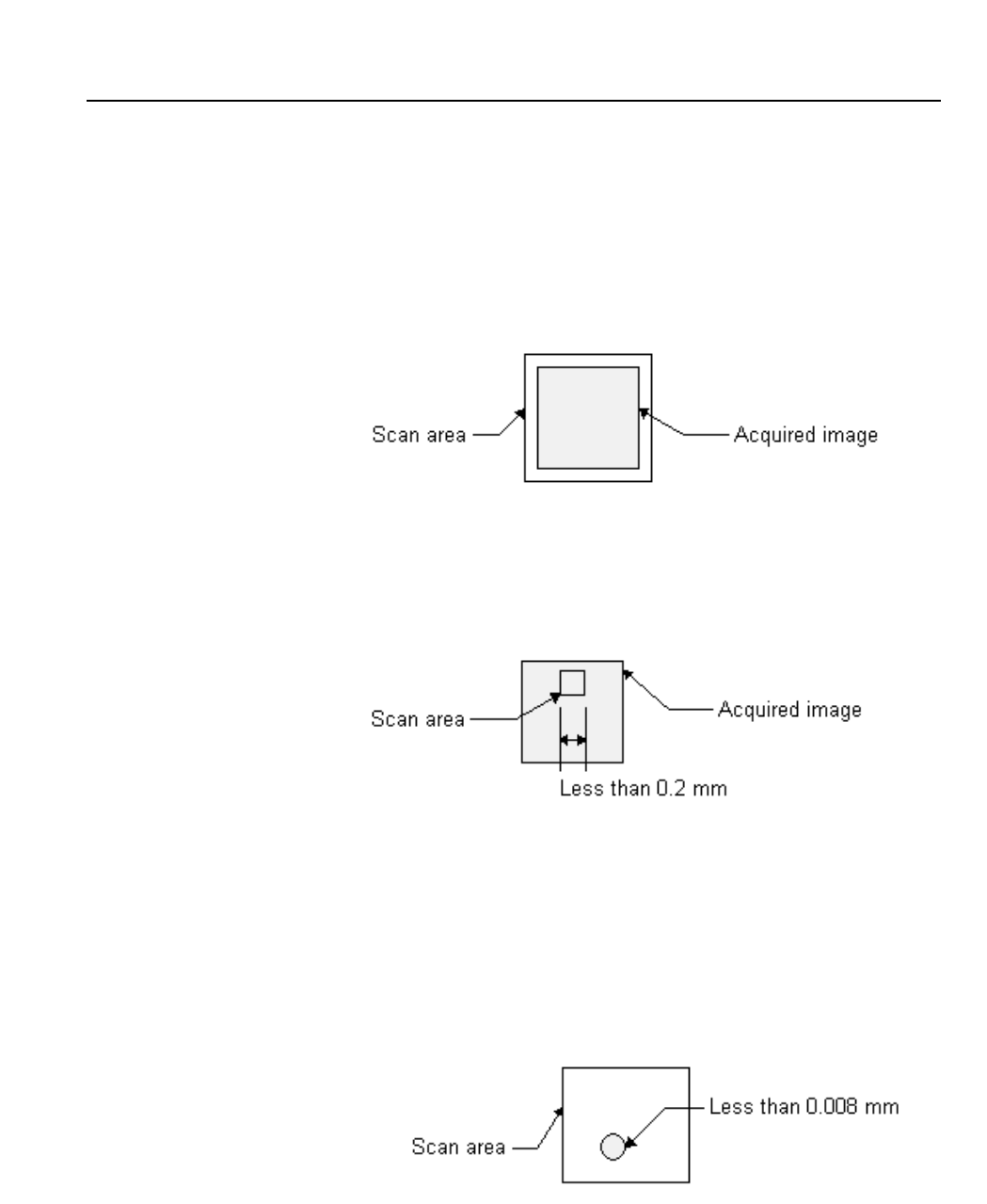
Cause: The scan area specified by the item “Scanning Area” in the mark data
file is larger than the display.
Remedy: The maximum scanning area is 8 mm. Check whether there are any errors
in the mark data file in the production program.
1CB04002
Cause: The scan area is too narrow.
Remedy: The minimum scan area is 0.2 mm. Check whether there are any errors in
the mark data file in the production program.
1CB04003
Cause: No glue could be found in the scan area.
Remedy: The minimum glue size is 0.008 mm. Check whether or not there is any
glue in the scan area. Check also that the glue color (“Mark Color”) has
been correctly specified in mark data.
Confirm that the mark displays clearly in the image. If the image is not
clear, adjust the mark camera gain and offset. (Refer to the
GL-541E Maintenance Manual for details of how to make the adjustments.
6 - 10
Version 2.0
GL-541E Operation
Part 6
6 - 11
Version 2.0
Chapter 1 Errors Displayed by the GL-541E
1CB04004
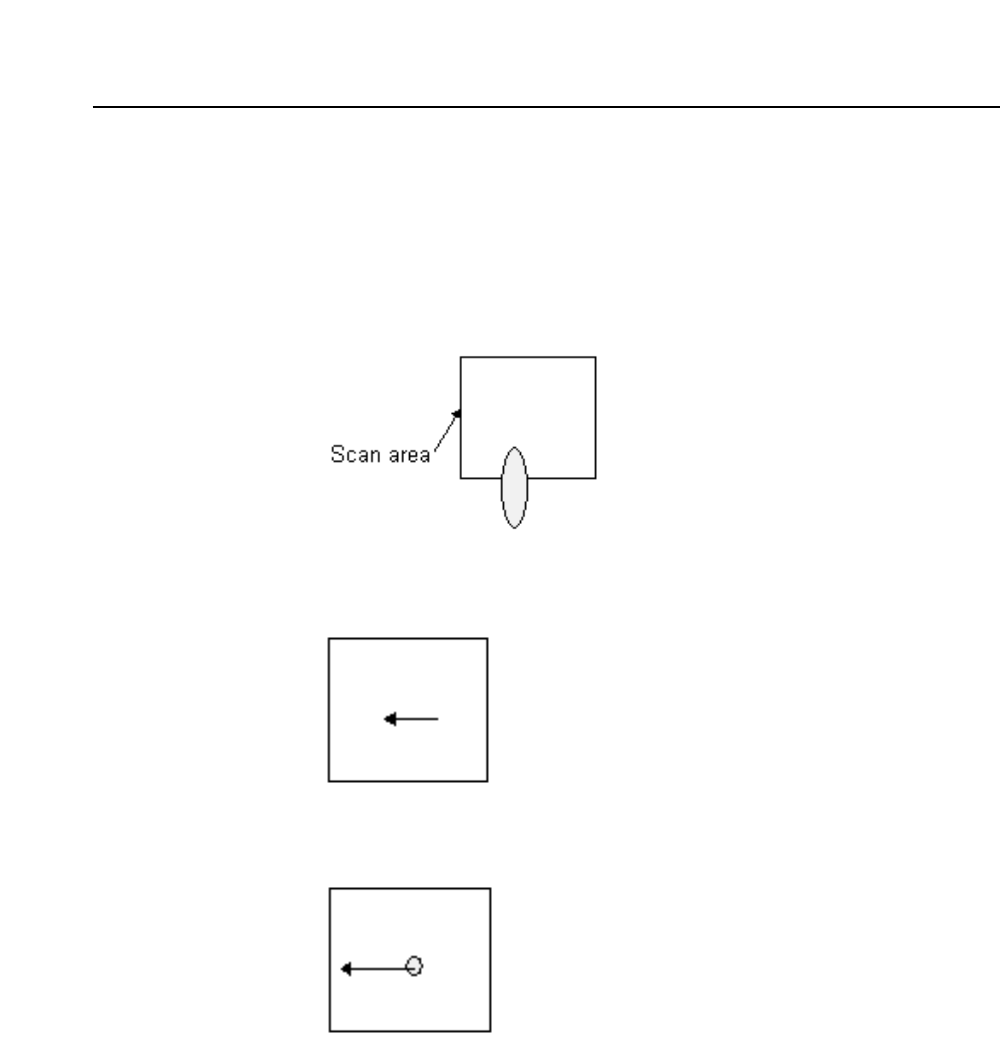
Cause: The glue dot extends beyond the scan area.
Remedy: Check that the glue dot does not extend beyond the glue dot area as a
result of excessive glue pressure or stringing. If the scan area is too
small for the glue, check the mark data file in the production
program.
0005
Cause: The glue dot is too big.
0006
Cause: The glue dot is too small.
0007 ~ 10
Cause: Currently not used.
0011
Cause: When placing twins dots, at 0 degrees and 180 degrees, one of the
dots is smaller than the other. (The diameter of the smaller dot is less
than the diameter of the larger dot minus the value set in the Proper
data item 132: Glue check limit.)
GL-541E Operation