GL541操作手册.pdf - 第94页
+ PAGE : Press to display the next page of block numbers. - PAGE : Press to display the previous page of block numbers. RETURN : Press to return to page 440-000. • Explanation Using the numerical keypad, input the number…
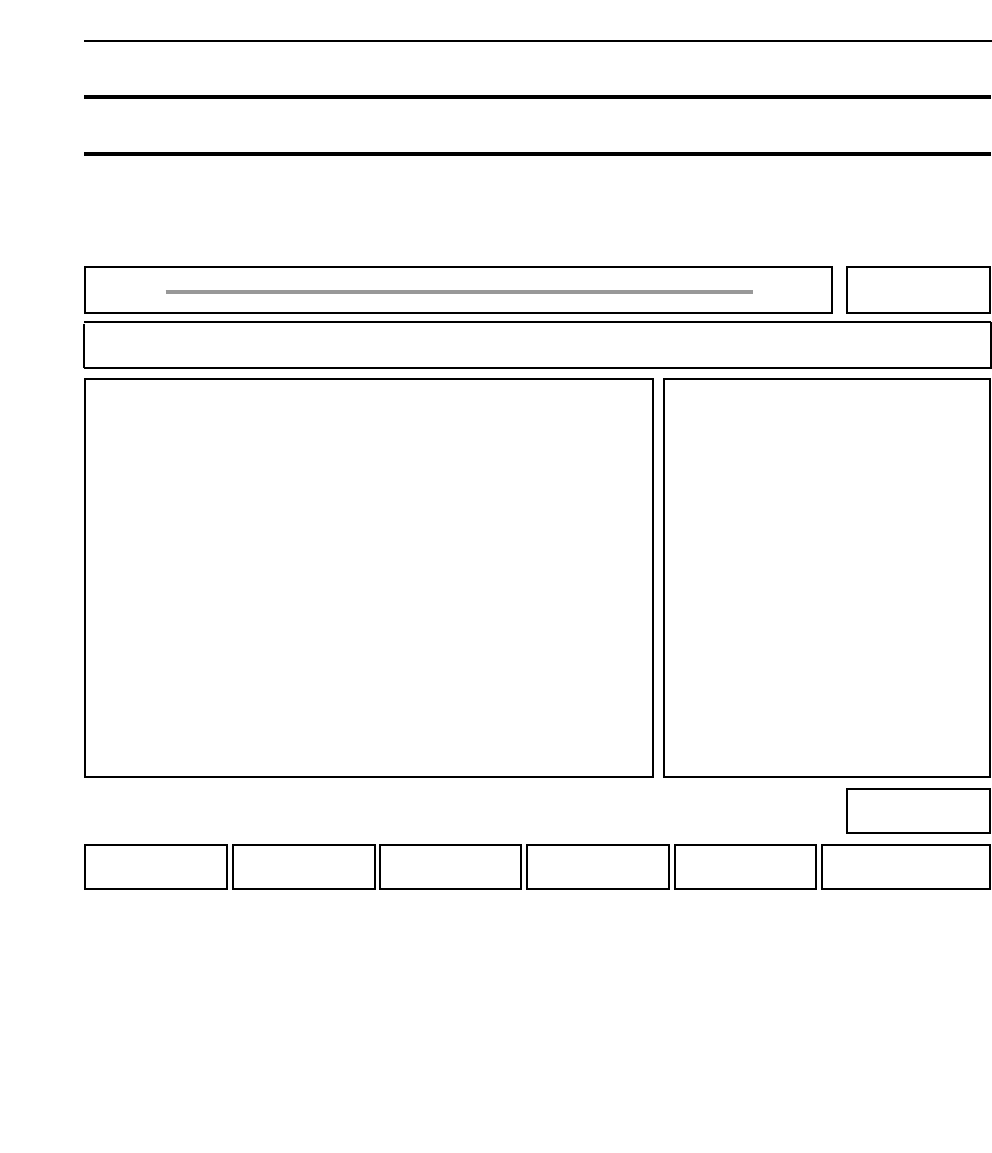
BLOCK : Press to skip a specified block on the board.
RETURN : Press to return to page 400-000.
Chapter 3 Description of Commands
441-000
000-000
Part 3
3 - 27
Version 2.0 GL-541E Operation
SKIP Skipping Blocks 440-000
FUJI
Off line
Page 440
RETURNBLOCK
Command path:
GL_541E Prod 0000 Sche 00000
SKIP
[PROGRAM] - [SKIP]
• Action of the function keys To page
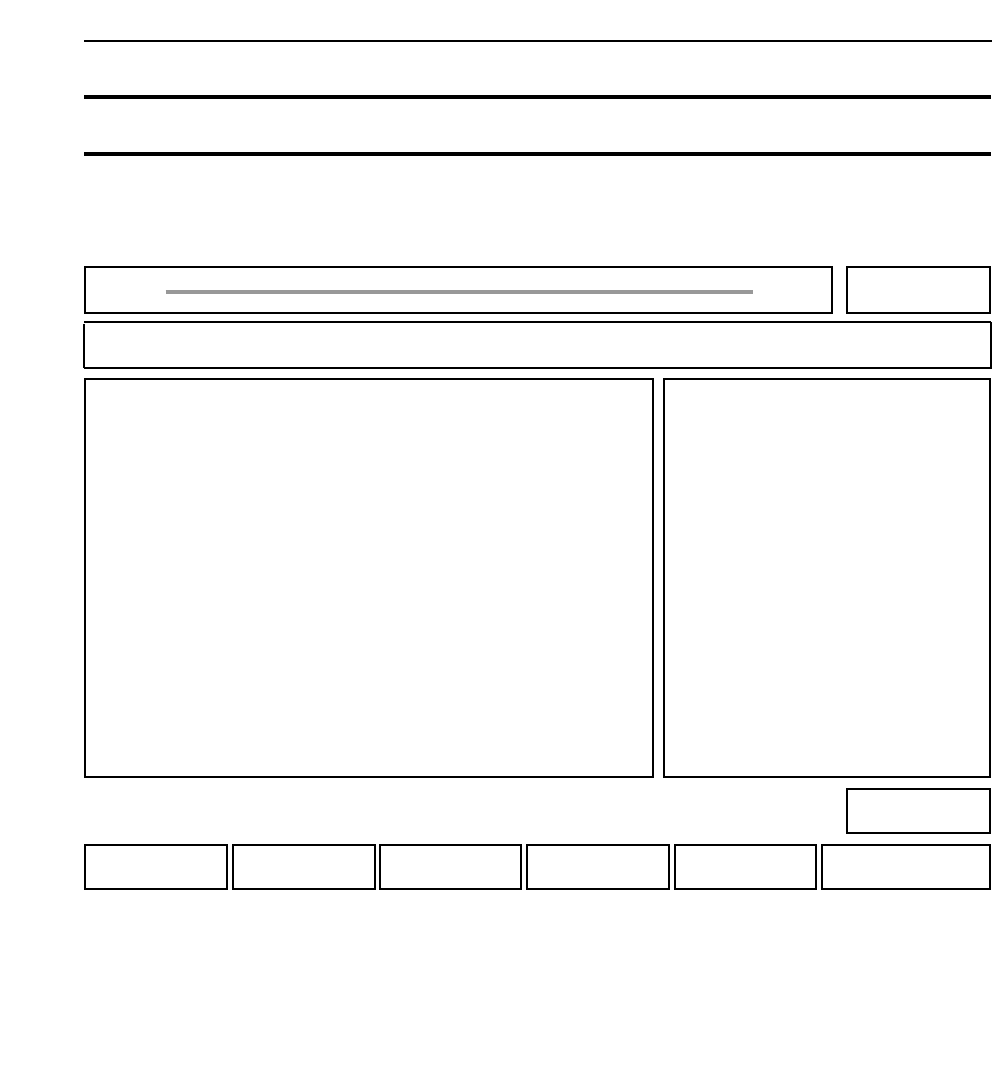
+ PAGE : Press to display the next page of block numbers.
- PAGE : Press to display the previous page of block numbers.
RETURN : Press to return to page 440-000.
• Explanation
Using the numerical keypad, input the number of the block to be skipped. In order to cancel the
block skip, input the block number again. The "S" (skip) display will change to "P" (produce).
Chapter 3 Description of Commands
440-000
Part 3
3 - 28
Version 2.0 GL-541E Operation
B 1P B 11P B 21P B 31P
B 2P B 12P B 22P B 32P
B 3P B 13P B 23P B 33P
B 4P B 14P B 24P B 34P
B 5P B 15P B 25P B 35P
B 6P B 16P B 26P B 36P
B 7P B 17P B 27P B 37P
B 8P B 18P B 28P B 38P
B 9P B 19P B 29P B 39P
B 10P B 20P B 30P B 40P
BLOCK Skipping Blocks on a Board 411-000
FUJI
Off line
Page 411
RETURN- PAGE+ PAGE
Command path:
GL_541E Prod 0000 Sche 00000
BLOCK
Block No?
[PROGRAM] - [SKIP] - [BLOCK]
• Action of the function keys To page
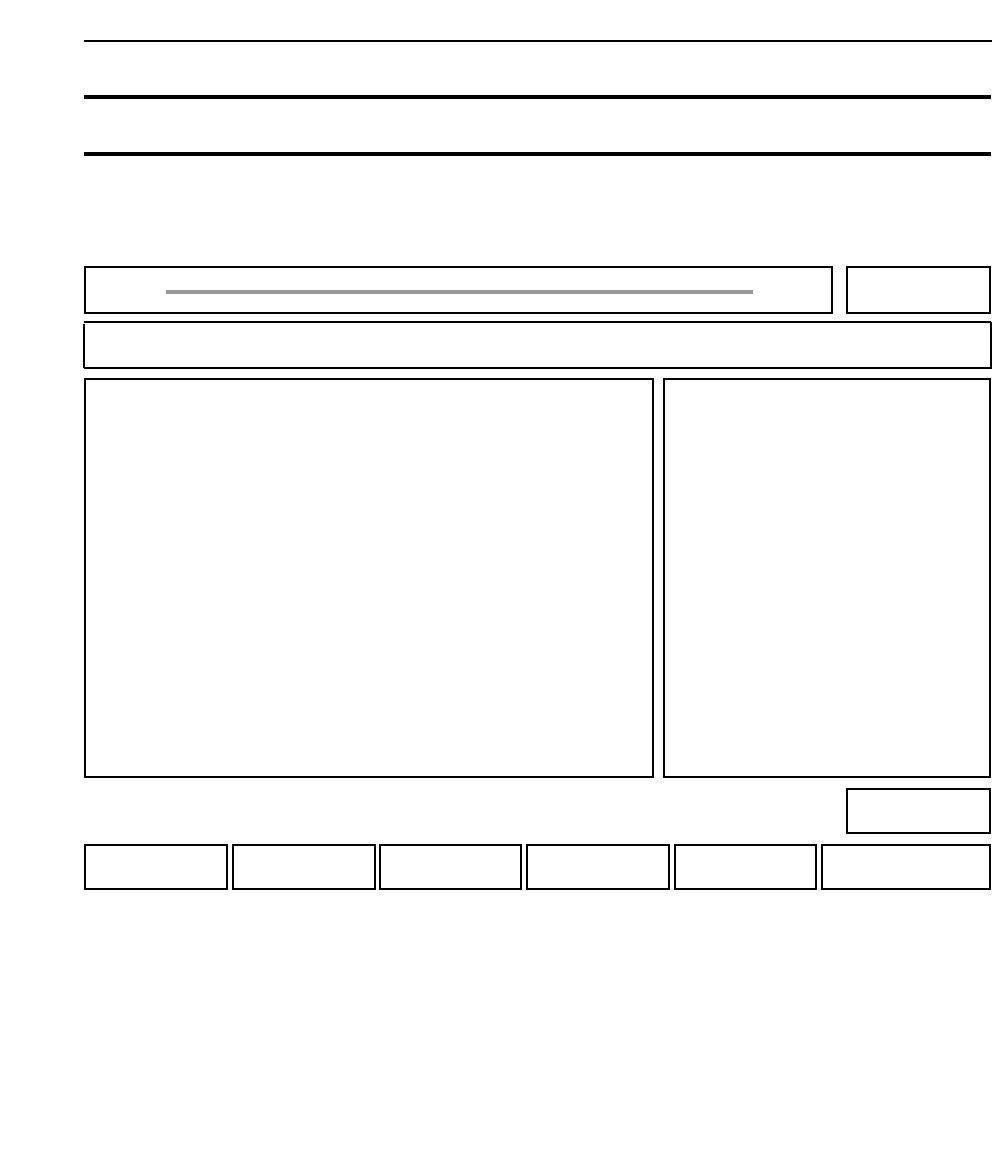
STATUS : Press to change the machine status data.
MANUAL : Press to check inputs and outputs.
PROPER : Press to measure Proper data.
SERVO : Press to make servo-related settings.
RETURN : Press to return to page 000.
Chapter 3 Description of Commands
510-000
520-000
530-000
540-000
000-000
Part 3
3 - 29
Version 2.0 GL-541E Operation
SET Performing Various Settings and Checks 500-000
FUJI
Off line
Page 500
RETURNSERVOPROPERMANUALSTATUS
Command path:
GL_541E Prod 0000 Sche 00000
SET
[SET]
• Action of the function keys To page