GL541操作手册.pdf - 第38页
Part 2 2 – 5 V ersion 2.0 Chapter 1 Operation (13) Change the machine glue check mode from “G.ref.set” to “G.correct” and apply glue dots. [SET] -> [STATUS] -> [GLUE CHECK] -> [G.correct] The machine compares th…
Chapter 1 Operation
Part 2
(11) Measure the standard values
Perform this measurement when carrying out application volume feedback control
with the glue check.
Note: There must be glue check data within the program.
Perform the following operation:
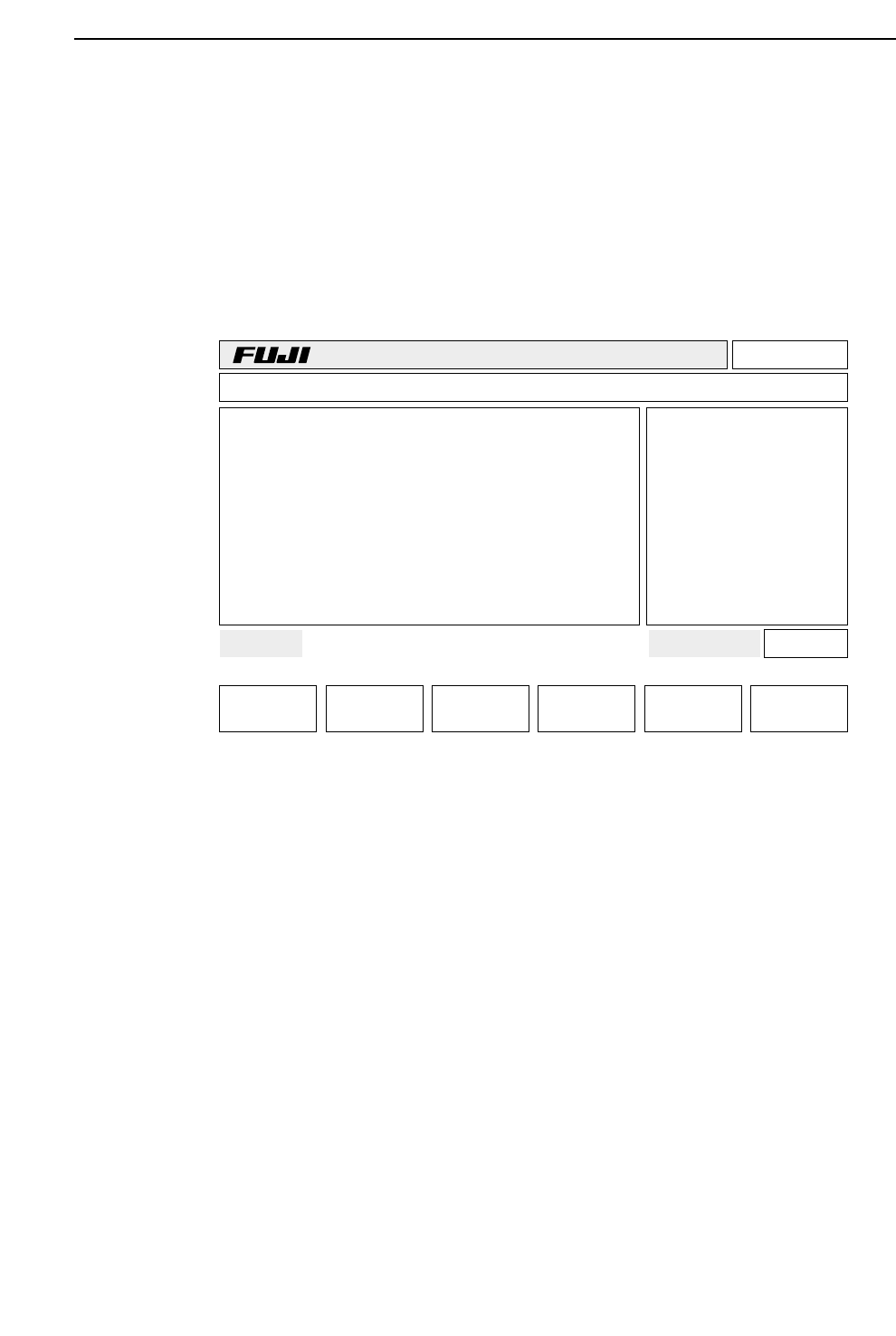
[SET] -> [STATUS] -> [GLUE CHECK] -> [G.ref.set]
The glue volumes are read for Z1, Z2 and Z3 respectively.
(12) Transmit the Proper data previously input at F4G to the machine. Then cut and
reengage the power.
Page 000
v2.10
Off line
TEST_GL Prod 00000 Sche 00000
AUTO STEP LOADER PROGRAM SET
Ready 001080403600 jog X Y Q
*
Status
G.ref.set
BOARD WAIT NEXT
STATUS
2 – 4
GL-541E Operation
Version 2.0
Part 2
2 – 5
Version 2.0
Chapter 1 Operation
(13) Change the machine glue check mode from “G.ref.set” to “G.correct” and apply
glue dots.
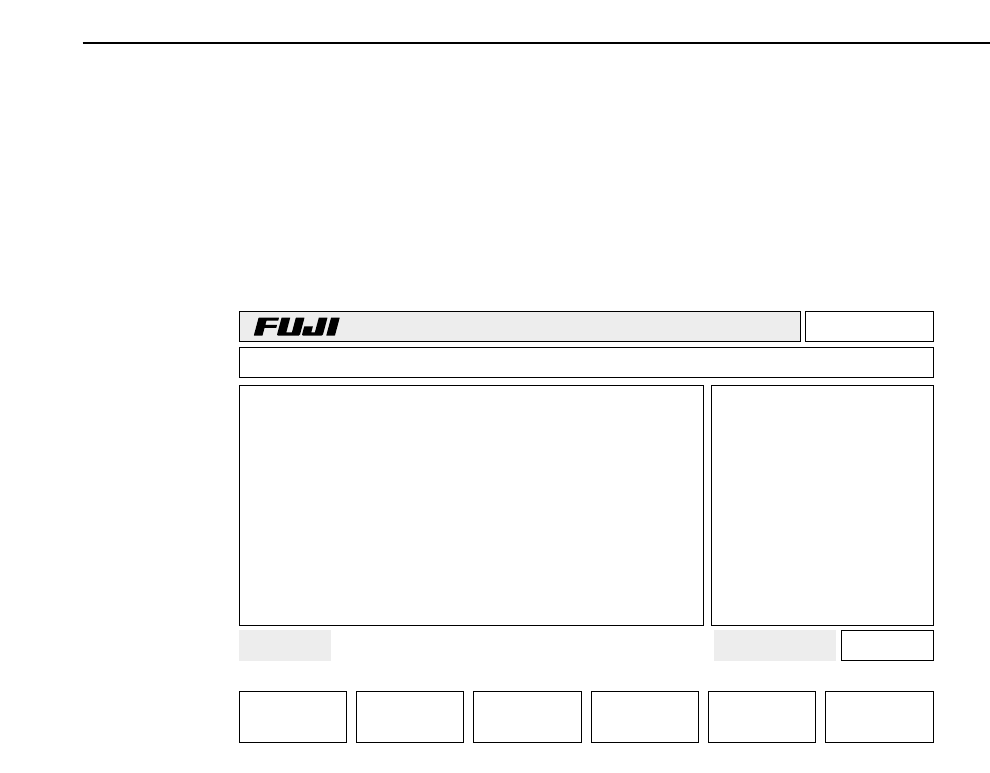
[SET] -> [STATUS] -> [GLUE CHECK] -> [G.correct]
The machine compares the glue area recorded in “G. ref.set” and the area (um
2
)
recorded after changing to “G.correct”. The difference is calculated and adjustment
to the desired glue volume is carried out automatically.
(14) In order for the timer to turn on and off to control the temperature inside the
machine, the main breaker must be kept on.
Page 000
v2.10
Off line
TEST_GL Prod 00000 Sche 00000
AUTO STEP LOADER PROGRAM SET
Ready 001080403600 jog X Y Q
*
Status
G.correct
BOARD WAIT NEXT
STATUS
GL-541E Operation
Chapter 1 Operation
Part 2
1.2 Adjusting the Applied Glue Volume
Two types of glue application parameters are used to regulate the applied glue volume:
one type adjusts the volume applied for all dots and the other type adjusts the volume
applied for an individual dot.
1.2.1 Changing Volume for All Dots
There are two methods available for changing the applied glue volume for all of
the dots:
• Varying the application air pressure
• Varying the application time
For both methods, press the following function keys in sequence:
[SET] -> [MANUAL] -> [GLUE] -> [G]
Press the function keys to select the air pressure feedback control value (for AirP.
Z1, Z2, Z3) or the G data feedback control value (for CG.Z1, Z2, Z3 ) with the [▲]
[▼]keys. Then input those values from the numeric keypad.
• Function Key Menu
• Display in the first display area : G
CG. Z1 100
CG. Z2 100
CG. Z3 100
AirP Z1 50
AirP Z2 50
AirP Z3 50
For details refer to Part 3, Chapter 3, Description of Commands, page 523-100,
“Setting Application Time and Air Pressure”.
Note: The CG.Z1, CG.Z2, CG.Z3 values can be changed by changing the Proper data
items 113, 114, 115 G Correction Z1, Z2, Z3 and transmitting them to the
machine.
However, the air-pressure values set manually on the machine, AirP.Z1,
AirP.Z2, AirP.Z3, take precedence over Proper data. The settings do not
change when new Proper data is transmitted. The air pressure set by the
Proper data is referred to only when the machine memory is cleared by the
reset-start operation.
RETURN
▲▼
2 – 6
GL-541E Operation
Version 2.0