GL541操作手册.pdf - 第204页
Chapter 1 Buf fer Image Display Part 5 5 - 4 V ersion 2.0 GL-541E Operation
Part 5
5 - 3
Version 2.0
Chapter 1 Buffer Image Display
1.3 Reinspection Processing
Reinspection processing uses the buffer image held in the vision processing board for
carrying out vision processing.
This function is utilized to make it easier to find the cause of an error by reinspecting the
image of the fiducial mark that led to the occurrence of a vision processing error during
production.
Since the necessary information for vision processing is saved in the buffer image, the
operator can utilize this by merely selecting the buffer image.
The selected buffer image is reinspected by using the [REINSPECT] command.
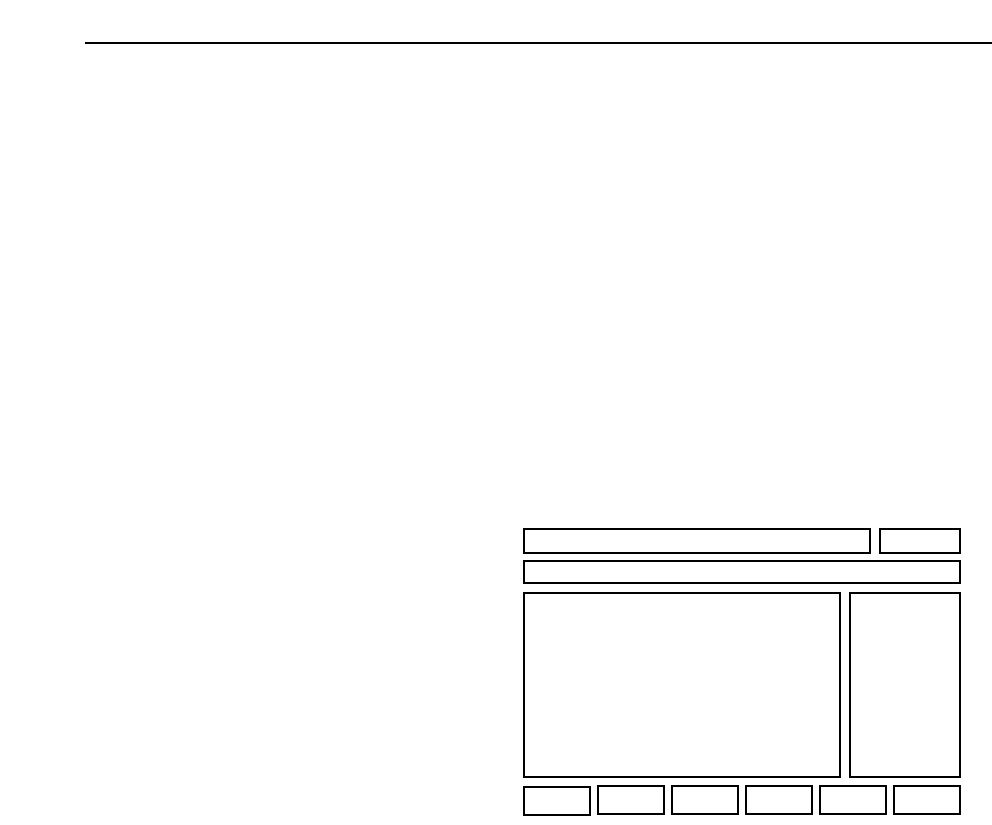
The results of reinspection processing display as vision processing results at the bottom
of the first display area).
Fiducial Mark
Vision processing results
X ****** [1/1000 mm]
Y ****** [1/1000 mm]
Glue Check (single needle)
Vision processing results
AREA_1 ****** [um*um]
SQ1_X ****** [um]
SQ1_Y ****** [um]
Glue Check (single needle)
Vision processing results
AREA_1 ****** [um*um] AREA_2 ****** [um*um]
SQ1_X ****** [um] SQ2_X ****** [um]
SQ1_Y ****** [um] SQ2_Y ****** [um]
(First display area)
GL-541E Operation

Chapter 1 Buffer Image Display
Part 5
5 - 4
Version 2.0
GL-541E Operation
Part 5
5 - 5
Version 2.0
Chapter 2 Trace Mode
2. Trace Mode
The trace mode settings can be used to graphically display the course of vision processing on
the vision processing monitor.
For additional details refer to the SMD3 Operation Manual.
2.1 Trace Mode
The trace mode settings can be accessed by selecting the [SET] -> [MANUAL]
-> [VISION] -> [TRACE] command sequence.
The ID code must be input to enter the trace mode settings.
In addition the trace mode settings can also be selected in the following ways.
(1) Select [TRACE] from the [BUFFER IMG] command section.
(2) Select [TRACE] from the [VISION TEST] and [F MARK] command sections.
The function keys (F1~F6) shown below display when the [TRACE] command is
selected.
▲: Moves the cursor up.
▼: Moves the cursor down.
ON/OFF: Toggle the selected trace mode setting between ON and OFF.
ON The selected setting is enabled.
OFF The selected setting is cleared.
CLEAR: All items are set to OFF.
RETURN: Returns to the previous page.
Note also that if the item number is input using the numeric keypad, the cursor will
move to the item corresponding to the number that has been input.
RETURN
F1 F2 F4 F5 F6
F3
▲ ON/OFF▼ CLEAR
GL-541E Operation