GL541操作手册.pdf - 第79页
Chapter 3 Description of Commands Part 3 3 - 13 V ersion 2.0 GL-541E Operation 3. Description of Commands This chapter describes all the machine commands in an easy to understand format. Each page explains one command pa…

Chapter 2 Table of Command Pages
Part 3
3 - 12
Version 2.0 GL-541E Operation

Chapter 3 Description of Commands
Part 3
3 - 13
Version 2.0 GL-541E Operation
3. Description of Commands
This chapter describes all the machine commands in an easy to understand format. Each page
explains one command page with its command path, display and function keys.
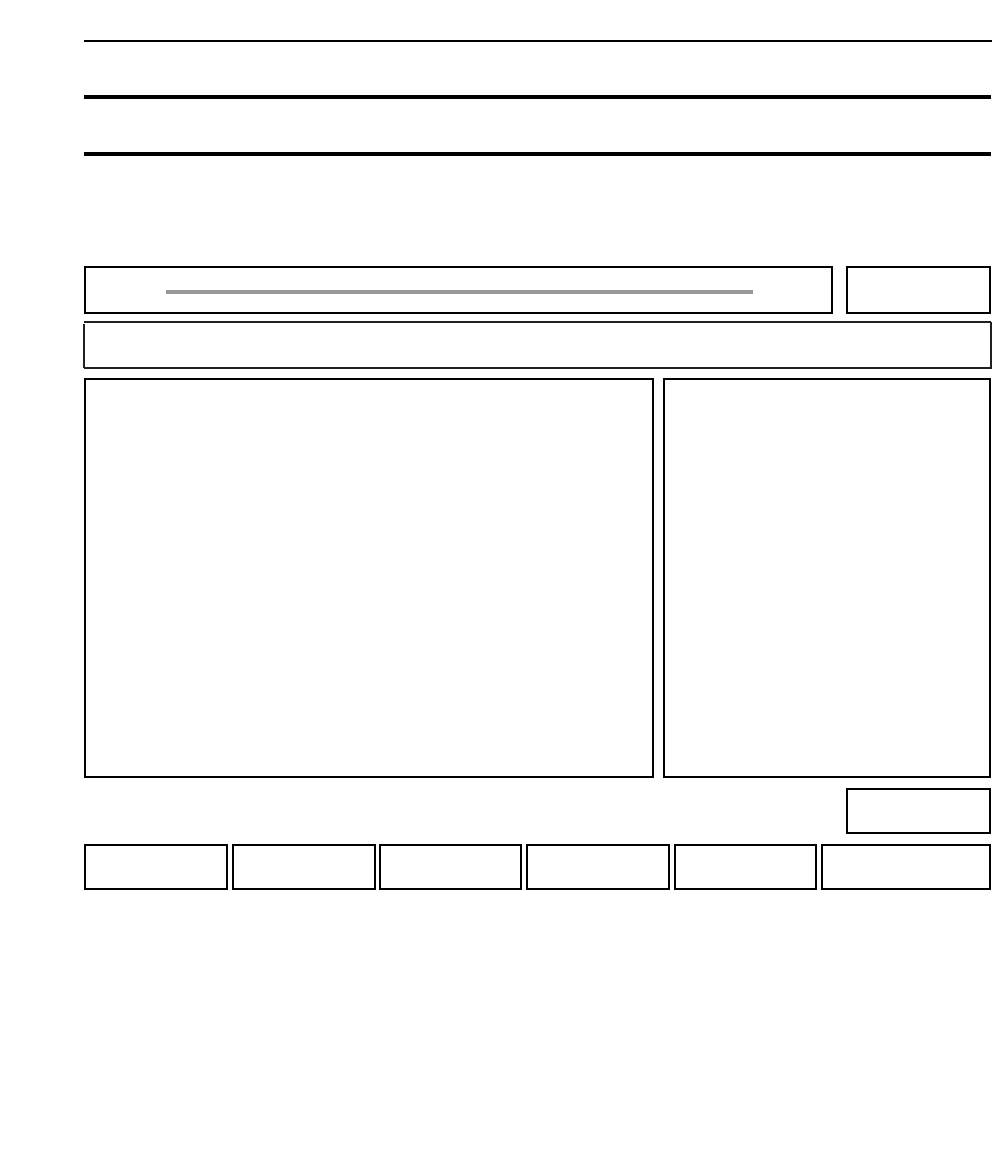
AUTO : Press to carry out automatic operation.
STEP : Press to carry out step operation.
LOADER : Press to operate the loaders.
PROGRAM : Press to set the production program.
SET : Press to make other settings.
* : This function has no action.
• Explanation
The command page is displayed after the power is turned on and machine zero setting is complete.
It is also displayed when the [F6] function key is pressed repeatedly from any page.
Chapter 3 Description of Commands
100-000
200-000
300-000
400-000
500-000
Part 3
3 - 14
Version 2.0 GL-541E Operation
Ready 000
FUJI
Off line
Page 000
*SETPROGRAMLOADERSTEPAUTO
Command path:
GL_541E Prod 0000 Sche 00000
Ready
THIS IS THE INITIAL DISPLAY AT THE MACHINE.
• Action of the function keys To page