GL541操作手册.pdf - 第137页
NOW POS : Press to start measurement from a random position. DEFAULT POS : Press to start measurement from the position specified in Proper data. For reverse board flow machine, measurement starts from the left. Note: Wh…
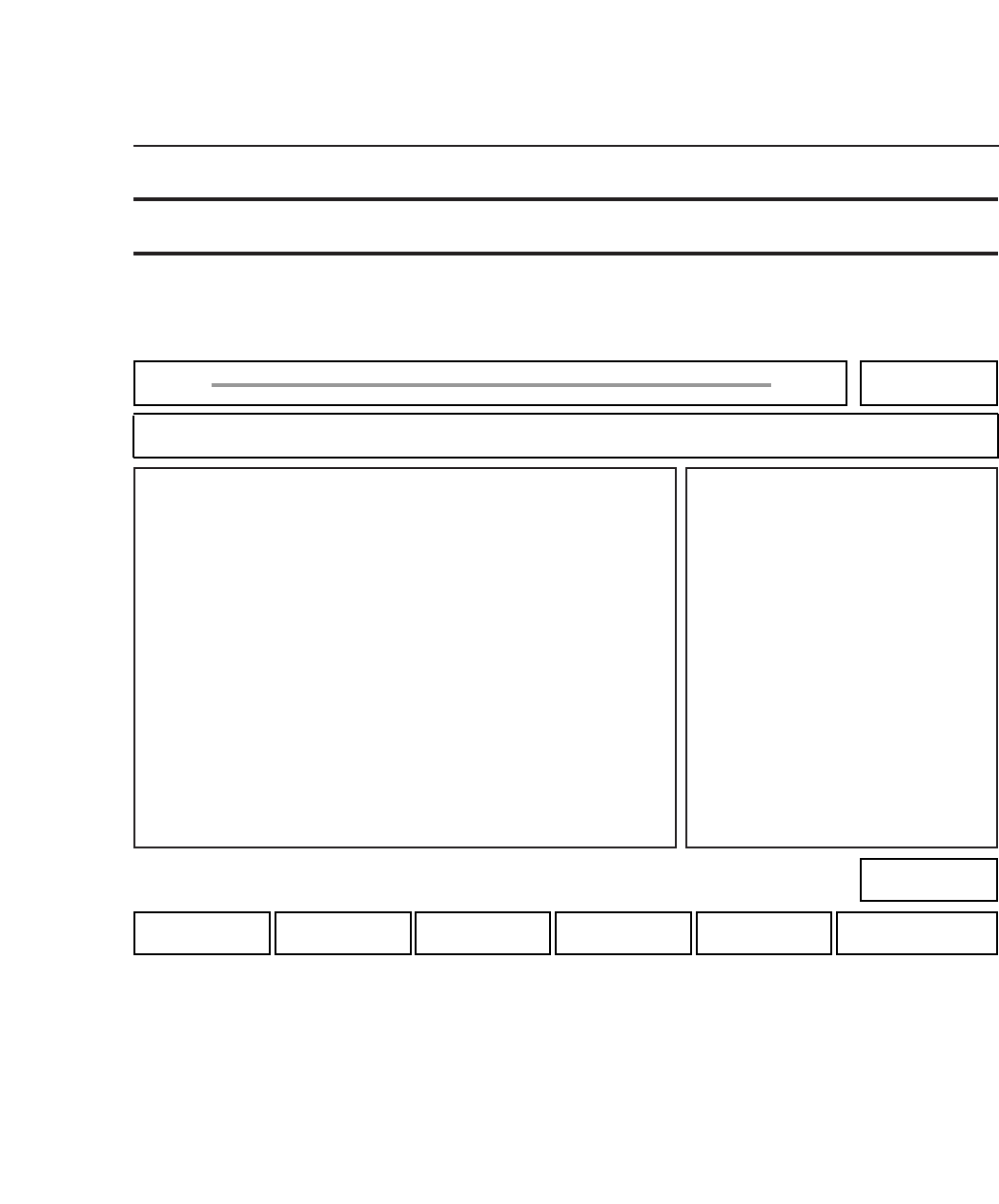
NOW POS : Press to start measurement from a random position.
DEFAULT POS : Press to start measurement from the position specified in
Proper data. For reverse board flow machine,
measurement starts from the left.
Note: When one of these function keys is pressed, the current G data displays.
RETURN : Press to return to Page 520.
• START button
The START button is enabled after the measurement start position is specified. When the START
button is pressed, glue is dispensed in the needle center measurement area and the position of the
glue dots is inspected by the camera.
Chapter 3 Description of Commands
524-110
524-110
Part 3
3 - 70
Version 2.0 GL-541E Operation
twin Needle Real-G50
Z1 Setting Z1 Needle Offset Starting Position 524-100
FUJI
Off line
Page 524
RETURNDEFAULT POSNOW POS
Command path:
GL_541E Prod 0000 Sche 00000
Z1
[SET] - [MANUAL] - [NEEDLE] - [Z1]
• Action of the function keys To page
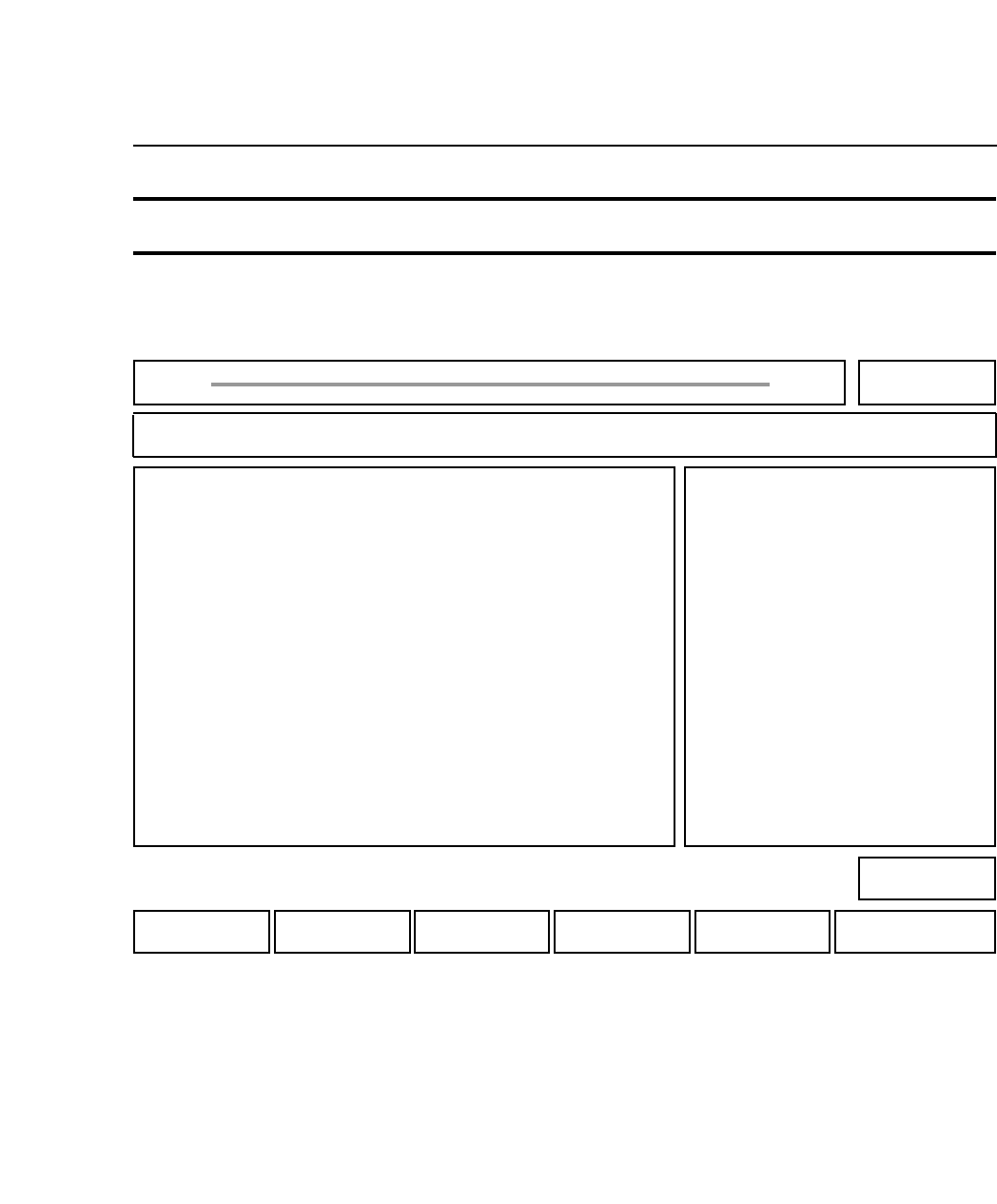
NOW POS : Press to start measurement from a random position.
DEFAULT POS : Press to start measurement from the position specified in
Proper data. For reverse board flow machine,
measurement starts from the left.
Note: When one of these function keys is pressed, the current G data displays.
RETURN : Press to return to Page 520.
• START button
The START button is enabled after the measurement start position is specified. When the START
button is pressed, glue is dispensed in the needle center measurement area and the position of the
glue dots is inspected by the camera.
Chapter 3 Description of Commands
524-210
524-210
Part 3
3 - 71
Version 2.0 GL-541E Operation
twin Needle Real-G50
Z2 Setting Z2 Needle Offset Starting Position 524-200
FUJI
Off line
Page 524
RETURNDEFAULT POSNOW POS
Command path:
GL_541E Prod 0000 Sche 00000
Z2
[SET] - [MANUAL] - [NEEDLE] - [Z2]
• Action of the function keys To page
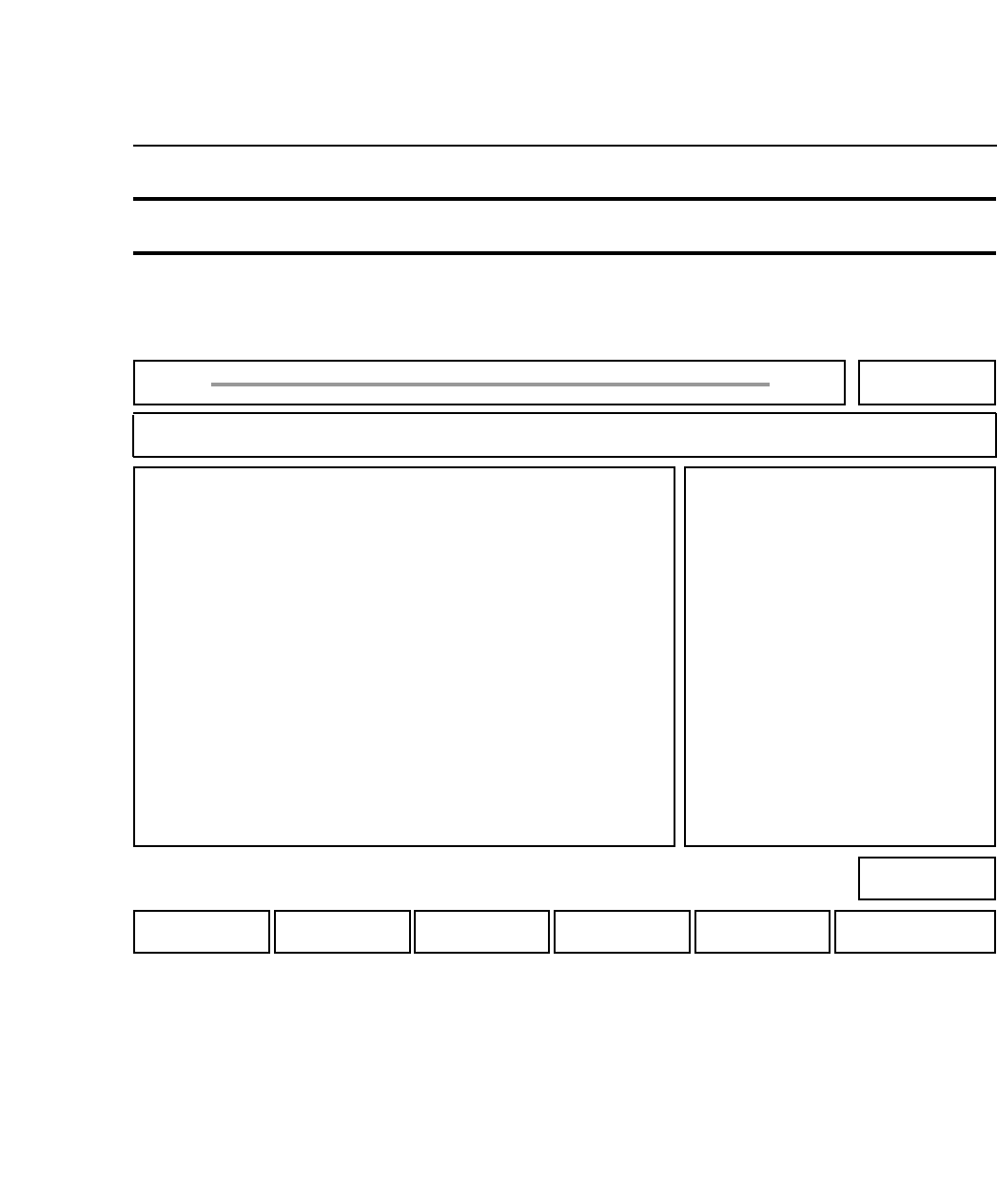
NOW POS : Press to start measurement from a random position.
DEFAULT POS : Press to start measurement from the position specified in
Proper data. For reverse board flow machine,
measurement starts from the left.
Note: When one of these function keys is pressed, the current G data displays.
RETURN : Press to return to Page 520.
• START button
The START button is enabled after the measurement start position is specified. When the START
button is pressed, glue is dispensed in the needle center measurement area and the position of the
glue dots is inspected by the camera.
Chapter 3 Description of Commands
524-210
524-210
Part 3
3 - 72
Version 2.0 GL-541E Operation
twin Needle Real-G50
Z3 Setting Z3 Needle Offset Starting Position 524-200
FUJI
Off line
Page 524
RETURNDEFAULT POSNOW POS
Command path:
GL_541E Prod 0000 Sche 00000
Z3
[SET] - [MANUAL] - [NEEDLE] - [Z3]
• Action of the function keys To page