GL541操作手册.pdf - 第205页
Part 5 5 - 5 V ersion 2.0 Chapter 2 T race Mode 2. T race Mode The trace mode settings can be used to graphically display the course of vision processing on the vision processing monitor. For additional details refer to …

Chapter 1 Buffer Image Display
Part 5
5 - 4
Version 2.0
GL-541E Operation
Part 5
5 - 5
Version 2.0
Chapter 2 Trace Mode
2. Trace Mode
The trace mode settings can be used to graphically display the course of vision processing on
the vision processing monitor.
For additional details refer to the SMD3 Operation Manual.
2.1 Trace Mode
The trace mode settings can be accessed by selecting the [SET] -> [MANUAL]
-> [VISION] -> [TRACE] command sequence.
The ID code must be input to enter the trace mode settings.
In addition the trace mode settings can also be selected in the following ways.
(1) Select [TRACE] from the [BUFFER IMG] command section.
(2) Select [TRACE] from the [VISION TEST] and [F MARK] command sections.
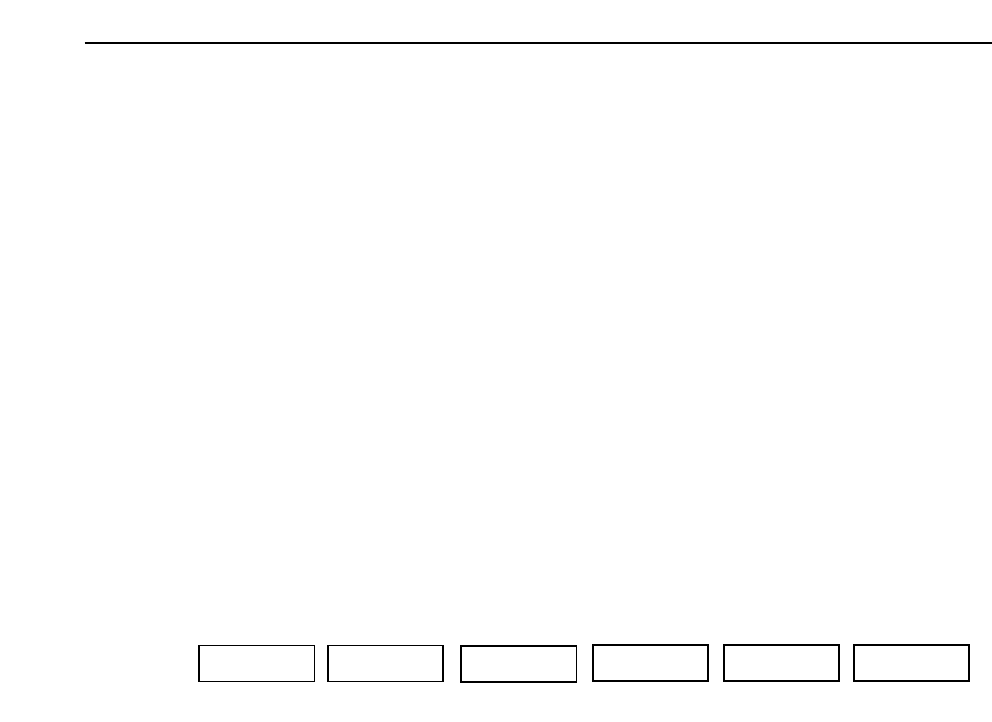
The function keys (F1~F6) shown below display when the [TRACE] command is
selected.
▲: Moves the cursor up.
▼: Moves the cursor down.
ON/OFF: Toggle the selected trace mode setting between ON and OFF.
ON The selected setting is enabled.
OFF The selected setting is cleared.
CLEAR: All items are set to OFF.
RETURN: Returns to the previous page.
Note also that if the item number is input using the numeric keypad, the cursor will
move to the item corresponding to the number that has been input.
RETURN
F1 F2 F4 F5 F6
F3
▲ ON/OFF▼ CLEAR
GL-541E Operation

Chapter 2 Trace Mode
Part 5
Note: The [TRACE] command section is used to specify the trace mode. The display at the
vision processing monitor differs depending on the combination of the trace settings.
The settings carried out here may affect automatic or step operation. Depending on the
mode settings, the speed of vision processing may be decreased. Remember that this
function is only for debugging and not for use during production.
2.2 Descriptions of the Trace Settings
A description is given below of each item that can be set in the trace mode.
For additional information refer to the SMD3 Operation Manual.
No.0 Result
This carries out the graphic display of the vision processing results.
No.1 Tole
This displays a tolerance graph overlapping the vision processing results.
No.2 Window
This is utilized when vision processing is checked using calipers.
No.3 Point
During the inspection of all processes, if there is a designated window for the algorithm
the position and size of the window will display.
No.4 Line
This carries out the display of the designated points.
No.5 RS232C
The vision processing data is output to the terminal via an RS232C cable.
No.13 Color
This is used to change the color of the graphical display to black. Normally when this is
not set, graphs will display in white.
5 - 6
Version 2.0
GL-541E Operation