GL541操作手册.pdf - 第96页
E PASS/E STOP : Press to toggle between error pass and error stop. GLUE CHECK : Press to select the glue check mode. PASS : Press to toggle between pass mode and normal production mode. LINE : Press to change to MCS mode…
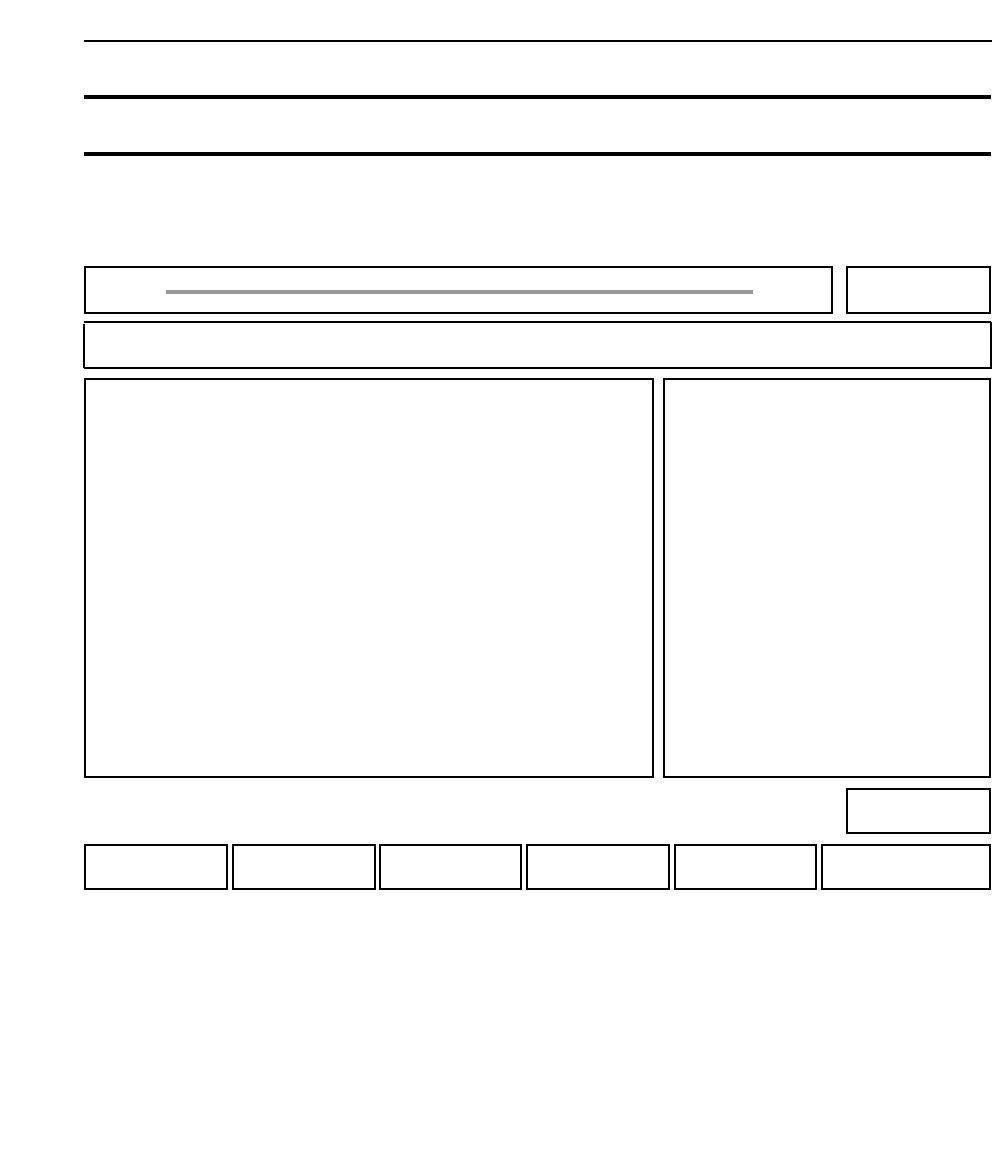
STATUS : Press to change the machine status data.
MANUAL : Press to check inputs and outputs.
PROPER : Press to measure Proper data.
SERVO : Press to make servo-related settings.
RETURN : Press to return to page 000.
Chapter 3 Description of Commands
510-000
520-000
530-000
540-000
000-000
Part 3
3 - 29
Version 2.0 GL-541E Operation
SET Performing Various Settings and Checks 500-000
FUJI
Off line
Page 500
RETURNSERVOPROPERMANUALSTATUS
Command path:
GL_541E Prod 0000 Sche 00000
SET
[SET]
• Action of the function keys To page
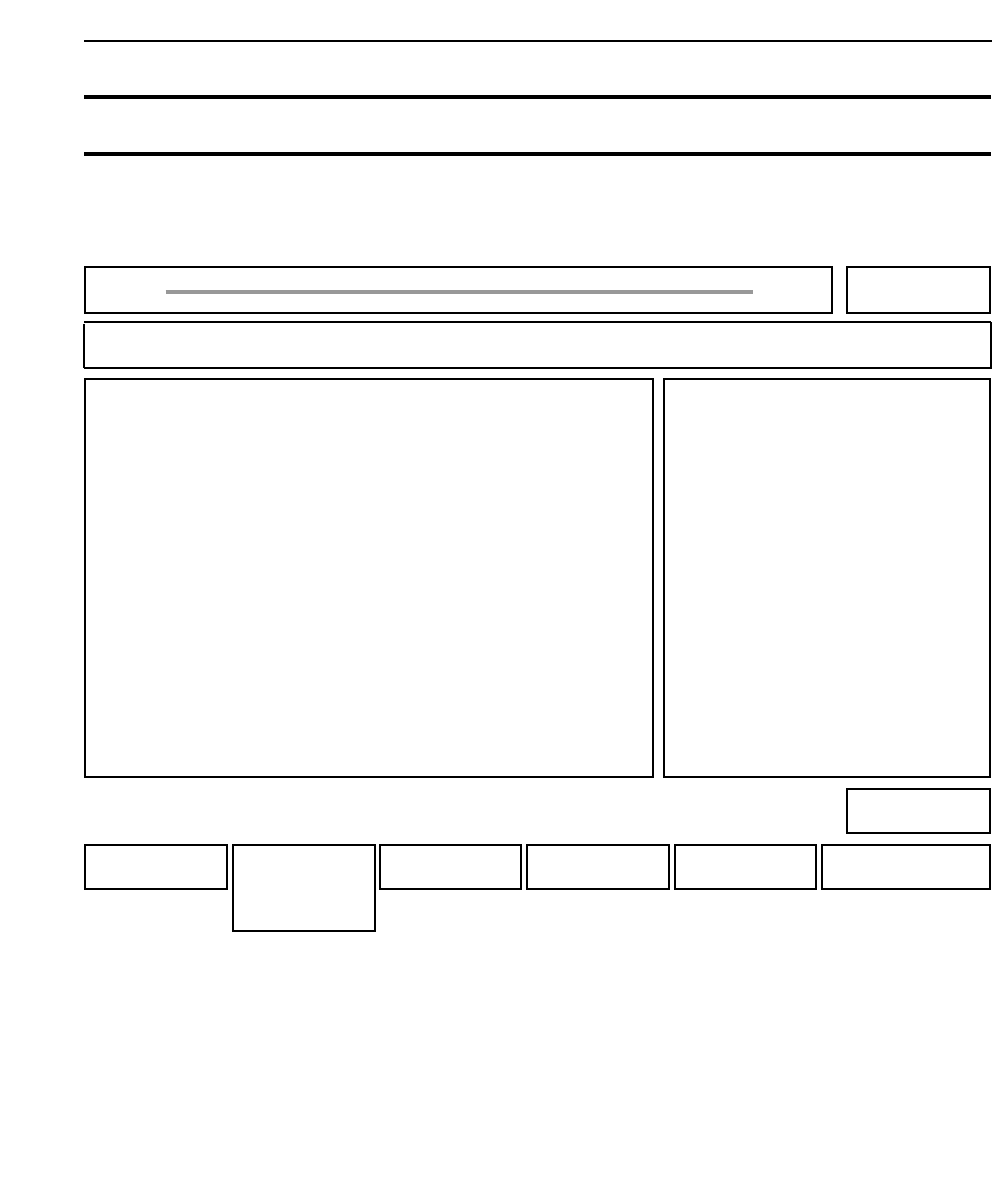
E PASS/E STOP : Press to toggle between error pass and error stop.
GLUE CHECK : Press to select the glue check mode.
PASS : Press to toggle between pass mode and normal production mode.
LINE : Press to change to MCS mode.
RETURN : Press to return to page 500-000.
Chapter 3 Description of Commands
512-000
513-000
514-000
515-000
500-000
Part 3
3 - 30
Version 2.0 GL-541E Operation
STATUS Changing the Machine Status 510-000
FUJI
Off line
Page 510
RETURNLINEPASSGLUCHK
E PASS
E STOP
Command path:
GL_541E Prod 0000 Sche 00000
STATUS
[SET] - [STATUS]
• Action of the function keys To page
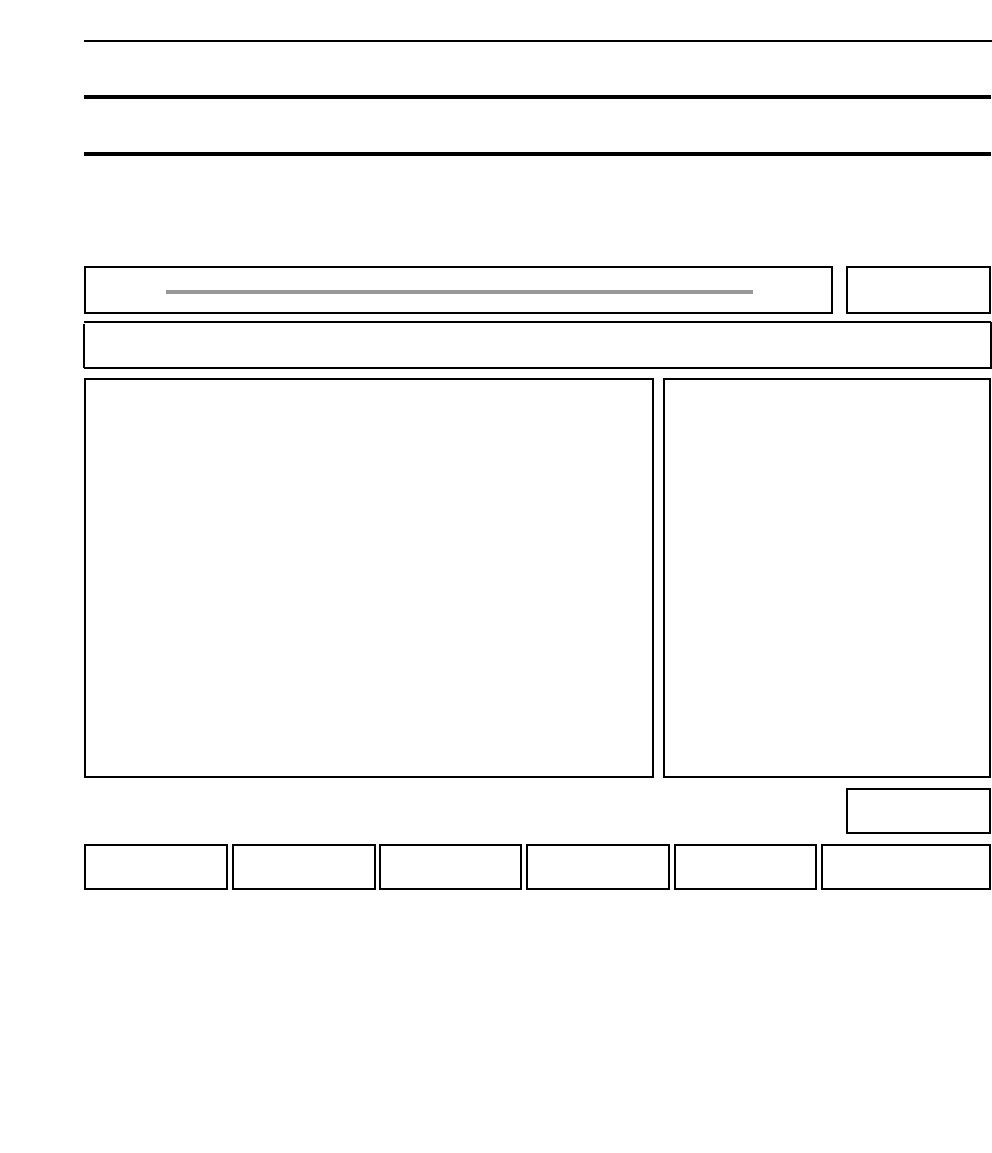
Press this function key to toggle between error pass and error stop.
Error pass : The machine does not stop even if a glue check or other such error
occurs.
Error stop : The machine stops if an error occurs during automatic operation.
Chapter 3 Description of Commands
Part 3
3 - 31
Version 2.0 GL-541E Operation
E PASS Selecting Error Pass or Error Stop 512-000
FUJI
Off line
Page 512
Command path:
GL_541E Prod 0000 Sche 00000
ERROR PASS
[SET] - [STATUS] - [E PASS] (OR [E STOP])
• Explanation To page