00196457-05_UM_SX12DX12_SR706_EN.pdf - 第296页
5 Working with the machine User Manual SIPLACE SX1/SX2/DX1/DX2 5.14 Refilling components From software version SC.706.xx Version 06/2012 EN 296 5.14 Refilling component s The online help contains informa tion on refillin…
User Manual SIPLACE SX1/SX2/DX1/DX2 5 Working with the machine
From software version SC.706.xx Version 06/2012 EN 5.13 Avoiding track errors
295
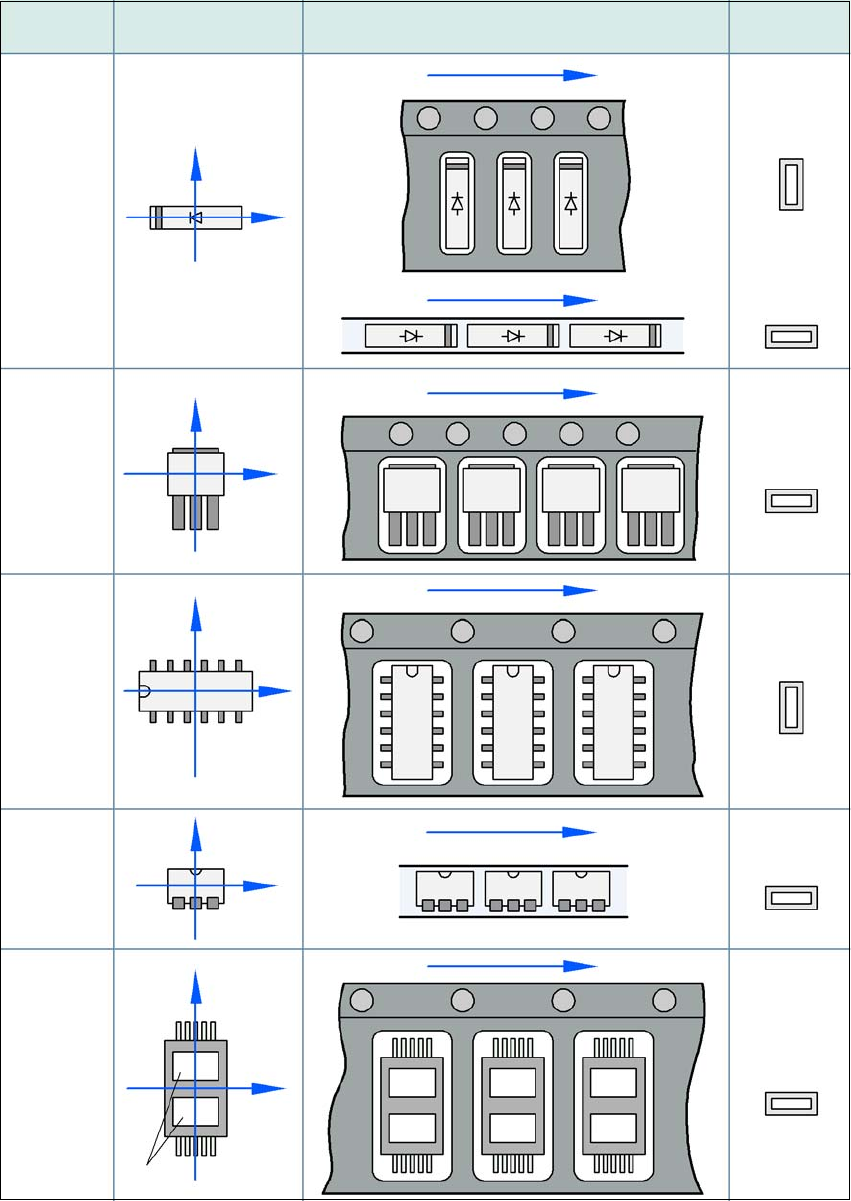
5.13.3 Component coordinate system and pickup angle
5
Fig. 5.13 - 1 Position of the component and its pick-up angle
Special
component
Stick
magazine:
Chip-
components
with polarity
0402
2220
The anode must be
aligned with the +X
coordinate.
Package form Coordinate system
Position in the feeder module
Pickup angle/
nozzle angle
Tape:
SOT 23
Stick
magazine:
Tape:
Tape:
SO-IC
DIL-IC
SOT 194
Tape:
Holes
Y
X
Y
X
Y
X
Y
X
Y
X
90°
90°
0°
90°
-90°
0°
5 Working with the machine User Manual SIPLACE SX1/SX2/DX1/DX2
5.14 Refilling components From software version SC.706.xx Version 06/2012 EN
296
5.14 Refilling components
The online help contains information on refilling components with and without barcodes.
With tape feeder modules, make sure that you always splice on a new tape early enough so
that the feeder modules do not run out of components.
However, do not splice the tapes too early because if you wind the tape onto the new reel
after splicing the end of the old tape, the reel with the new tape may be overfilled. The tape
could then slip off the reel and become tangled. Under certain circumstances, this could
cause pick-up errors and prolonged down times.
User Manual SIPLACE SX1/SX2/DX1/DX2 5 Working with the machine
From software version SC.706.xx Version 06/2012 EN 5.15 Docking the component trolley in or out
297
5.15 Docking the component trolley in or out
The following chapter shows diagrams of the SIPLACE SX1/SX2. The component changeover ta-
bles for the SIPLACE SX1/SX2 are docked and undocked in the exactly same way as the DX
changeover tables for the SIPLACE DX1/DX2.
5.15.1 Safety instructions for docking component trolleys in and out
WARNING 5
To prevent accidents (risk of crushing), the component trolley may only be docked in or out by
one person.
5
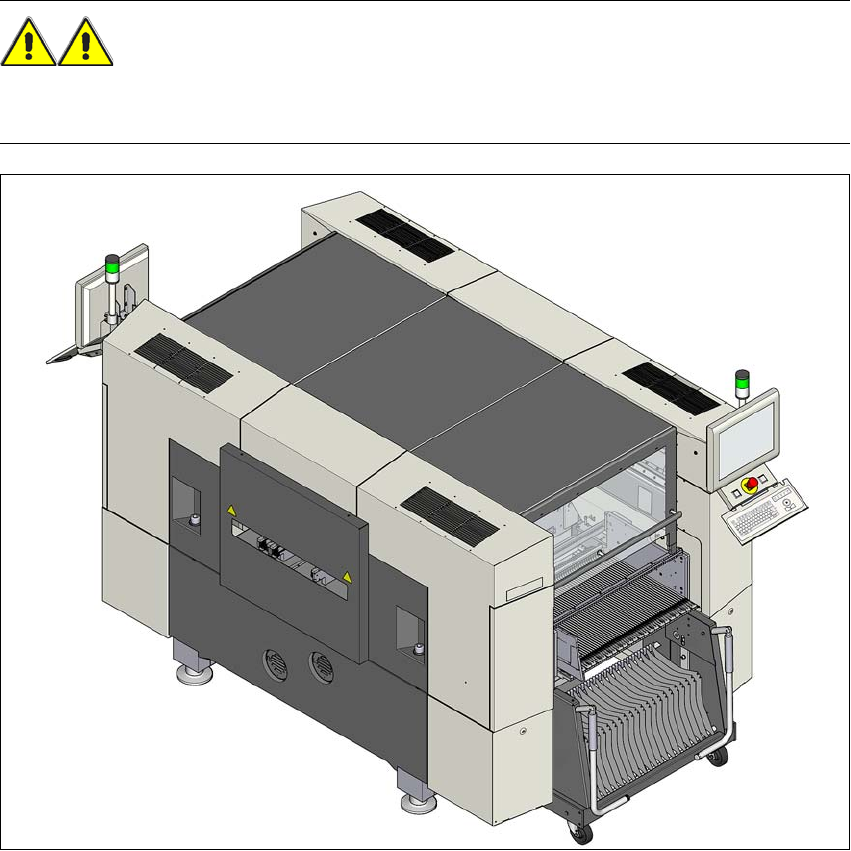
Fig. 5.15 - 1 Safety instructions for docking the component trolley in or out
In addition, the component trolley can only be docked in if the protective
covers are closed.