SiplaceX4_en.pdf - 第460页
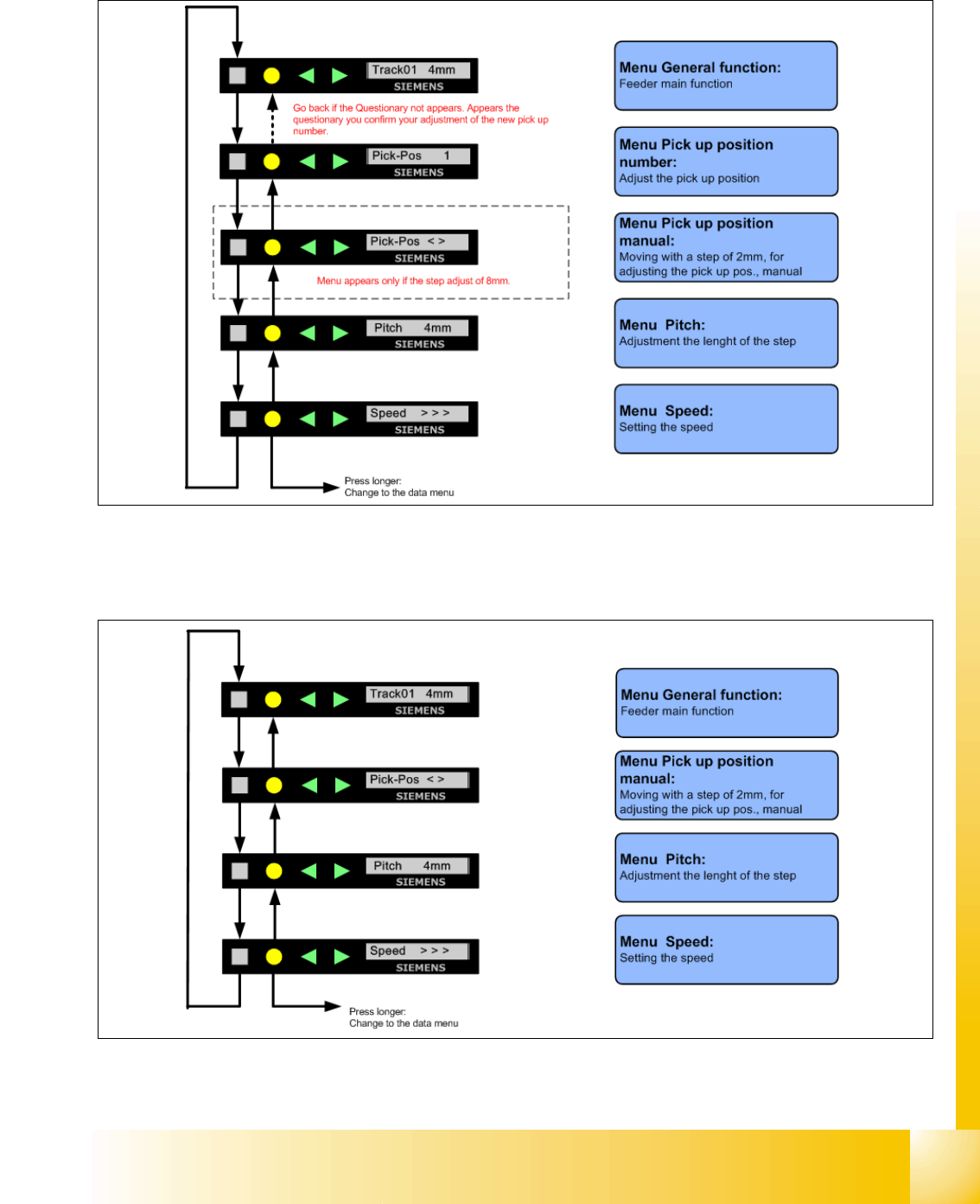
1 - 28 S tudent Guide SIPLACE X 9 Component handling Edition 09/2005 28 9.3.12.3 Adjustment s of the Pick up position only on 8mm X- Feed er – Press the "SET" Button – It appears the current pick u p position o…
1 - 28
Student Guide SIPLACE X
9 Component handling Edition 09/2005
28
9.3.12.3 Adjustments of the Pick up position only on 8mm X- Feeder
– Press the "SET" Button
– It appears the current pick up position on the display (e.g.
Pick-Pos 3)
– With the buttons "FORWARD" or "BACKWARD" you can set the new pick up position.
– If you change the pick up position from Pick-Pos 3 to Pick-Pos 2 it appears the following
e.g.
Pick-Pos 2 ? on the display.
– Confirm the new pick up position with the yellow button, it appears
Pick-Pos 2 ! on the display.
– Only in the pick up position 4 and pitch 8mm appears the following menu, if you press the
"SET"- Button on the display
"Abholpos < >"
– Depend on the Pick up position you can adjust in 2mm steps the correct pick up position.
– Was the pick up position correct appears the menu "Pitch" now and you can set the correct
pitch 1,2,4,8mm with the buttons "FORWARD" or "BACKWARD".
– Press two times the button "SET" and you confirm your settings.
9.3.12.4 Menu pick up position manual in the main menu
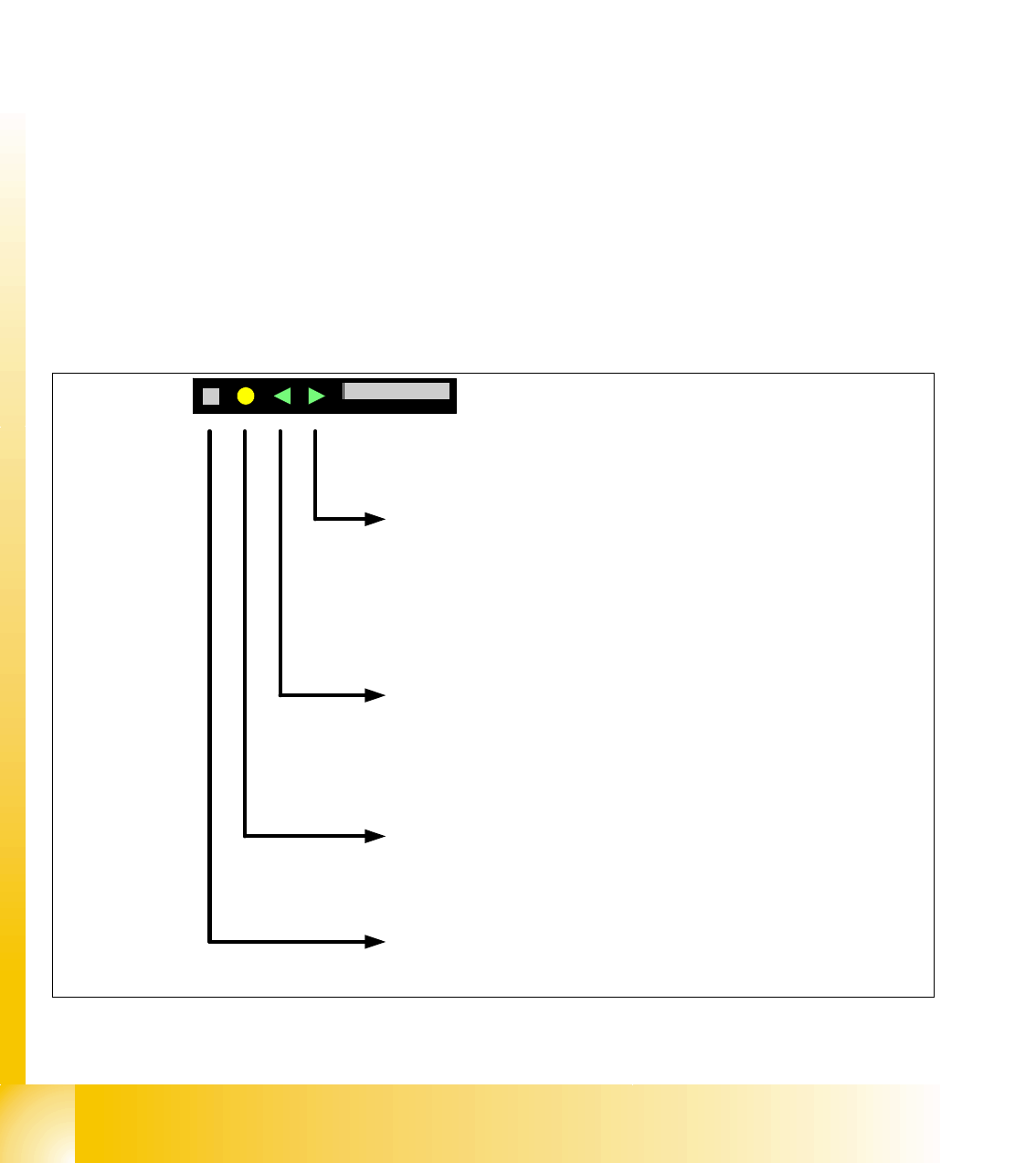
Fig. 9.3 - 15 Setting the pick up position manual
Button Backward press briefly
After release the button, the tape move one transport cycle with the actual
pitch backward.
Button Backward press long
After 1sec. the tape drive move backward again until the button is not
released.
Attention: These function are not possible if the cover foil in the removal
unit tensioned.
Button FOIL
Change to the previews menu in the main menu
Button Forward press briefly
After release the button, the tape move one transport cycle with the actual
pitch forward.
Button Forward press long
After 1sec. the tape drive move forward again until the button is not
released.
Button SET press briefly
Change to the next menu in the main menu
Button SET press long
No function
SIEMENS
Abholpos < >Pick-Pos < >
1 - 29
Student Guide SIPLACE X
Edition 09/2005 9 Component handling
29
9.3.12.5 Menu Pitch in the main menu
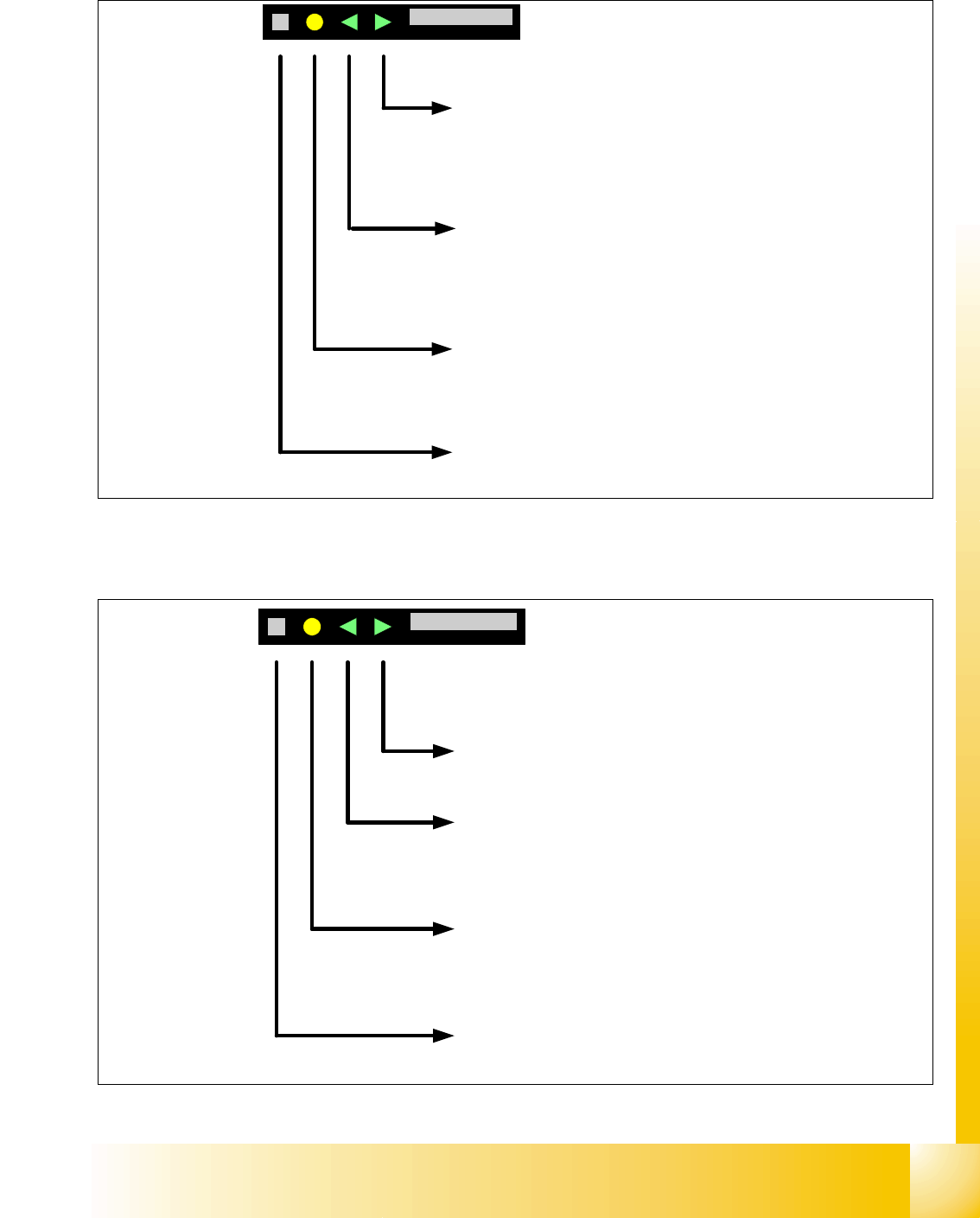
Fig. 9.3 - 16 Setting the transport length
9.3.12.6 Menu transport speed in the main menu
Fig. 9.3 - 17 Setting the transport speed
Button Forward press briefly
Pitch lenght will be increase to the next pitch
Button Forward press long
No function
Button Backward press briefly
pitch lenght will be decrease to the previews pitch
Button Backward press long
No function
Button FOIL
Change to the previews menu in the main menu
Button SET press briefly
Change in the next menu in the main menu
Button SET press long
No function
SIEMENS
Takt 4mm Pitch 4mm
Button FOIL press briefly
Change to the previews menu in the main menu
Button FOIL press long
Change to the Data menu
Button Forward press briefly
Transport speed will be increase to the next value.
Button Forward press long
No function
Button Backward press briefly
Transport speed will be decrease to the previews value
Button Backward press long
No function
Button SET press briefly
Change to the next menu in the main menu
Button SET press long
No function
Changing the transport speed:
>>> Standard
>> Slow
> Very slow
SIEMENS
Geschw. > > >Speed > > >