SiplaceX4_en.pdf - 第509页
1 - 3 S tudent Guide SIPLACE X Edition 09/2005 1 1 Sitest 3 1 1 Sitest WA R N I N G The SITEST test progra m may only be used by staff membe rs of SIEM ENS AG L&A EA, or spe- cially trained cust omer staff. Improper …

1 - 2
Student Guide SIPLACE X
Contents Edition 09/2005
2
1 - 3
Student Guide SIPLACE X
Edition 09/2005 11 Sitest
3
11 Sitest
WARNING
The SITEST test program may only be used by staff members of SIEMENS AG L&A EA, or spe-
cially trained customer staff. Improper use of this test program will result in severe damage to the
machine and will pose a hazard to the operating personnel.
11.1 Overview SITEST
SITEST is a program which allows the various functions of the individual modules of the
SIPLACE X to be tested.
Overview of SITEST functions
– General SITEST functions
–Functions for machine settings
– Functions for setting the dynamics of the axes
– Calibration functions
– Mapping functions
You can execute these functions using SITEST. You will find information on how to do this and
details on the interfaces in this chapter, software instruction for Sitest and by using the online Help
function while working with SITEST. In addition, you will find a number of practical examples de-
scribed in the online Help system.
11.1.1 Starting/Terminating the Test Program
11.1.1.1 Starting
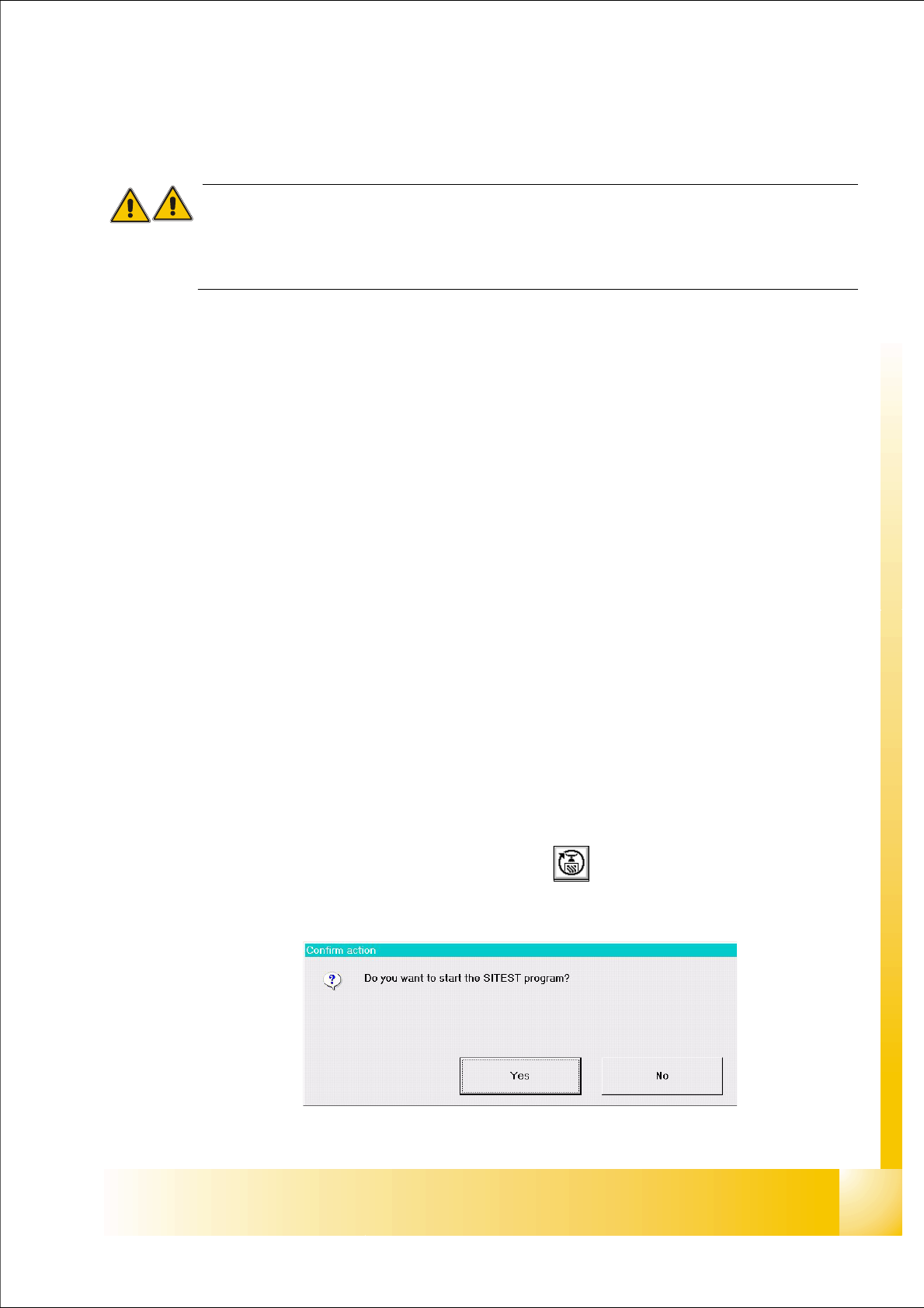
➠ On the user interface for the station, click on the icon (see User’s Manual SIPLACE )
The test program is started.
Fig 7.1 - 1 Confirmation "Start Sitest"
1 - 4
Student Guide SIPLACE X
11 Sitest Edition 09/2005
4
The main view of the user interface of the test program will appear on the screen shortly after-
wards.
➠ Select the desired language .
11.1.1.2 Terminating
There are three ways of properly terminating the test program, i.e. either
– from the main view via the
Mode menu, by selecting the menu command Exit ,
– using the key
ESC
– or by proceeding as described in the following.
Note:
Only the key ESC permits the test program to be terminated from any view.
➠ In the main view, click on the icon.
Note:
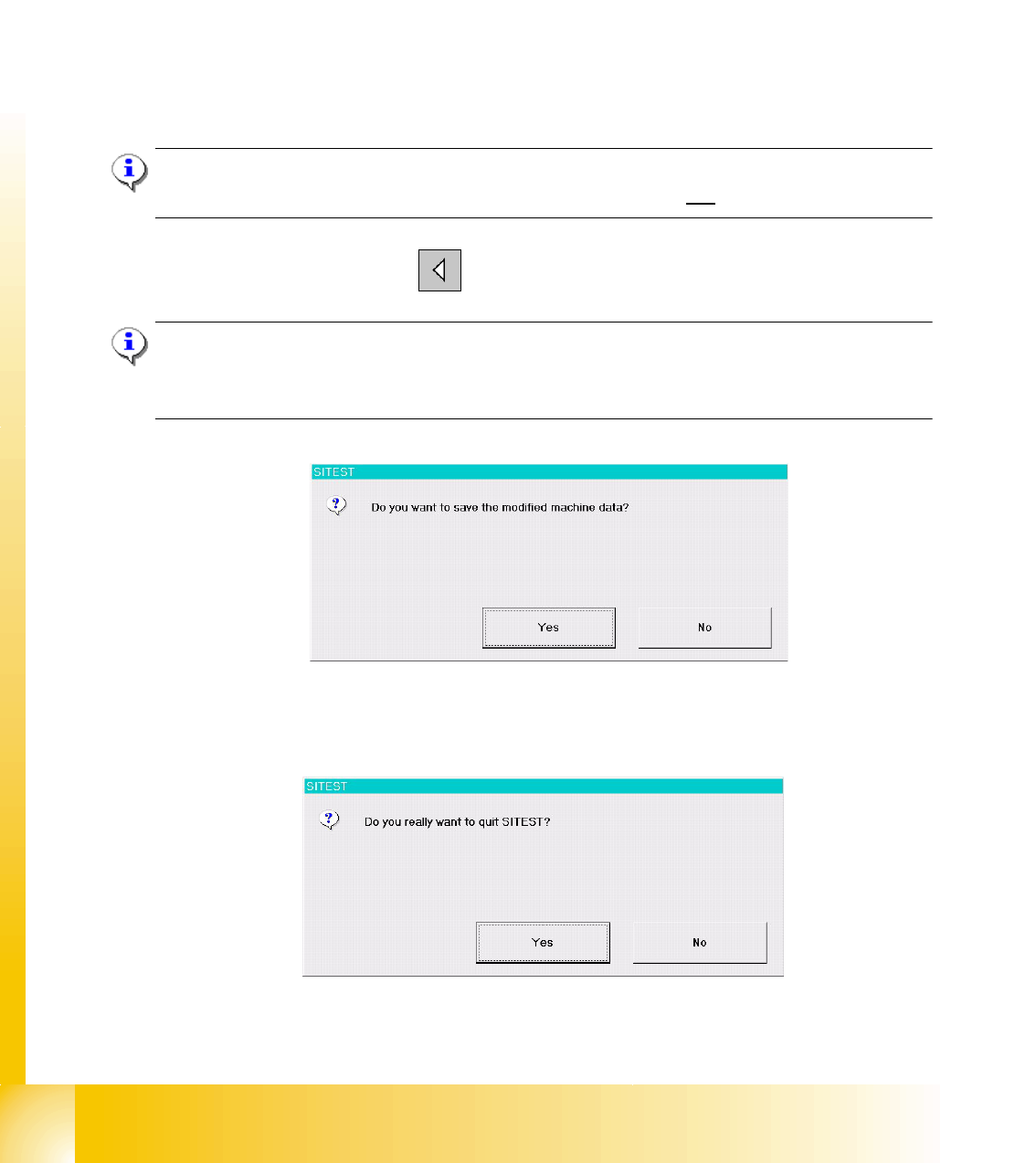
If newly determined or edited machine data have not been saved yet, an appropriate message will
be displayed before exiting the program prompting you to save the data (see example below).
Click on the
Yes button in the dialog box if you wish to save the data on terminating the test pro-
gram, or click on
No if you do not wish to save the data.
The following dialog box opens.
➠ Click on the Yes button. The test program is terminated.