FUJI NXT Programming Manual QD004-18.pdf - 第10页
Contents QD004-18 iv NXT Programming Manual images ................ ............................ .............. ....... 156 6.3.4 Sending edited visi on data back to the machine ..........................................…

QD004-18 Contents
NXT Programming Manual iii
4.4.3 Package Information details ................................. 99
4.4.4 Package Process details .................................... 101
4.5 P_pattern Details.......................................... 102
4.5.1 P_patterns used for the NXT .............................. 102
4.5.2 P_patterns not supported by the NXT ................ 103
4.5.3 P_pattern explanations....................................... 104
4.5.4 Selecting a p_pattern flowcharts......................... 112
4.6 Vision Type Details ...................................... 115
4.6.1 Part reference point ............................................ 115
4.6.2 NXT vision types................................................. 117
4.6.3 Selecting a Vision Type flowcharts
(leaded parts) ....................................................... 133
4.7 Compatibility with Existing Part Data ........... 140
4.7.1 Background......................................................... 140
4.7.2 Vision type compatibility table for the NXT ......... 141
4.7.3 Entering overrides in part data............................ 145
5. Transmission ................................................... 147
5.1 Introduction .................................................. 147
5.2 Transmitting ................................................. 148
5.2.1 Transmitting a job from Job Builder.................... 148
5.2.2 Dragging and dropping jobs to transmit ............. 148
5.2.3 Using [Transmit] to transmit................................ 149
5.2.4 Using [Multi lane transmission] to transmit ......... 149
5.3 General Procedures..................................... 151
5.3.1 Changing the current job .................................... 151
5.3.2 Deleting a job from a machine............................ 151
6. Editing Jobs on the Machine (MEdit) ............... 153
6.1 Introduction .................................................. 153
6.2 Opening a Job that is in the Machine........... 154
6.3 Correcting vision errors sent from the NXT.. 154
6.3.1 Specifying vision error images to be saved for
certain positions (from NXT V2.81) ...................... 155
6.3.2 Viewing saved vision error images ..................... 156
6.3.3 Opening and editing vision data using saved

Contents QD004-18
iv NXT Programming Manual
images ................................................................. 156
6.3.4 Sending edited vision data back to the machine
............................................................................. 157
6.4 Irregular fiducial marks (from NXT V3.90) ... 158
6.4.1 Details ................................................................ 158
6.4.2 Creating an irregular fiducial mark for a job that is
not currently being used in production................. 159
6.4.3 Editing the mark data when a vision processing
error occurs during production............................. 161
6.5 Testing Skip Mark Data................................ 163
6.6 Skipping Items on the NXT .......................... 165
6.6.1 Skipping boards (from NXT V3.10) .................... 165
6.6.2 Skipping feeders (from NXT V2.95) ................... 166
6.6.3 Skipping holders (from NXT V3.00) ................... 168
6.7 Testing Jobs (from NXT V3.10) ................... 170
6.7.1 Introduction ........................................................ 170
6.7.2 Testing a job using simulation mode.................. 171
6.7.3 Testing a job using place & check mode............ 175
6.8 Testing Pickup Positions (from NXT V3.20). 177
6.8.1 Introduction ........................................................ 177
6.8.2 Testing pickup positions in a feeder................... 177
6.8.3 Testing pickup positions in a tray....................... 182
6.8.4 Feeder index count and tape return method for
pickup tests.......................................................... 189
6.9 Testing Vision Processing (from NXT V4.10:
H01 head and OF head)................................. 191
6.9.1 Procedure........................................................... 192
Glossary ................................................................... 199
QD004-18 1. Introduction
NXT Programming Manual 1
1. Introduction
The aim of this manual is to provide procedural explanations of how to perform functions in
Fuji Flexa, Fujitrax, and provide detailed knowledge about part data settings for the NXT
machine. The procedures outlined are to help the NXT user perform various operations in
Fuji Flexa and Fujitrax, and help the user create part data for the NXT. This manual is
designed for users who already have a basic understanding of Fuji Flexa.
1.1 Notation Conventions Used in the Manual
The notation conventions employed in this manual are described below
1.1.1 General notation
1.1.2 Mouse-related notation
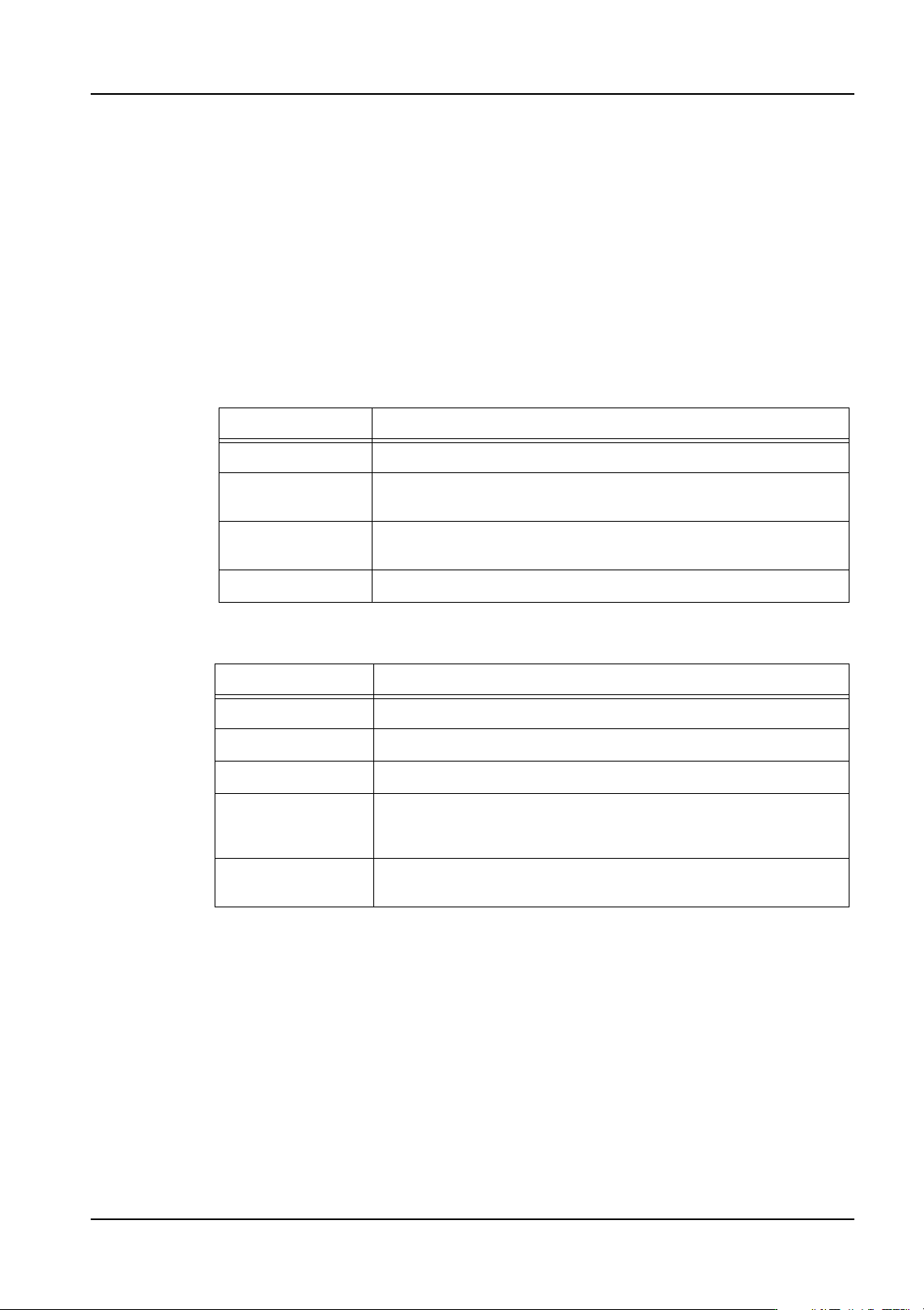
Notation sample Explanation
[File] menu Menu names and commands are enclosed in square brackets [ ].
[Open Job]
window
Window and dialog box names which appear in the title bar are
enclosed in square brackets [ ].
[OK] The names of toolbar buttons and command buttons that appear
inside a window or dialog box are enclosed in square brackets [ ].
Enter key Key names are printed in bold Arial font.
Notation Explanation
Click Press and quickly release the left mouse button.
Double-click Click the left mouse button twice in rapid succession
Right-click Press and quickly release the right mouse button.
Drag Move icons, dialog boxes and windows or adjust windows by
clicking and shifting the object in question while holding down the
left mouse button.
Drop Release the left mouse button once an object has been dragged
to the desired position.