FUJI NXT Programming Manual QD004-18.pdf - 第156页
4. Part Data Settings QD004-18 146 NXT Programming Manual MEMO:
QD004-18 4. Part Data Settings
NXT Programming Manual 145
Note 5
Vision type 254 is used on existing machines to place odd-form parts using backlight. On
NXT machines, this vision type has been changed as shown in the table below.
*3: On existing machines, vision type 254 uses backlighting to place parts that cannot be
placed using other vision types. However, as NXT machines use only frontlighting, it is
necessary to choose the most appropriate vision type available. Select vision type 252
when placing white bodied parts with no leads. Vision type 252 can also be used for white
bodies parts with leads that are part of the body. If using a different vision type, element
data will be required depending on the selected vision type.
Note: Vision type 254 is automatically converted to 252, however, if another value has been
specified in the override vision type value for the NXT, this value will be used.
4.7.3 Entering overrides in part data
Procedure
1. Open the shape data (or part data if using non-relational mode) for the part data for
which input is required in Fuji Flexa.
2. Refer to Vision Type Compatibility Table for Existing and NXT Machines and enter the
new vision type in the NXT override [Vision Type] data field.
3. Refer to Vision Type Compatibility Table for Existing and NXT Machines and enter any
new element information in the NXT override [Element Information] setting if it is
necessary.
4. Save the data and exit. If the data was changed in the job, save the job.
Note: If the shape data was changed in the global library, the same shape data in any jobs for the
NXT must be updated. Use the [Update in Jobs] command from the editor to perform this
function. If the data was changed in the job and the data is to be used in the future, it is
possible to export the changed shape data back into the shape library.
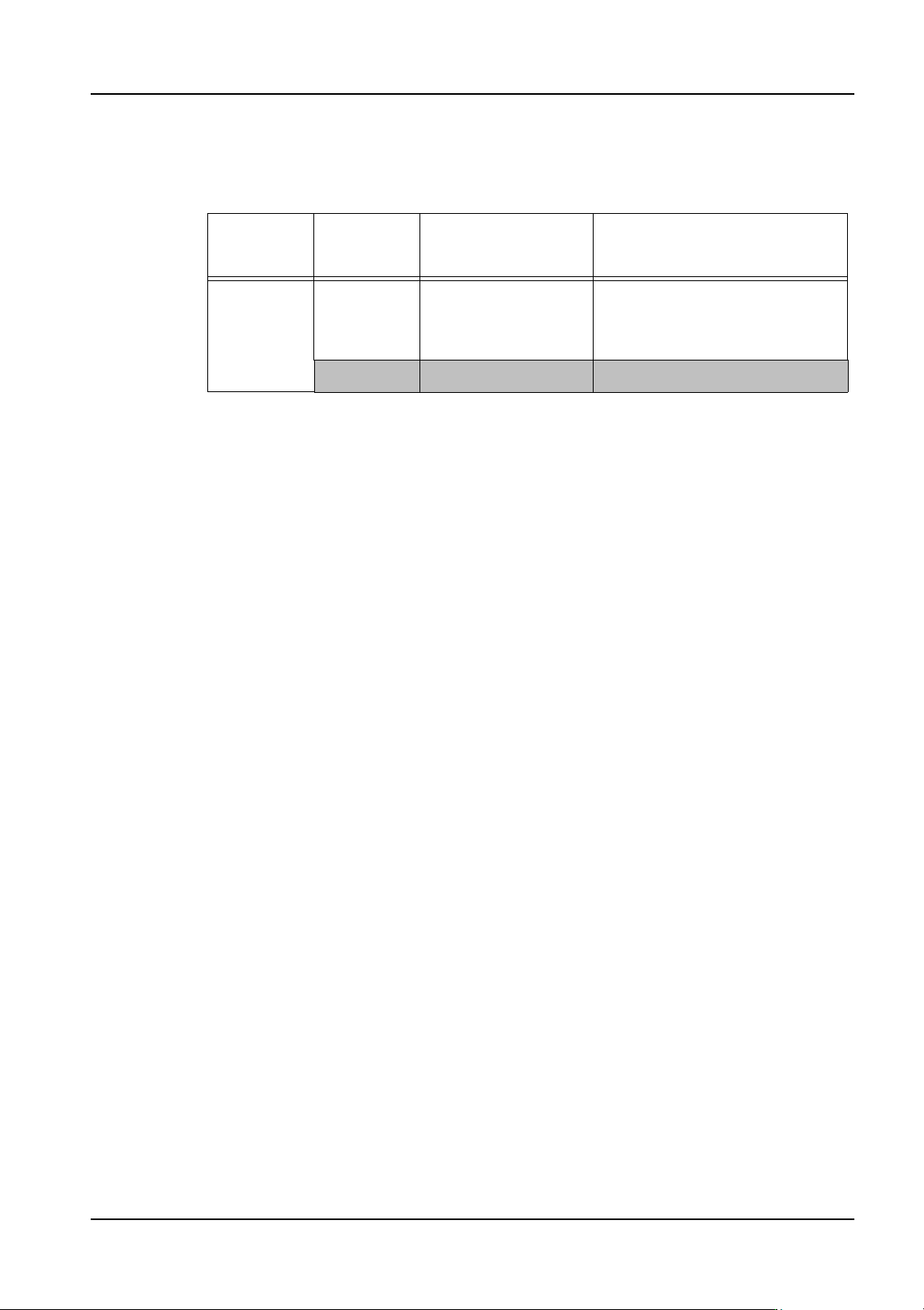
Vision type
for existing
machines
Vision type
for NXT
Part type Explanation
254 252 Multi-purpose (part
outline)
Automatically converted to 252 if
no vision type value has been
specified in the NXT override
section.
(*3) Element data required

4. Part Data Settings QD004-18
146 NXT Programming Manual
MEMO:

QD004-18 5. Transmission
NXT Programming Manual 147
5. Transmission
5.1 Introduction
Transmission is used to send data between Fuji Flexa and the NXT machines. The most
common use of Transmission is to send jobs to the modules on the NXT. Transmission for
the NXT does not require outside communication programs such as an NTCC or SECS/
GEM host server. If transmitting from Job Builder, a basic data check of the job is
performed during transmission.
The NXT is different from previous Fuji machines in that the job is sent to the modules, not
recipes. In addition, there is only two positions for jobs, current job and next job. On NXT
machines with double conveyors, there is an additional set of separate positions for jobs for
the second lane. It is possible to run the machine with two different jobs, one for lane 1 and
the other for lane 2.
The NXT does not have any calibration data or spec data like previous Fuji machines.
Special NXT data and configuration settings is received, managed, and transmitted to the
machine through Accessory Software. Refer to the Accessory Software Operation Manual
for more details on this subject.