FUJI NXT Programming Manual QD004-18.pdf - 第168页
6. Editing Jobs on the Machine (MEdit) QD004-18 158 NXT Programming Manual 6.4 Irregular fiducial marks (from NXT V3.90) 6.4.1 Details When there are no Fuji standard fiducial mark s (circul ar, rectangular, diamond, upw…

QD004-18 6. Editing Jobs on the Machine (MEdit)
NXT Programming Manual 157
6. Once editing is completed, select [Update Shape Data] from the [File] menu. A
confirmation message box is displayed.
7. Click [Yes] and the edited vision data is saved to the job.
8. Close VPDplus.
6.3.4 Sending edited vision data back to the machine
The edited data was saved to the job in the global job directory by using the Update Shape
Data command in VPDplus. In order to use this newly edited vision data at the machine, it
must be sent to the machine. Use MEdit to open the current job for the module with the part
and then retransmit the job back to the module in question. Refer to section 6.2 "Opening
a Job that is in the Machine" for procedures on opening the current job in the machine and
for retransmitting the job back to the machine.
6. Editing Jobs on the Machine (MEdit) QD004-18
158 NXT Programming Manual
6.4 Irregular fiducial marks (from NXT V3.90)
6.4.1 Details
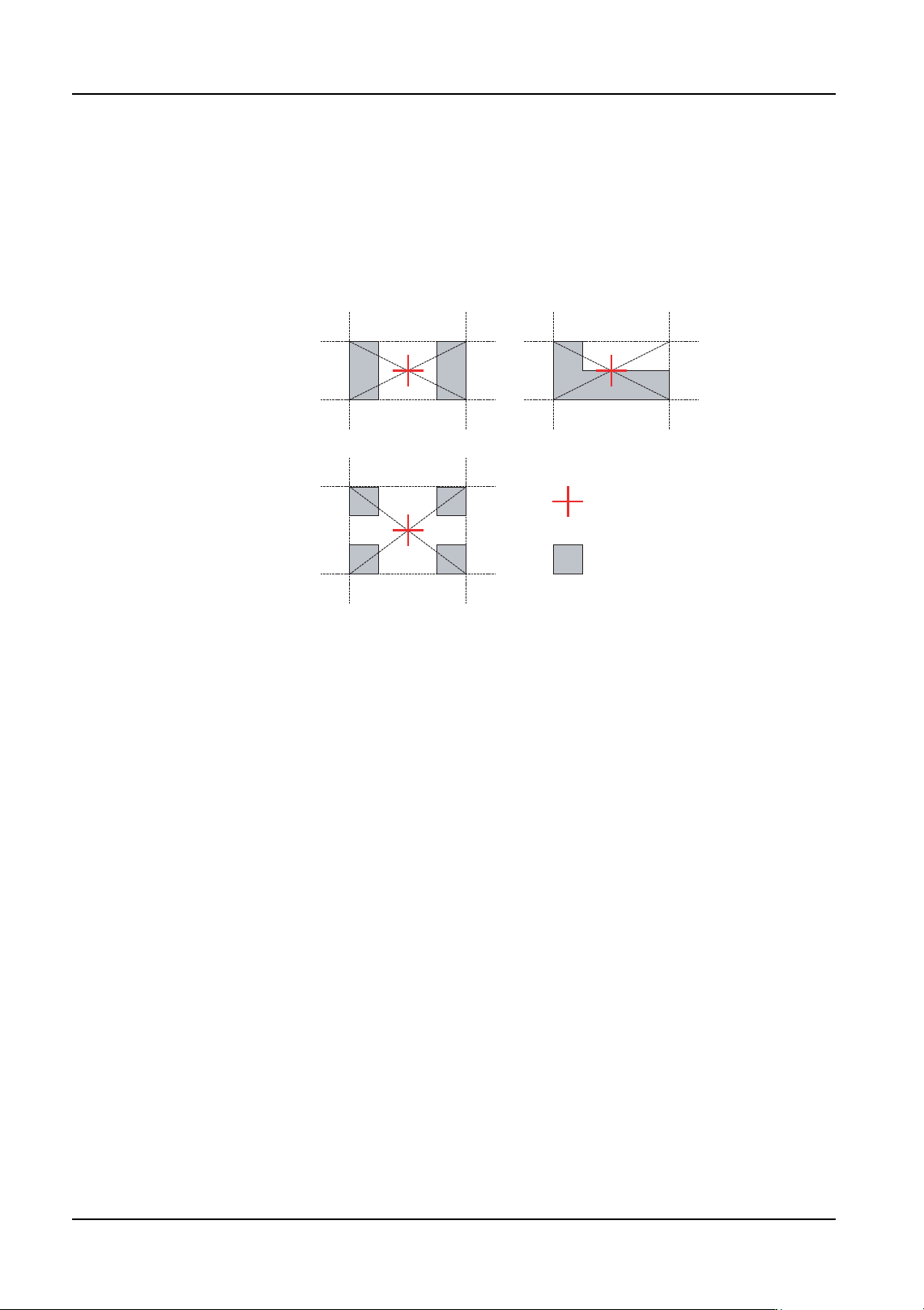
When there are no Fuji standard fiducial marks (circular, rectangular, diamond, upward-
facing right triangle, downward-facing right triangle, double square, cross) on a panel, or it
is desired to use a land pattern or other mark on a panel as a fiducial mark, it is possible to
create mark data by using images of the desired marks.
To create mark data for irregular fiducial marks, it is first necessary to acquire an image of
the mark using Accessory Software. Next, start MDW (Mark Data Wizard) from MEdit and
edit the fiducial marks. The created fiducial marks will be saved in the Fuji Flexa library and
used as job data in production.
It is possible to register up to eight fiducial marks including global skip marks and local
marks.
Requirements
1. The position of the mark to be used as an irregular fiducial mark is already known (the
exact position can be obtained through CAD data or other data).
2. There must be no similar marks which appear in the same field of view as the fiducial
mark.
3. The panel stopping position must be stable.
4. Land patterns which are covered in solder cannot be used because the reflection may
change due to the condition of the solder. Due to this, they are not supported.
Mark center
Land pattern
01PRG-0001E
QD004-18 6. Editing Jobs on the Machine (MEdit)
NXT Programming Manual 159
6.4.2 Creating an irregular fiducial mark for a job that is not
currently being used in production
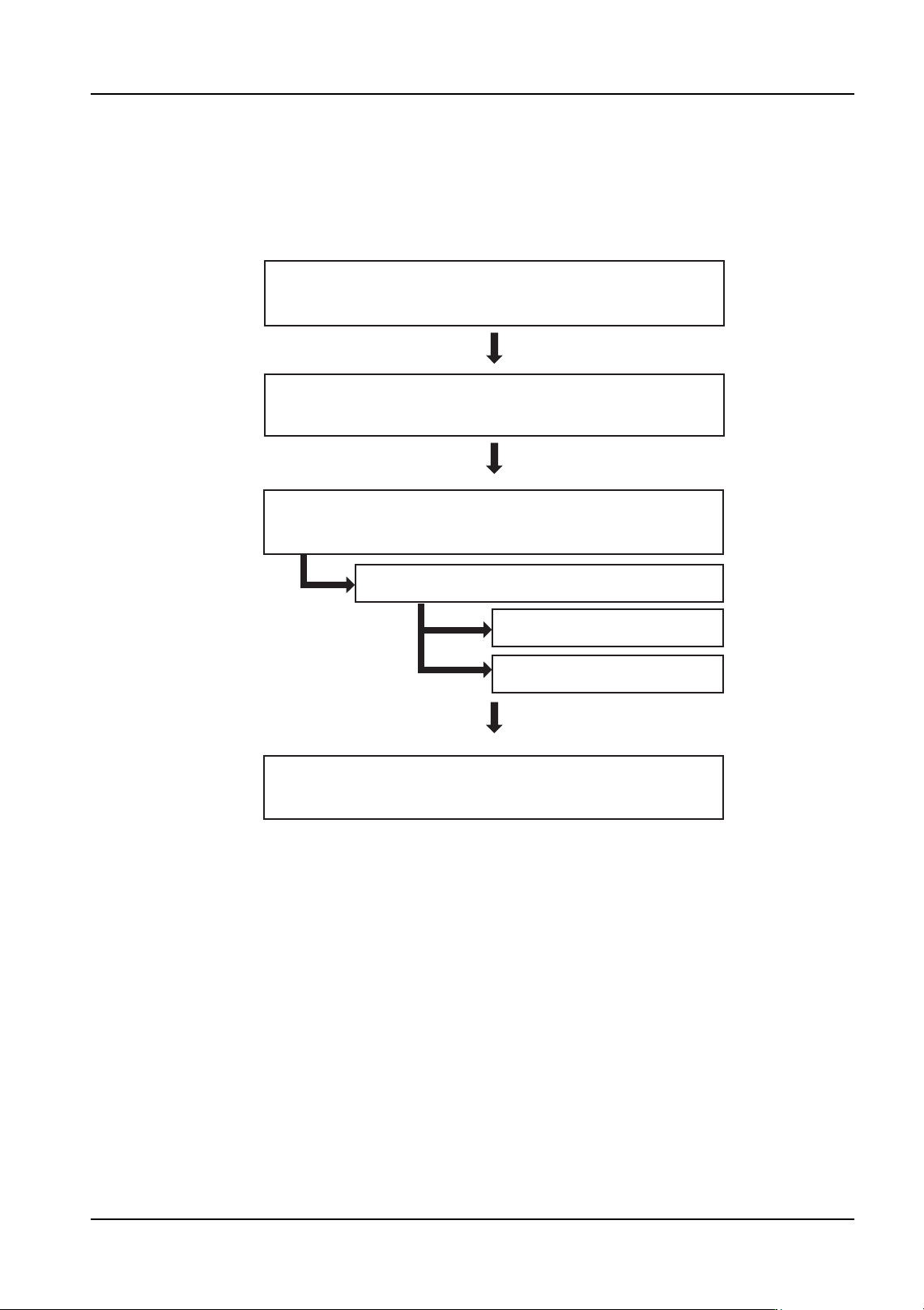
Creation flowchart
The flowchart below shows the general procedure for creating mark data.
Procedure
1. Create temporary mark data by specifying a circular fiducial mark and create the job. A
mark vision processing error will occur because this does not match the actual mark.
2. Send the job to the machine.
3. In Accessory Software, specify [OFF] for the setting for the fiducial mark recovery
function.
Note: Refer to the Accessory Software Online Manual for details regarding the use of Accessory
Software.
4. Push START to begin production.
5. A fiducial mark reading error will occur. Use Accessory Software to acquire and save
the image of the error.
6. Start MEdit and select [Open the Current Job] from the [File] menu.
Create temporary data in the job and start
production. (A mark vision processing error occurs.)
Use Accessory Software to acquire an image
of the vision processing error mark.
Open the job in MEdit and edit the mark data.
Start MDW and create mark data.
Edit the template.
Vision processing test.
Use MEdit to update the mark data and
resend the job to the machine.
01PRG-0002E