FUJI NXT Programming Manual QD004-18.pdf - 第90页
4. Part Data Settings QD004-18 80 NXT Programming Manual 4.3 Shape Data The following list is the part data setti ngs used b y the NXT for shape data. 4.3.1 Shape Information tab Settings that have blank comments have th…

QD004-18 4. Part Data Settings
NXT Programming Manual 79
Allow Multiple Slots
Specify whether or not to allocate the same part to multiple machines and feeders during
line balancing and optimization.
Note: The setting [Feeder Duplication] (NXT) has priority in optimization over [Allow Multiple
Slots].
Limit Target Machines
Specify whether or not to limit this part to specific machines. If this setting is “No”, then the
part can be allocated to any machine that can place the part. If this setting is “Yes”, then
the part can only be allocated to one of the machines specified in the [Target Machine List].
The [Target Machine List] only displays if this setting is “Yes”.
Target Machine List
When the part is to be limited to specific machines only by changing the [Limit Target
Machines] setting to “Yes”, then this setting is displayed and then machines to which the
part can be allocated to must be specified here. Click the value cell for this setting twice
and a [Select Machine Model] dialog box is displayed. Select the machines to which the
part can be allocated and then click [OK].
User Fields 1 to 5
These are note fields for you to use as you please.
Setting Description
Yes Specifies that it is possible to divide the part among
multiple machines during line balancing. During
optimization it is also possible that the part will be divided
into multiple feeders during optimization.
No Line balancer and Optimizer do not divide the part among
multiple machines and feeders.
4. Part Data Settings QD004-18
80 NXT Programming Manual
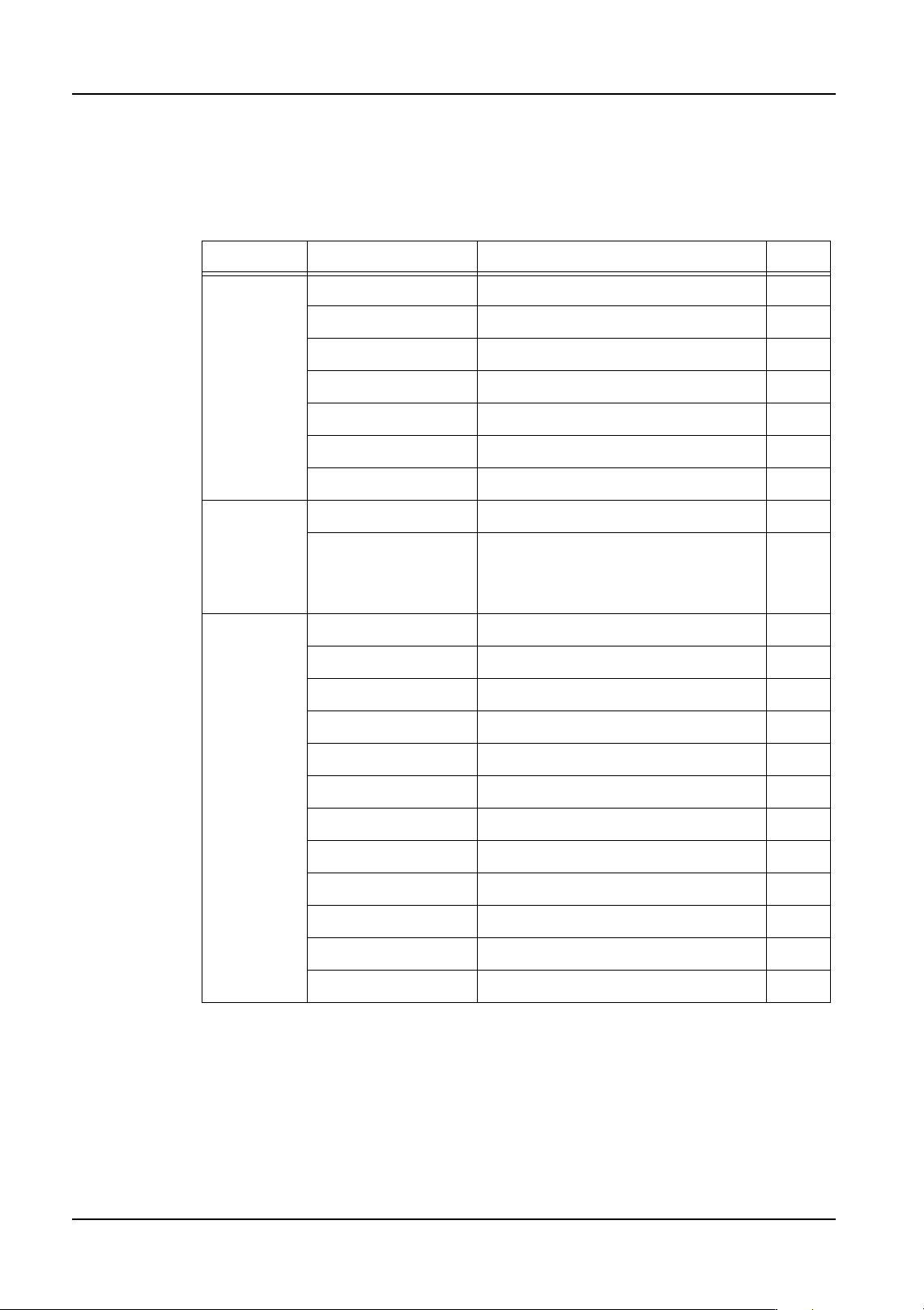
4.3 Shape Data
The following list is the part data settings used by the NXT for shape data.
4.3.1 Shape Information tab
Settings that have blank comments have the same explanation and settings for multiple Fuji
machine types. Settings with the vision related comment affect the vision processing.
The settings for items with an O in the “Chg” column can be changed in MEdit. The settings
for items with an X in this column cannot be changed in MEdit.
Section Name Comments Chg
Body Length (X) O
Width (Y) O
Length Tolerance (X) O
Width Tolerance (Y) O
Height O
Height Tolerance Used only with compatible heads O
Color O
Lead Pitch Tolerance This is a vision related setting. O
Element Information If the part has elements, then they
must be specified in this location. All
settings in this area are vision related
settings.
O
Lead -
Element
Information
Side This is a vision related setting. O
Position X This is a vision related setting. O
Position Y This is a vision related setting. O
Quantity This is a vision related setting. O
Pitch This is a vision related setting. O
Width This is a vision related setting. O
Width Tolerance This is a vision related setting. O
Length This is a vision related setting. O
Length Tolerance This is a vision related setting. O
Center Tolerance This is a vision related setting. O
Result This is a vision related setting. O
P_pattern This is a vision related setting. O
QD004-18 4. Part Data Settings
NXT Programming Manual 81
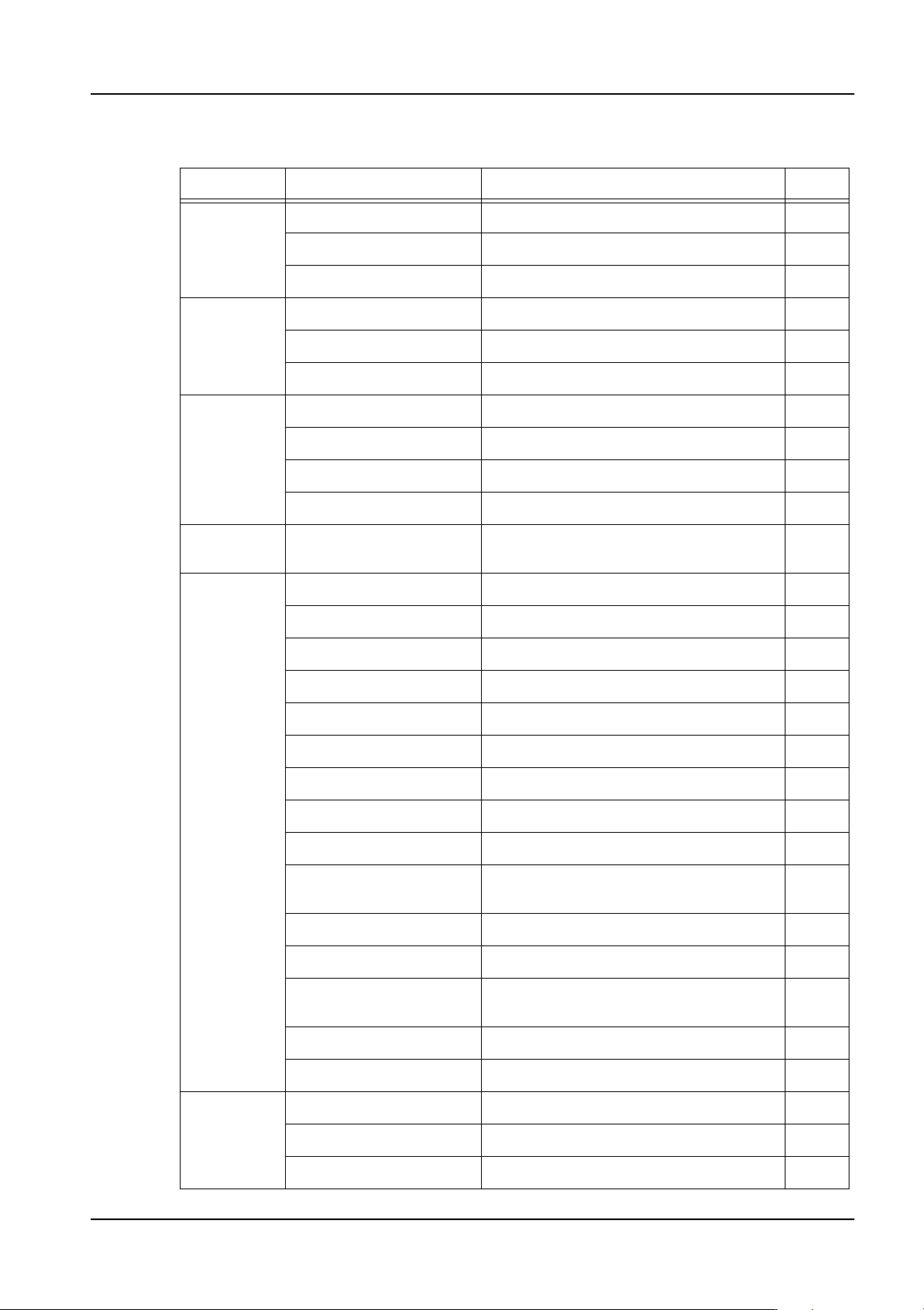
4.3.2 Shape Process tab
Section Name Comments Chg
Body Location Pin Length O
Part Pattern Tolerance X This is a VPDplus setting. X
Part Pattern Tolerance Y This is a VPDplus setting. X
Lead Check Point O
Quantity Check Limit O
Lead Brightness O
Process -
Nozzle
Minimum Diameter X
Maximum Diameter X
Name X
Load Check For NXT pressure control only O
Process -
Head
Target Heads For NXT only X
Process -
Pick
Do Auto Offset O
Offset X O
Offset Y O
Offset Q O
Offset Z O
Tray Pick Offset Z O
Soft Pick Speed O
Enable Pressure Sensor O
Do Prerotation NXT does not use this setting O
Do Prerotation for
Custom Nozzle
Custom and mechanical chucks only O
Do Part Height Check Used only with compatible heads O
Clamp Width For OF head O
Actual Pickup Body
Height
For OF head O
Clamp Margin For OF head O
Motor Gripping Force For OF head O
Process -
Pick -
Tolerance
Check
Tolerance X O
Tolerance Y O
Tolerance Q O