FUJI NXT Programming Manual QD004-18.pdf - 第170页
6. Editing Jobs on the Machine (MEdit) QD004-18 160 NXT Programming Manual Note: Refer to the MEdit Online Manual for details regarding the use of MEdit. 7. In MEdit, specify [Multipurpos e] as the setti ng for the [Patt…
QD004-18 6. Editing Jobs on the Machine (MEdit)
NXT Programming Manual 159
6.4.2 Creating an irregular fiducial mark for a job that is not
currently being used in production
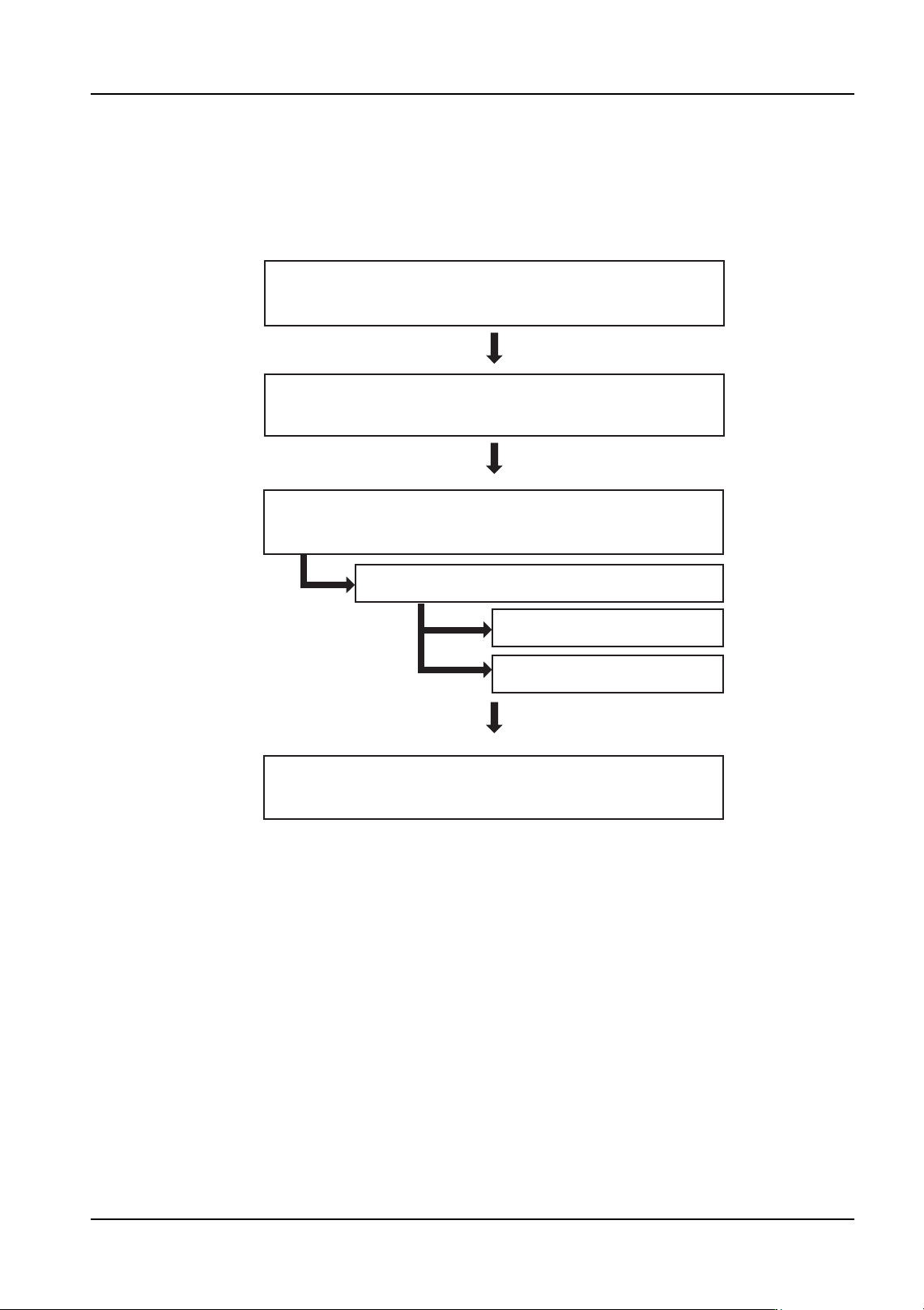
Creation flowchart
The flowchart below shows the general procedure for creating mark data.
Procedure
1. Create temporary mark data by specifying a circular fiducial mark and create the job. A
mark vision processing error will occur because this does not match the actual mark.
2. Send the job to the machine.
3. In Accessory Software, specify [OFF] for the setting for the fiducial mark recovery
function.
Note: Refer to the Accessory Software Online Manual for details regarding the use of Accessory
Software.
4. Push START to begin production.
5. A fiducial mark reading error will occur. Use Accessory Software to acquire and save
the image of the error.
6. Start MEdit and select [Open the Current Job] from the [File] menu.
Create temporary data in the job and start
production. (A mark vision processing error occurs.)
Use Accessory Software to acquire an image
of the vision processing error mark.
Open the job in MEdit and edit the mark data.
Start MDW and create mark data.
Edit the template.
Vision processing test.
Use MEdit to update the mark data and
resend the job to the machine.
01PRG-0002E
6. Editing Jobs on the Machine (MEdit) QD004-18
160 NXT Programming Manual
Note: Refer to the MEdit Online Manual for details regarding the use of MEdit.
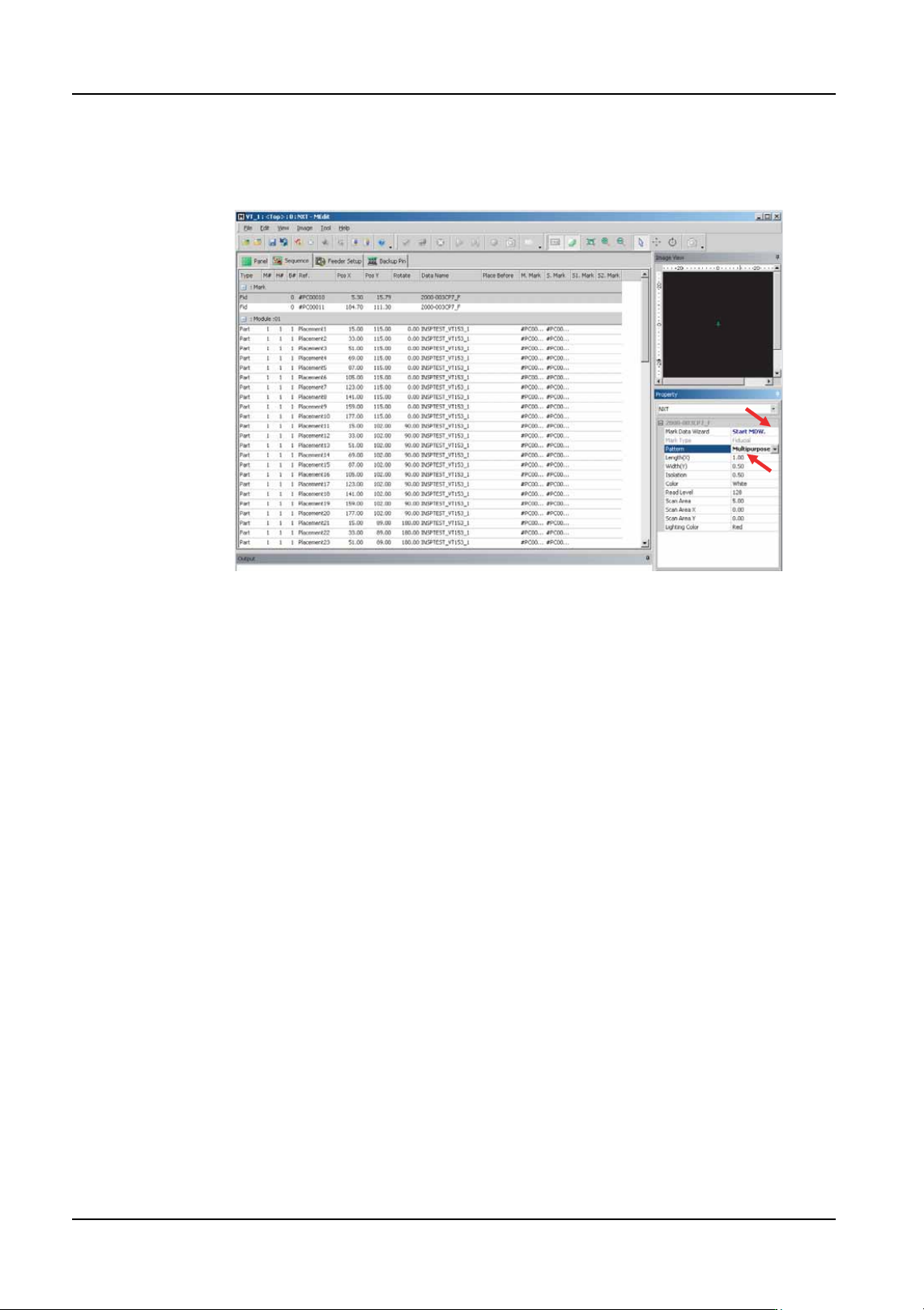
7. In MEdit, specify [Multipurpose] as the setting for the [Pattern] item in the [Property]
pane.
8. Click the button next to [Start MDW] to start MDW.
9. A dialog box to select the data to be edited is displayed. Open the acquired image of
the vision processing error and edit the template.
10.Next, a dialog box to complete the editing process is displayed. Perform a vision
processing test.
11.After the test has been successfully completed, update the mark data.
Note: Refer to the Online Manual for details regarding the use of MDW.
12.Exit MDW and return to MEdit.
13.Remove the panel from the machine and return to the main screen at the machine
operation panel.
14.Use MEdit to transmit the updated job to the machine.
01PRG-0003E
QD004-18 6. Editing Jobs on the Machine (MEdit)
NXT Programming Manual 161
6.4.3 Editing the mark data when a vision processing error occurs
during production
Procedures for editing irregular fiducial mark data when a vision processing error occurs
during production are shown below.
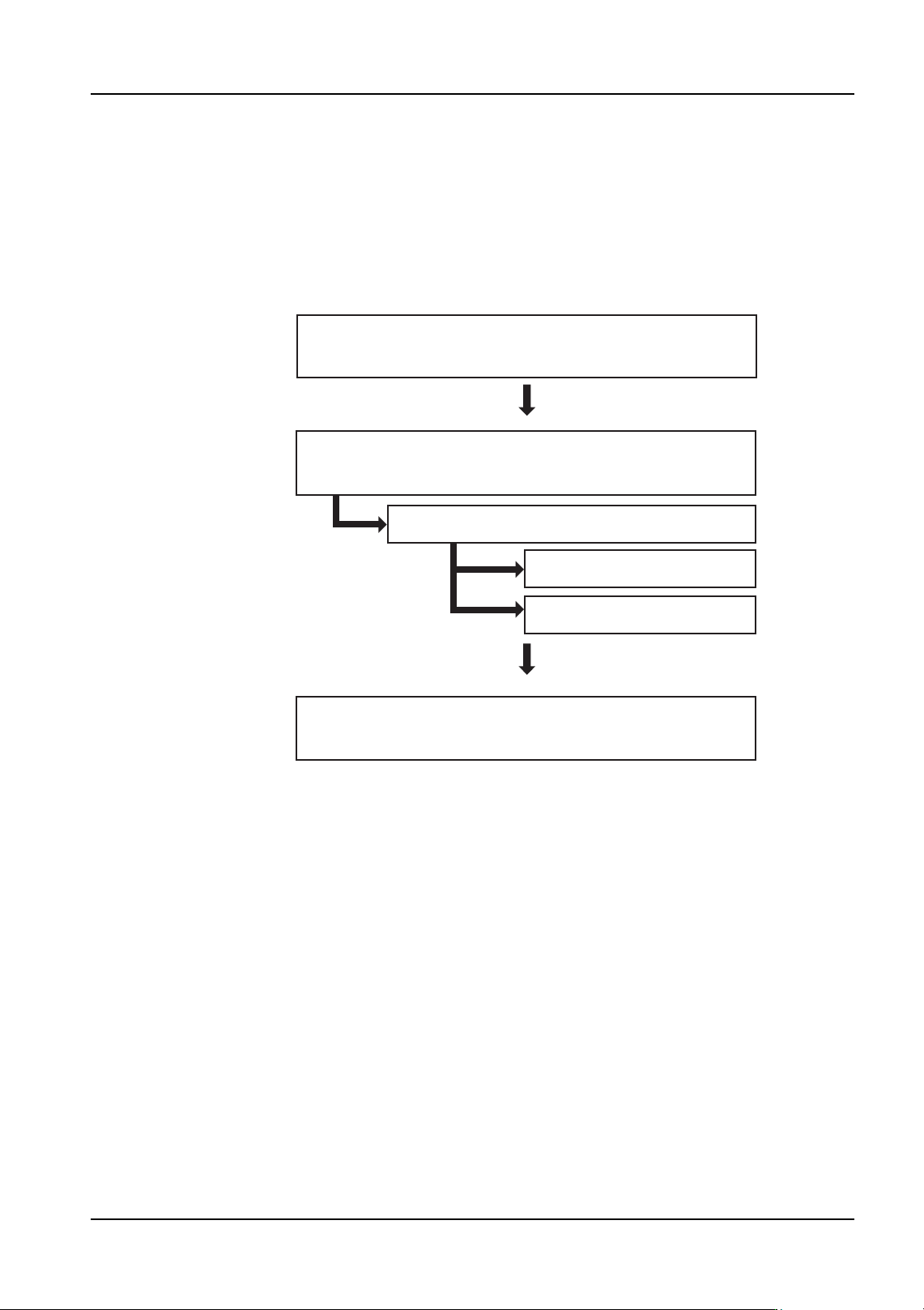
Creation flowchart
The flowchart below shows the general procedure for creating mark data.
Use MEdit to update the mark data and
resend the job to the machine.
01PRG-0004E
Edit the template.
Vision processing test.
Open the job in MEdit and edit the mark data.
Start MDW and create mark data.
Use Accessory Software to acquire an image
of the vision processing error.