FUJI NXT Programming Manual QD004-18.pdf - 第88页
4. Part Data Settings QD004-18 78 NXT Programming Manual 4.2 Part Data The following list is the part data setti ngs used by the NXT for part data. The settings for item s with an O in the “Chg ” colu mn can b e changed …

QD004-18 4. Part Data Settings
NXT Programming Manual 77
4. Part Data Settings
4.1 Introduction
The NXT-series requires part data the same as other Fuji machines and the most of part
data settings are the same as other Fuji machines. One of the major areas where part data
settings are different for the NXT-series versus other Fuji machines is the vision related
settings. This chapter lists the part data settings used by the NXT and provides details on
the settings that are different from other Fuji machines. The part data settings in this
chapter are broken down into three groups that correspond to the way the settings are
grouped when using relational mode for part data in Fuji Flexa.
Part data is created and edited with Part Editor or if the part data is using relational mode,
Part Number Editor, Shape Editor, and Package Editor. In addition, part templates are
created and edited with Template Editor. Part data can be created manually, by importing
data, or by using the New Part Wizard. For procedures on using these items, refer to the
Fuji Flexa User Manual.
4. Part Data Settings QD004-18
78 NXT Programming Manual
4.2 Part Data
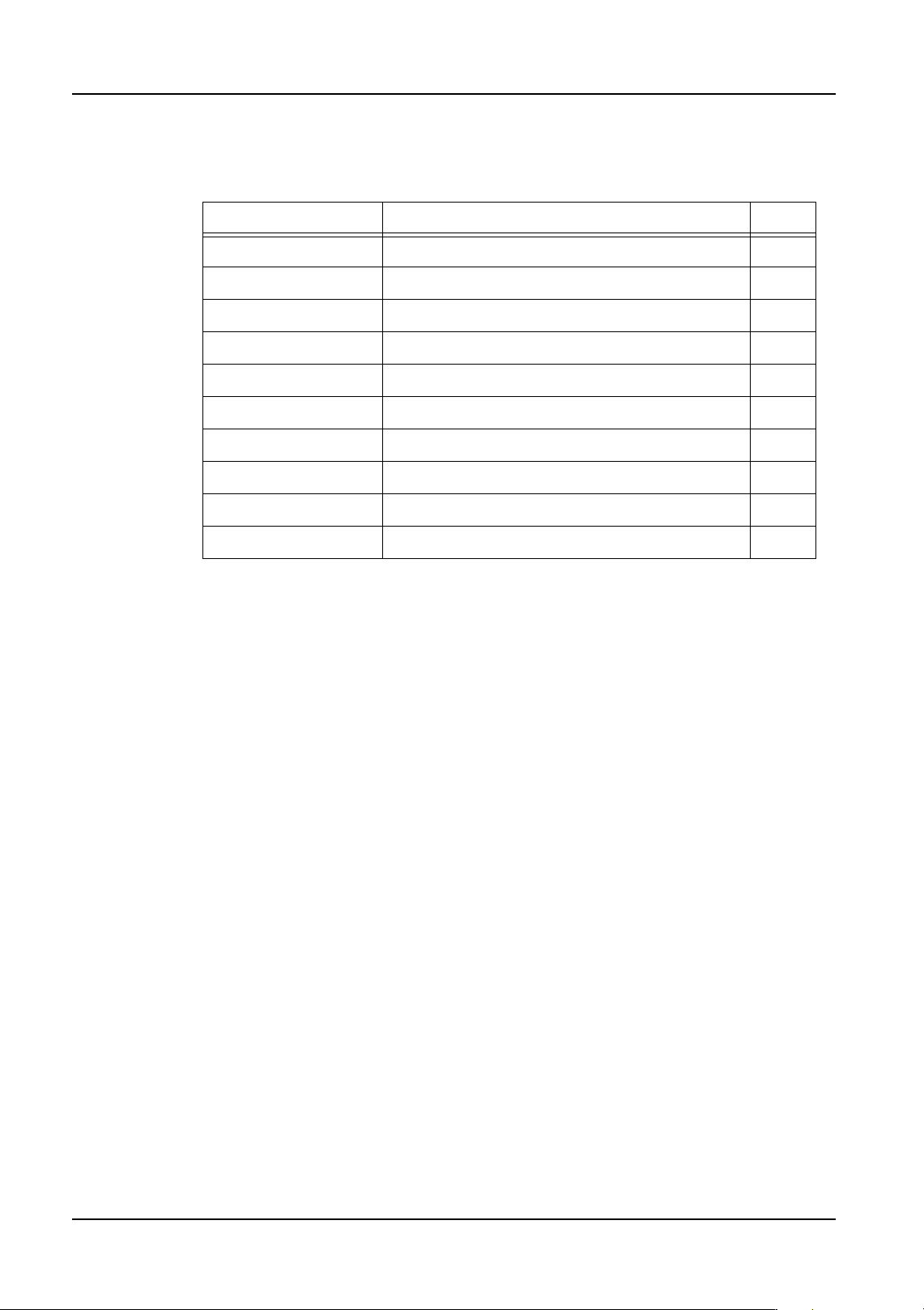
The following list is the part data settings used by the NXT for part data.
The settings for items with an O in the “Chg” column can be changed in MEdit. The settings
for items with an X in this column cannot be changed in MEdit.
4.2.1 Part data details
Part shape
Specify the shape data that is used for the part.
Package Name
Specify the package data that is used for the part.
Polarized
Specify whether or not the part has polarity. A part is considered to have polarity when the
part is not symmetrical, electrically and/or physically. If the part has no polarity, then a
placement of 180 degrees opposite to the specified angle does not affect the board.
Direction
Specify how the part is oriented in the package compared to the direction the part was
created in the shape library and zero orientation.
This is used by the placing machines for vision processing and placement.
Barcode Label
Specify the barcode label for the feeder verification check if Fujitrax Verifier is used. If this
is left blank and Fujitrax Verifier is being used, then the part data name is used for the
barcode.
Part Comment
Enter a part comment.
Name Comments Chg
Part Shape X
Package Name X
Polarized X
Direction This is a vision related setting. O
Barcode Label This setting is used with Fujitrax Verifier. X
Part Comment X
Allow Multiple Slots Used during line balancing and optimization only. X
Limit Target Machines Used during line balancing only. X
Target Machine List Only displays if [Limit Target Machine] is “Yes”. X
User Fields 1 to 5 X
QD004-18 4. Part Data Settings
NXT Programming Manual 79
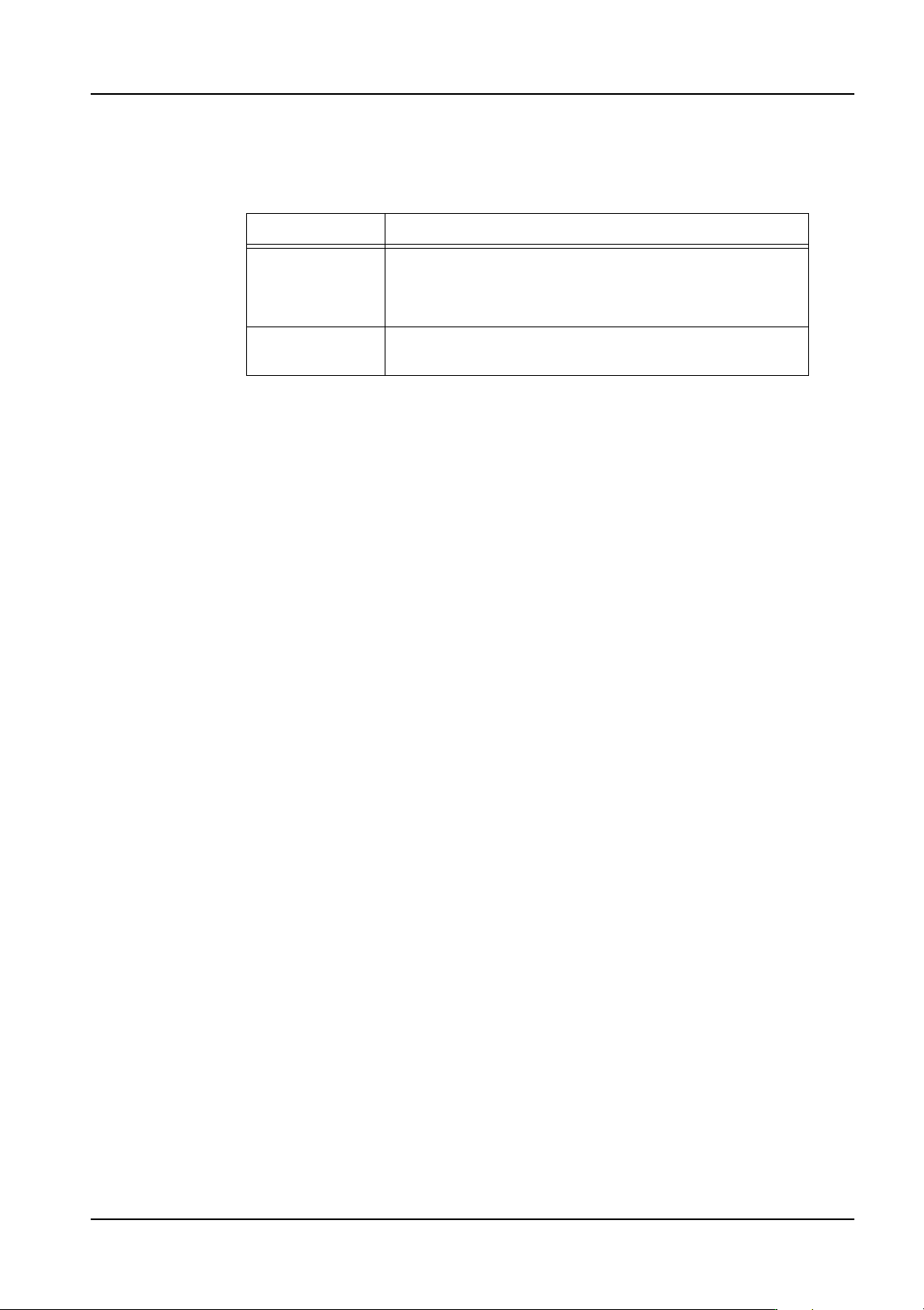
Allow Multiple Slots
Specify whether or not to allocate the same part to multiple machines and feeders during
line balancing and optimization.
Note: The setting [Feeder Duplication] (NXT) has priority in optimization over [Allow Multiple
Slots].
Limit Target Machines
Specify whether or not to limit this part to specific machines. If this setting is “No”, then the
part can be allocated to any machine that can place the part. If this setting is “Yes”, then
the part can only be allocated to one of the machines specified in the [Target Machine List].
The [Target Machine List] only displays if this setting is “Yes”.
Target Machine List
When the part is to be limited to specific machines only by changing the [Limit Target
Machines] setting to “Yes”, then this setting is displayed and then machines to which the
part can be allocated to must be specified here. Click the value cell for this setting twice
and a [Select Machine Model] dialog box is displayed. Select the machines to which the
part can be allocated and then click [OK].
User Fields 1 to 5
These are note fields for you to use as you please.
Setting Description
Yes Specifies that it is possible to divide the part among
multiple machines during line balancing. During
optimization it is also possible that the part will be divided
into multiple feeders during optimization.
No Line balancer and Optimizer do not divide the part among
multiple machines and feeders.