00197498-03_UM_SiplaceCA-Serie_EN.pdf - 第235页
User Manual SIPLACE CA-Series 4 SIPLACE Wafer System (SWS) From software version SC.708.0 Edition 12/20 14 4.5 SIPLACE SWS Wafer Stretcher 235 4.5 SIPLACE SWS W afer S tretcher The SIPLACE W a fer System (SWS) can be con…
4 SIPLACE Wafer System (SWS) User Manual SIPLACE CA-Series
4.4 Optional Components From software version SC.708.0 Edition 12/2014
234
4
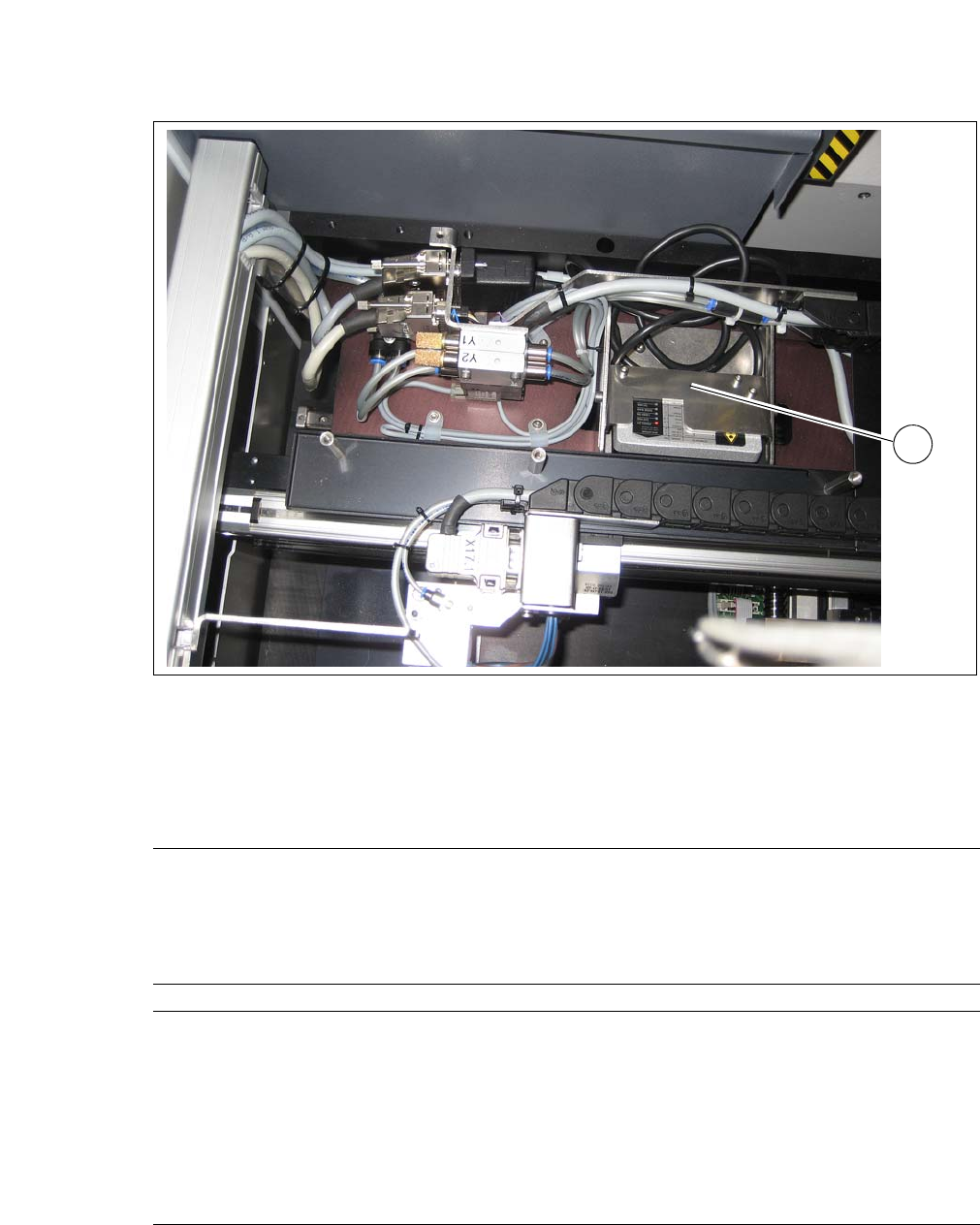
Fig. 4.4 - 3 Barcode scanner - installation example in the wafer changer
(1) Barcode Scanner
4.4.5.1 Technical Data
1
Board size
Length 50 mm to 610 mm
Width 50 mm to 508 mm
Thickness 0.3 mm to 4.5 mm
Curvature Up to 0.5 mm
Board types PCB, FR4, BGA, Boat, Leadframe
SIPLACE Wafer System
Placement method Flip chip, die attach
Die size 0.8 mm x 0.8mm up to 12 x12 mm
(larger dies on request)
Die thickness 0.05 mm to 4 mm
Wafer size Up to 12"
Frame size up to 15"
Wafer cassette max. 25 slots
User Manual SIPLACE CA-Series 4 SIPLACE Wafer System (SWS)
From software version SC.708.0 Edition 12/2014 4.5 SIPLACE SWS Wafer Stretcher
235
4.5 SIPLACE SWS Wafer Stretcher
The SIPLACE Wafer System (SWS) can be configured with the SIPLACE SWS Wafer Stretcher
option for two different wafer supports (8" or 12").
The SIPLACE SWS Wafer Stretcher consists of the following main assemblies.
– Stretcher
The stretcher stretches the wafer foil to increase the distances of the dies on it. 4
–Heater
The heater consists of a heating element and a fan. The fan blows heated air on to the wafer
foil. This reduces the sag of the wafer foil (less than 9 mm), so that the wafer can be trans-
ported back into the magazine. 4
4
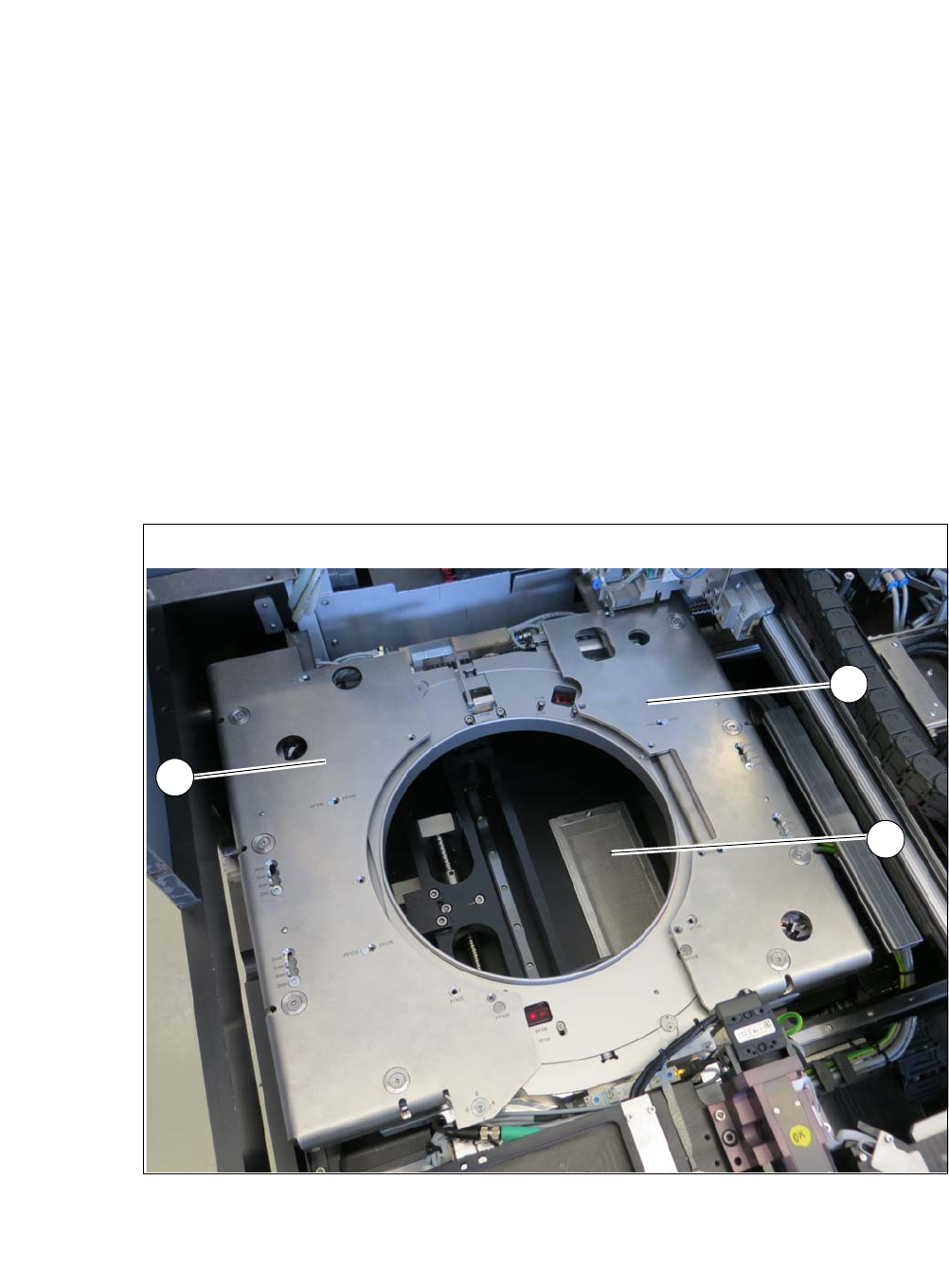
Fig. 4.5 - 1 Wafer support with SIPLACE SWS Wafer Stretcher
(1) Stretcher frame with wafer support
(2) Heater fan
2
1
1
4 SIPLACE Wafer System (SWS) User Manual SIPLACE CA-Series
4.5 SIPLACE SWS Wafer Stretcher From software version SC.708.0 Edition 12/2014
236
4.5.1 Safety Instructions
4
4
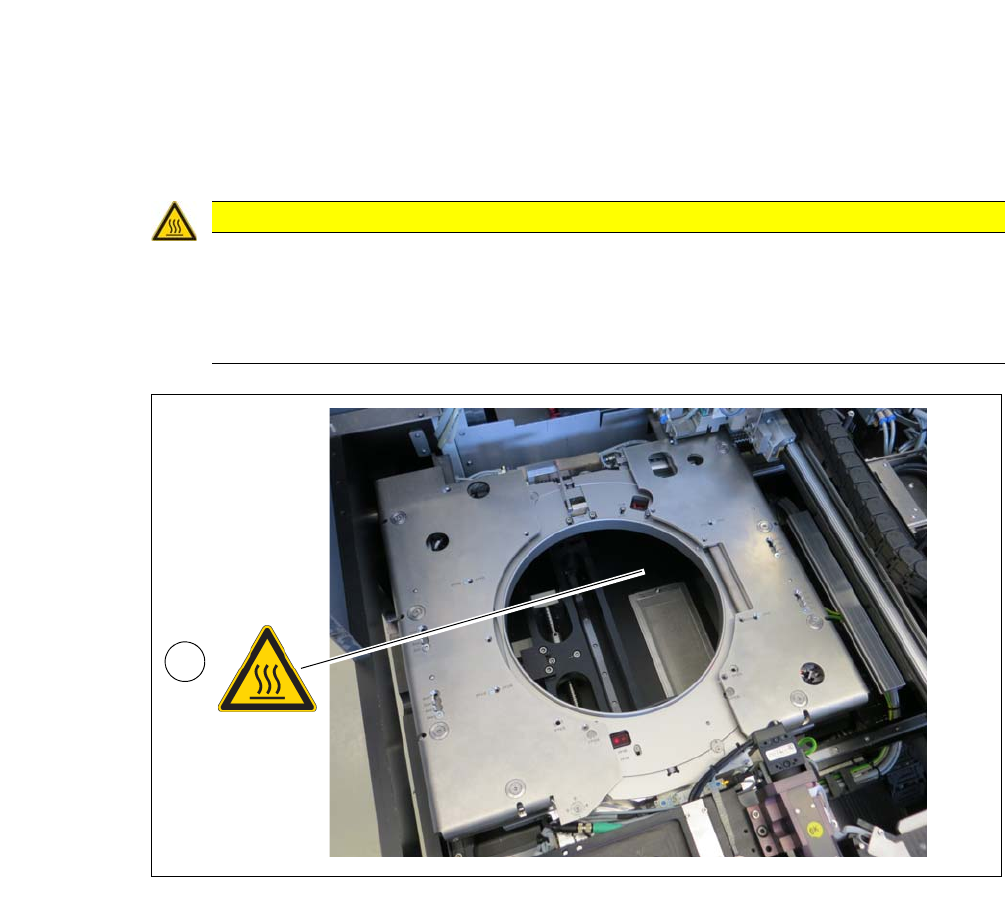
Fig. 4.5 - 2 Wafer support with SIPLACE SWS Wafer Stretcher
4
CAUTION
Risk of burns due to high temperatures!
The heating can reach temperatures of up to 60°C.
Do not reach into the area around the fan with your hands.
Be careful when touching the wafer support.
1