00197498-03_UM_SiplaceCA-Serie_EN.pdf - 第80页
2 Operational Safety User Manual SIPLACE CA- Series 2.7 Safety Instructions for Operating the SWS Fro m software version SC.708.0 Edition 12/2014 EN -DR AFT 80 2.7 Safety Instructions for Operating the SWS 2.7.1 Safety I…
User Manual SIPLACE CA-Series 2 Operational Safety
From software version SC.708.0 Edition 12/2014 EN -DRAFT 2.6 Safety Instructions for Operating the Placement Machine
79
2
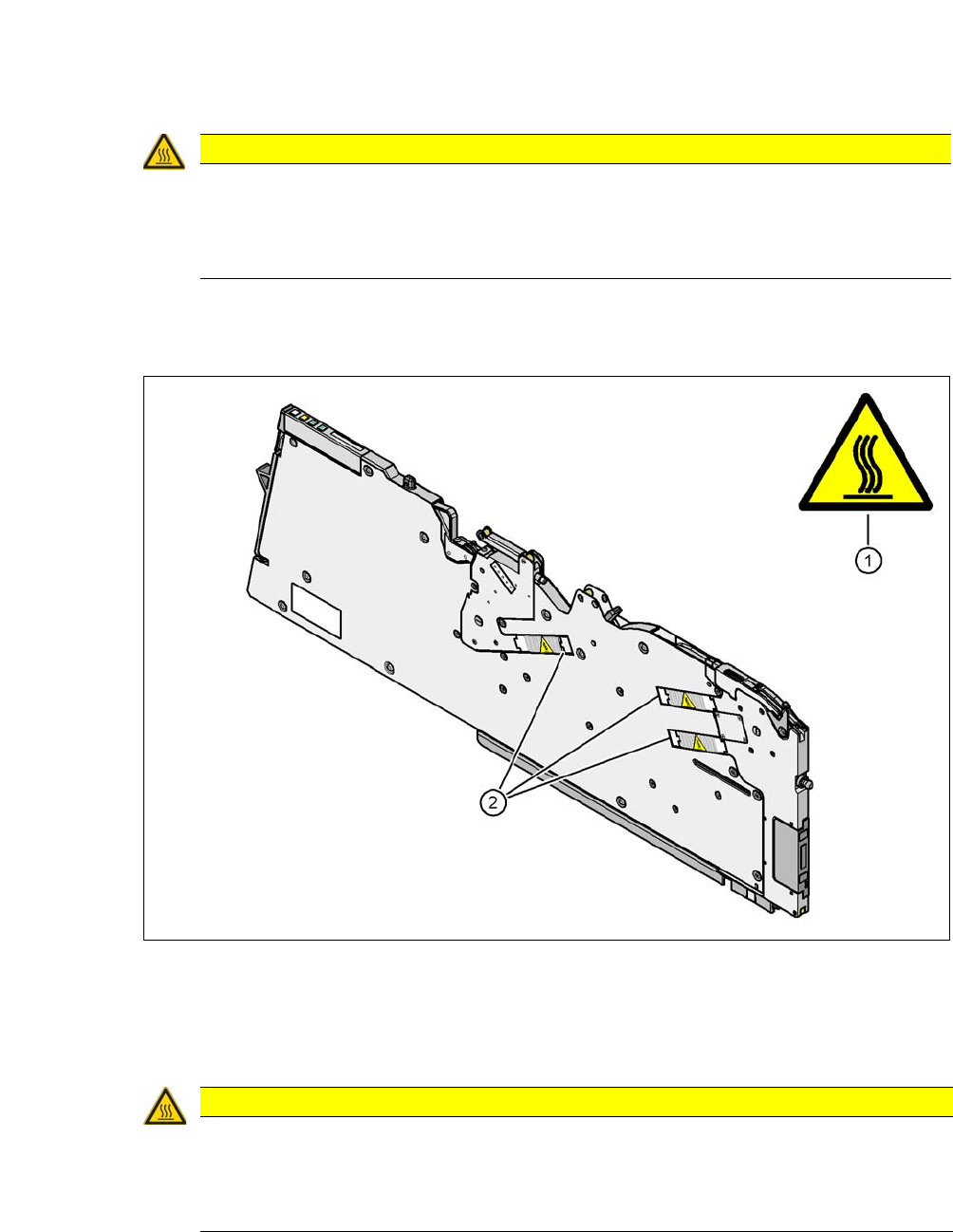
2.6.12 High Temperatures on the X Feeder Modules During Continuous Operation
2
Fig. 2.6 - 7 High Temperatures on the X Feeder Modules During Continuous Operation
(1) Temperature information plate [03031926-01]
(2) Stepping motor
2
CAUTION
Risk of burns due to high temperatures!
The housing of the star motor and the handle on the placement head may become very
hot during continuous operation and in ambient temperature in excess of 22 °C.
Be careful when touching the parts.
CAUTION
Risk of burns due to high temperatures!
The stepping motors can become very hot during continuous operation and in an ambient
temperature in excess of 22 °C.
Be careful when touching the motors.
2 Operational Safety User Manual SIPLACE CA-Series
2.7 Safety Instructions for Operating the SWS From software version SC.708.0 Edition 12/2014 EN -DRAFT
80
2.7 Safety Instructions for Operating the SWS
2.7.1 Safety Instructions for Working on the Wafer Table
2
2.7.2 Safety Instructions for Changing Wafer Magazines
2
2
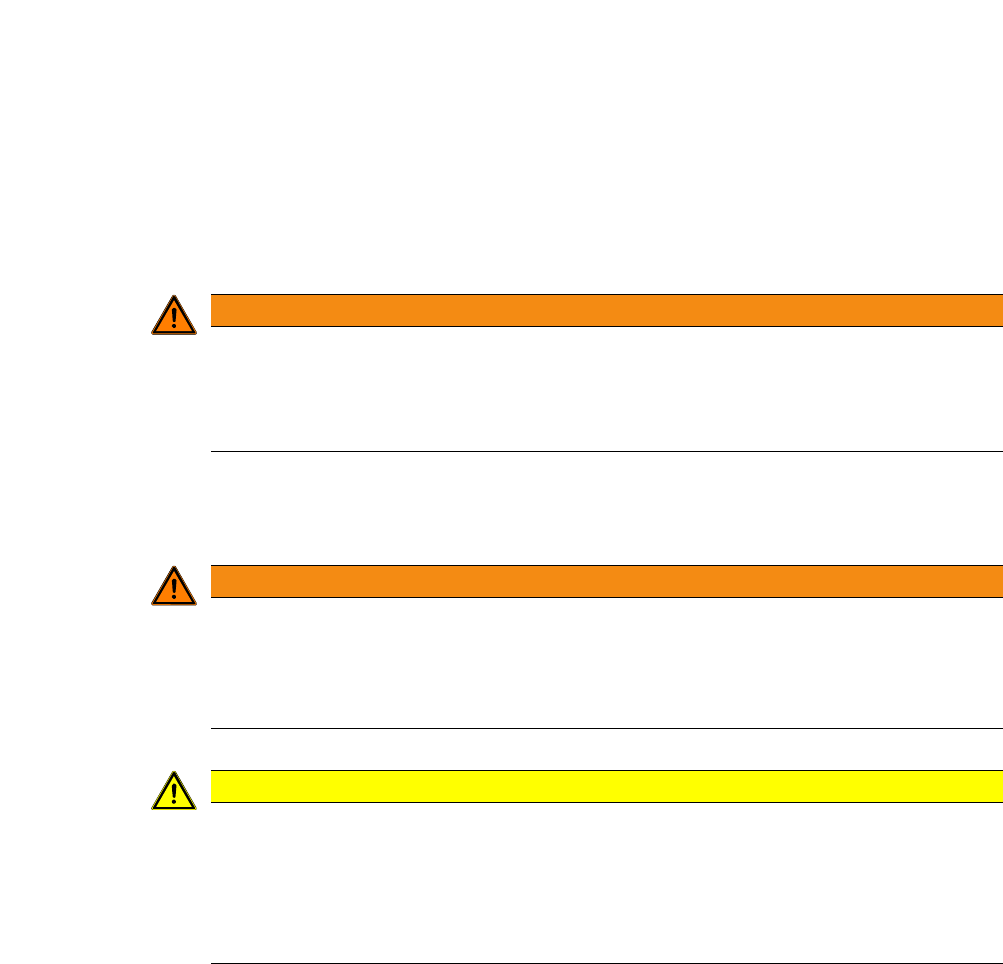
WARNING
DANGER OF CRUSHING!
The gantry and the wafer table could cause limbs to be trapped and crushed.
Never reach into the slit in the magazine lift in the direction of the wafer table with your
hands.
WARNING
Heavy wafer magazines!
A full wafer magazine can weigh up to 25 kg.
Handle the wafer magazine carefully.
Enlist the help of a second person, if necessary.
CAUTION
Risk of damage by incorrect usage!
If used incorrect, the wafer magazine and wafer lift could be damaged.
Make sure that nothing protrudes from the magazine lift.
Make sure that the correct wafer magazine has been properly positioned on the mag-
azine lift plate.
User Manual SIPLACE CA-Series 2 Operational Safety
From software version SC.708.0 Edition 12/2014 EN -DRAFT 2.7 Safety Instructions for Operating the SWS
81
2.7.3 Safety Instructions for Closing the Protective Cover
2
– The sliding door of the SWS can be opened during operation to replace the wafer magazine
- the SWS will continue production. Opening the door only disables the magazine lift.
– Opening the cover hood sets the SWS into EMERGENCY OFF state.
2.7.4 Safety Instructions for the Linear Dipping Unit (LDU)
2
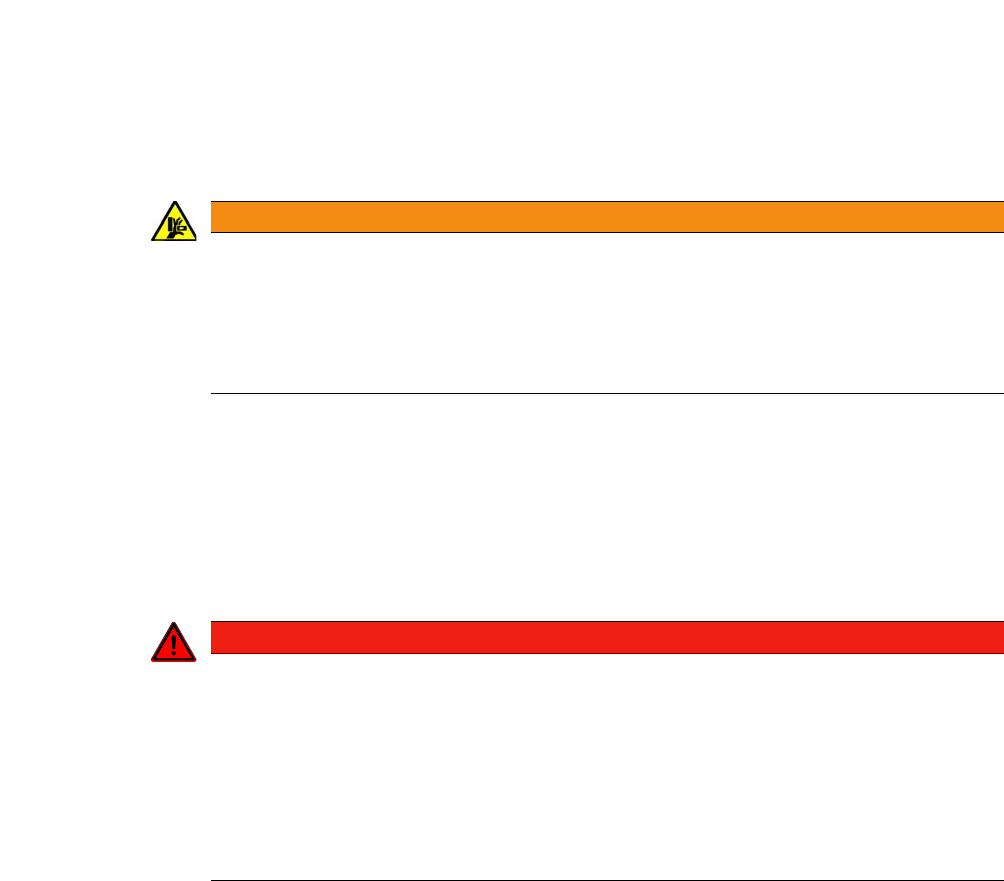
WARNING
Danger of crushing!
Risk of trapping and crushing hands when closing the protective cover.
Always hold the grab recess provided when opening or closing the sliding door.
When closing, do not reach into the gap between the cover or sliding door and the
machine housing. This area is marked with black-and-yellow warning strips.
DANGER
Hazardous substances (flux)!
The flux used for the Linear Dipping Unit poses a hazard to health!
Make sure that you observe the safety data sheet provided with the flux (Material
Safety Datasheet - MSDS)
Make sure that you fulfill all measures specified therein.
When filling and cleaning the LDU, plus when disposing of the flux, wear the pre-
scribed protective clothing (e.g. breathing protection, gloves, goggles).