YSP_Users_E.pdf - 第262页
Printing guide Contents 1. Flow of printing condition setting E-1 2. Data and condition setting E-2 2.1 Material and setup information E-2 2.2 Alignment of fset setting E-4 2.3 Rolling E-5 2.4 Printing and production con…
A-10
A
Appendix
Number of
rows
Applicable board size
(W)
Board support jig type/Q'ty used
Pins combined
(rows)
A B C
35 255 to 262 2 1 0 0
36 262 to 269 2 1 0 1
37 269 to 276 2 1 0 2
38 276 to 283 2 1 1 0
39 283 to 290 2 1 1 1
40 290 to 297 2 2 0 0
41 297 to 304 2 2 0 1
42 304 to 311 2 2 0 2
43 311 to 318 2 2 1 0
44 318 to 325 2 2 1 1
45 325 to 332 3 0 0 0
46 332 to 339 3 0 0 1
47 339 to 346 3 0 0 2
48 346 to 353 3 0 1 0
49 353 to 360 3 0 1 1
50 360 to 367 3 1 0 0
51 367 to 374 3 1 0 1
52 374 to 381 3 1 0 2
53 381 to 388 3 1 1 0
54 388 to 395 3 1 1 1
55 395 to 402 3 2 0 0
56 402 to 409 3 2 0 1
57 409 to 416 3 2 0 2
58 416 to 423 3 2 1 0
59 423 to 430 3 2 1 1
60 430 to 437 3 2 1 2
61 437 to 444 3 2 2 0
62 444 to 451 3 2 2 1
63 451 to 458 3 2 2 2
64 458 to 460 3 2 2 3
c
CAUTION
The board support jig is secured by press-fitting it into the holes in the matrix plate. Mount the board support jig after
checking that no solder or foreign matter exists on the matrix plate.
Additionally, if the board support jig is placed so that it protrudes from the matrix plate, this may cause damage to the
machine.
c
CAUTION
The board support jigs explained in this section are specially designed for the YSP. If these board support jigs are used
for other machine, this may cause serious damage to the machine.
Therefore, never use these board jigs for a machine other than the YSP.

Printing guide
Contents
1. Flow of printing condition setting E-1
2. Data and condition setting E-2
2.1 Material and setup information E-2
2.2 Alignment offset setting E-4
2.3 Rolling E-5
2.4 Printing and production conditions E-6
3. Details of each parameter item E-7
3.1 Board clamp E-7
3.1.1 Edge clamp pressure E-7
3.1.2 Backup jig E-8
3.2 Board and mask mark recognition (Mark position) E-8
3.3 Alignment offset E-8
3.4 Squeegee (Rolling) E-9
3.4.1 Squeegee speed E-9
3.4.2 Squeegee pressure E-9
3.4.3 Attack angle (degree (°)) E-9
3.5 Solder supply interval E-10
3.6 Detach pattern E-10
3.6.1 Board separation speed E-10
3.6.2 Board separation distance E-11
3.7 Cleaning E-11
3.7.1 Cleaning interval E-11
3.7.2 Cleaning repeat E-11
3.7.3 Cleaning speed E-11
4.
Causes of troubles predicted from symptoms (Appendix)
E-12
4.1 Positional deviation E-12
4.2 Blur E-12
4.3 Insufficient filling E-12
4.4 Solder spread, solder bridge E-13
4.5 Scraping trouble E-13
4.6 Solder enlargement E-13
4.7 Solder chipping, mask remaining E-13
EUL3200_AP
E-1
Printing guide
1. Flow of printing condition setting
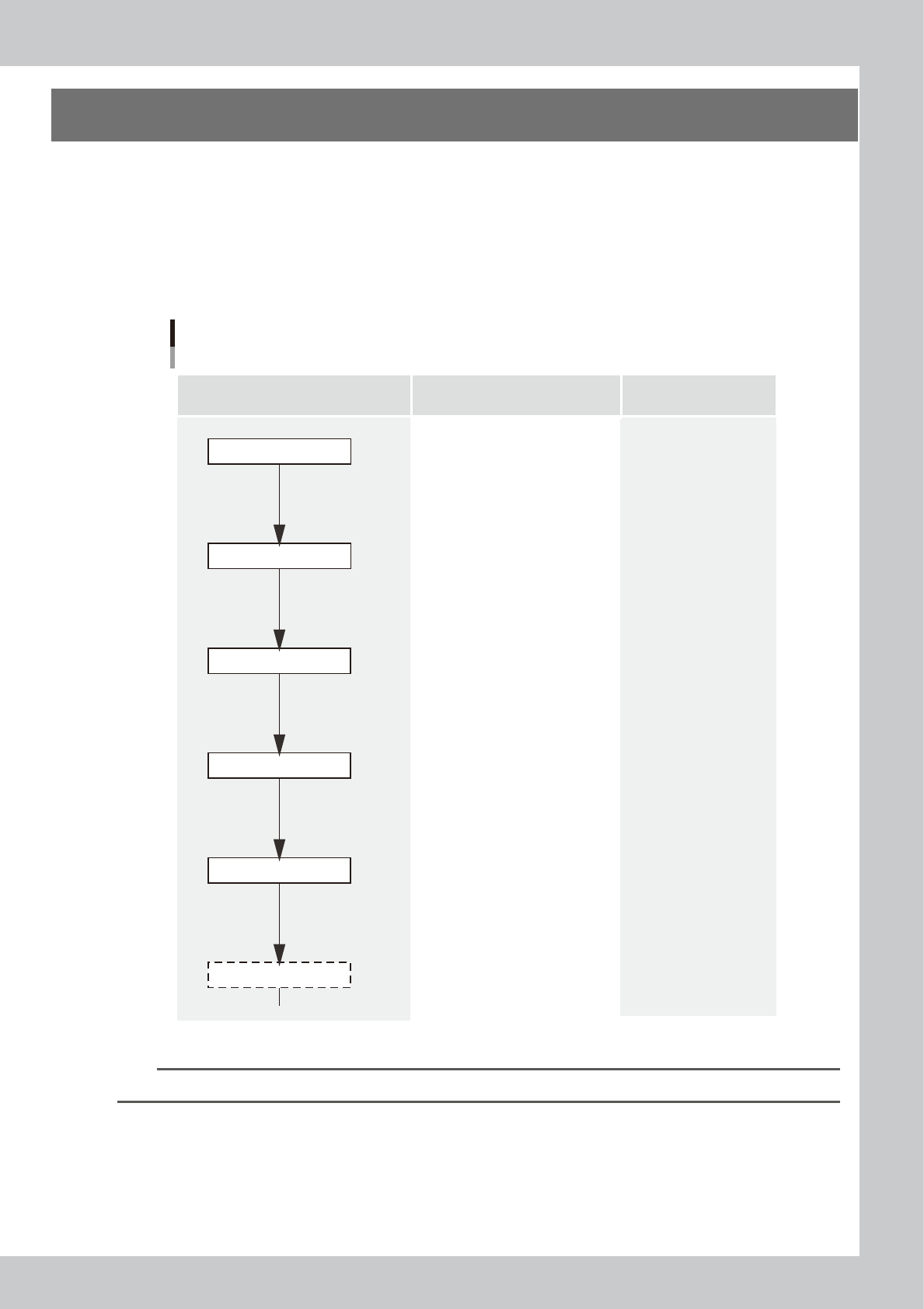
The following diagram shows the flow of the condition setting (data setting) and the setup work necessary to
perform the printing with excellent quality.
•
Before starting the condition setting, it is necessary that the basic data input and the setup work have been completed.
•
The parameter change results after completion of the condition setting may slightly vary depending on the solder and/
or mask status.
•
It is recommended to first perform the test print with the default values and gradually narrow the conditions from the
test print results.
Printing condition setting
Contents of work Items to be set Related troubles
Setup work
Basic data input
・Alignment offsets X, Y, R
・Board size
・Mask information
・Squeegee type
・Edge clamp pressure
・Fiducial position coordinates
・Backup jig setting
・Board clamp status check
・Mark information check
Print deviation
Solder spread
Solder bridge
Print deviation
Solder enlargement
Solder chipping, mask remaining
Solder spread, solder bridge
Blur
Scraping trouble
Insufficient filling
・Squeegee pressure
・Squeegee speed
・Attack angle
・Board separation speed
・Board separation distance
・Alignment offset Z
・Solder supply interval
Solder chipping, mask remaining
Solder spread, solder bridge
・Cleaning interval
・Cleaning repeat
・Cleaning speed
Alignment offset
Cleaning conditions
Printed status check
Graphic alignment
Test print
Rolling
63E10-L3-00
n
NOTE
For more details about work procedures and contents of each parameter, see the relevant sections of this manual.