YSP_Users_E.pdf - 第48页
1-6 1 Part names and functions 2.2 Keyboard and mouse T his machine is equipped with a keyboard and mouse as standard features to operate the machine or for data editing. T o select a menu button or parameter item on the…
1-5
1
Part names and functions
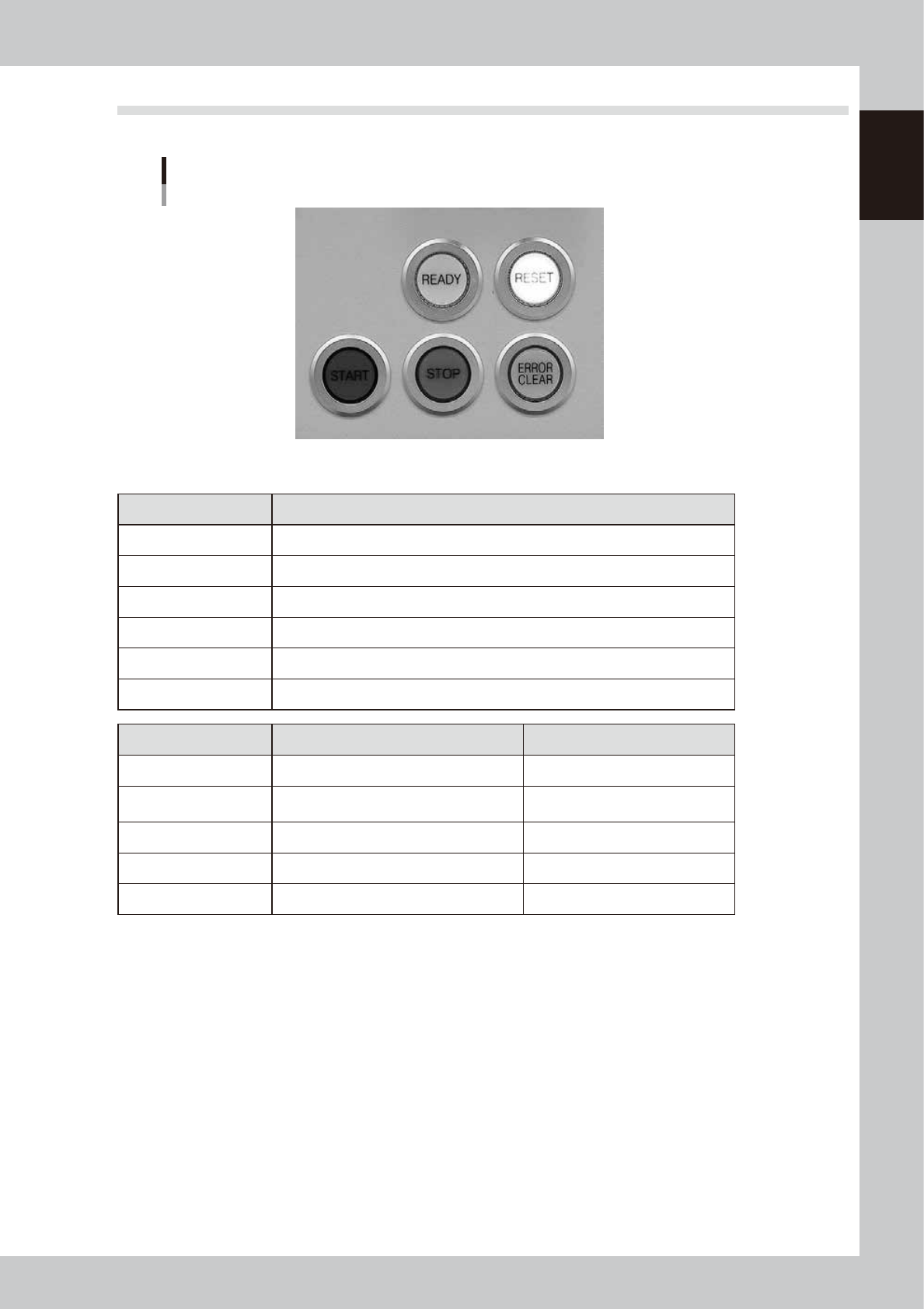
2.1 Operation panel buttons
The following describes the operation panel buttons.
Operation panel buttons
63105-L3-00
n
Operation panel button functions and status
Button name Function
READY Releases emergency stop and turns the servo on.
RESET Stops automatic operation and returns to standby for board production.
START Starts automatic operation according to board data.
STOP Interrupts automatic operation. (Press the [START] button to resume operation.)
ERROR CLEAR Stops buzzer sound and clears error screen.
EMERGENCY STOP Triggers emergency stop. Turn to the right to release it.
Button name When button is OFF When button is ON
READY • SERVO OFF (Motor power OFF) • SERVO ON (Motor power ON)
RESET
• Machine is in normal operation or
stopped.
• Machine has been reset.
START • Machine is stopped. • Machine is in normal operation.
STOP • Machine is in normal operation. • Error occurred.
ERROR CLEAR • Machine is in normal operation. • Error occurred.
1-6
1
Part names and functions
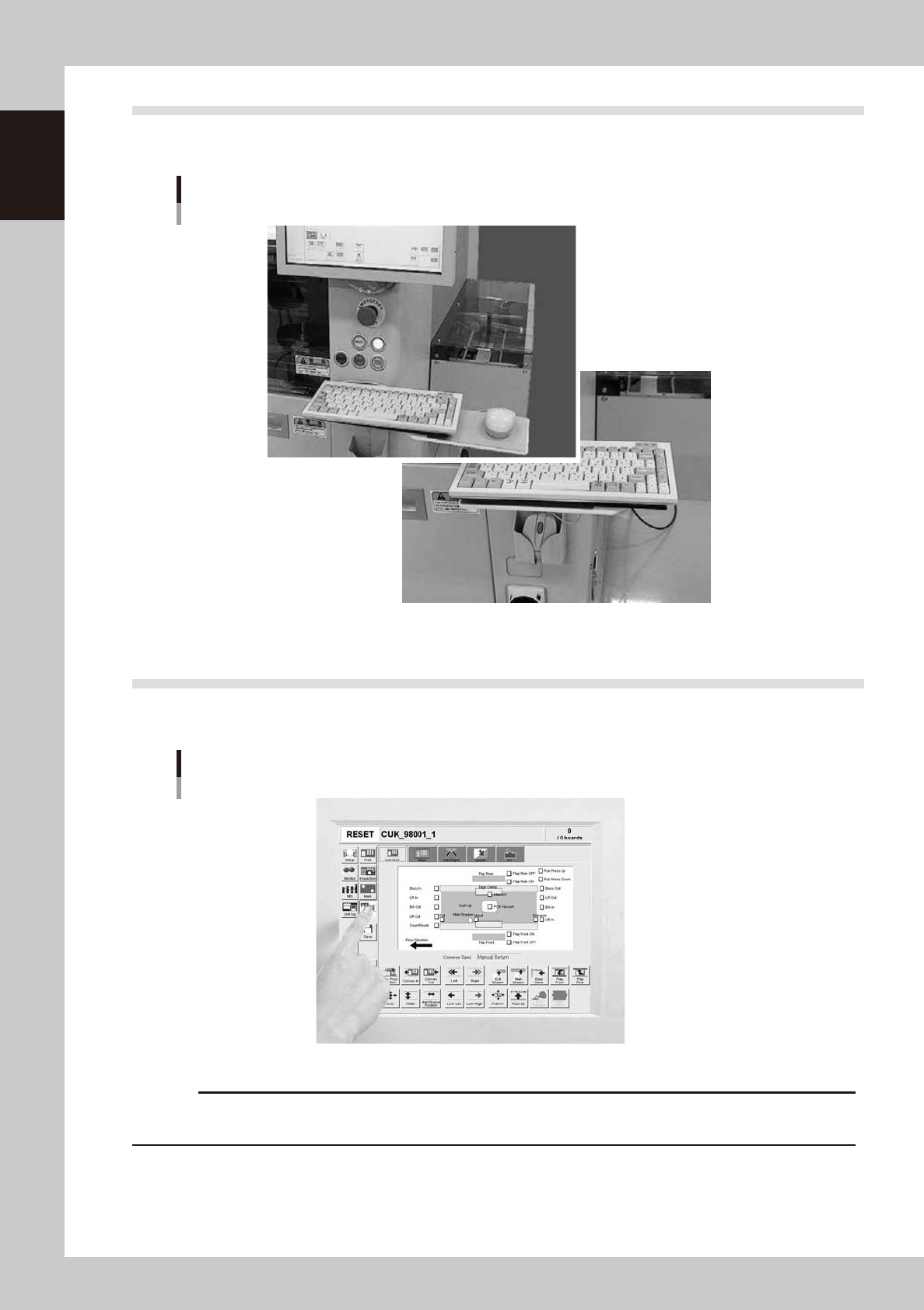
2.2 Keyboard and mouse
This machine is equipped with a keyboard and mouse as standard features to operate the machine or for data
editing. To select a menu button or parameter item on the operation screen, click it with the left mouse button.
Keyboard and mouse
Mouse and mouse pad can be retracted.
63107-L3-00
2.3 Liquid crystal touch screen (option)
Machines equipped with a touch screen (option) can be operated or data set by pressing icon buttons or
selecting parameter items on the screen without having to use the keyboard and mouse.
Touch screen (option)
63108-L3-00
c
CAUTION
Do not push or hit the touch screen surface with a pointed tool or hard object. The screen might otherwise crack or be
scratched. Use your finger to select icon buttons or parameter items on the touch screen.
1-7
1
Part names and functions
3. Printing section
This machine uses a printing pressure feedback head and a highly rigid printing table to perform solder
paste printing at high speeds yet with high accuracy.
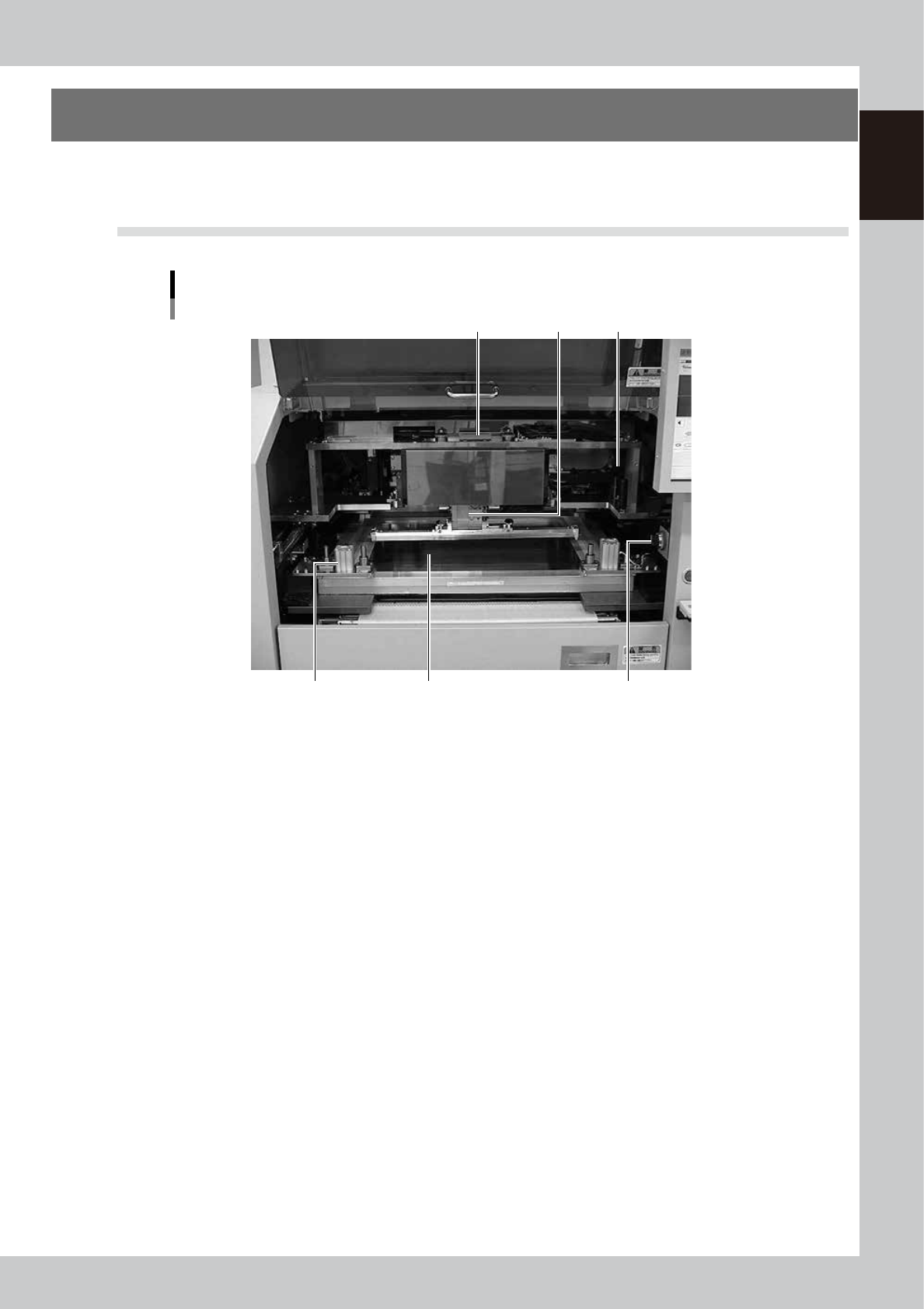
3.1 Squeegee head and printing table
Squeegee head and printing table
1 2
3
6
4
5
63109-L3-00
1. Squeegee head
Moves the squeegee vertically (along the SZ-axis) and forwards or backwards (along the SY-axis ). The 3S squeegee head
rotates slightly even in the R direction.
2. Squeegee holder
The squeegee can be easily mounted in this squeegee holder with two screws.
3. Mask clamp
Clamps a mask frame on the printing table. There are two clamps each on the left and right sides (a total of 4 clamps).
When using a small mask, attach the special adaptor at two locations on the rear.
4. Mask clamp switch
Turn this switch CCW or CW to release or clamp the mask.
5. Mask (prepared by user)
Various types of masks (stencils) with different frame sizes can be used by just changing the position of the stopper pin.
For information about the mask frame sizes and stopper pin positions, see Appendix 2, "Compatible masks".
6. Handle
Use the handles on both sides to move the squeegee head forwards or backwards by hand during servo-off. Never move
the squeegee head by pushing it or the squeegee.