YSP_Users_E.pdf - 第67页
2-3 2 Basic operations 1.3 T ypical errors and troubleshooting T ypical errors that might be displa yed during oper ation are shown below along with possible causes and correctiv e action. n Conveyor related errors Code …
2-2
2
Basic operations
1.2 Clearing an error
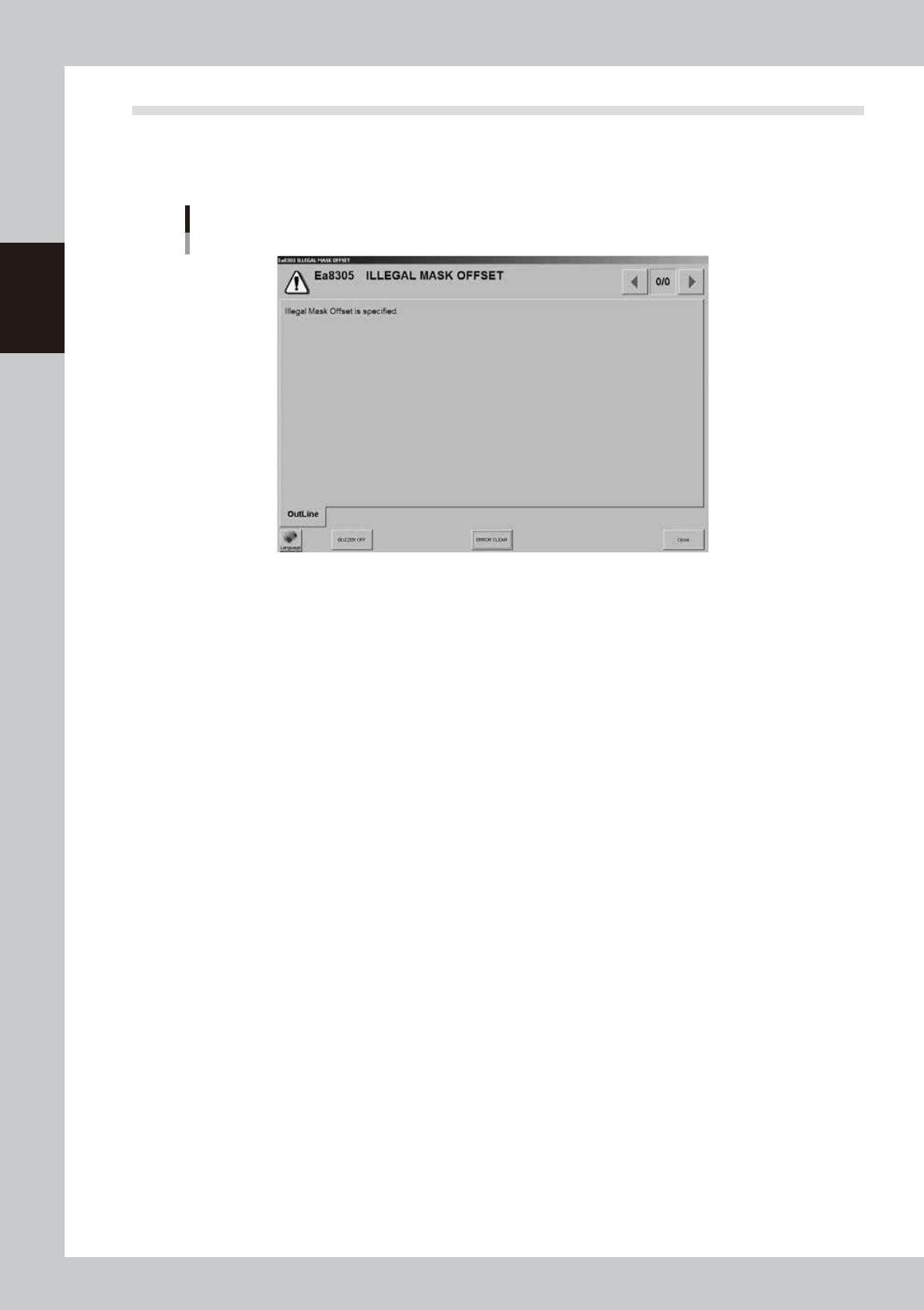
If an error occurs, a buzzer sounds, the yellow signal lamp on the top of the machine lights up, and a yellow
"ERROR" sign appears in the status area of the operation screen. At the same time, an error message appears,
so check the message. To clear the error, follow these steps.
Error message screen
64201-L3-00
1
Turn off the buzzer.
Press the [ERROR CLEAR] button on the operation panel or the [BUZZER OFF] button on the error message
screen.
2
Check the cause of the error.
Possible causes are displayed on the error screen so eliminate the cause of the error.
Always press the emergency stop button if you need to put your hand in the machine.
3
Clear the error screen.
Press the [ERROR CLEAR] button again or the [ERROR CLEAR] button on the error screen.
4
Check the signal light and screen display.
Check that the yellow signal lamp on the top of the machine is off and the "ERROR" sign in the upper
left status area on the operation screen is now off.
2-3
2
Basic operations
1.3 Typical errors and troubleshooting
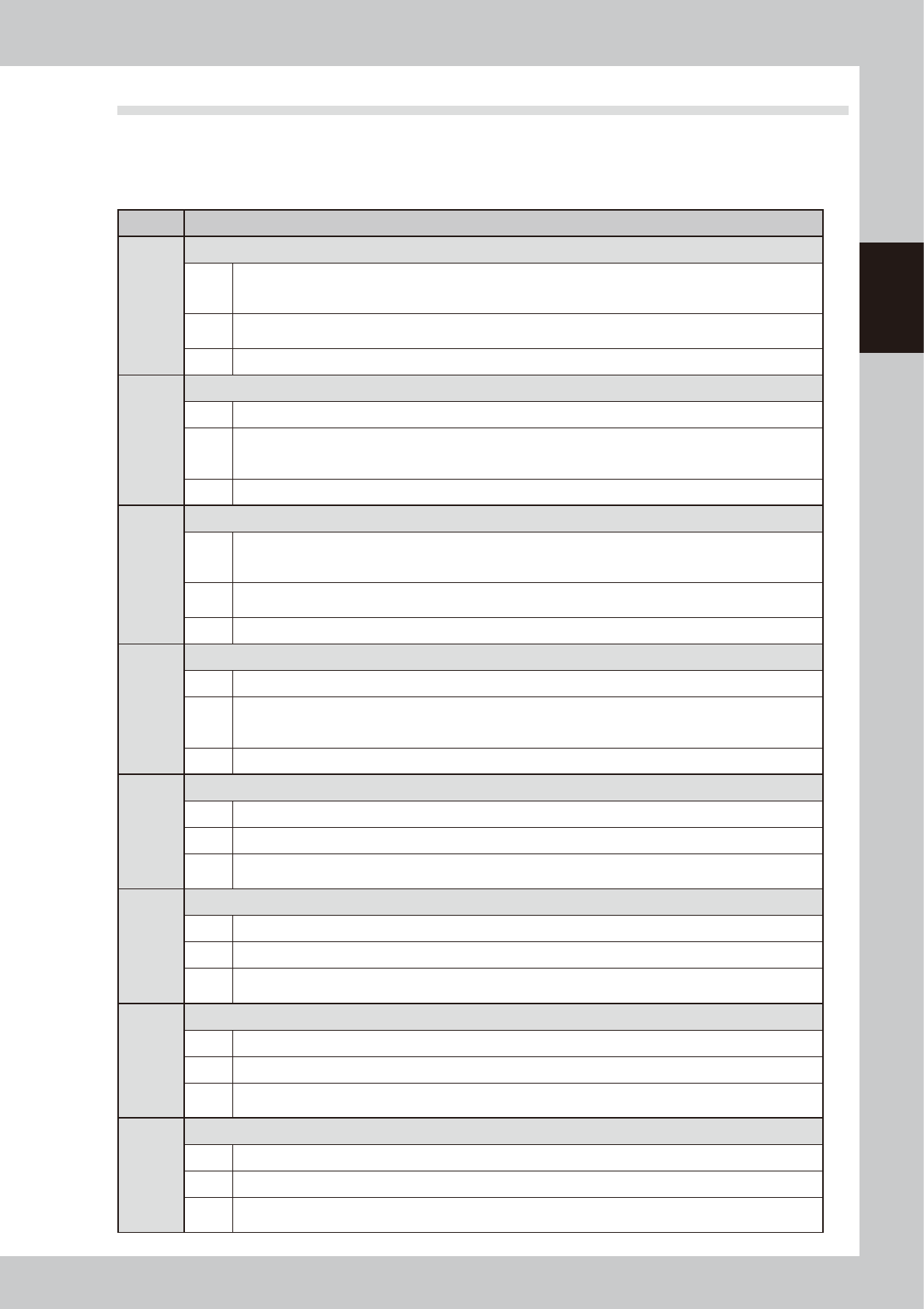
Typical errors that might be displayed during operation are shown below along with possible causes and
corrective action.
n
Conveyor related errors
Code Error name and description
Ea8002
EXTENSION CONVEYOR COVER OPEN
State
Cover of the right side extension conveyor is open.
Please close the cover.
If the cover of the extension conveyor keeps open, W1 axis cannot move.
Cause
The conveyor width adjustment axis cannot be started since the cover of the extension conveyor on the right
side is open.
Action Please close the cover of the extension conveyor on the right side.
Ea8003
EXTENSION CONVEYOR SERVO CONTROL ERROR
State It failed in individual servo ON/OFF control of the W1 axis.
Cause
The following causes are thought.
• Defective operation of cover lock.
• Breakdown of cover contactor.
Action
Ea8004
EXTENSION CONVEYOR COVER OPEN
State
Cover of the left side extension conveyor is open.
Please close the cover.
If the cover of the extension conveyor keeps open, W3 axis cannot move.
Cause
The conveyor width adjustment axis cannot be started since the cover of the extension conveyor on the left
side is open.
Action Please close the cover of the extension conveyor on the left side.
Ea8005
EXTENSION CONVEYOR SERVO CONTROL ERROR
State It failed in individual servo ON/OFF control of the W3 axis.
Cause
The following causes are thought.
• Defective operation of cover lock.
• Breakdown of cover contactor.
Action
Ea8088
UNABLE TO MOVE BOARD TABLE WITH A BOARD ON ENTRANCE
State Board table is not enable to move, because a Board is detected the entrance of the board table.
Cause A board exists at the entrance of the board table or the sensor at the entrance detects incorrectly.
Action
• Please remove the board at the entrance of the board table.
• Please clean the sensor at the entrance and check the detection status.
Ea8089
UNABLE TO MOVE BOARD TABLE WITH A BOARD ON EXIT
State Board table is not enable to move, because a Board is detected exit of the board table.
Cause A board exists at the exit of the board table or the sensor at the exit detects incorrectly.
Action
• Please remove the board at the exit of the board table.
• Please clean the sensor at the exit and check the detection status.
Ea8090
UNABLE TO CHANGE UPPER CONVEYOR WIDTH
State You cannot change width of upper conveyor, because a Board is detected on the upper conveyor.
Cause A board exists on the carry-in conveyor or the sensor on the carry-in conveyor detects incorrectly.
Action
• Please remove the board on the carry-in conveyor.
• Please clean the sensor on the carry-in conveyor and check the detection status.
Ea8091
UNABLE TO CHANGE LOWER CONVEYOR WIDTH
State You cannot change width of lower conveyor, because a Board is detected on the lower conveyor.
Cause A board exists on the carry-out conveyor or the sensor on the carry-out conveyor detects incorrectly.
Action
• Please remove the board on the carry-out conveyor.
• Please clean the sensor on the carry-out conveyor and check the detection status.
2-4
2
Basic operations
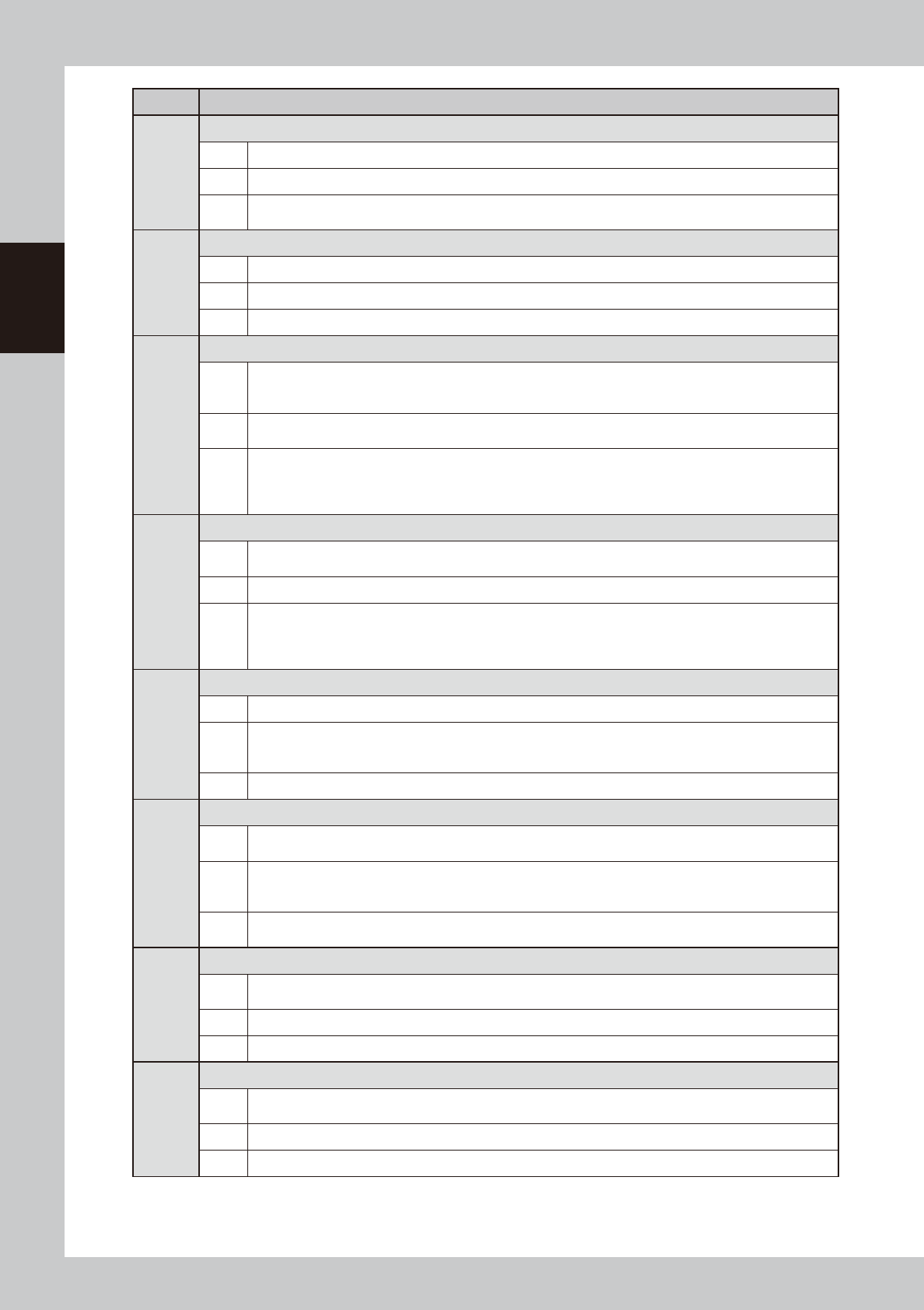
Code Error name and description
Ea8098
MAIN STOPPER AXIS MOVE ERROR
State A main stopper axis cannot be moved.
Cause A board is in a machine and the main stopper up.
Action
1. Please remove the board in a machine.
2. Please down a main stopper.
Ea8099
MAIN STOPPER UP ERROR
State A main stopper cannot be up.
Cause A board is in a machine
Action The board in a machine is removed.
Ea8158
BOARD VACUUM CHECK ERROR (option)
State
The result of Board vacuum check was NG.
There is a possibility that Board is not fixed on the conveyor or mount height offset is too big or adjustment of
the vacuum sensor is not good.
Cause
The board vacuum is not correct, the board height (Z) is large, or the negative pressure sensor is not adjusted
correctly.
Action
• Please check the numeric value of the Board Size (Z) (board height).
• Please adjust the negative pressure sensor in the board vacuum status.
After the negative pressure sensor has been adjusted, check for air leak. If any air leak is found, check the
vacuum block mounting status again.
Ea8159
CONVEYOR ERROR
State
The main-stopper position can not change, because of the board on the conveyor.
Try to remove it.
Cause A board exists on the conveyor or the board detection sensor detects incorrectly.
Action
Please activate the emergency stop and remove the board. After the board has been removed, cancel the
emergency stop and operate the conveyor again.
Operate the [Left] or [Right] button on the [Unit]-[Conveyor] tab screen to idle the conveyor belt to check that
the board detection sensor does not respond to the belt on the screen.
Ea8161
BOARD VACUUM CHECK ERROR (option)
State Board Vacuum level has not come down for Board released.
Cause
Possible causes:
(1) Board is not fixed normally.
(2) Adjustment of the vacuum sensor is not good.
Action Please remove the cause of the trouble.
Ea8164
UNABLE TO MOVE FLAP
State
It is unable to move flap, because there is a possibility that the flap interferes with the camera axis or the
board press.
Cause
There are possible causes as follows, please remove the causes.
(1) The board table is not in the height of the board recognition.
(2) The board press is down.
Action
Please remove the cause of the trouble.
Please raise the board flap and operate the flap again.
Ea8206
UNABLE TO MOVE BOARD TABLE
State
Unable to move Board table with a Board on the conveyor.
Please remove the Board.
Cause The board table cannot be moved since a board exists on the conveyor
Action Please remove the board on the conveyor.
Ea8207
FAILED TO FIX BOARD
State
Failed to fix Board.
There is no Board on the fixation position of the conveyor.
Cause The board, which has been carried-in and clamped, does not exist at the board clamp position.
Action Please remove the board by hand and carry-in the board again.