00191025-01.pdf - 第112页
5 Placement S IPLACE 80S/F/G User’s Manual 5.6 Error Menus Edition 12/96 from Software Version S R.009.xx 5 - 36 5.6.6 Nozzle Change 1 and 2 If a new nozzl e configurati on is necess ary, the menu "N ozzle chang e&q…

SIPLACE 80S/F/G User’s Manual 5 Placement
Edition 12/96 from Software Version SR.009.xx 5.6 Error Menus
5 - 35
5.6.5.2 Range of Functions: Line Engineer
Star head
If the machine errors are being caused by errors at the star head, use the cursor keys to select the menu
item "star head". After doing so, press the return key. The screen then displays the menu "Star head" which
is described in Section 6.3 "Star Head Functions 80S". In this menu you can check the functions of the star
head.
Cycle mode
With the aid of the cursor keys position the cursor bar over the menu item "Cycle mode". Next press the
return key. For every step of the placement sequence you must now press the start button.
Table functions
If the machine error was caused by a program loss at the components table, select the "Table functions"
menu item. Now press the return key. The menu described in Section 6.9 "Table functions" will now
appear on the screen.
Gantry functions
Use the cursor keys to select the menu item "Gantry functions" if the machine errors were caused by faults
in the gantry. Then press the return key.
The menu described in Section 6.2 "Gantry Functions 80S" will be displayed on the screen.
5.6.5.3 Extended Range of Functions for the SIPLACE 80 F
IC head
If the machine errors are being caused by errors at the IC head, use the cursor keys to select the menu
item "IC head". After doing so, press the return key. The screen will display the menu "IC head" which is
described in Section 6.6 "Head Functions 80 F". In this menu you can check the functions of the IC head.
Wafflepack changer functions
If the machine errors are being caused by the wafflepack changer, use the cursor keys to select the menu
item "WPC functions". Next press the return key. The screen then displays the menu "WPC functions"
which is described in Section 6.8 "Functions: Wafflepack Changer". In this menu individual functions of the
wafflepack changer can be performed. The wafflepack changer is described in more detail in Section 8
(Components supply).
Select WPC
If more than one wafflepack changer has been configured, a single wafflepack changer can be selected
individually in this menu.
With edition 06/96, operation is at the present time only possible with just one wafflepack changer.
5 Placement SIPLACE 80S/F/G User’s Manual
5.6 Error Menus Edition 12/96 from Software Version SR.009.xx
5 - 36
5.6.6 Nozzle Change 1 and 2
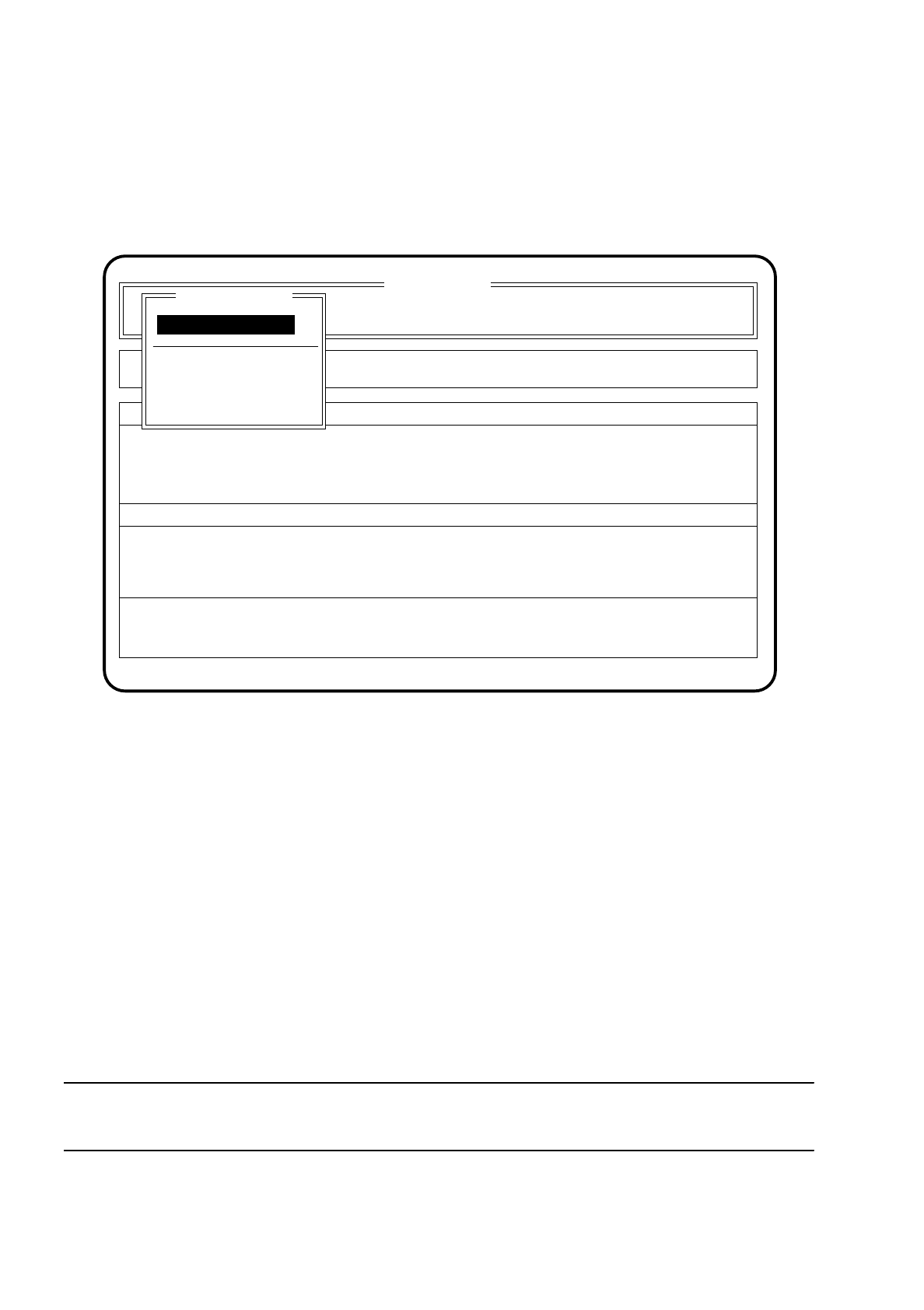
If a new nozzle configuration is necessary, the menu "Nozzle change" appears on the screen. When the menu
has been quit a head reference and height reference run with vacuum test is made.
Fig. 5.6.5
5.6.6.1 Range of Functions: Operator
Display errors
To obtain a display of all errors which have occurred use the
cursor keys
to select the menu item "Display
errors". Then press the
Return key
. The menu "Display errors" described in Section 5.7 (Display functions)
will be displayed on the screen.
Continue placement
To continue with placement, use the cursor keys to select the menu item "Continue placement" and then
press the return key. The machine carries out a reference run and then continues with placement.
NOTE
All of the different nozzles must have been acknowledged beforehand.
Component feeding
SI 80 V 9.x
Cluster:
Rüstung :
Display errors
Confirm errors
Machine options
Error
State
Action
:
:
:
Display errors
Continue placement
Nozzle change gantry 1
Continue placement
Nozzle change

SIPLACE 80S/F/G User’s Manual 5 Placement
Edition 12/96 from Software Version SR.009.xx 5.6 Error Menus
5 - 37
5.6.6.2 Range of Functions: Line Engineer
Star head
If the machine errors are being caused by errors in the head functions, use the cursor keys to select the
menu item "CRDL". After doing so, press the return key. The screen displays the menu "Star head" which
is described in Section 6.3 "Star Head Functions 80S". In this menu you can check the functions of the
head.
Star nozzle configuration
If a new cluster requires a modification of the nozzle allocation of the placement heads, select the menu
item "nozzle configuration". The procedure for changing the nozzle configuration is described in more
detail in Section 6.3 "Star Head Functions 80S".
Nozzle changer star head
Use the cursor keys to select the menu item "Nozzle changer star head" if you need to change the nozzle.
The procedure to change nozzles is described in Section 6.3 "Star Head Functions 80S" in more detail.