00191025-01.pdf - 第510页
SIPLACE 80S/F/G User’s Manual 10 SIPLACE G Edition 07/97 from S oftware Version SR.010.xx 10.7 Single Functions 10 - 43 Fig. 10.7.2 10.7.4 Gantry NOTE With trav el functions of the x or y ax is the cov er must be closed …

10 SIPLACE G SIPLACE 80S/F/G User’s Manual
10.7 Single Functions Edition 07/97 from Software Version SR.010.xx
10 - 42
10.7.2 General
NOTE
The single functions are only accessible after the
line engineer password
has been typed in.
The single functions are used for setting up the machine and checking it. The single functions make it possible
for the function assemblies to be controlled in a defined manner. The functions dealt with in this Section 10.7
("Single functions") are described for the SIPLACE G. Parts of the function "Single functions" are
generally applicable to SIPLACE 80 machines and you are referred to the corresponding section.
WARNING
∆
!
∆
!
The Single functions may only be used by appropriately qualified and trained personnel as incorrect use may
result in physical injury to the person and/or damage to the machine.
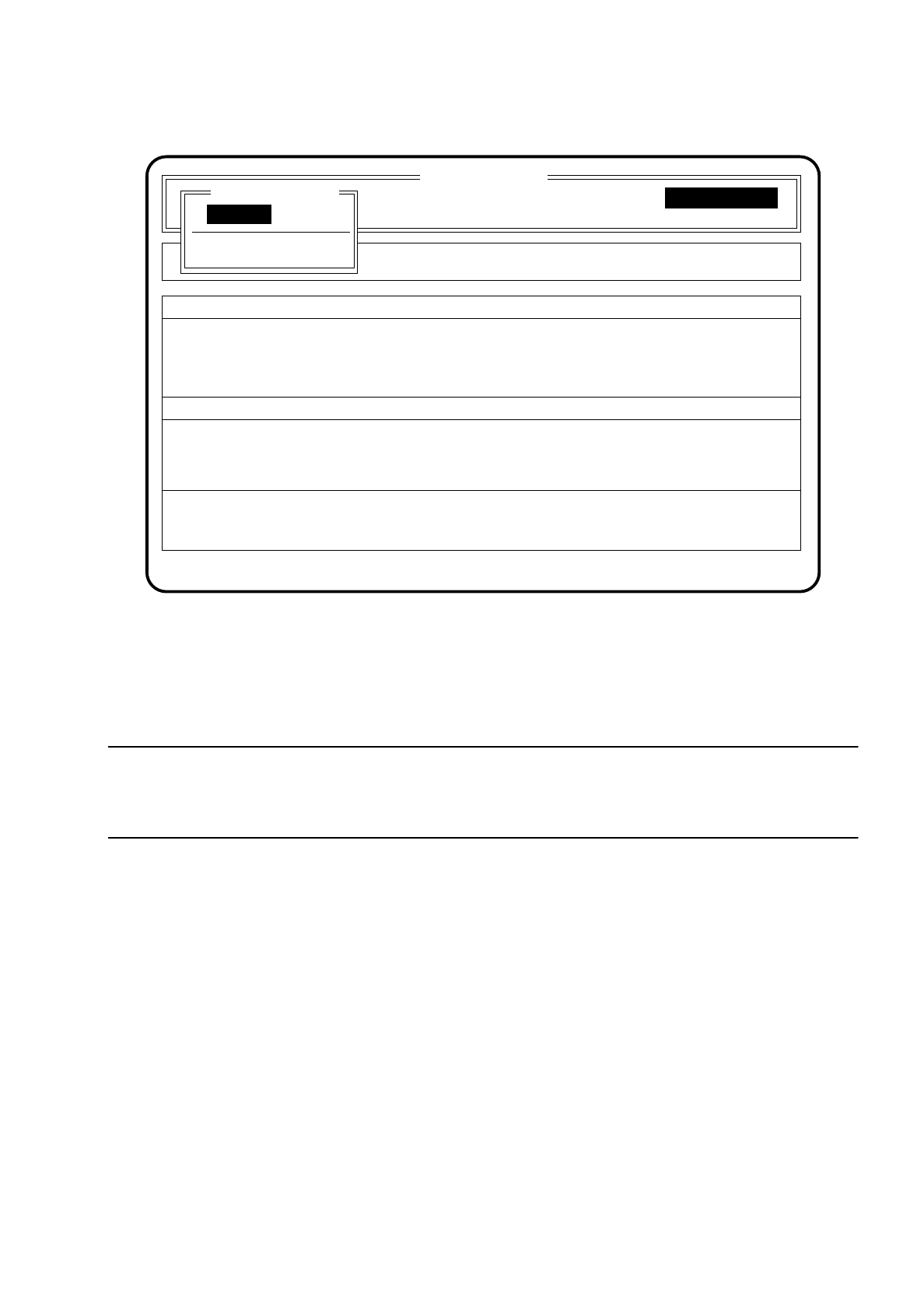
10.7.3 Main Menu "Single functions G"
Once the
line engineer password
has been typed in and the menu item "Single functions" selected on the
screen the menu "Single functions" for the SIPLACE G appears.
You can use the Esc
key
to jump back to the "Main menu".
In the main menu "Single functions" you can use the
cursor keys
to select three submenus.
SIPLACE 80S/F/G User’s Manual 10 SIPLACE G
Edition 07/97 from Software Version SR.010.xx 10.7 Single Functions
10 - 43
Fig. 10.7.2
10.7.4 Gantry
NOTE
With travel functions of the x or y axis the cover must be closed and the start key be pressed to run them. The
gantry will only travel at the slow speed.
SI 80G V 10.x
Cluster:
Display errors Machine options
Software options
Vision system
Error
State
Action
:
:
:
Confirm errors
Single functions
Single functions
Rüstung :
Single functions
Transport
Gantry
10 SIPLACE G SIPLACE 80S/F/G User’s Manual
10.7 Single Functions Edition 07/97 from Software Version SR.010.xx
10 - 44
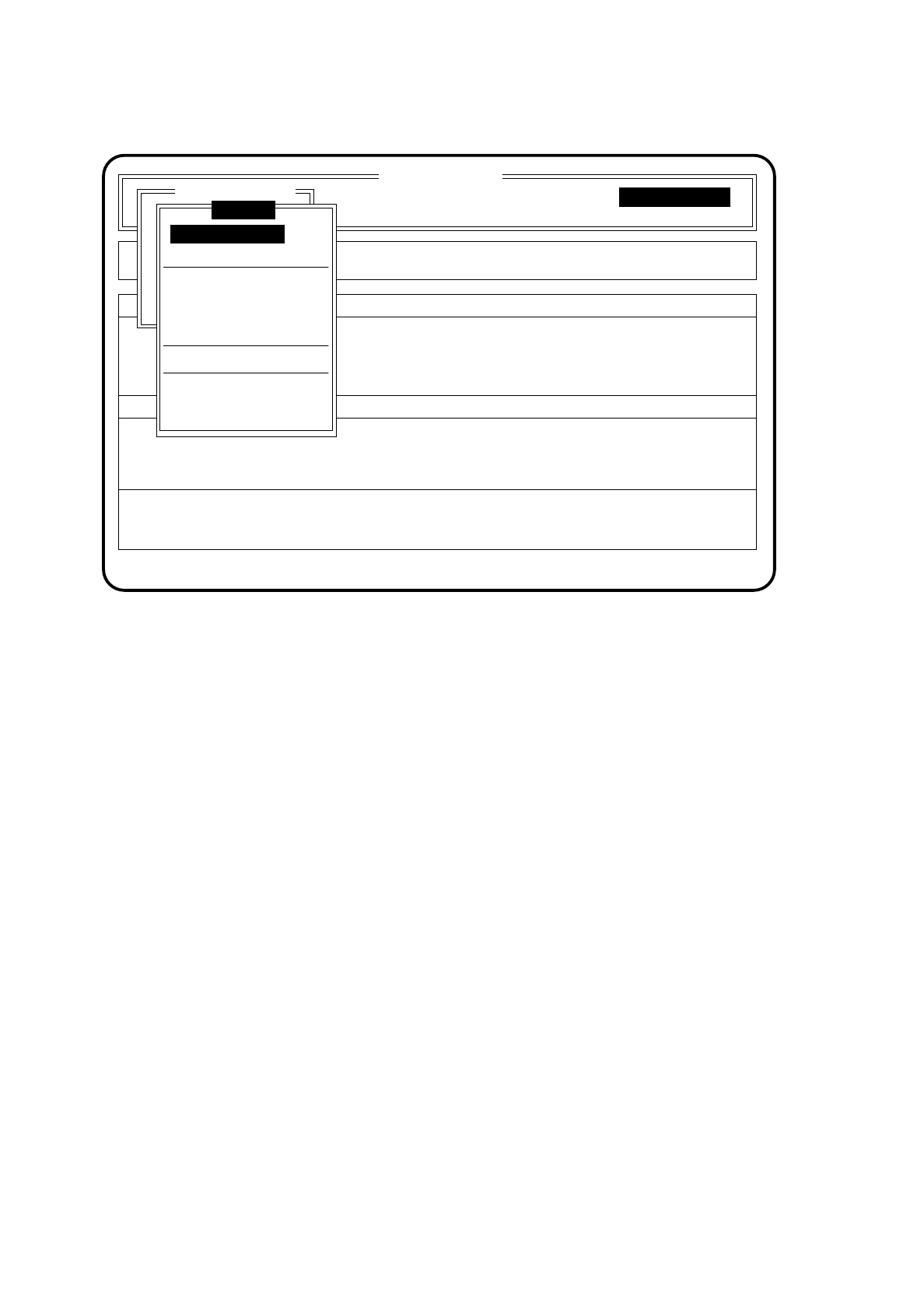
Fig. 10.7.3
10.7.4.1 Gantry Functions
To select the menu "Gantry functions" proceed as follows:
●
In the menu "Single functions" use the cursor keys to select the menu item "Gantry".
●
Press the
Return key
. On the screen the menu "Gantry" appears.
●
In the menu "Gantry" use the cursor keys to select the menu item "Gantry functions".
Press the
Return key
. On the screen the menu "Gantry functions" appears.
SI 80G V 10.x
Cluster:
Rüstung :
Display errors
Confirm errors
Machine options
Software options
Vision system
Error
State
Action
:
:
:
Single functions
Transportfkt.
Breitenverstell.
Entire head ref. run
Paper feed clean. pad
Cycle mode
Single functions
Single functions
Gantry
Gantry functions
Glueing unit 1
Glueing unit 2
Glueing unit 3
Glueing parameter
Cleaning pad cycle