00191025-01.pdf - 第476页
SIPLACE 80S/F/G User’s Manual 10 SIPLACE G Edition 07/97 from S oftware Version SR.010.xx 10.3 Mac hine Options 10 - 9 10.3 Machine O ptions In the " operato r " user class, yo u are able to see which m achine …

10 SIPLACE G SIPLACE 80S/F/G User’s Manual
10.2 Main Menu Edition 07/97 from Software Version SR.010.xx
10 - 8
SIPLACE 80S/F/G User’s Manual 10 SIPLACE G
Edition 07/97 from Software Version SR.010.xx 10.3 Machine Options
10 - 9
10.3 Machine Options
In the "
operator
" user class, you are able to see which machine options have been activated in the menu
"Machine options".
In the menu "Machine options" you have the possibility, once the
line engineer password
has been typed in,
to switch subfunctions of the machine ON or OFF.
To access the menu "Machine options", use the
cursor keys
in the main menu to select the menu item
"Machine options". After this, press the
Return key
. The menu "Machine options" will then be displayed on the
screen.
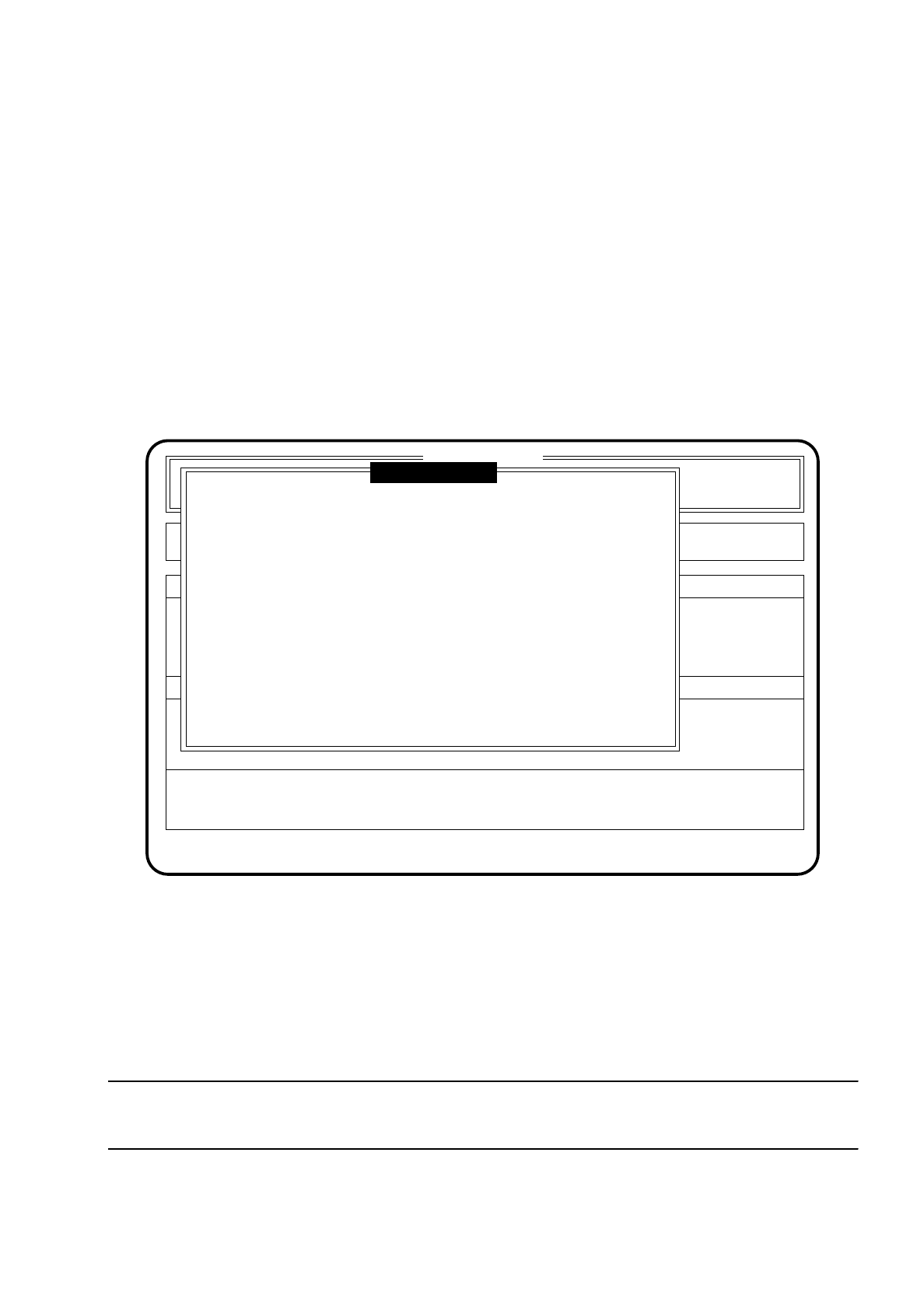
The following figure shows an example of a screen display for the function "Machine options".
Fig. 10.3.1
To quit the menu press the
Esc key
. The program will then return you to the main menu.
To change the function statuses proceed as follows (once the
line engineer password
has been typed in):
●
Move the cursor bar by means of
cursor keys
onto the function which is to be processed.
●
Press the space bar to change the status (active = (X), not active ( )) of the function.
●
Press the
Return key
to confirm this input.
NOTE
In the menu only those functions are shown which are configured in the machine data.
SI 80G V 10.x
Nutzen:
Rüstung :
Single functions
Vision system
Error
State
Action
:
:
:
Process PCB
Position recognition
Ink spot check
Interface blocked
( X )
( X )
( )
( X )
Esc: abort Blank: select Ret: input
Glue cleaning pad
( X )
Machine options

10 SIPLACE G SIPLACE 80S/F/G User’s Manual
10.3 Machine Options Edition 07/97 from Software Version SR.010.xx
10 - 10
10.3.1 PCB Processing
If "PCB processing" is deactivated, the board will not be processed at this station. The board will travel
unprocessed to the output end.
10.3.2 Interfaces
The SIPLACE G placement machine is equipped with two interfaces for communication with the input device
and the downstream station.
The signals required for transporting the boards are transmitted via these interfaces to the connected
machines.
Under the menu "Machine options" the station software offers the option of blocking or releasing these inter-
faces once the
line engineer password
has been typed in.
10.3.3 Position Recognition
The SIPLACE G placement machine is equipped with a vision system for the optical recognition of PCB posi-
tion. With the head camera the passpoints defined in the cluster are approached and measured. The software
corrects the glueing positions in accordance with the measured position of the board.
PCB position recognition can be switched on or off after the
line engineer password
has been typed in under
the menu "Machine options".
If position recognition is switched off, the position of the board will no longer be measured. The glueing posi-
tions will no longer be corrected.
If an error occurs during position recognition which makes continuation of the glueing process impossible, the
menu "Fiducial error" will automatically appear on the screen for fault diagnostics.
This menu is described in more detail in Section 10.5.3 (Fiducial error menu).
NOTE
Editing of the fiducials is precisely described in Section 7 "Vision Systems".
10.3.4 Glue Cleaning Pad
The glue cleaning pad can be activated and deactivated once the
line engineer password
has been typed in
under the menu "Machine options".