00191025-01.pdf - 第166页
6 Single Functi ons SIPLACE 80S/F/G User’s M anual 6.4 Transport Functions 80S Edition 07/97 from Software Version SR.010.xx 6 - 34 NOTE The inpu t conveyor be lt is run o nly at high s peed. Fig. 6. 4.3 ● When you have …
SIPLACE 80S/F/G User’s Manual 6 Single Functions
Edition 07/97 from Software Version SR.010.xx 6.4 Transport Functions 80S
6 - 33
6.4.7 Conveyor Speed
This function is used to test the two different speeds of the conveyor belts and, if necessary to set these
speeds on the half-bridge board in the ’PCB handling’ control unit.
NOTE
No PCBs are supposed to be on the conveyors.
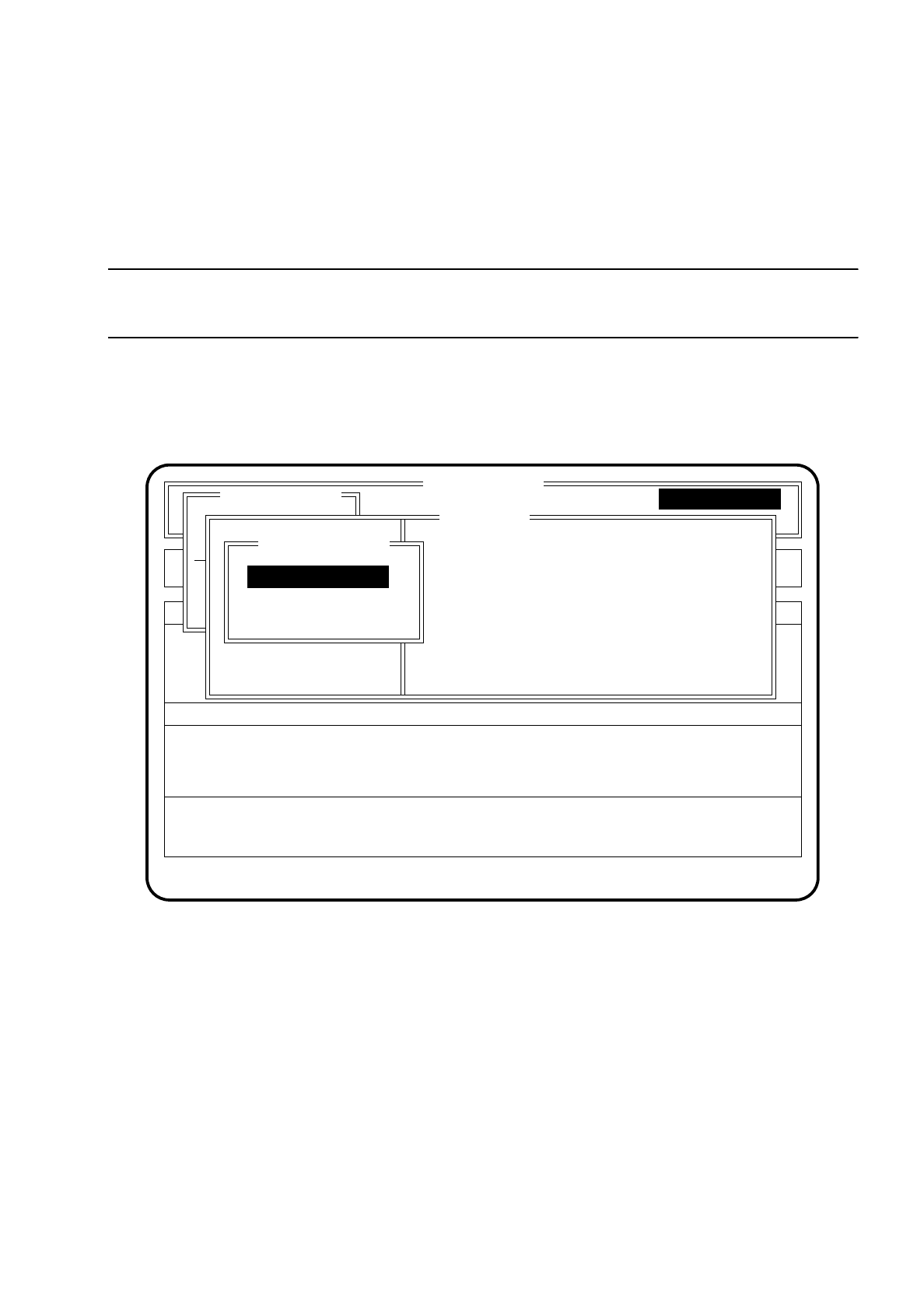
To call the function "Conveyor speed" proceed as follows:
Select the menu item "Conveyor speed" within the menu "Transport" via the
cursor keys
and then press the
Return key
. The "Conveyor speed" menu is now displayed.
Fig. 6.4.2
●
Press the
Esc key
if you wish to quit the menu "Conveyor speed".
●
If you wish to check the high conveyor speed, use the
cursor keys
to select the menu item "High conveyor
speed". The conveyor belts must be empty, the clamping device is disabled.
●
Press the
Return key
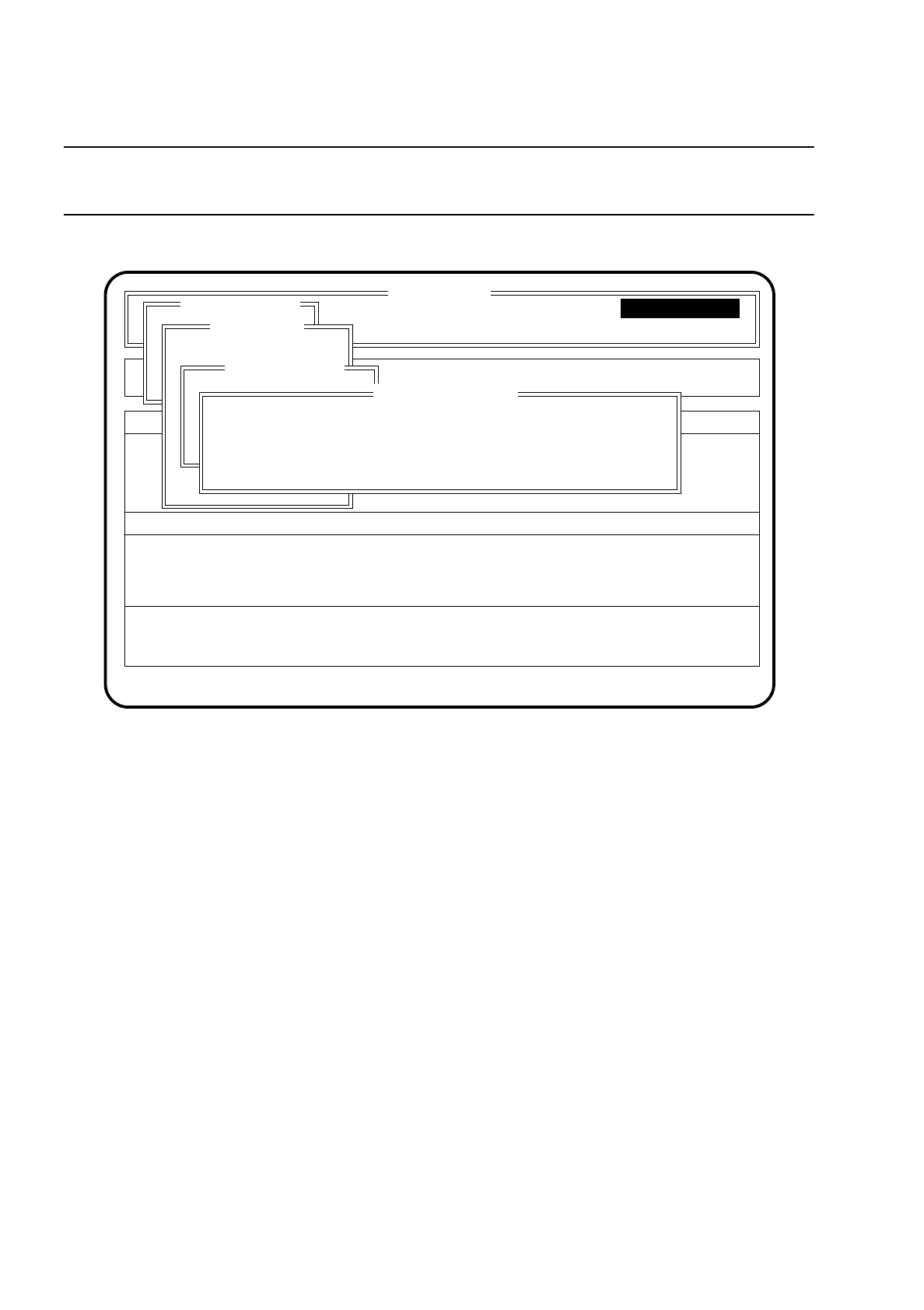
. The conveyor belts are started at the high speed and the menu "High conveyor
speed" appears on the screen.
●
To check the low conveyor speed proceed in the same way.
SI 80 V 10. x
Rüstung :
Component feeding Display errors Machine options
Error
State
:
:
:
Single functions
Transportfkt.
Breitenverstell.
Transport
PCB to center conveyor
Action
Single functions
Single functions
Conveyor speed
Stopper betätigen
Klemmung betätigen
Transp. Lichts. anz.
Conveyor speed
High conveyor speed
Low conveyor speed
6 Single Functions SIPLACE 80S/F/G User’s Manual
6.4 Transport Functions 80S Edition 07/97 from Software Version SR.010.xx
6 - 34
NOTE
The input conveyor belt is run only at high speed.
Fig. 6.4.3
●
When you have completed this check, press the
Esc key
. The conveyor belts are switched off and the
program returns to the menu "Conveyor speed".
6.4.8 Menu "Width adjustment"
The function "Width adjustment" is required to adjust the conveyor width. The conveyor width must be
adjusted when another board size is introduced and for various maintenance work.
To call the menu "Width adjustment", proceed as follows:
●
Within the menu "Single functions" use the
cursor keys
to select the menu item "Width adjustment".
●
Press the
Return key
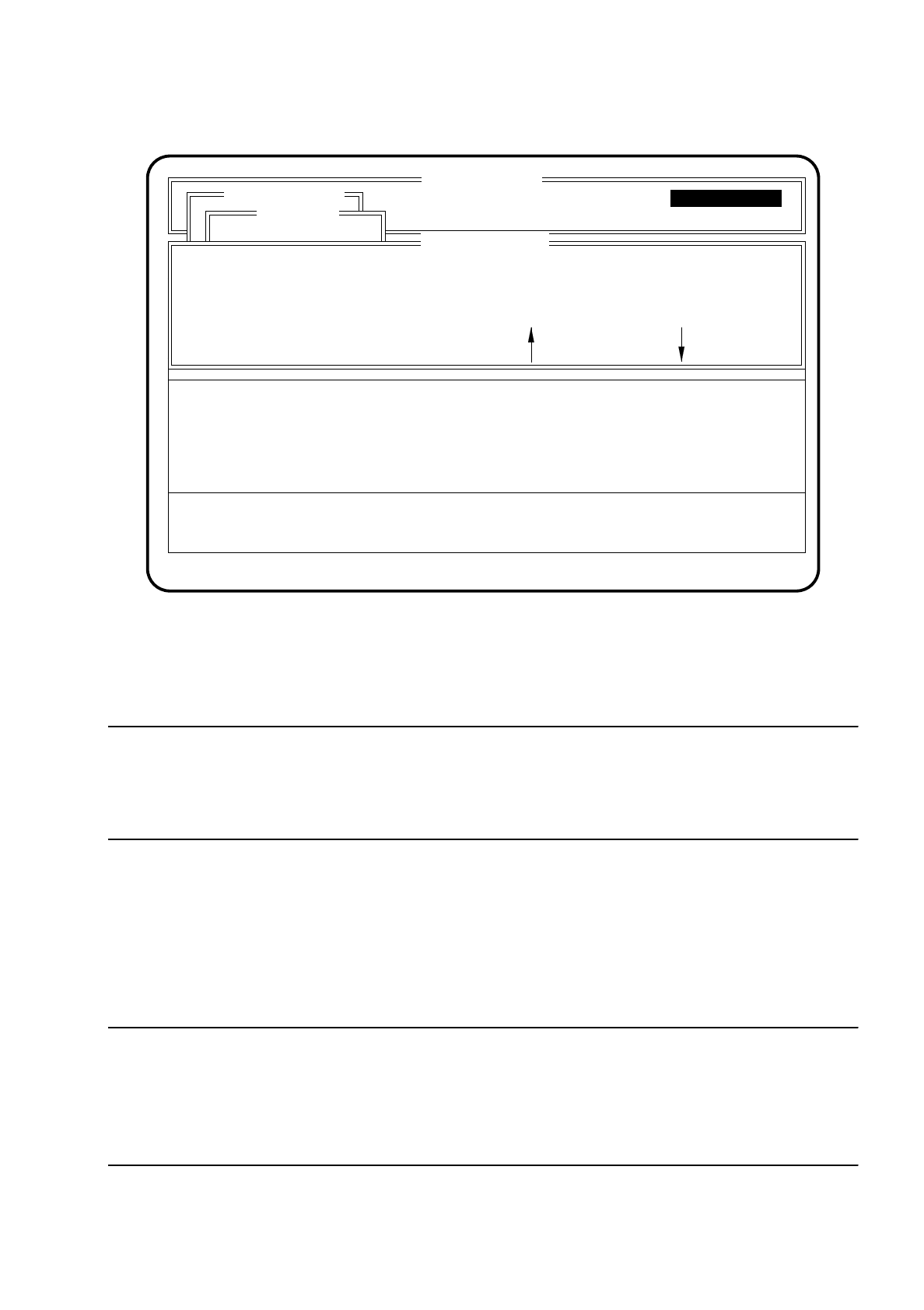
. The "Width adjustment" menu is displayed on the screen.
SI 80 V 10.x
BE - Zuführung Display errors
Confirm errors
Machine options
Software options Vision system
Error
State
Action
:
:
:
Single functions
Transportfkt.
Breitenverstell.
Transport
PCB to center conveyor
Stopper betätigen
Klemmung betätigen
Transp. Lichts. anz.
Bandgeschwindigkeit
niedrige Bandgeschw.
hohe Bandgeschw.
High conveyor speed
Conveyor speed
Please set high conveyor speed
Esc.: abort
Single functions
Single functions
SIPLACE 80S/F/G User’s Manual 6 Single Functions
Edition 07/97 from Software Version SR.010.xx 6.4 Transport Functions 80S
6 - 35
Fig. 6.4.4
You can return to the menu "Transport" by using the
Esc key
.
CAUTION
∆
!
Make sure before beginning width adjustment that there are no boards or objects in the conveyor area,
otherwise the machine and the boards could be damaged!
●
Use the
spacebar
to select the speed. You have the possibility of choosing between high and low speed.
The active speed is displayed on the top line of the menu "Adjust with motor".
●
To change the conveyor width press one of the
cursor keys
. Pressing the up arrow key increases the con-
veyor width. Pressing the down arrow key decreases the conveyor width.
●
Once you have set the desired transport width quit the menu "Adjust with motor" by pressing the
Esc key
.
NOTE
After width adjustment has been carried out, the lefthand portal performs a search run, after the menu "Adjust
with motor" has been quit, to determine the conveyor width.
The transportation width measured will be displayed in mm in the "Conveyor width" menu in the right-hand dis-
play box.
SI 80 V 10.x
Display errors
Confirm errors
Machine options
Software options
Vision system
Errorr
State
Action
:
:
:
Single functions
Transportfkt.
Breitenverstell.
Transport
Width adjustment: low conveyor speed
Esc.: abort Blank: spd. change
Adjust PCB transport width with motor
Single functions
Adjust with motor
: larger : smaller
Single functions