00191025-01.pdf - 第489页
10 SI PLACE G SIPLACE 80S/F/G User’s Manual 10.4 Glueing Adjustments Edition 07/97 from Software Version SR.010.xx 10 - 22
SIPLACE 80S/F/G User’s Manual 10 SIPLACE G
Edition 07/97 from Software Version SR.010.xx 10.4 Glueing Adjustments
10 - 21
10.4.3.2 Spacer Angle GU1
Proceed as follows to call the menu item "Spacer angle":
●
In the menu "Modify system data" use the cursor keys to move the cursor bar over the menu item "Spacer
angle" of the dispenser unit in question.
●
Press the return key. The "Spacer angle GU1" menu is displayed on the screen.
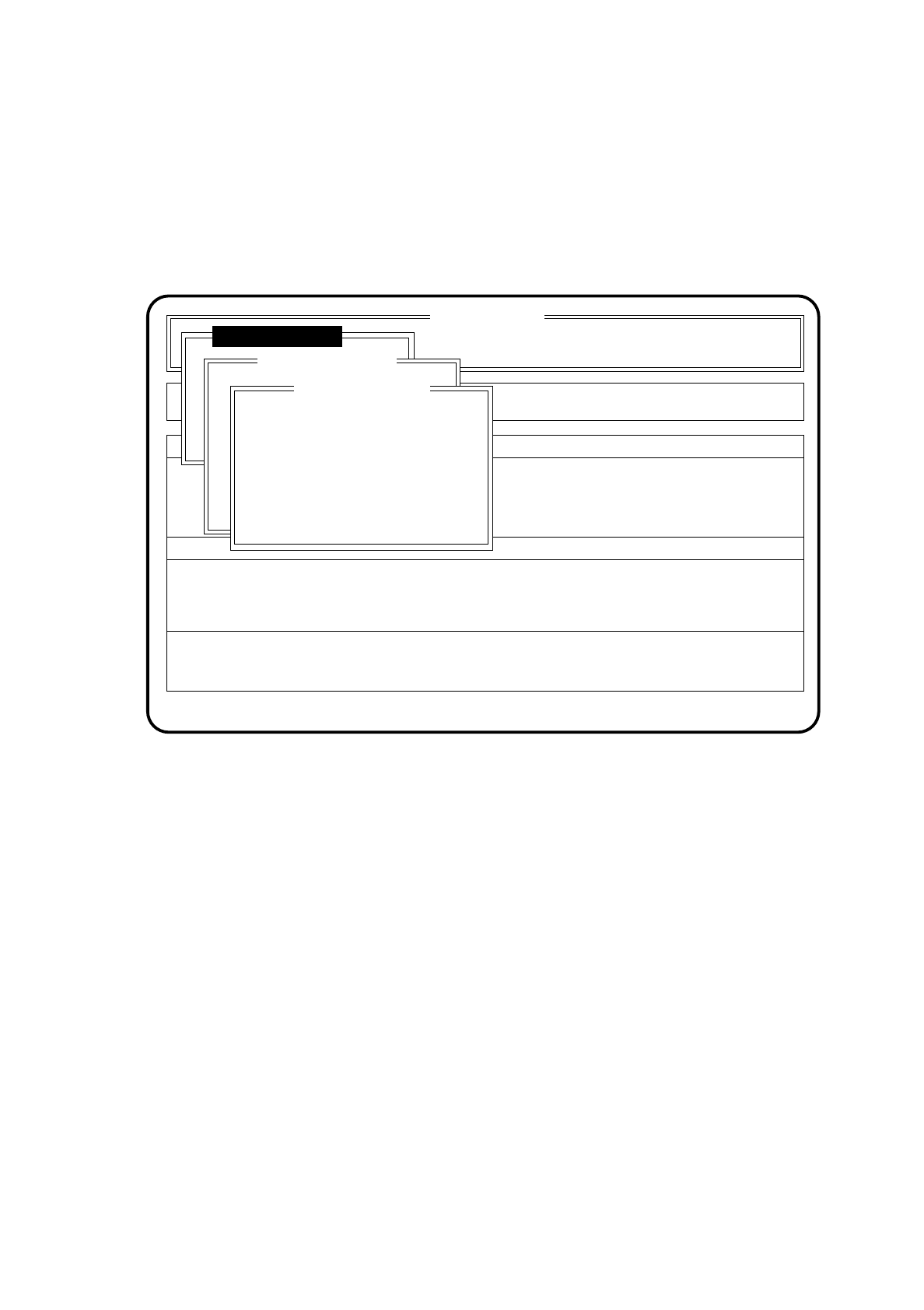
Fig. 10.4.9
●
Input the new angel (0 to 359 in degrees) into the input box and confirm with the return key.
●
Press the Esc key if you wish to quit the "Spacer angle GU1" menu without making any changes.
SI 80G V 10.x
Rüstung :
Machine options
Software options Vision system
State
Action
:
:
Glueing adjustmts
Single functions
Error
:
Modify system data
Spacer angle GU1
New install. angle: 135
Ret.: input Esc: abort

10 SIPLACE G SIPLACE 80S/F/G User’s Manual
10.4 Glueing Adjustments Edition 07/97 from Software Version SR.010.xx
10 - 22

SIPLACE 80S/F/G User’s Manual 10 SIPLACE G
Edition 07/97 from Software Version SR.010.xx 10.5 Error Menus
10 - 23
10.5 Error Menus
10.5.1 General
The error menus will appear on the screen automatically after a fatal error. A fatal error means that the
machine cannot continue with glueing without the operator stepping in. Before the error menus appear you will
be asked to press the start key in order to bring the gantry into the service position.
NOTE
Under normal conditions the error menus will only display the functions which the operator can execute. Only
after the line engineer password has been typed in will the full range of functions of the error menus be
available.
WARNING
∆
!
∆
!
The functions which become available only after the line engineer password has been typed in must only be
used by appropriately qualified and trained personnel as incorrect use may result in physical injury to the
person and/or damage to the machine.
NOTE
All error menus can only be quit via the functions "Continue glueing" or "Abort glueing".
NOTE
In the menu "Machine errors" the cover is unlocked and the x and y axes isolated. In these menus to move the
axes the cover must be closed.
If the key-operated switch is operated when the cover is closed, the axes will only be able to move at low
speed.