00191025-01.pdf - 第257页
SIPLACE 80S/F/G User’s Manual 7 Vision Systems Edition 07/97 from S oftware Version SR.010.xx 7.6 Test Component Line engi neer 7 - 65 7.6.3 Menus “Test component” and “Save GF data” When the option “Te st component ” is…

7 Vision Systems SIPLACE 80S/F/G User’s Manual
7.6 Test Component Edition 07/97 from Software Version SR.010.xx
7 - 64 Line engineer
SIPLACE 80S/F/G User’s Manual 7 Vision Systems
Edition 07/97 from Software Version SR.010.xx 7.6 Test Component
Line engineer 7 - 65
7.6.3 Menus “Test component” and “Save GF data”
When the option “Test component” is selected in the menu “Vision system” the following actions are initiated:
●
Once you have entered the GF number, the functions for the vision system are activated in the station com-
puter:
–
The GF data received by the line computer are converted into the MVS-compatible format.
–
The measurement conditions stored in the station computer are loaded with the GF data.
●
The menu “Test component” pops up.
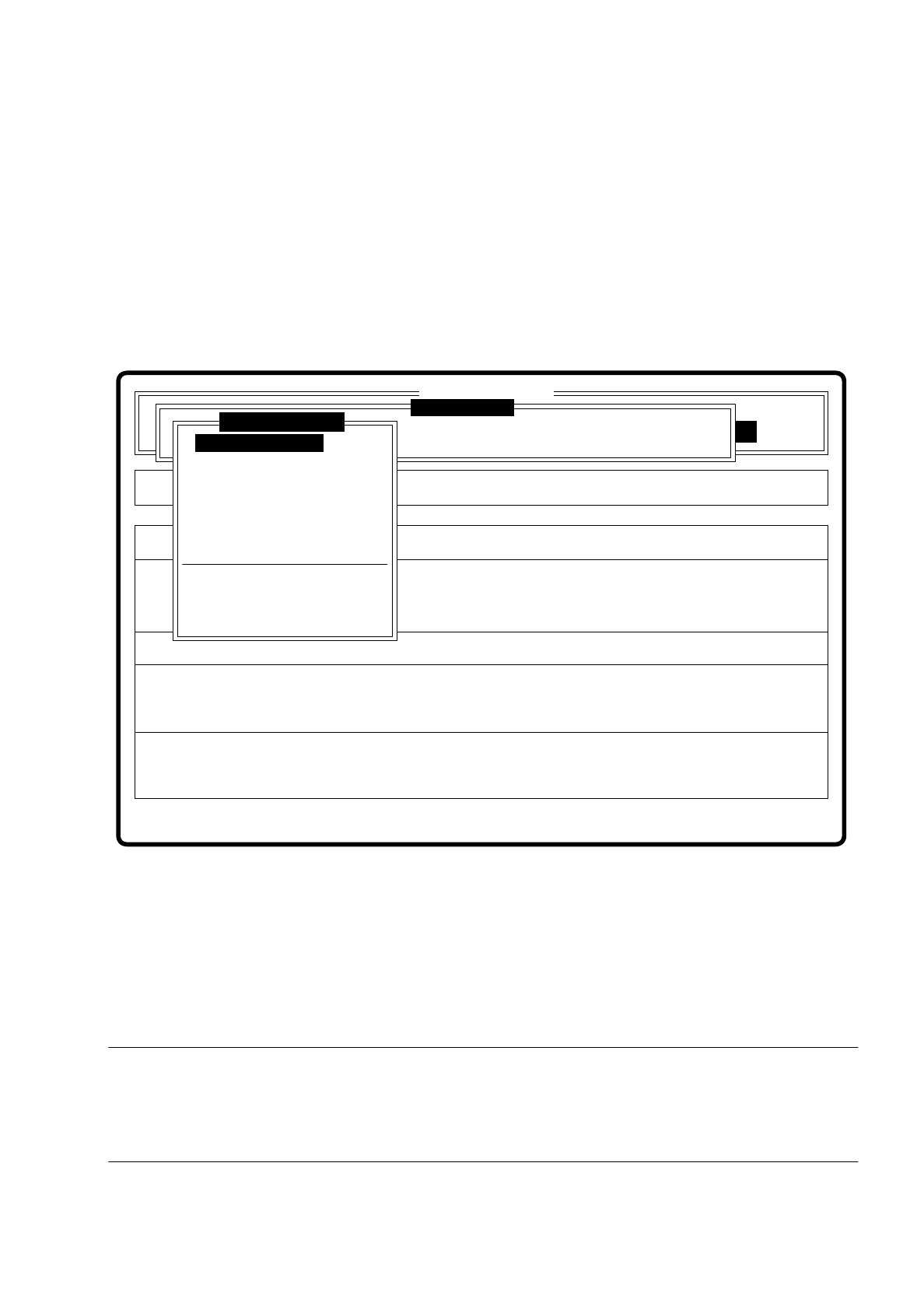
Fig. 7.6.2
The menu offers you, as the diagram shows, the choice of a total of 10 options. Via the option “Edit GF data”
you reach the next level down in the menu “Edit GF data”. After the option "Change measure mode" has been
selected the menu "Change measure mode" opens with its options "Size", "Row", "Corner", "Lead", "Grid" or
"Ball". (The options "Grid" and "Ball" are only available with the 80F placement system.) If you have modified
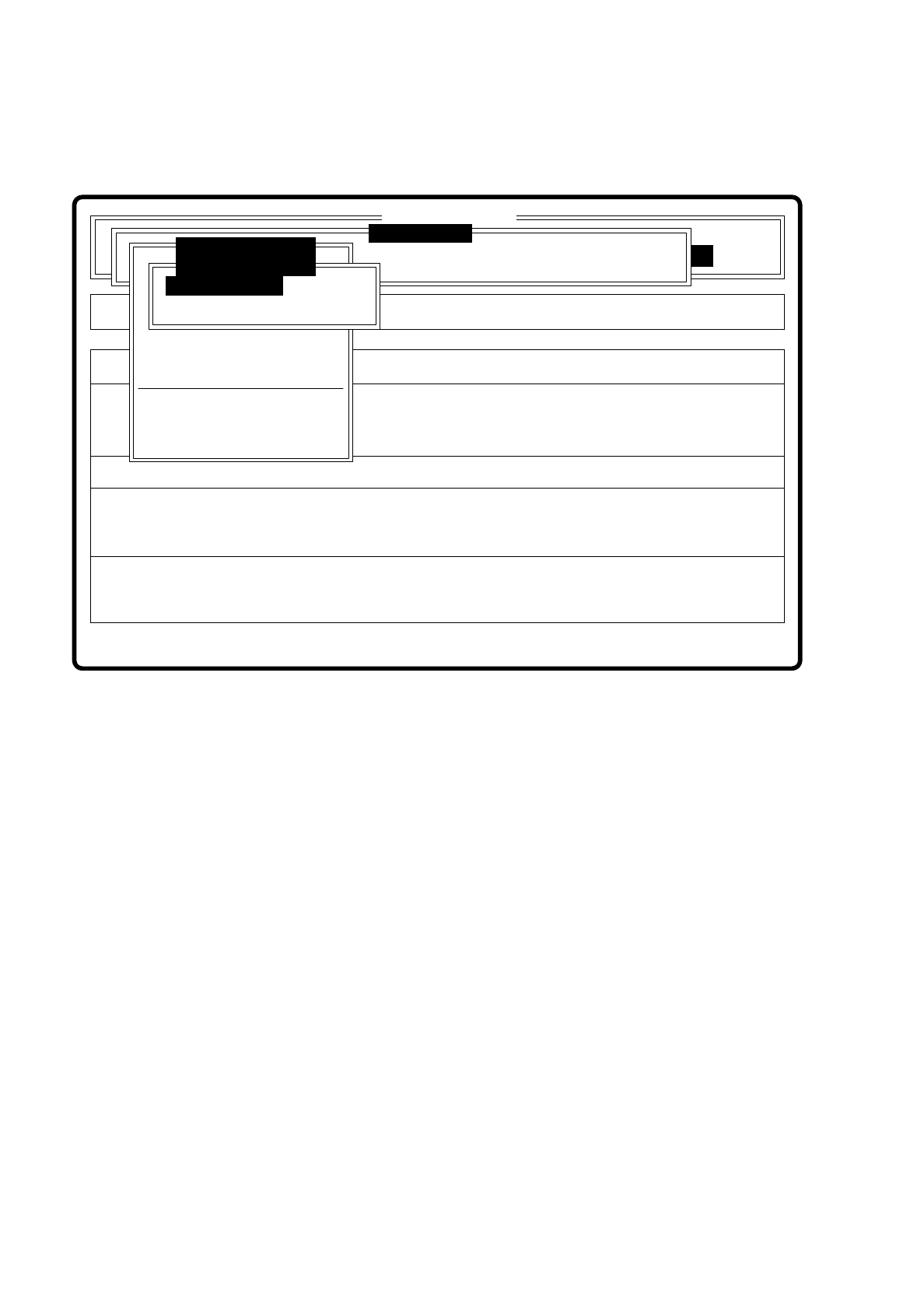
package form data, the "Save GF data" menu will be overlaid. You have the choice of saving the modified data
or discarding them.
The "Test output" option is intended as a development tool for when you have problems with a package form,
for instance. Print out the test results of optical centering and send the data to the vision system development
group to enable them to be of assistance in finding a solution to the problems. The "Display errors" menu is
described in Section 5.5 "Error menus".
Error
State
Action
Enter package form number
Rüstung:
Single functions
:
:
:
BE - Zuführung
SI80 V 10.x
Vision system
Vision system
Vision system
Version: 2133
Test component
Enter GF number
Pickup component
Display component
Measure component
Test component
Edit GF data
Change measure mode
Refill
Display errors
Test output
7 Vision Systems SIPLACE 80S/F/G User’s Manual
7.6 Test Component Edition 07/97 from Software Version SR.010.xx
7 - 66 Line engineer
If you had selected the option “Save GF data” and you quit the menu “Test component”, the station computer
transmits the GF data to the line computer. The tested component is ejected by the revolver placement head.
Fig. 7.6.3
Error
State
Action
Should altered GF data be saved?
Single functions
:
:
:
BE - Zuführung
SI80 V 10.x
Vision system
Vision system
Vision system
Version: 2133
BE abholen
BE darstellen
Edit GF data
Change measure mode
Refill
Display errors
Test output
BE messen
Test component
Save GF data?
Save GF data
Do not save GF data