00191025-01.pdf - 第220页
7 Vision Systems SIPLACE 80S /F/G User’s Manual 7.3 Component Vision System Edition 07/97 from Software Version SR.010.xx 7 - 28 Line engine er
SIPLACE 80S/F/G User’s Manual 7 Vision Systems
Edition 07/97 from Software Version SR.010.xx 7.3 Component Vision System
Line engineer 7 - 27
7.3.4 Safety Information concerning the Component Vision Systems in
the 80F Machine
DANGER
∆
!
∆
!
∆
!
You must not modify or tamper with the safety devices of the 80F machine or of the IC or flip chip module in
any way at all!
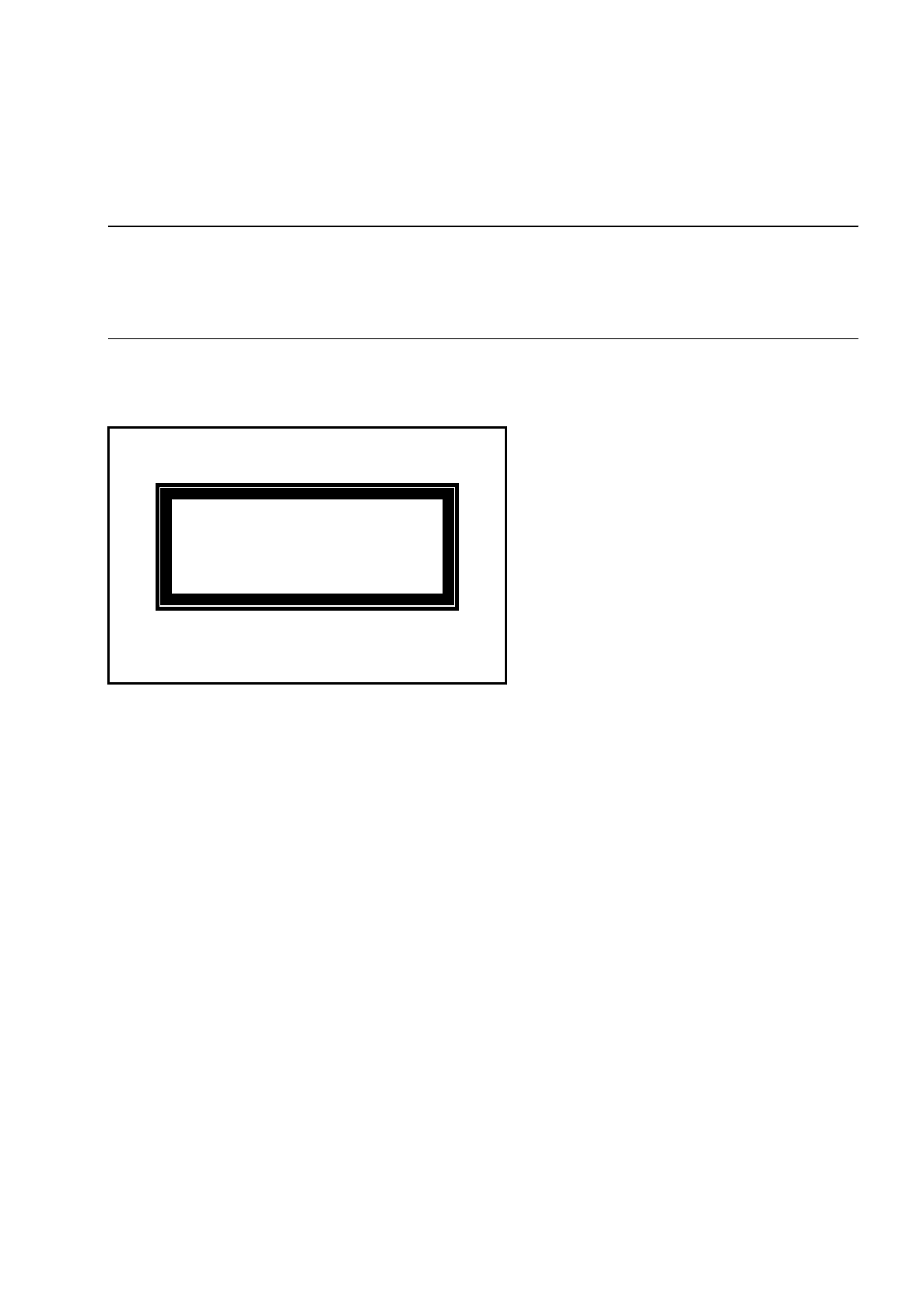
The optical radiation of the IC and flip chip sensors corresponds to laser class 1 provided the sensors are per-
manently installed in the machine (EN 60825-1 and IEC 825).
Fig. 7.3.3 Designation of laser class 1
Laser Class 1

7 Vision Systems SIPLACE 80S/F/G User’s Manual
7.3 Component Vision System Edition 07/97 from Software Version SR.010.xx
7 - 28 Line engineer
SIPLACE 80S/F/G User’s Manual 7 Vision Systems
Edition 07/97 from Software Version SR.010.xx 7.4 Access to the Option “Vision System”
Line engineer 7 - 29
7.4 Access to the Option “Vision System”
Access to the option “Vision system” is only open to user class “setter” and higher. The privileged user must
prove this by entering a password into the line computer. Only after these preconditions have been satisfied is
the option “Vision system” added to the other options in the header line of the main menu.
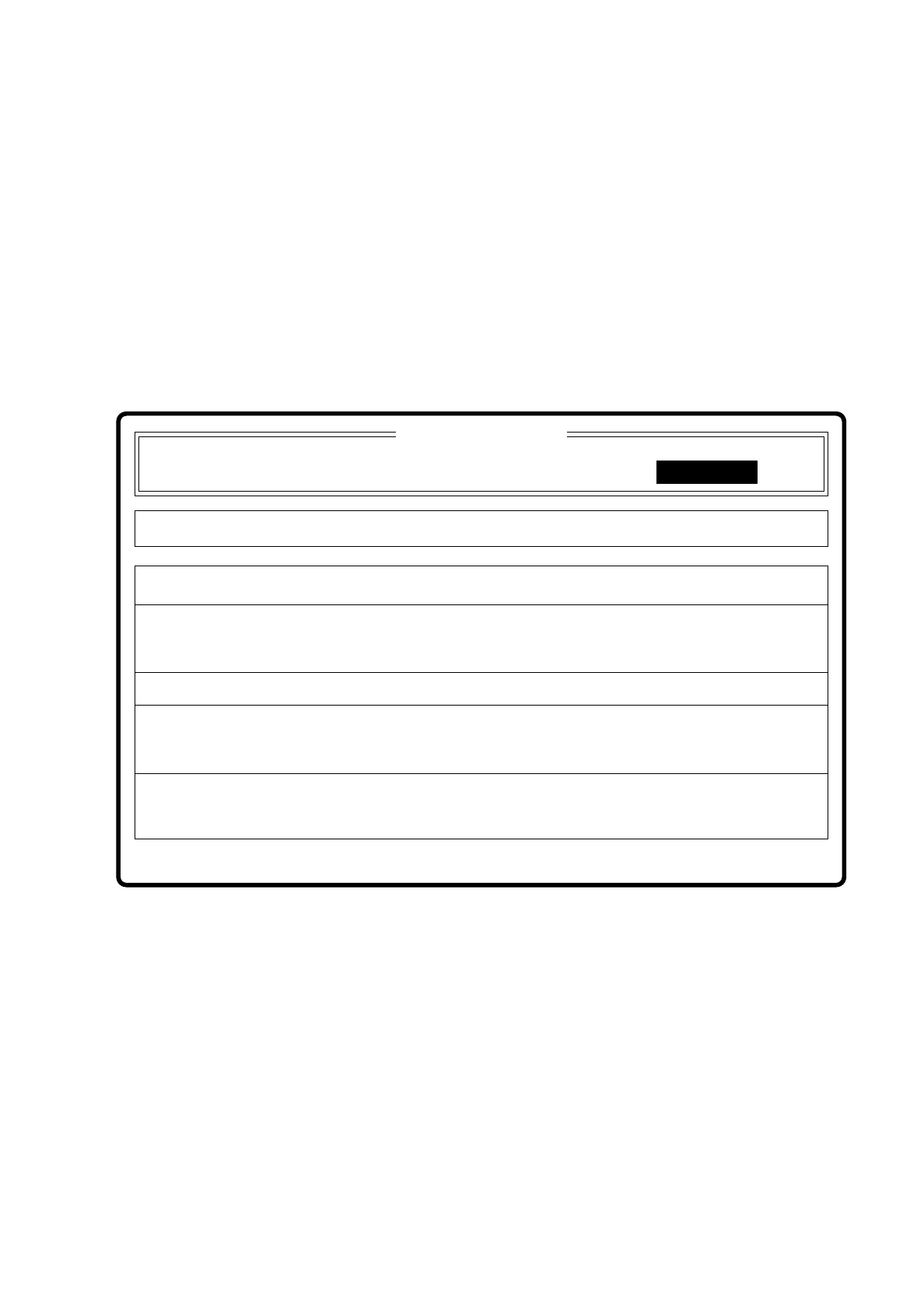
●
Use the arrow keys to move the cursor to the option “Vision system”. At the same time the footer line pro-
vides a short explanatory text for each option.
Fig. 7.4.1
●
Press the RETURN key. The selection menu “VISION SYSTEM” with the two options “Teach fiducial” and
“Test component” and the version number of the installed vision firmware will be displayed on the screen
(see Figure next page).
Depending on your selection, which is shown by a dark background area, you move on to the further options
of the menu “Teach fiducial” or “Test component”. Both menus are described in detail in Sections 7.5 and 7.6.
Display errors
Error
State
Action
Teach fiducials and test components
Set-up:
Machine options Single functions
Confirm errorsNew cluster Software options
:
:
:
Component feeding
Cluster:
SI 80 V 10.x
Vision system
Vision system