00191025-01.pdf - 第155页
SIPLACE 80S/F/G User’s Manual 6 Single Functions Edition 07/97 from S oftware Version SR.010.xx 6.3 Star Head Functions 80S 6 - 23 6.3.2.2 Pick Up Calibra tion Piece NOTE The func tion "Pick u p calibra tion piece&q…
6 Single Functions SIPLACE 80S/F/G User’s Manual
6.3 Star Head Functions 80S Edition 07/97 from Software Version SR.010.xx
6 - 22
●
To execute the individual functions position the cursor bar with the aid of the
cursor keys
over the corre-
sponding menu item, and then press the
Return key
. The tester will perform the function which has been
selected. In the righthand part of the menu "CRDL" the results of testing or compensation are displayed as
a value and the version of the CRDL software will be displayed.
NOTE
The default compensation values will be the values last saved.
●
As regards testing the "T" tantalum capacitors see Section 6.3.2.1.
6.3.2.1 Test Tantalum Capacitors
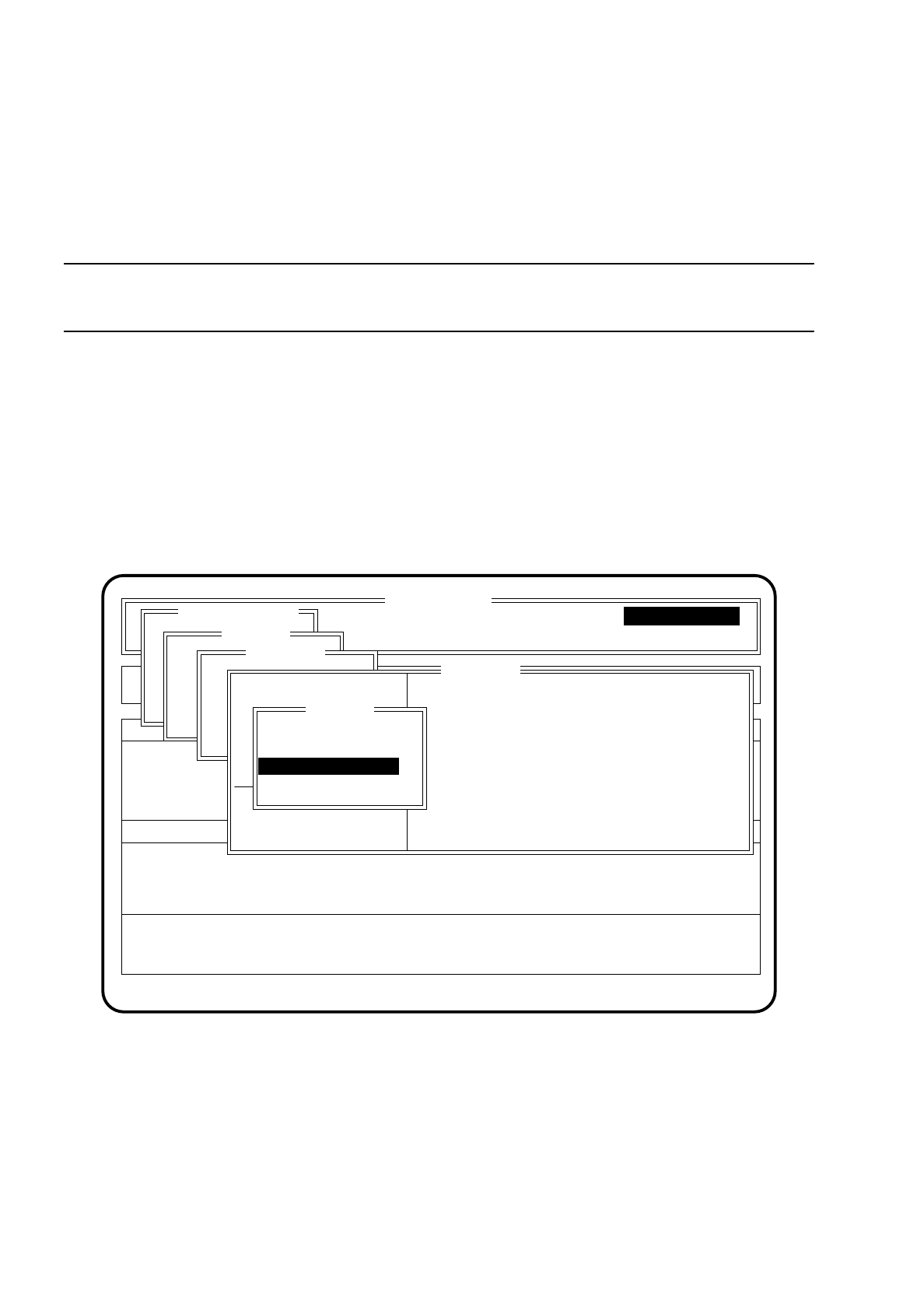
If, as described in Section 6.3.2, you want to test a tantalum capacitor, the following screen is displayed.
Fig. 6.3.6
●
To perform the test, position the cursor bar over the applicable nominal voltage of the tantalum capacitor.
Press the
Return key
. The tantalum capacitor will be tested.
●
To quit the menu "CRDL" press the
Esc key
.
SI 80 V 10.x
Rüstung :
BE - Zuführung Display errors
Confirm errors
Machine options
Software options Vision system
Error
State
Action
Single functions
Portal 1
Portal 2
Transportfkt.
Breitenverstell.
Portal 1
Portal 1
Portal 2
Transportfkt.
Breitenverstell.
Star head
Nutzen:
:
:
:
Warteposition anfah.
Nullimpuls anfahren
Portal - Referenzlauf
Kopf
Prüfgerät
Pipettenkonf.
CRDL
C prüfen
L prüfen
D prüfen
Z prüfen
C kompensieren
Compensate R
Compensate L
T prüfen
Test T
Nominal voltage: 4V
Nominal voltage: >10V
Nominal voltage: 6V
Nominal voltage: 8V
Single functions

SIPLACE 80S/F/G User’s Manual 6 Single Functions
Edition 07/97 from Software Version SR.010.xx 6.3 Star Head Functions 80S
6 - 23
6.3.2.2 Pick Up Calibration Piece
NOTE
The function "Pick up calibration piece" is at the present time not yet available.
If you want to carry out R or L compensation you will first need to select the function "Pick up calibration
piece". When compensation is completed the calibration piece will be returned automatically.
To quit the menu "CRDL" press the
Esc key
.
NOTE
The procedure for compensation and testing is described in more detail in Section 9 of this introduction,
"Maintenance".
6.3.2.3 Pick up component
NOTE
The function "Pick up component" is at the present time not yet available.
In the menu "Pick up component" you can pick up a component from a track which you have selected and
have it tested. At the end of the test the component is discarded to the reject box.
6.3.3 Star Nozzle Configuration
The menu item "Star nozzle config." is used for displaying and testing the nozzle sizes of the nozzles located
on the placement head.
NOTE
Processing and confirmation is only possible when cluster and set-up have been specified. If a nozzle-
changer has been configured, it will no longer be possible to confirm manually.
To call the menu item "Star nozzle config." proceed as follows:
●
In the menu "Star head", with the aid of the
cursor keys
position the cursor bar over the menu item
"Star nozzle config.".
●
Press the
Return key
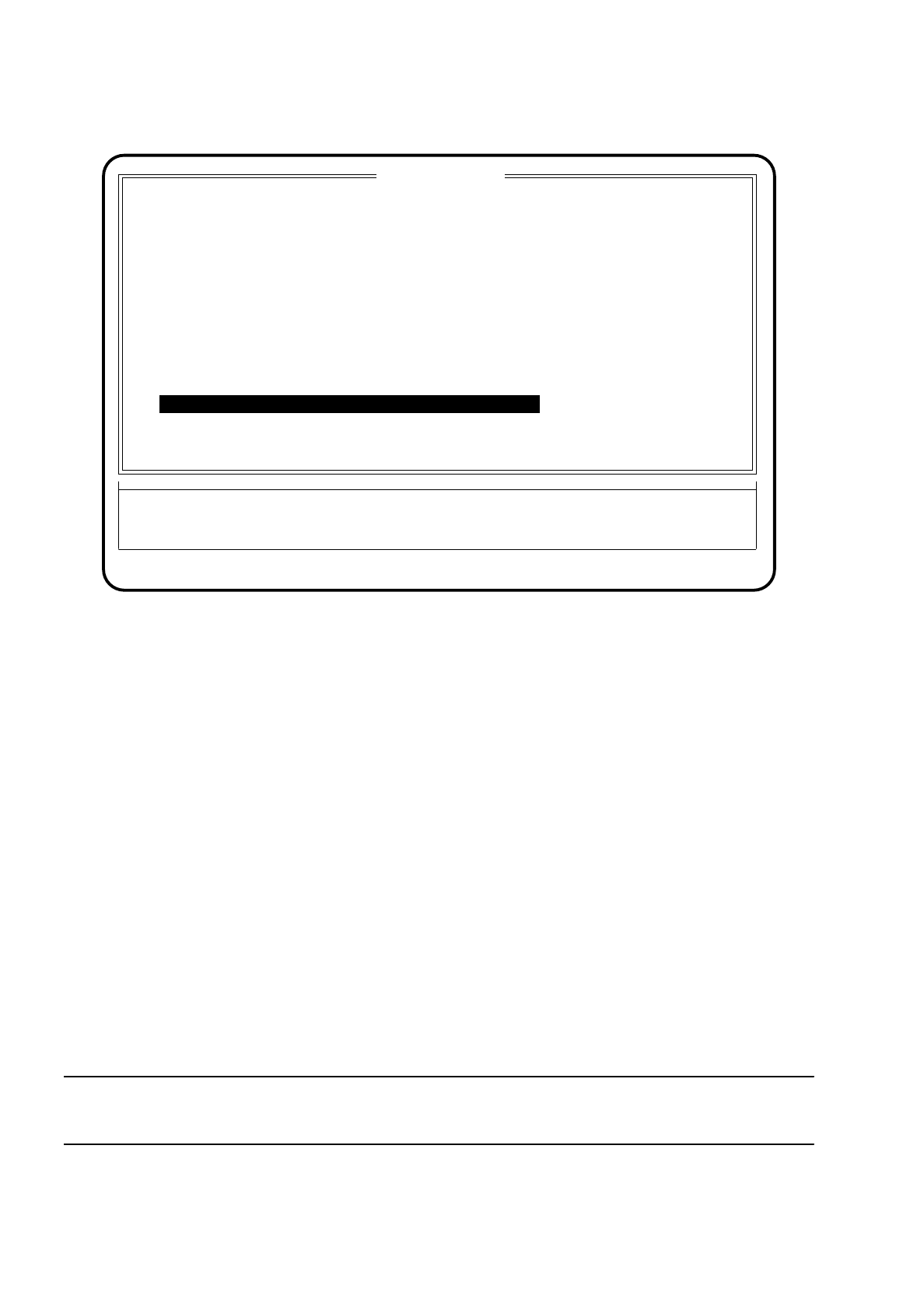
. The menu "Star nozzle config." will be displayed on the screen.
6 Single Functions SIPLACE 80S/F/G User’s Manual
6.3 Star Head Functions 80S Edition 07/97 from Software Version SR.010.xx
6 - 24
Fig. 6.3.7
●
To cycle the star on press the
space bar
.
●
To quit the menu "Display nozzle config." press the
Esc key
. On the screen the menu "Gantry 1" reappears.
To process or confirm the menu item "Star nozzle config." proceed as follows:
●
In the menu "Nozzle change 1 and 2" position the cursor bar with the aid of the
cursor keys
over the menu
item "Star nozzle config." and then press the
Return key
.
●
The menu "Star nozzle config." appears.
●
To cycle the star on, press the
space bar
.
●
To confirm a change in the nozzle allocation of the head press the
Return key
. Nozzles which need to be
changed are emphasized by means of an arrow below the column "Change nozzle" in the menu window.
●
This confirmation is necessary, when there are different nozzle configurations (programmed and actual),
for the status of the column "Programmed" to be transferred into the column "Actual". This new nozzle con-
figuration is saved to the machine data file "aktuell.ma". It is always the star position displayed in "Star
position top" which is processed. Before confirmation the nozzle at the segment will have to be changed
correspondingly.
When this processing work is finished the two columns ("Actual", "Programmed") must be identical.
●
To quit the menu "Display nozzle config." press the
Esc key
.
NOTE
If a nozzle-changer has been configured, it will no longer be possible to confirm manually.
Esc: abort
Star nozzle config.
Function
State
Action
:
:
:
Pos.
No.
1
2
3
4
5
6
7
8
9
10
11
Actual
312
312
312
312
312
312
312
312
312
312
312
Programmed
312
312
312
312
312
312
312
312
312
312
312
Nozzle configuration
Star position top: 4
Star position bottom: 2
Blank: Star step Ret: accept
to change
<=
12 312 312
<=