00191025-01.pdf - 第116页
5 Placement SIPLACE 80S /F/G User’s Manual 5.6 Error Menus Edition 12/96 from Software Version S R.009.xx 5 - 40 5.6.8 Abort Menu To acces s the abort m enu, from which placem ent can be a borted or th e cycle mo de star…
SIPLACE 80S/F/G User’s Manual 5 Placement
Edition 12/96 from Software Version SR.009.xx 5.6 Error Menus
5 - 39
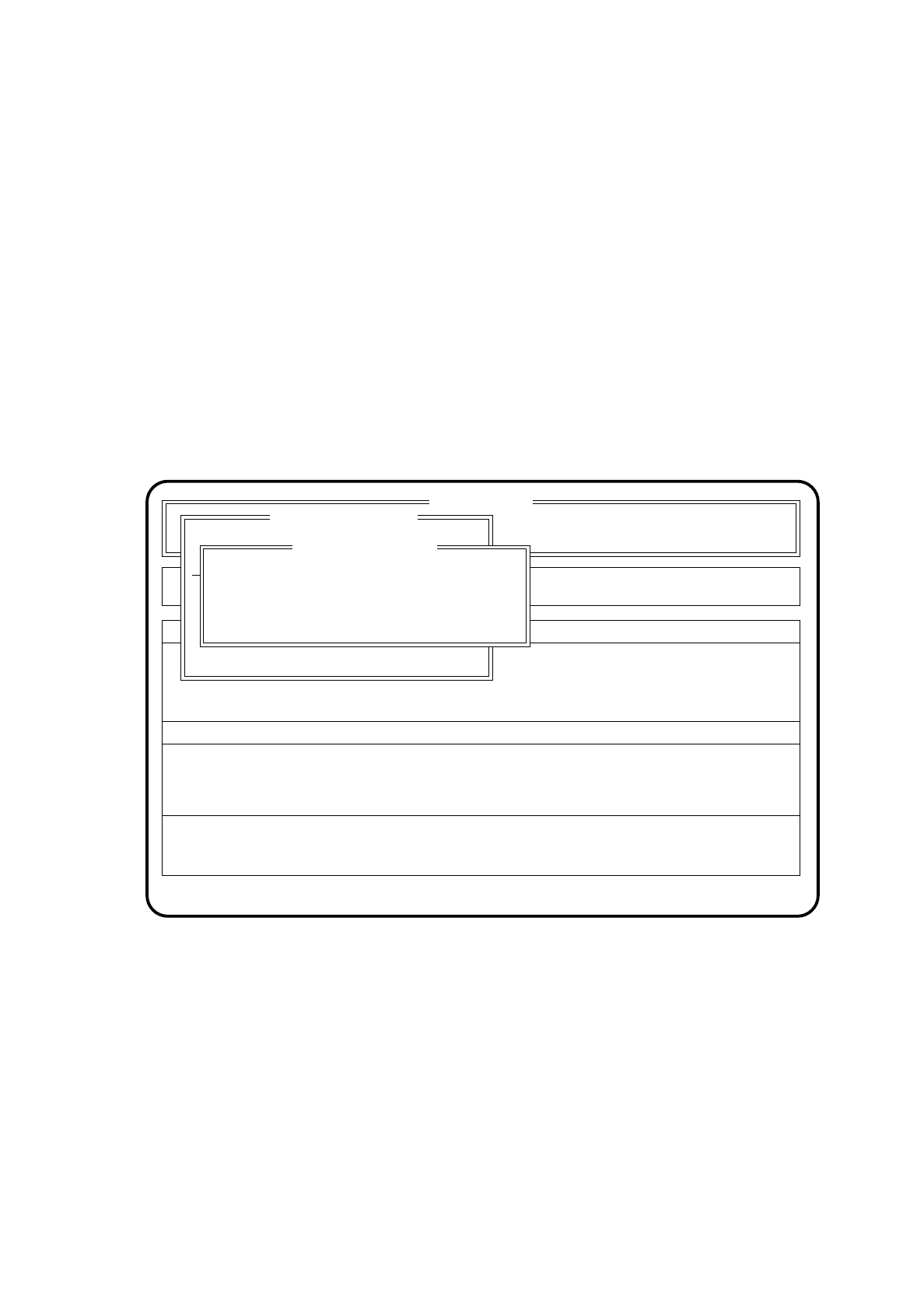
5.6.7.2 Range of Functions: Line Engineer
PCB manual take-out
Using the
cursor keys
position the cursor bar over the menu item "PCB manual take-out". Then press the
Return key
. The board will be transferred to the output conveyor of the station and can be removed there.
PCB to next station
Using the
cursor keys
position the cursor bar over the menu item "PCB to next station". Then press the
Return key
. The board will be transferred to the following station and from there can either be transferred to
another station or leave the line.
Enter PCB barcode
Using the
cursor keys
position the cursor bar over the menu item "Enter PCB barcode". Then press the
Return key
.
Enter the respective PCB barcode manually into the input field. You are allowed to enter up to 25 character
for the PCB barcode.
Fig. 5.6.7
SI 80 V 9.x
Nutzen:
Rüstung :
Masch.Fehler anz.
Machine options
Error
State
Action
:
:
:
PCB barcode error
Best. abbrechen
LP durch und im Ausgabeband entnehmen
LP durch und weitertransportieren
Leiterplattenbarcode eingeben
Barcode:
Enter PCB barcode
Enter PCB barcode
PCB barcode error
5 Placement SIPLACE 80S/F/G User’s Manual
5.6 Error Menus Edition 12/96 from Software Version SR.009.xx
5 - 40
5.6.8 Abort Menu
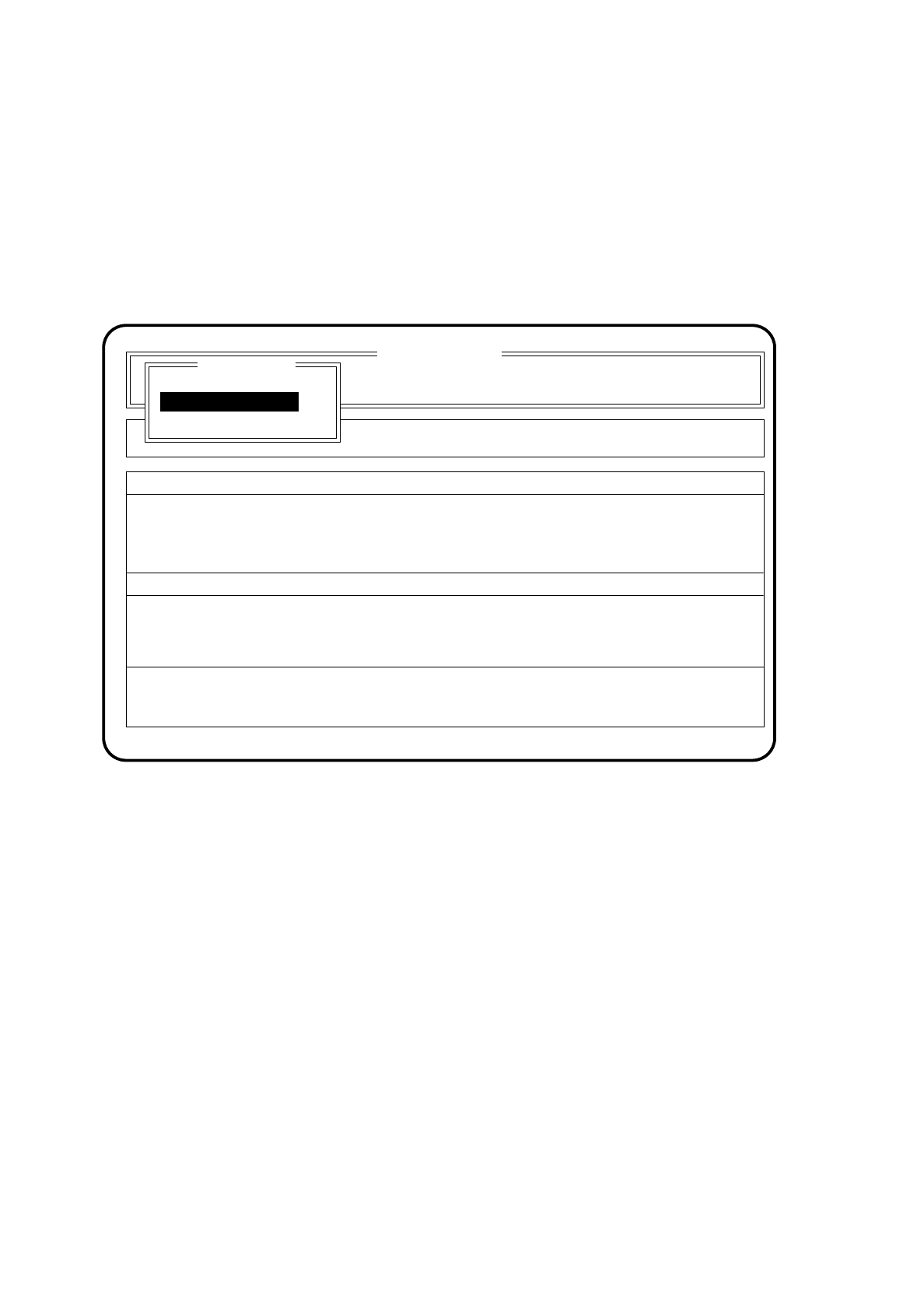
To access the abort menu, from which placement can be aborted or the cycle mode started, the following
actions need to be performed:
●
Press one of the two stop buttons (red and marked 0) at the input or output conveyor of the machine. The
abort menu is displayed on the screen.
Fig. 5.6.8
●
With the aid of the cursor keys position the cursor bar over the menu item "Continue placement". After
doing so, press the return key.
The placement machine then continues with placement once the start button has been pressed.
●
With the aid of the cursor keys position the cursor bar over the menu item "Abort placement". Following
this, press the return key.
The placement machine ejects the components which are already at the heads and transports the printed
circuit board onto the output conveyor.
●
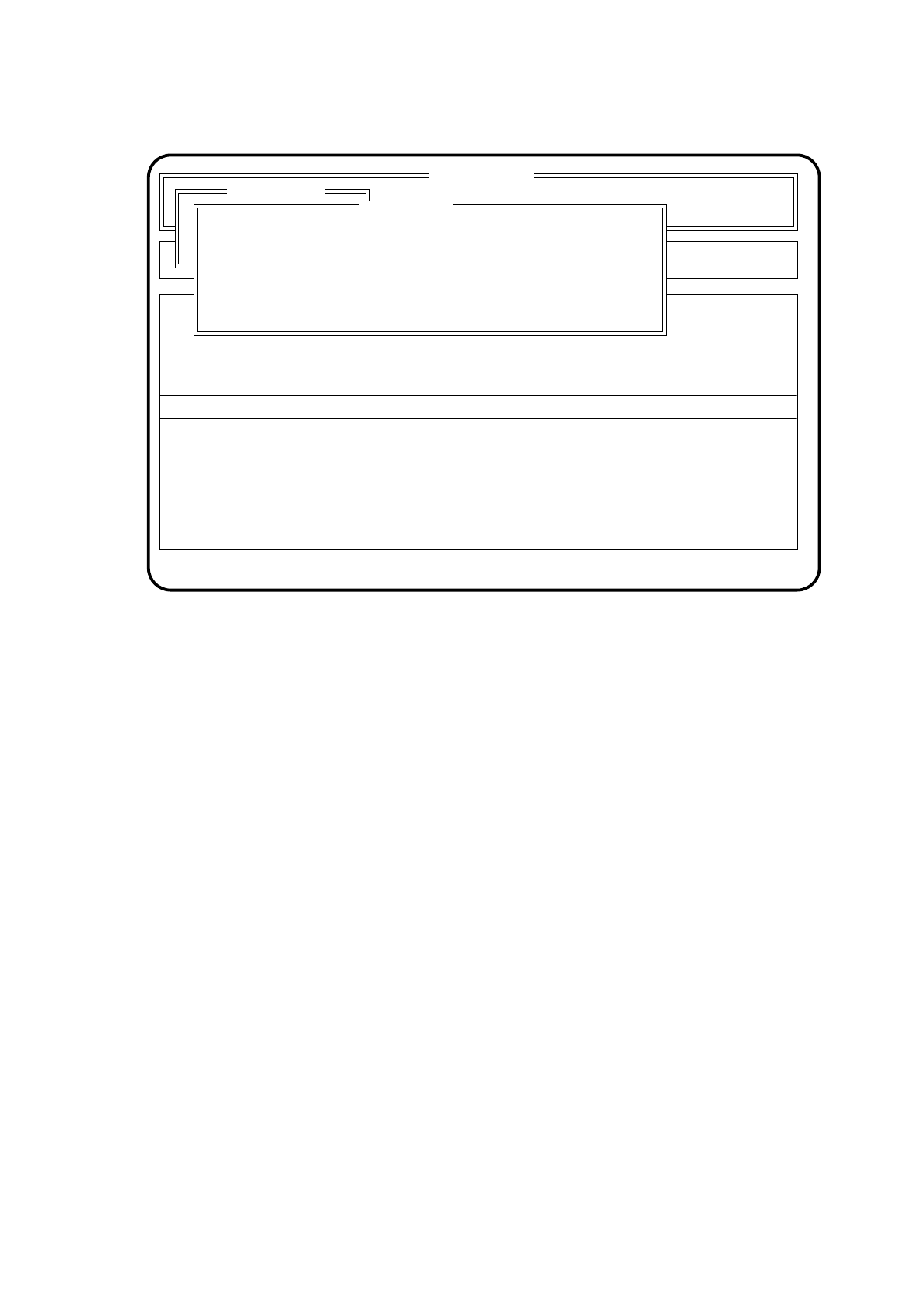
With the aid of the cursor keys position the cursor bar over the menu item "Cycle mode". Next press the
return key. The following menu screen appears.
SI 80 V 9.x
Cluster: TEST
Display errors
Confirm errors
Machine options
Error
State
Action
:
:
:
Rüstung :
Abort menu
Abort placement
Cycle mode
Continue placement
Continue placement
SIPLACE 80S/F/G User’s Manual 5 Placement
Edition 12/96 from Software Version SR.009.xx 5.6 Error Menus
5 - 41
Fig. 5.6.9
●
With the space bar select cycle mode on (X) or cycle mode off ( ) and confirm this selection with the return
key.
●
For every step of the placement sequence you must now press the start button. The abort menu remains
displayed on the screen.
●
With the aid of the cursor keys position the cursor bar over the menu item "Continue placement". After
doing so, press the return key.
The placement machine then continues with placement in the cycle mode once the start button has been
pressed.
SI 80 V 9.x
Display errors
Confirm errors
Machine options
Error
State
Action
:
:
:
Rüstung :
Abort menu
Continue placement
Best. abbrechen
Esc: abort Ret: input Blank: select
( ) Cycle mode
Cycle mode