00191025-01.pdf - 第274页
7 Vision Systems SIPLACE 80S /F/G User’s Manual 7.6 Test Component Edition 07/97 f rom Software Version SR.010.xx 7 - 82 Line engine er Fig. 7.6.12 ● With the " RETURN" key you can ca ll the individu al measure…
SIPLACE 80S/F/G User’s Manual 7 Vision Systems
Edition 07/97 from Software Version SR.010.xx 7.6 Test Component
Line engineer 7 - 81
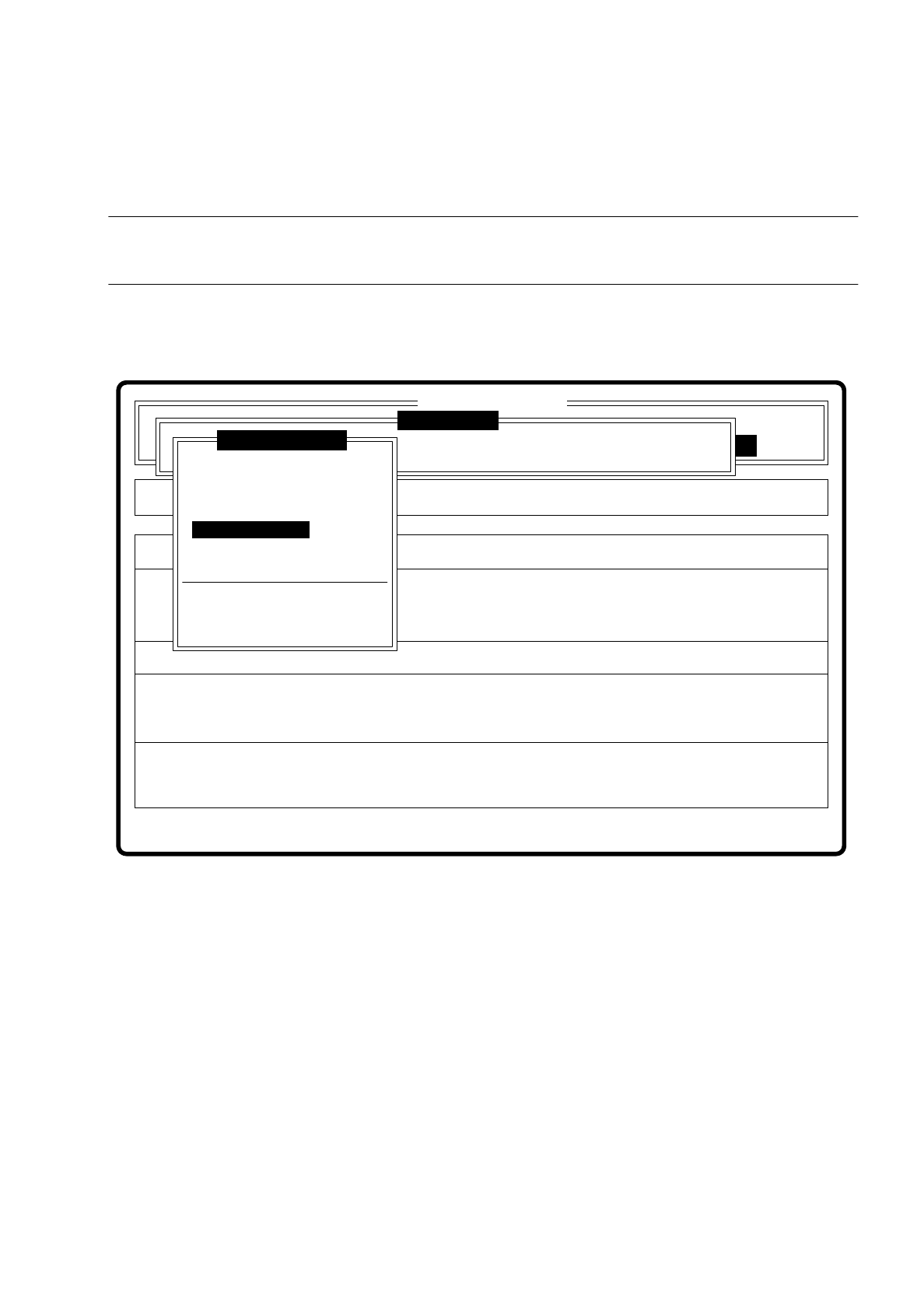
7.6.3.5 Option “Test component”
NOTE
This option can only be activated if a GF number has already been entered.
If a component is not optically centered, you have the choice of checking the centering procedure with this
option. The measurement result is presented visually on the screen; measurement results are not saved.
Fig. 7.6.11
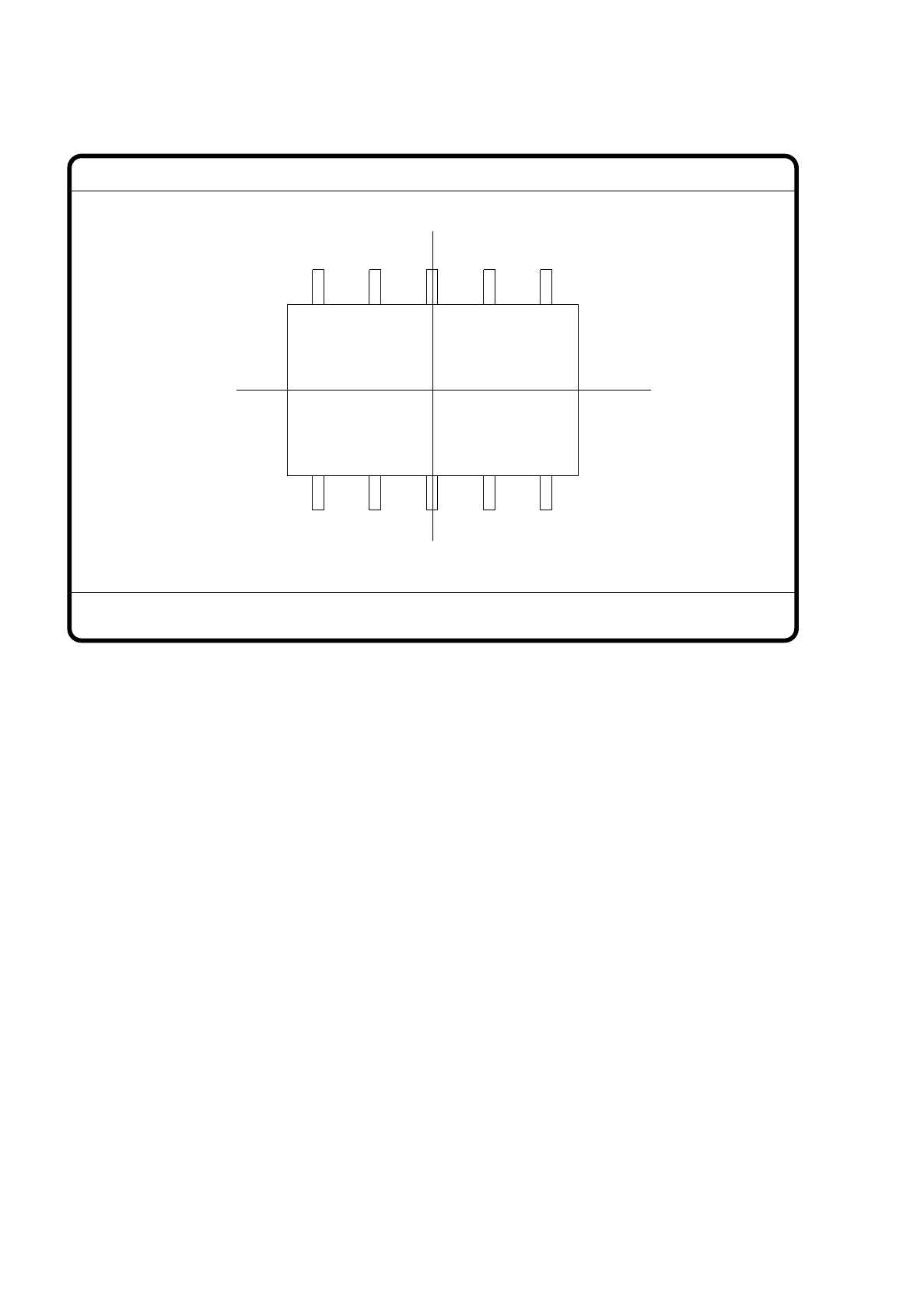
When this function is activated the following actions are initiated:
–
The measuring procedure is activated.
–
The video image is displayed on the screen.
–
Top and bottom lines appear.
Error
State
Action
Check component step by step
Single functions
:
:
:
Cluster:
SI80 V 10.x
Vision system
Vision system
Vision system
Version: 2133
Setup:
Test component
Enter GF number
Pickup component
Display component
Measure component
Test component
Edit GF data
Change measure mode
Refill
Display errors
Test output
7 Vision Systems SIPLACE 80S/F/G User’s Manual
7.6 Test Component Edition 07/97 from Software Version SR.010.xx
7 - 82 Line engineer
Fig. 7.6.12
●
With the "RETURN" key you can call the individual measurement steps one after the other. Every time you
press the "RETURN" key a measurement command is performed and the result displayed on the screen.
●
With "ESC" you may quit the option. The video image disappears and the menu “Test component” is dis-
played.
GF No. = 5
Test component
RET: Test component
SIPLACE 80S/F/G User’s Manual 7 Vision Systems
Edition 07/97 from Software Version SR.010.xx 7.6 Test Component
Line engineer 7 - 83
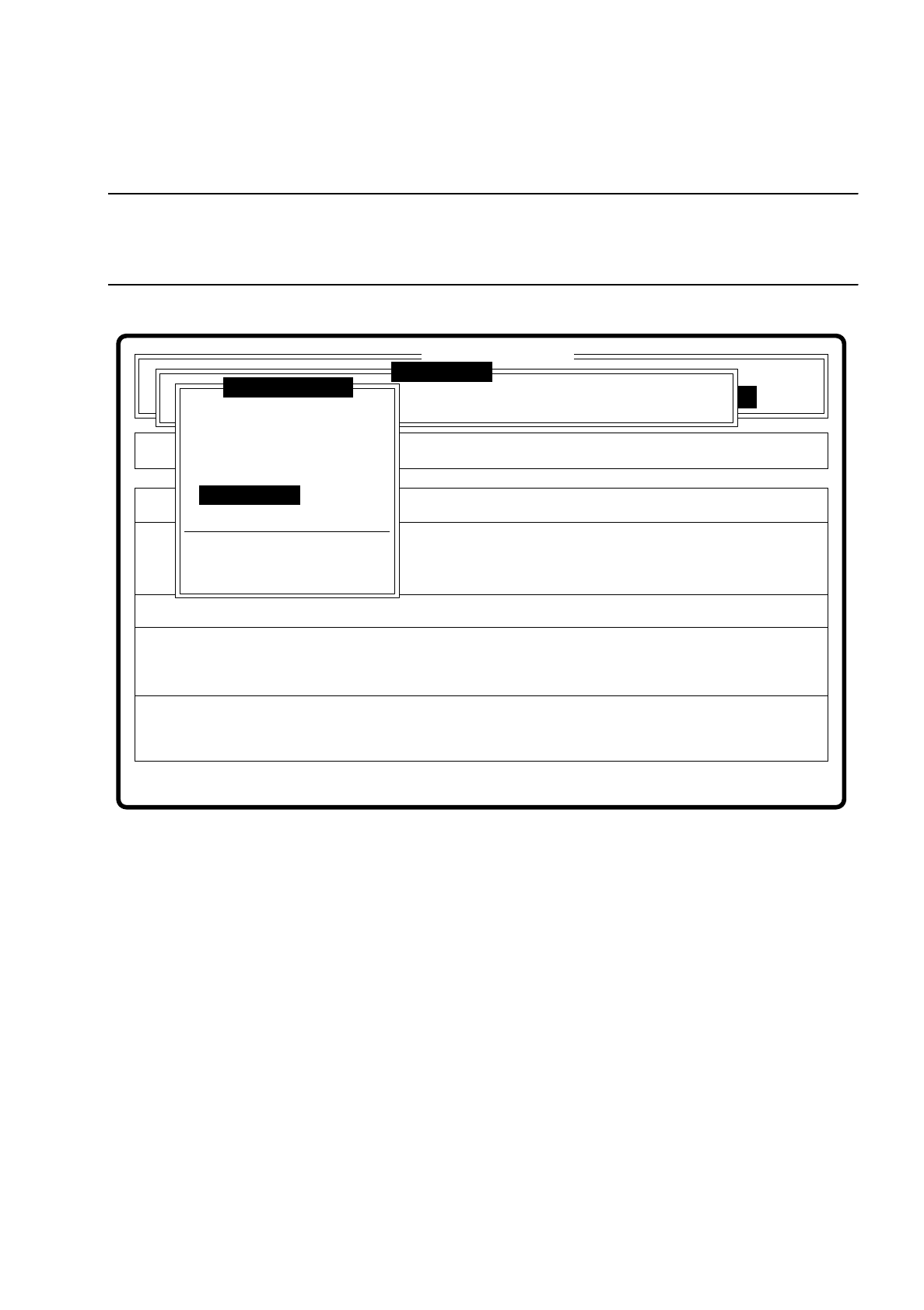
7.6.3.6 Menu “Edit GF data”
NOTE
The menu “Edit GF data” is only activated if you have already entered a GF number and a model exists for the
GF number selected.
Fig. 7.6.13
A description of the menu and its options will be found in Section 7.6.4.
Error
State
Action
Edit GF data
Maschinenoptionen Single functions
Softwareoptionen
:
:
:
BE - Zuführung
Cluster: NU3456789012345678NU
SI80 V 10.x
Vision system
Vision system
Vision system
Setup:
Version: 2133
Test component
Enter GF number
Pickup component
Display component
Measure component
Test component
Edit GF data
Change measure mode
Refill
Display errors
Test output