00191025-01.pdf - 第265页
SIPLACE 80S/F/G User’s Manual 7 Vision Systems Edition 07/97 from S oftware Version SR.010.xx 7.6 Test Co mponent Line engi neer 7 - 73 The IC he ad of the 80 F machine picks up th e BGAs or fl ip chips fr om the flatpa …
7 Vision Systems SIPLACE 80S/F/G User’s Manual
7.6 Test Component Edition 07/97 from Software Version SR.010.xx
7 - 72 Line engineer
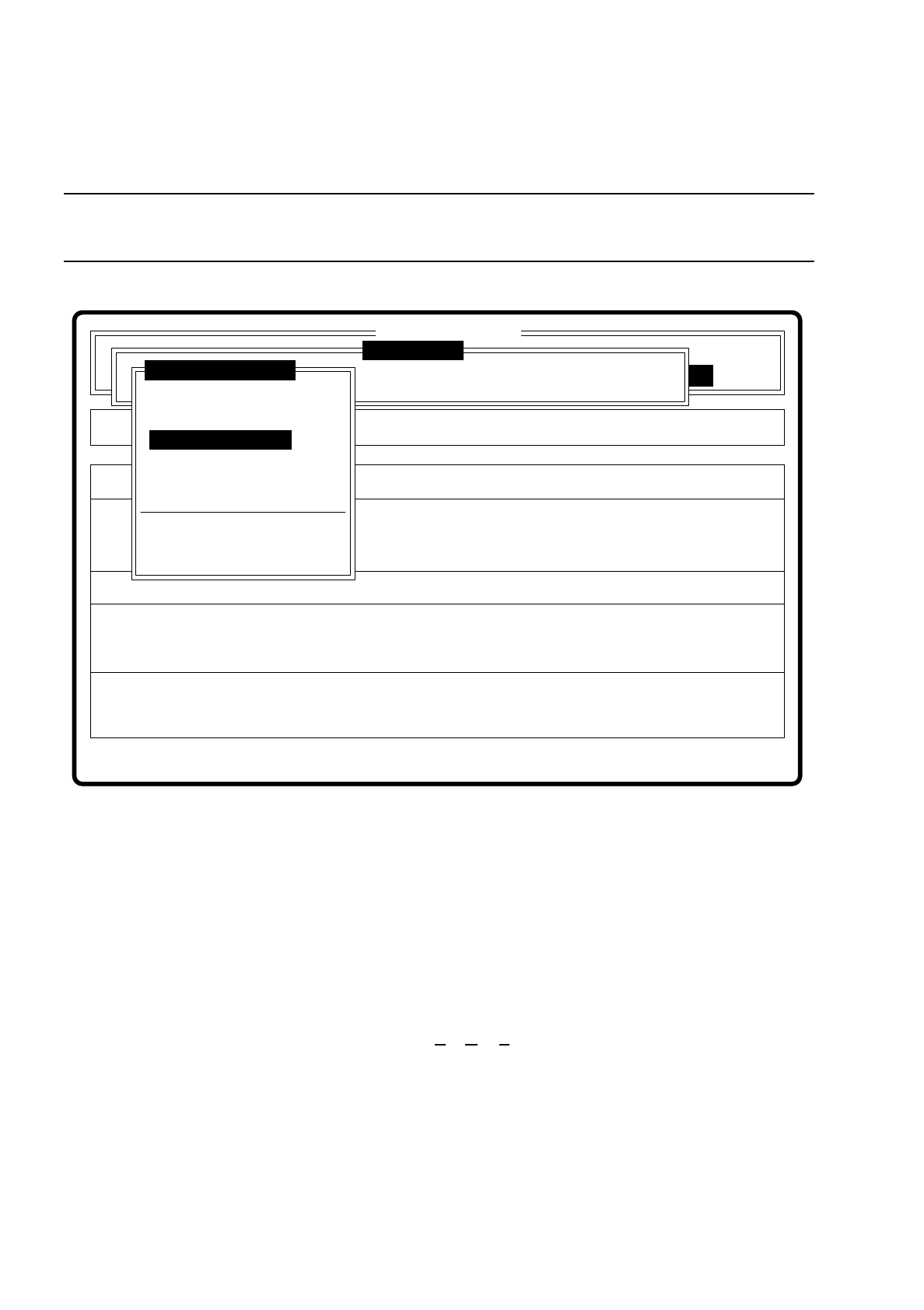
7.6.3.4 Option “Measure component”
NOTE
This option is only activated when a GF number has previously been entered.
Fig. 7.6.9
When this option is activated the following actions are initiated:
–
The video image is displayed on the screen.
–
The measurement command is initiated with the predefined parameters.
–
The MVS executes the component-specific measurement steps one after the other.
–
The measured values are superimposed on the video image.
With the Siplace 80F machine from software version 7.x onwards, in addition to conventional components with
leads it will also be possible to optically center BGAs (B
all Grid Arrays), and from software version 8.x flip
chips as well. The component body of the BGAs and flip chips consists of passivated silicon chips. These chip
bodies reflect strongly and are wavy. The connections of these components take the form of solder balls with
a diameter of at least 80
µ
m. With ball grid arrays the connections are arranged in the form of a grid, which
means that they can be described in terms of rows and columns.
With flip chips the solder balls are located irregularly over the body of the component. For this reason the
coordinates of each lead must be determined individually.
Error
State
Action
Measure component
Single functions
:
:
:
Cluster:
SI80 V 10.x
Vision system
Vision system
Vision system
Version: 2133
Setup:
Test component
Enter GF number
Pickup component
Display component
Measure component
Test component
Edit GF data
Change measure mode
Refill
Display errors
Test output

SIPLACE 80S/F/G User’s Manual 7 Vision Systems
Edition 07/97 from Software Version SR.010.xx 7.6 Test Component
Line engineer 7 - 73
The IC head of the 80F machine picks up the BGAs or flip chips from the flatpack magazines. However the
evaluation procedures which have been used so far for conventional components are no longer adequate for
optical centering of BGAs and flip chips. For this reason new evaluation procedures and new lighting methods
at the IC sensor and/or FC sensor have been developed to make it possible to center optically this new gener-
ation of components. BGAs and flip chips which cannot be optically centered will be returned to the flatpack
magazine by the IC head for further analysis.
Fig. 7.6.10
Optical gauging of conventional components with lead connections in the 80S and 80F placement
machine
The crosshairs show the center of gravity of the component. The component outlines are emphasized by
color.
The measured values represent the geometric component parameters such as
–
Pin deviation
The value for the lead deviation is output if you have selected the "Lead-driven" measurement mode.
–
Spacing
The value is output if the "Corner-driven" measurement mode is active as the last measurement step.
–
Number of pins
–
x / y offset
–
Orthogonality
Measure component
GF No. = 5
X offset = ... Y offset = ...
Phi = ...
Orthogon = ...
No. of pins = ...
Quality fact. = ...
Length[mm] = ...
Width[mm] = ...
Spacing[mm] =
RET: Measure component
P.dev.[mm] =

7 Vision Systems SIPLACE 80S/F/G User’s Manual
7.6 Test Component Edition 07/97 from Software Version SR.010.xx
7 - 74 Line engineer
–
Dimensions of the component
–
Angle of rotation and
–
Measurement quality factor.
With “ESC” you may quit this option, the video image disappears. The menu “Test component” reappears on
the screen.
Color overlays of the individual measurement steps in cycle mode
1. Size-Driven Mode
See Section 7.6.5.2 from page 7 - 95 for a definition of the measuring methods.
This measurement mode can be recognized by rotating windows around the edges of the component
Procedure
I. Within the search window profiles are shown in x and y directions. By means of the gradients derived from
these and a geometric filter the approximate position of the component is determined.
II. Windows rotate around the edges of the component. For each window the profile and the gradients are
determined. The sum of the gradients is a measure of the agreement of the window angle with the position
of the component.
If the sum of the gradients reaches a maximum, the angular position of the component has been deter-
mined.
III. Under the angle determined in II the first step (I) is repeated. Now the position of the component can be
determined more exactly on the x and y axes.
Rectangles:
green: x and y location tolerances
orange: Component dimensions and tolerances sent from the station
blue: Search window for position recognition
Comments
1. The position in which the component was found must lie within the green rectangle or the compo-
nent is not mounted.
Applies to all measurement steps!
2. The component must be located inside the orange window or the measurement results should be
questioned.
3. The search windows should have the same alignment as the component and be larger than it.
Lines:
red: Component edges found
Comments:
The red lines are often covered by others and it may not be possible to recognize them.