00191025-01.pdf - 第306页
7 Vision Systems S IPLACE 80S/F/G User’s Manual 7.7 Guidelines for D escribing Package Form s Edition 07/97 from Software Vers ion SR.010.xx 7 - 114 Line engine er – Reset the s ettings to the sugges ted value s: flat: 1…

SIPLACE 80S/F/G User’s Manual 7 Vision Systems
Edition 07/97 from Software Version SR.010.xx 7.7 Guidelines for Describing Package Forms
Line engineer 7 - 113
7.7.7.5 Testing Illumination Settings
You can set the illumination parameters by calling the 'Illumination' option (see Section 7.6.4.4, Page 7 - 92).
Using the Option “Measure component” you can then measure the component and check your settings with
the aid of the measurement results.
Proceed as follows to test your illumination setting:
●
Using the illumination values suggested in Figures 7.7.9 or 7.7.10 carry out measurement. Measurement
should run through successfully.
●
For each level reduce the set brightness level by 50%.
Measurement should run through successfully.
●
For each level raise the set brightness level by 50%.
Measurement should run through successfully.
If you are not successful with the above procedure, proceed as follows:
●
Starting with the suggested illumination value, increase the brightness of each individual illumination level
for as long as measurement is still successful.
●
Find this upper limit value for each individual illumination level in turn.
●
Starting with the suggested illumination value, decrease the brightness of each individual illumination level
for as long as measurement is still successful. Find this lower limit value for each individual illumination
level in turn.
●
Determine the average value of the upper and lower limit values. This will be the optimum illumination
value.
Example of an illumination test:
–
Settings from the diagram:
flat: 170
middle: 60
steep: 5
Measure the component. Measurement is successful.
–
Reduce setting values by 50 %.
flat: 85
middle: 30
steep: 2
–
Increase setting values by 50 %.
flat: 255
middle: 90
steep: 8
Measure the component. Measurement is successful.

7 Vision Systems SIPLACE 80S/F/G User’s Manual
7.7 Guidelines for Describing Package Forms Edition 07/97 from Software Version SR.010.xx
7 - 114 Line engineer
–
Reset the settings to the suggested values:
flat: 170
middle: 60
steep: 5
➧
optimum setting
7.7.7.6 General Information on Setting Illumination Values
–
As a rule it is better to overilluminate the component than to underilluminate it. A saturated image is prefer-
able to a low-contrast image.
–
Optimum illumination is attained when only the leads are imaged and the component body is not shown.
–
If you cannot clearly separate the image of the component body from the leads, we recommend to illumi-
nate body and leads equally and then to measure the outline.
SIPLACE 80S/F/G User’s Manual 7 Vision Systems
Edition 07/97 from Software Version SR.010.xx 7.8 Teaching Fiducials: Additions to the 80F Machine
Line engineer 7 - 115
7.8 Teaching Fiducials: Additions to the 80F Machine
The placement machine 80F is, in contrast to the 80S machine, a single gantry machine. For this reason the
menu “Teach fiducials” does not include the option “Teach gantry” which you could use with the 80S machine
to select gantry 1 or 2 for teaching.
Both the revolver placement head and also the IC placement head are mounted on this gantry. The camera
system for PCB centering is fitted to the revolver placement head.
All menus are identical to those for the SI80S machine with the exception of this option.
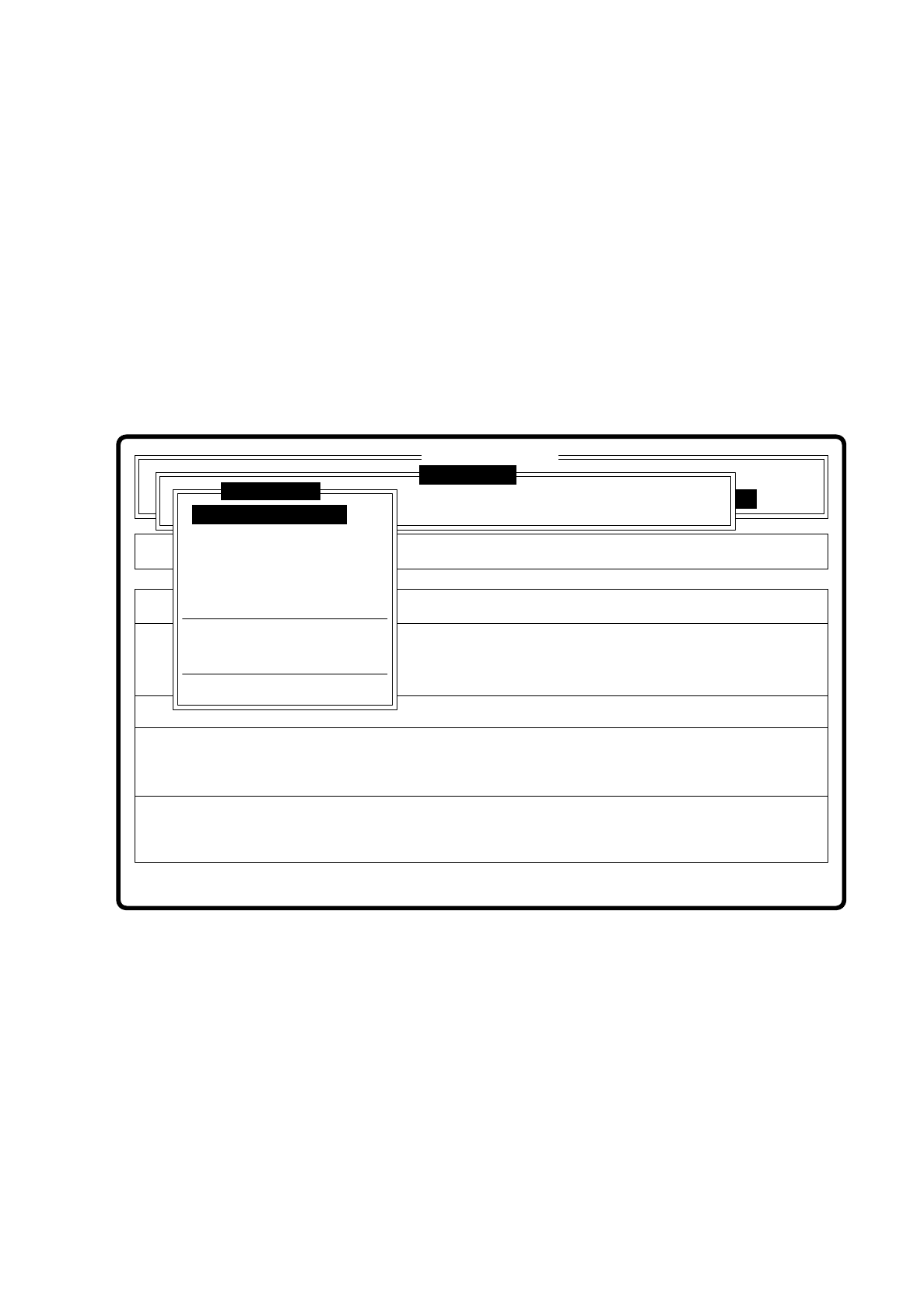
The description of the menu and its options will be found in Chapter 7.5 Teaching the Fiducial.
Fig. 7.8.1
Error
State
Action
Enter fiducial number to be processed
Single functions
:
:
:
SI80F V 10.x
Vision system
Vision system
Rüstung:
Cluster:
Vision system
Version: 2133
Enter fiducial number
New fiducial
Edit fiducial
Center fiducial
Test fiducial
Move x/y axes
PCB to center conveyor
PCB to output conveyor
Display errors
Teach fiducial