00191025-01.pdf - 第152页
6 Single Functi ons SIPLACE 80S/F/G User’s M anual 6.3 Star Head Functions 80S Edition 07/97 from Software Version SR.010.xx 6 - 20 6.3. 1.7 Star St ep This fu nction is u sed for cyclin g the star on by one po sition. T…

SIPLACE 80S/F/G User’s Manual 6 Single Functions
Edition 07/97 from Software Version SR.010.xx 6.3 Star Head Functions 80S
6 - 19
6.3.1.5 Vacuum Test
If all nozzles are in place at the star head, when this function is activated the nozzles will be checked with
respect to the vacuum values in the pick-up and reject position.
To implement this function proceed as follows:
●
In the menu "Head functions" with the aid of the
cursor keys
position the cursor bar over the menu item
"Vacuum test".
●
Press the
Return key
. A head reference run is being performed and the vacuum values of all nozzles will
be measured. The measured values are displayed in an extra menu.
Fig. 6.3.4
●
To cycle the star on a position, press the
space bar
. The current star position will be displayed.
●
To quit the display menu press the
Esc key
.
6.3.1.6 Star in Position 1
This function is used for bringing the star into a specified initial position. The star and the z axis also perform a
reference run.
To implement this function proceed as follows:
●
In the menu "Head functions" with the aid of the
cursor keys
position the cursor bar over the menu item
"Star in position 1".
●
Press the
Return key
. The star will be moved until the segment of star position 1 arrives at the pick-up /
placement position (lowest position).
Esc: abort
Function
State
Action
:
:
:
Position
1
2
3
4
5
6
7
9
10
11
12
2
3
2
2
2
2
2
2
2
3
3
Star position top: 8
Star position bottom: 2
Blank: star step
Vacuum test
Vac. values [%]
Pick: open sealed
Reject: open sealed
20.0 80.0
30.0 90.0
10.0 80.0
20.0 80.0
20.0 80.0
20.0 80.0
20.0 80.0
20.0 80.0
20.0 80.0
20.0 80.0
10.0 80.0
10.0 80.0
Nozzles
15.0 90.0
30.0 90.0
30.0 90.0
30.0 90.0
30.0 90.0
30.0 90.0
15.0 90.0
15.0 90.0
No.
No.
30.0 90.0
30.0 90.0
8 2
20.0 80.0
30.0 90.0

6 Single Functions SIPLACE 80S/F/G User’s Manual
6.3 Star Head Functions 80S Edition 07/97 from Software Version SR.010.xx
6 - 20
6.3.1.7 Star Step
This function is used for cycling the star on by one position. To implement this function proceed as follows:
●
In the menu "Head functions" with the aid of the
cursor keys
position the cursor bar over the menu item
"Star step".
●
Press the
Return key
. The star will be moved onwards one segment. Each time the
Return key
is pressed
the star will be moved on one segment. The current star position is displayed.
6.3.1.8 Head Reference Run
Upon activation of this function the head axes perform a reference run. Here the gantry axes x and y are
moved to a position over the reject box in order to drop components.
To launch the function "Head reference run" proceed as follows:
●
In the menu "Head functions" with the aid of the
cursor keys
position the cursor bar over the menu item
"Head reference run".
●
Press the
Return key
. The head axes will perform a reference run.
6.3.1.9 Actuate DP1 Axis
Upon activation of this function the nozzle at the DP1 axis is rotated by 90°.
To launch the function "Actuate DP1 axis" proceed as follows:
●
In the menu "Head functions" with the aid of the
cursor keys
position the cursor bar over the menu item
"Actuate DP1 axis".
●
Press the
Return key
. The nozzle at DP1 will be rotated once by 90°.
6.3.1.10 Actuate DP2 Axis
Upon activation of this function the nozzle at the DP2 axis is rotated by 90°.
To launch the function "Actuate DP2 axis" proceed as follows:
●
In the menu "Head functions" with the aid of the
cursor keys
position the cursor bar over the menu item
"Actuate DP2 axis".
●
Press the
Return key
. The nozzle at DP2 will be rotated once by 90°.
SIPLACE 80S/F/G User’s Manual 6 Single Functions
Edition 07/97 from Software Version SR.010.xx 6.3 Star Head Functions 80S
6 - 21
6.3.1.11 Actuate Centering Jaws
The menu "Actuate centering jaws" can only be accessed when the function "Mechanical component center-
ing" has been configured on the line computer. Upon activation of this function the centering jaws are actuated
once.
To launch the function "Actuate centering jaws" proceed as follows:
●
In the menu "Head functions" with the aid of the
cursor keys
position the cursor bar over the menu item
"Actuate centering jaws".
Press the
Return key
. The centering jaws will be actuated once.
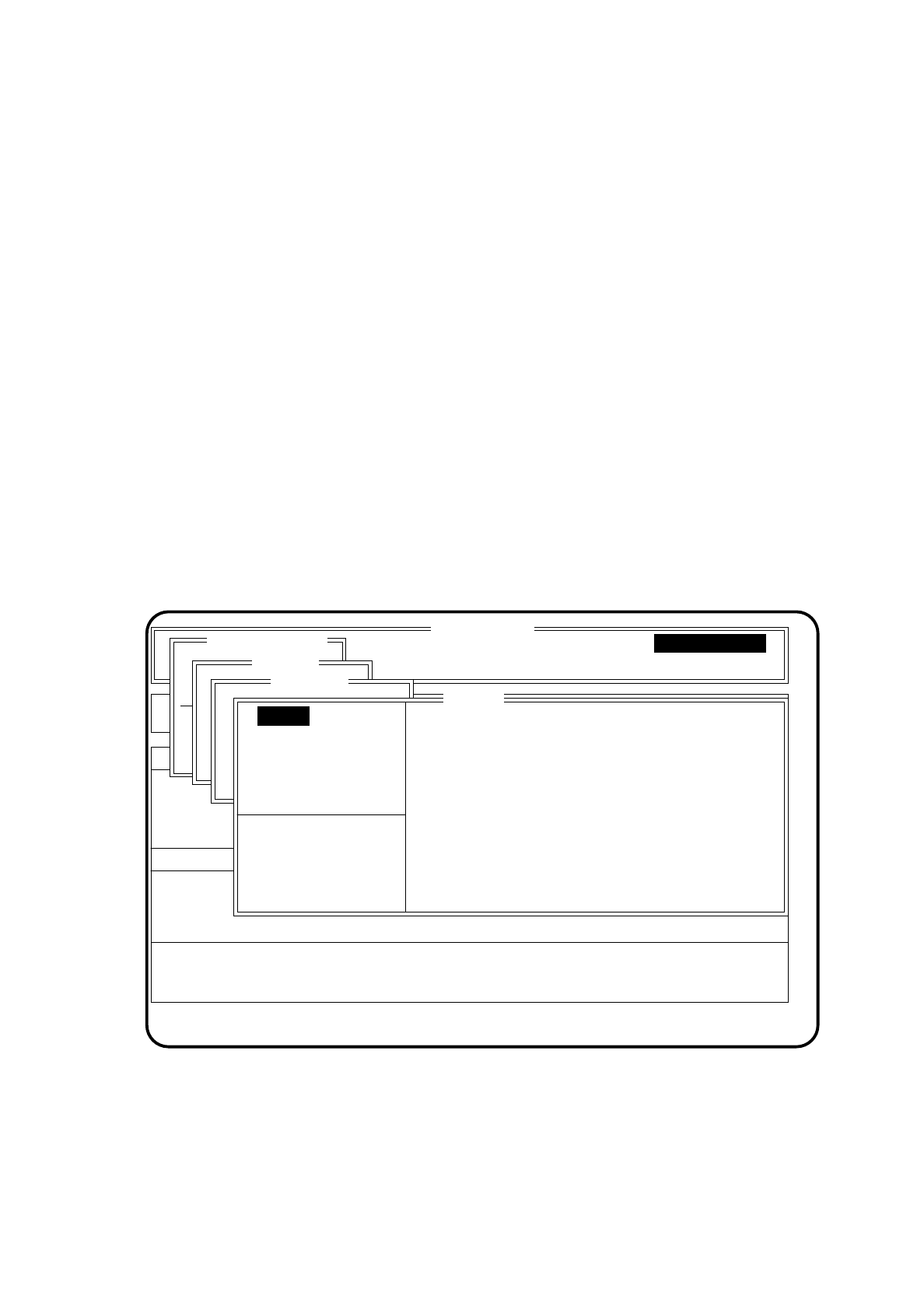
6.3.2 CRDL
The menu "CRDL" can only be accessed and executed when this function is configured on the line computer.
The menu item "CRDL" is required for compensation of the CRDL tester and also for checking the accuracy of
the tester.
To call the menu item "CRDL" proceed as follows:
●
In the menu "Star head" with the aid of the
cursor keys
position the cursor bar over the menu item "CRDL".
●
Press the
Return key
. The menu "CRDL" will be displayed on the screen.
Fig. 6.3.5
SI 80 V 10.x
Rüstung :
BE - Zuführung Display errors
Confirm errors
Machine options
Software options Vision system
Error
State
Action
Single functions
Transportfkt.
Breitenverstell.
Portal 1
Transportfkt.
Breitenverstell.
Star head
:
:
:
Nullimpuls anfahren
Portal - Referenzlauf
Kopf
Prüfgerät
Pipettenkonf.
CRDL
Test R
Test L
Test D
Test Z
Compensate C
Compensate R
Compensate L
Test T
Pickup calibr. plate
Pickup component
:
:
:
Test C
Single functions
Version: X.X
C compensation value
R compensation value
L compensation value